
Check the acquisition promise
Read the store headline, screenshots and description. What problem is the app promising to solve?
Study the storefront ↗
Qingping Technology (Beijing) Co., Ltd. · iOS
Explore the ad evidence, study the storefront, and build your next acquisition hypothesis.
01 / Creative research
Read the store headline, screenshots and description. What problem is the app promising to solve?
Study the storefront ↗Explore apps with direct store-link matches. Compare their hooks and formats without assuming the same approach works here.
Browse observed advertisers ↗Store rankings and revenue estimates describe market context. They do not establish ad spend, conversions or ROAS.
Review the market context ↗02 / Storefront & product
Study the product story and store experience behind the acquisition funnel.


03 / Market context
Keep revenue, downloads and store rankings separate from advertising performance.
I have used this product for about 6 months and it has never had a problem. It seems to me that this would be the exact product that Apple would have made if it was in this market. I was recently trying to track down the source(s) of what caused an occasional TVOC spike. This application would show me the time that the spike occurred but sometimes I couldn’t remember what was occurring in my home at that time. I contacted their support group to request that they offer alert options in a future release. They replied that this capability already existed in their companion QingPing IOT application. I downloaded it and it provided the supplementary alerts plus additional historical graphing options. The QingPing IOT app runs in addition to this QingPing app. This allows an extremely rich combined set of display and notification options. The Qingping IOT is the third one listed in the App Store. It’s title is in Chinese but all of the app displays are in English.
I had incorrectly blocked all other countries from accessing my network and that worked great. Except for the fact now this device couldn’t phone back to China it would no longer pair to any Smart App, allow those connections device works great still.
The app has worked well with the device updating in very close to real time. Have used this app and AQI device for the past 2.5 months with no big issues. It was reporting ok until just yesterday, when I received continued prompts to log back in. My account is registered with my phone and everytime I attempt to log in, it immediately states “Network Error” and I have no access to monitoring my indoor garden during the day. My WiFi is fine and works with other devices. I attempted to reset the device and delete and re-download the app and I’m experiencing the same issue. Very frustrating and I’m hoping for an update fix ASAP! The AQI meter is very good quality, now let’s get this app on the same level!
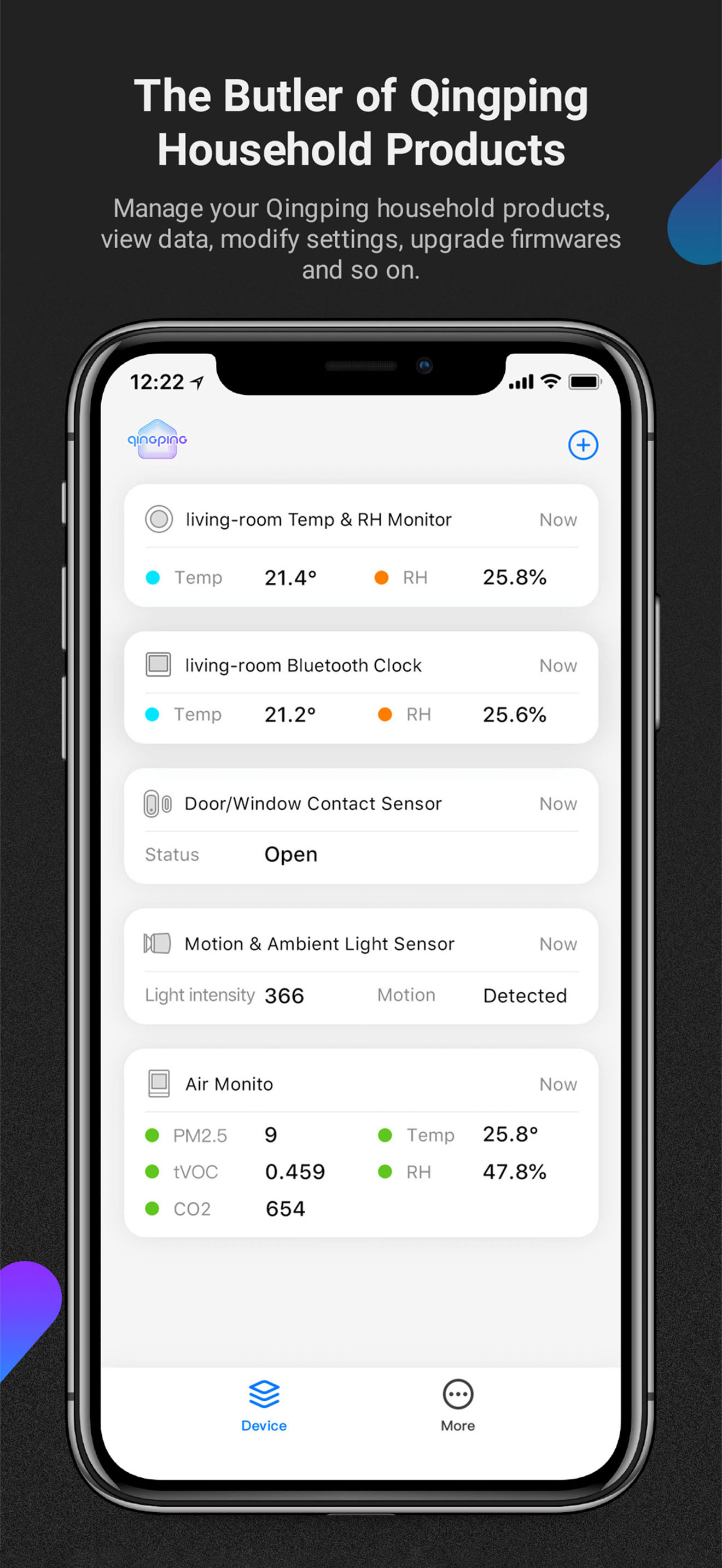
The Butler of Qingping Household Products Manage your Qingping household products, view data, modify settings, upgrade firmwares and so on. Suggestio...


