Check the acquisition promise
Read the store headline, screenshots and description. What problem is the app promising to solve?
Study the storefront ↗
HAKKI BAYKA · iOS
Explore the ad evidence, study the storefront, and build your next acquisition hypothesis.
01 / Creative research
Read the store headline, screenshots and description. What problem is the app promising to solve?
Study the storefront ↗Explore apps with direct store-link matches. Compare their hooks and formats without assuming the same approach works here.
Browse observed advertisers ↗Store rankings and revenue estimates describe market context. They do not establish ad spend, conversions or ROAS.
Review the market context ↗02 / Storefront & product
Study the product story and store experience behind the acquisition funnel.


03 / Market context
Keep revenue, downloads and store rankings separate from advertising performance.
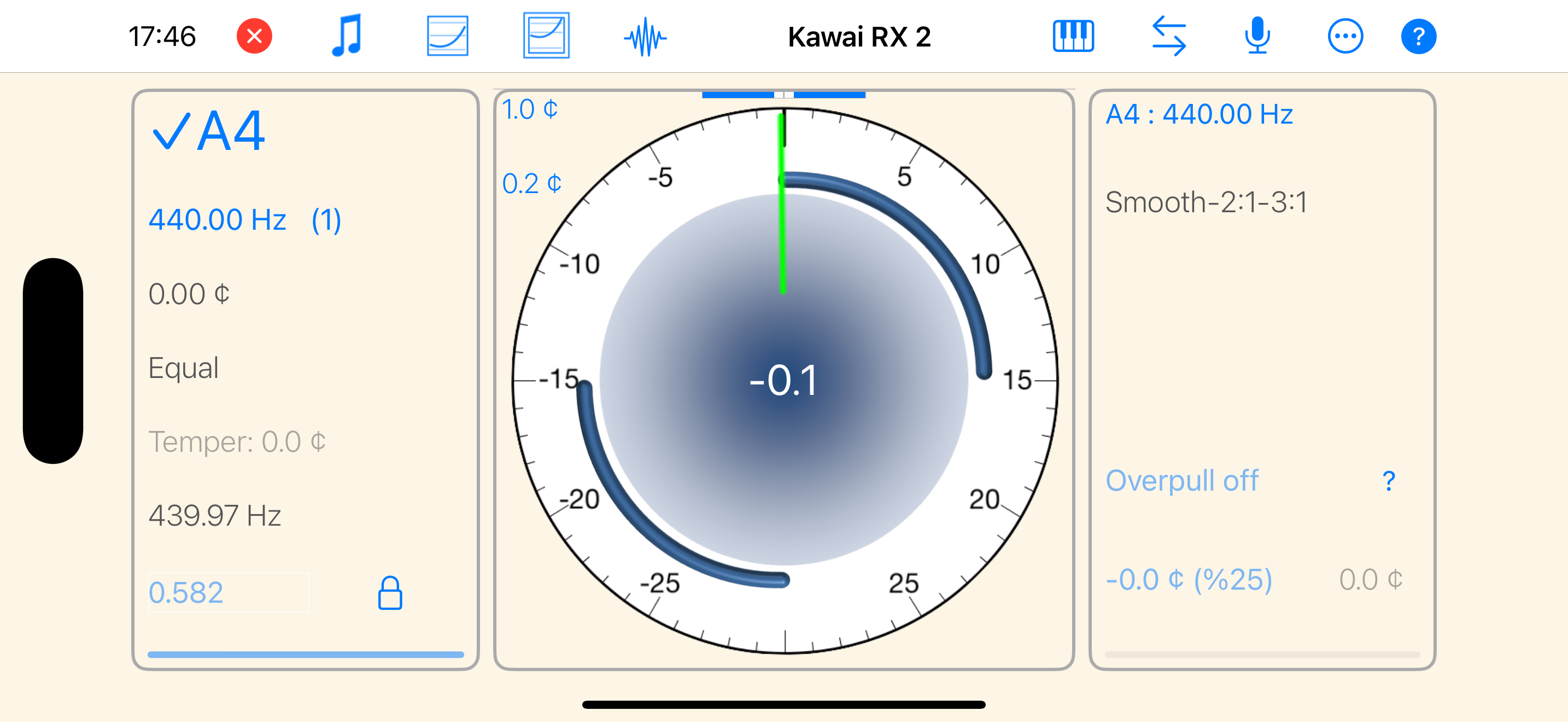
This seems like a pretty featureful and effective app. Unfortunately I never got my piano through even a complete first pass tuning before it disabled due to the trial note limitation—500 notes would seem totally adequate except due to it constantly changing notes from auto-detection, I blew through 300 notes in ~2 octaves of tuning alone (upper registers are extra flaky)…. I don’t know if the instructions are badly written or I’m dumb, but even setting to “manual” pitch changing did not stop it from jumping to adjacent pitches (most strings in this piano were over 50 cents off, so it was constantly swapping pitches). In the end, I never completed a single full pass before the app disabled itself…. Note that it’s possible you can avoid eating up your trial notes by going into “Pitch Check” mode first *before* beginning a tuning session, so that you can get every string within 50c before fine tuning/measuring inharmonicity/etc—I only discovered this by wandering through the help screens later on (but annoying each one is only on its related screen, and the “tutorial” is extremely brief and confusing). But since even that function is disabled now, I’m not certain how/if it works or if it really avoids burning trial notes…. So sadly right now I have a still badly out-of-tune piano (90% of it within 20c maybe, after settling, but it sounds horrible) and a now-useless app… so I can’t verify whether the tuning it (will) produced is quality or not. It’d have been *extremely* helpful if there was a lock feature on the pitch change control (no auto-detection) OR if the startup screens emphasized not to jump straight into the tuning session and guided the user to a more useful/less frustrating pathway. Anyway, just a warning to others thinking about taking this app for a spin.
Most of the professional apps for piano tuning can do just fine on excellent pianos. The real challenges for apps are often the smaller pianos, and PiaTune outshines the rest due to both the measuring and graphing functions that allow the user to customize the tuning calculation. The developer has added specific enhancements that work well even with spinets. Combined with an effective pitch adjustment process has made getting the best sounding tunings out of so many different sized instruments during a regular tuning appointment.
Update: the new version seems to be running smoothly. Thank you! Original: When it works, it’s a great tool. Unfortunately my app keeps crashing and is no longer usable.
PiaTune is a professional-grade piano tuning app designed for professional piano tuners and tuning enthusiasts. PiaTune tunes the piano like an aural...
| Name | Price | Type |
|---|---|---|
| Upgrade to Paid Version | $99.99 | One-time |