Check the acquisition promise
Read the store headline, screenshots and description. What problem is the app promising to solve?
Study the storefront ↗
Mobileware Studio SL · iOS
Explore the ad evidence, study the storefront, and build your next acquisition hypothesis.
01 / Creative research
Read the store headline, screenshots and description. What problem is the app promising to solve?
Study the storefront ↗Explore apps with direct store-link matches. Compare their hooks and formats without assuming the same approach works here.
Browse observed advertisers ↗Store rankings and revenue estimates describe market context. They do not establish ad spend, conversions or ROAS.
Review the market context ↗02 / Storefront & product
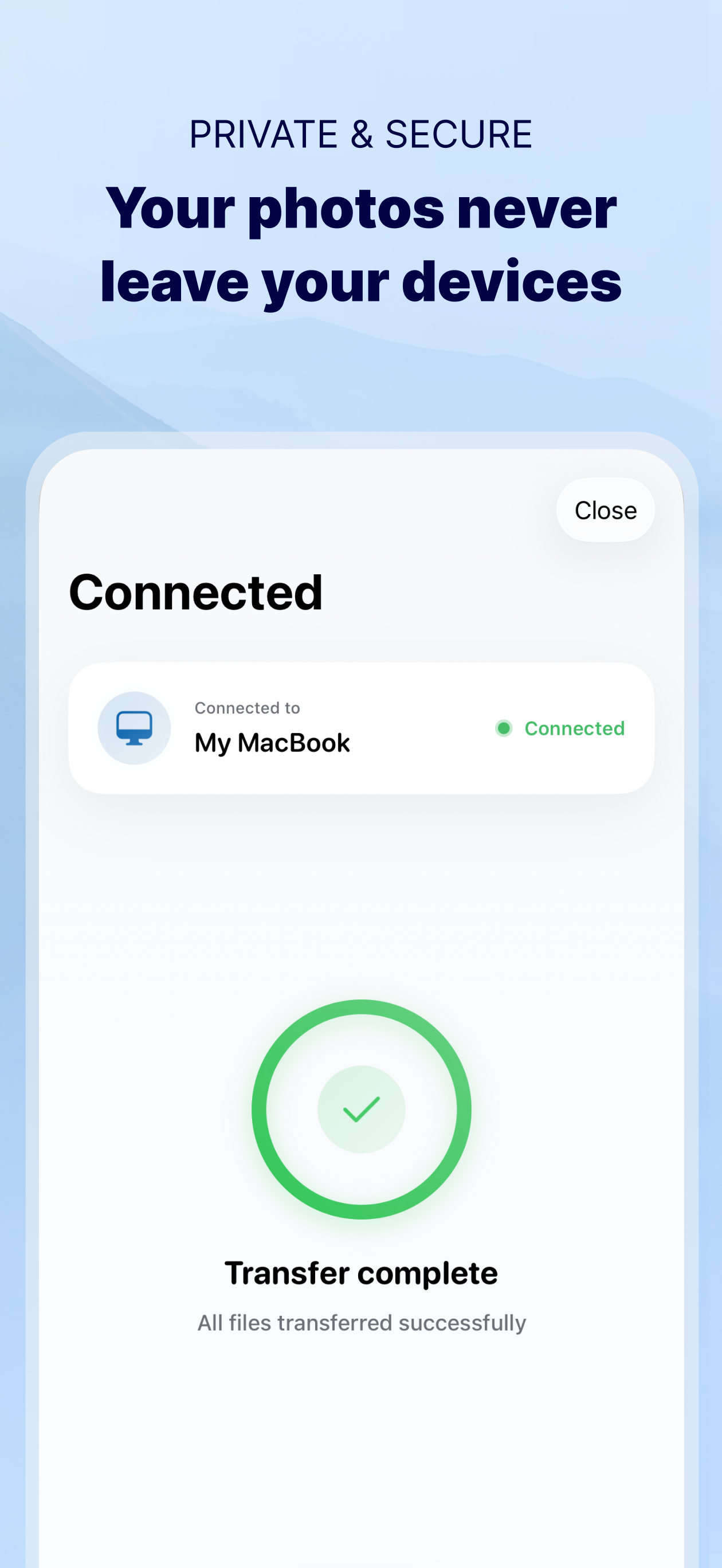
Study the product story and store experience behind the acquisition funnel.



03 / Market context
Keep revenue, downloads and store rankings separate from advertising performance.
I have used this app since the beginning and this is my 4th review. I started with a 5 star review and keep going down. My 2nd review went down due to the need for extra touches, but I got used to it. I haven’t used the app in a long time, so I was really surprised upon opening this time. I’m not a fan of this new look at all. It gives so much information that is absolutely not needed for the transfer of anything. I don’t think it’s intuitive at all and it looks 100% different than the MacBook app, which makes it even more confusing. The MacBook app is the older version. I don’t use the app as frequently as I used to and I’m sure I’ll get used to it, but please stop trying to improve something that didn’t need improvement. So I just opened the app again and saw that a new update was available. Since all the reviews are very bad now, I was hoping the developer decided to go back to more of the original design. I read what was written in the App Store about the 1 day old update and it said pretty much that it was a new design. So I updated and nothing is different at all. Still very confusing to use and not intuitive at all! When I was creating movies from many individual’s photos, I used to make everyone purchase this app to do the transfers (before subscriptions). Now, I would NEVER recommend this app.
I have been so frustrated with the Windows Photo software transfer. It would transfer like 2 photos and then disconnect. This app flat out works. You want to transfer photos and video to your PC ? This does it in 100 file batches ad it’s fast ! You have to download Sidon your PC. As long as your phone and pc are on the same wireless network it detects your phone and prompts permission. Then it detects all your photos overall and by album. View 100 file page, select all and download. It prompts you for a folder selection. After the first 100 it defaults to the last file location to confirm you want them in the same place. Only improvement would be for them to increase the batch sizes. $7 to be able to transfer in original definition. They have to make their money. Well worth it given the frustration I have had with other apps. Simple and well done.
So I got this app because I wanted to transfer some videos from my Google drive to my photos so I could edit them iMovie. The only problem was they wouldn't show up when I went to the folder they were located in. So then I decided I would install the application for my PC and transfer them that way. Turns out that didn't work either so I then assumed that the reason they wouldn't transfer is because the file name extension was wmv. So now at the moment of writing this review I am C meeting these files from wmv to MP4 so I can finally transfer them to my iPhone because the video recordings on my phone are MP4 so I believe that this will finally work because this entire process I have been doing has taken two days and probably going to take a third of this doesn't work. So that is why I am rating this app the three Stars. Please respond to this and tell of any ways I could've avoided the hassle I went through, such as reading the description of the app. If you can prove to me this is an user error and that this is my fault for not paying attention, I will change my review (if I remember that I wrote it) to five Stars. Thank you for reading
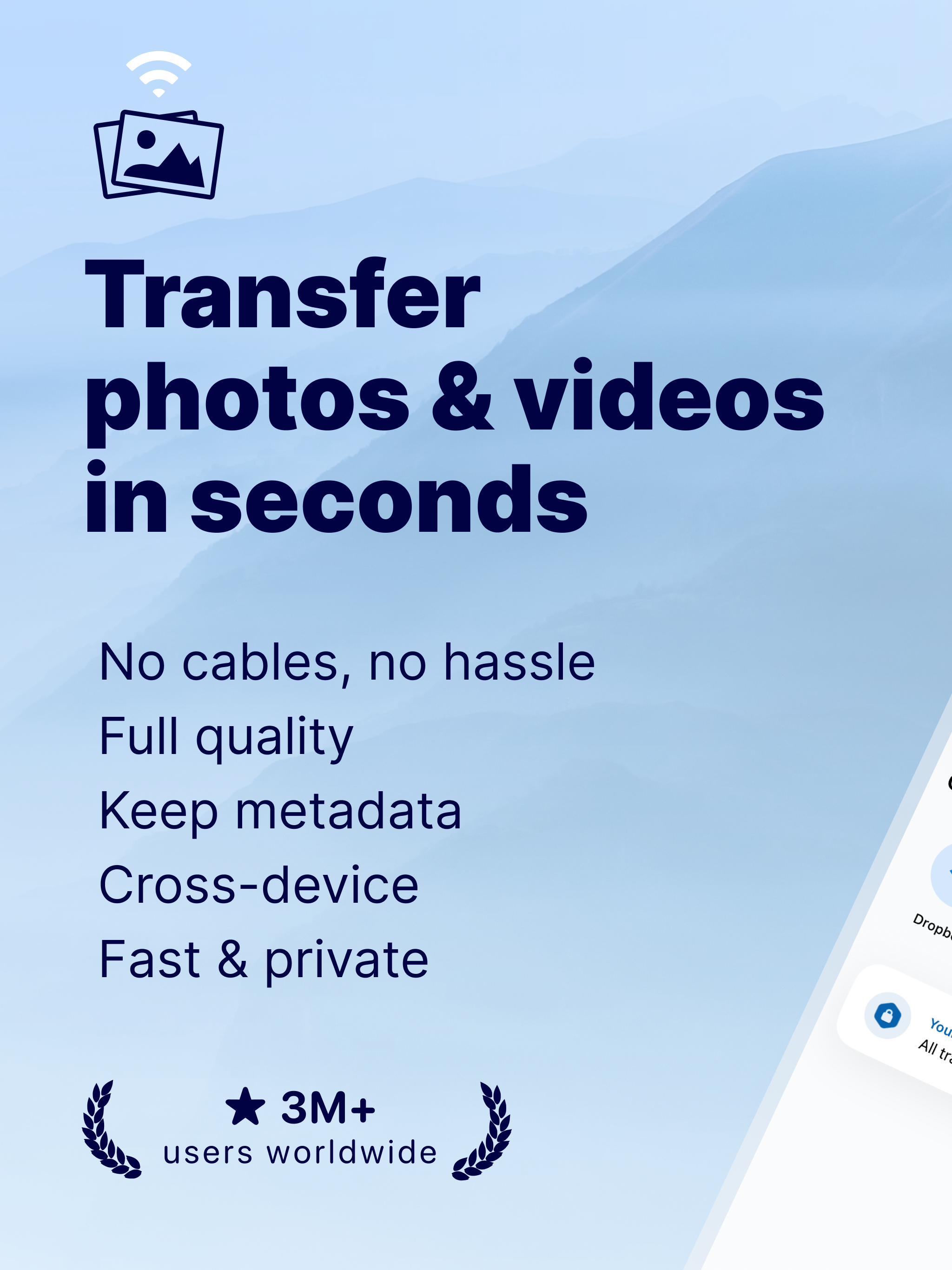
Photo Transfer allows you to easily send and share photos and videos through your WiFi. Make a backup of your photos and videos quickly and move your...
| Name | Price | Type |
|---|---|---|
| Monthly | $4.99 | Monthly |
| Annual plan | $8.99 | Yearly |
| Annual | $29.99 | Yearly |
| Lifetime plan | $89.99 | One-time |