Check the acquisition promise
Read the store headline, screenshots and description. What problem is the app promising to solve?
Study the storefront ↗
Bright Nine, SIA · iOS
Explore the ad evidence, study the storefront, and build your next acquisition hypothesis.
01 / Creative research
Read the store headline, screenshots and description. What problem is the app promising to solve?
Study the storefront ↗Explore apps with direct store-link matches. Compare their hooks and formats without assuming the same approach works here.
Browse observed advertisers ↗Store rankings and revenue estimates describe market context. They do not establish ad spend, conversions or ROAS.
Review the market context ↗02 / Storefront & product
Study the product story and store experience behind the acquisition funnel.




03 / Market context
Keep revenue, downloads and store rankings separate from advertising performance.
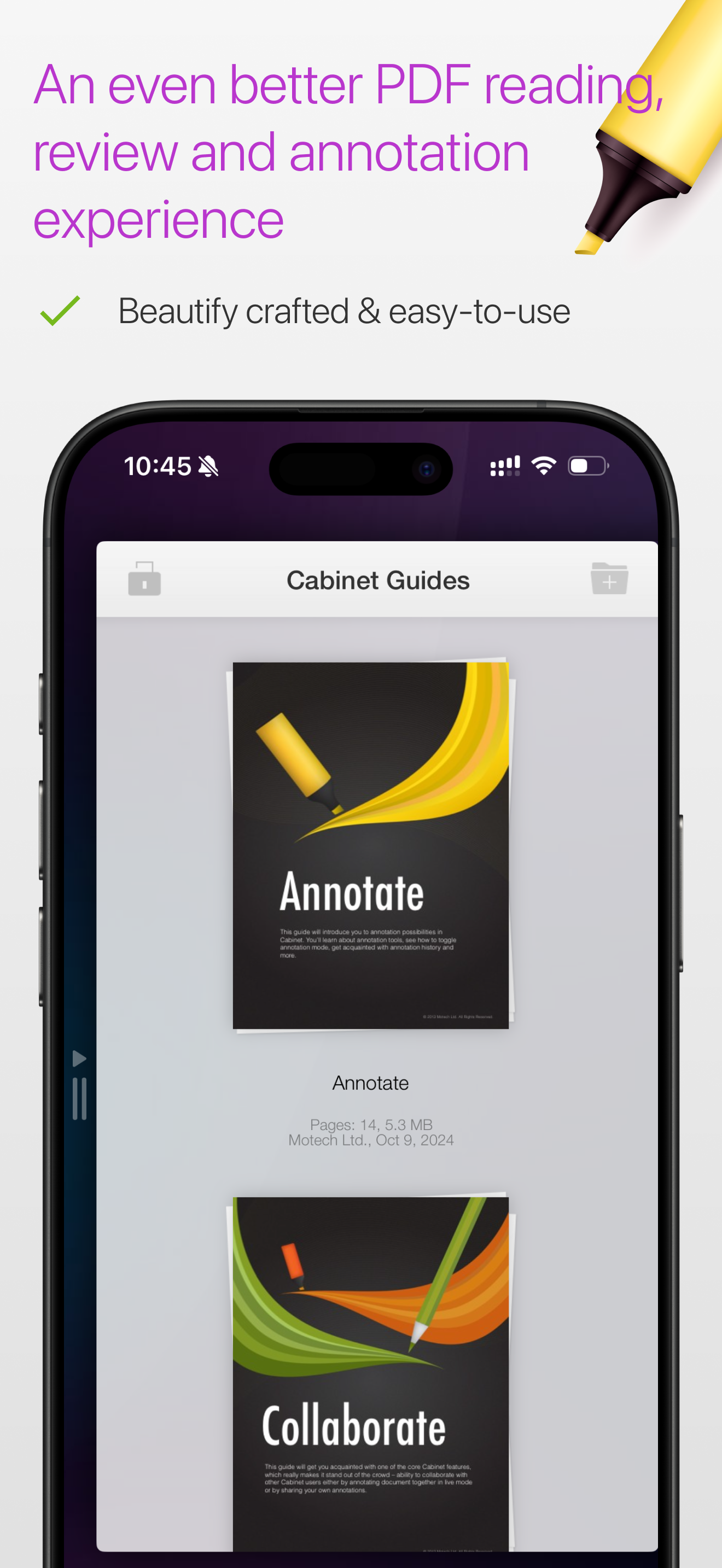
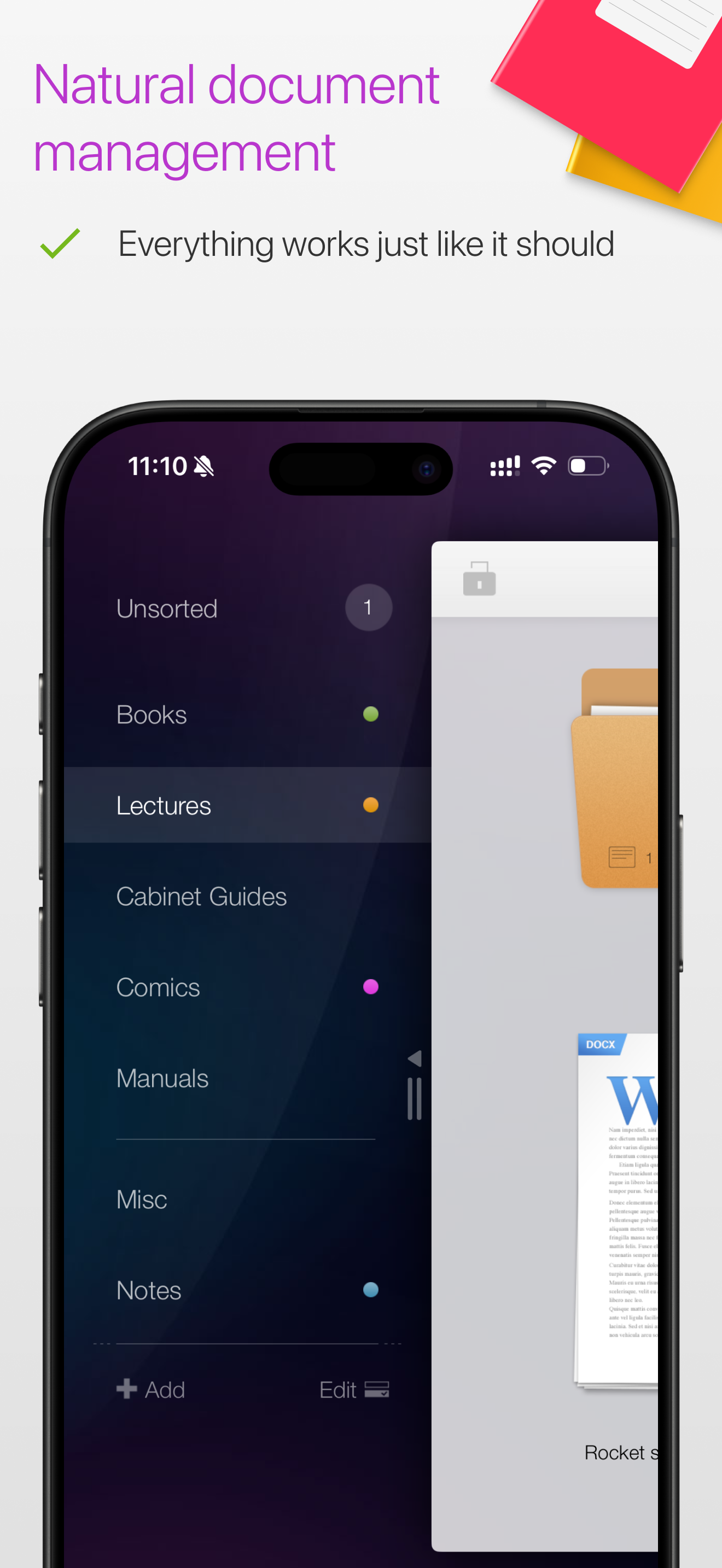
I waited almost a year to write this review-and let me tell you. This app is exactly what it says it is. Easy to use. Simple. Clean. Basic, as in a good basic-has everything you need *if you are a fan, and hoarder of PDF documents, like me. * You can pretty much just start using this app, without having to watch a bunch of tutorials to figure out how to use it. And if there is something your not sure about, it includes a couple of booklets, in the app filing system itself that you can look in. The information is separated by subject matter, ( Each little booklet is just a few pages) and explained mostly with pictures, arrows, and one or two short sentences. That’s it. I had close to 700 documents on it once, and it crashed on me for the first time ever, while I was downloading a PDF from the web. No big deal- I cleaned it out, deleting down to roughly 300 documents-not one single problem since. If this app can hold 700, of *my* documents , before it gets “full”-that really says a lot about this app! In fact, this app, is absolutely hands down, the best filing/organizing app for PDF’s I have ever used. With that being said, you cannot create a PDF, edit, or merge PDF’s. This app is for organizing, and annotating PDF documents. And it does it well. Dear Developers-I have just one question for you. I didn’t see this in the booklets(did I miss it?!) , and I did this once, super late at night by accident, but now I can’t remember how I did it: Highlighting one word, and make it automatically highlight that one word, in the text throughout the entire document. Can ya help me out?😊
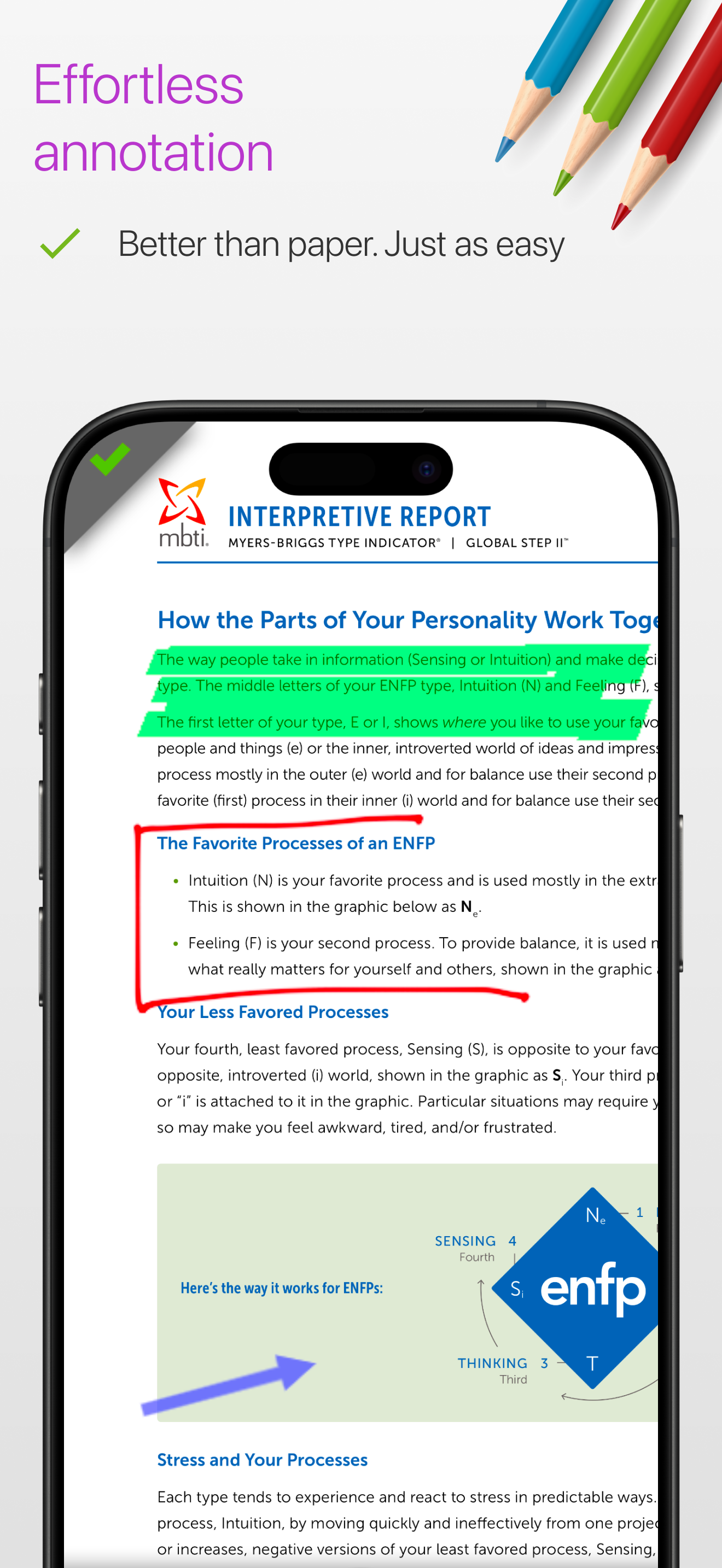
I use this to mark and highlight scripts, and it does pretty well. It's easy and quick to use. I do wish the highlighter tool would either be sizable or actually be the size of an average line of a document. As it is, the highlighter covers about a line and a half which makes it difficult to get things right during dialogue when each character gets their own color. That's the worst I've got! Exportin, changing tools, all of that works as expected and rarely glitches at all.
You’re on your own with this one if you should have any questions or want to backup files inside this app. I’ve written them several times requesting info on how to backup the files stored in the app. I had a meltdown pneumonia on my first iPad and did a factory restore thinking my files safe in iTunes backup. Wrong. Should have learned then. I recently purchased a new iPad and again requested info on how to migrate the app and files (and I have several years of folders and files). Completed their “app support” request and again, no response. Again I’m on my own. It’s a great app otherwise and fit my modest needs. I’m even willing to pay for this type of program app. But now I’m looking for a new app to read, store and annotate PDFs because I can’t trust this one to keep my files safe and available. Fool me twice...
THINGS WE ARE PROUD OF - Really effortless PDF annotation - Only the most essential functionality - don't lose yourself in hundreds of buttons - In...