Check the acquisition promise
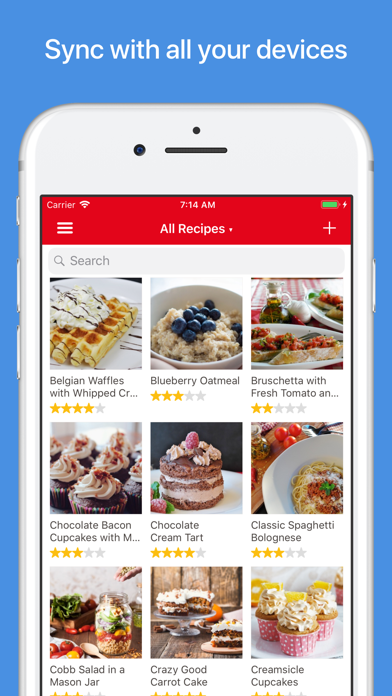
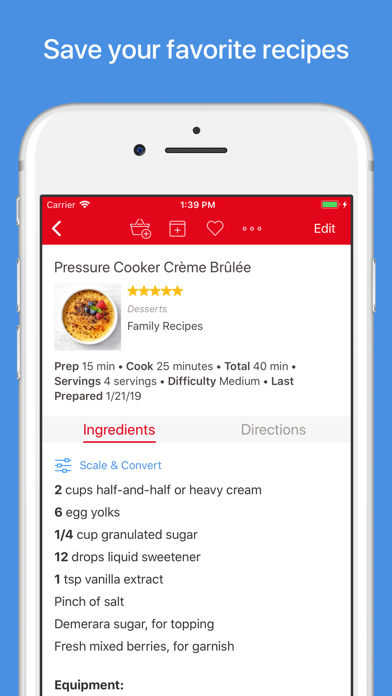
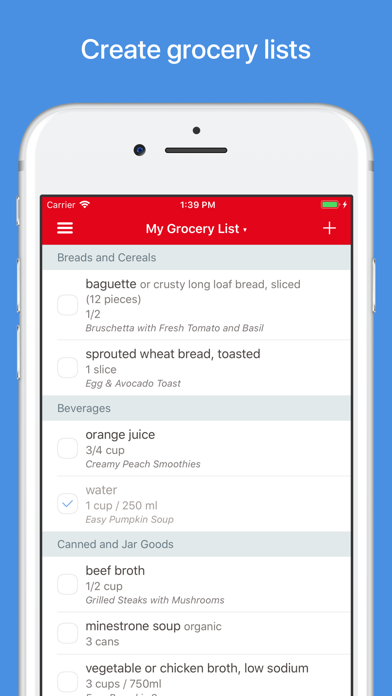
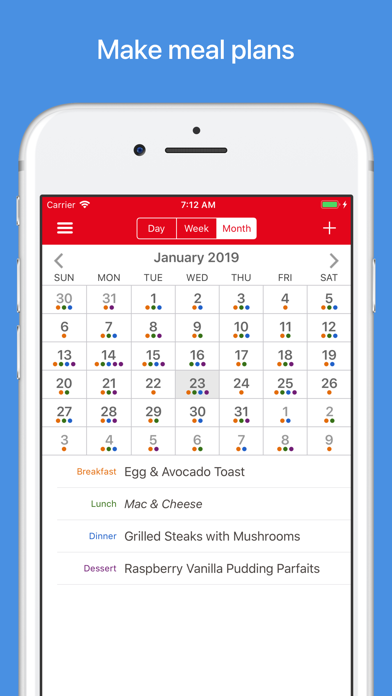
Read the store headline, screenshots and description. What problem is the app promising to solve?
Study the storefront ↗
Hindsight Labs LLC · iOS
Explore the ad evidence, study the storefront, and build your next acquisition hypothesis.
01 / Creative research
Read the store headline, screenshots and description. What problem is the app promising to solve?
Study the storefront ↗Explore apps with direct store-link matches. Compare their hooks and formats without assuming the same approach works here.
Browse observed advertisers ↗Store rankings and revenue estimates describe market context. They do not establish ad spend, conversions or ROAS.
Review the market context ↗02 / Storefront & product
Study the product story and store experience behind the acquisition funnel.
The store evidence
US store price
$4.99
US rating
4.9 / 5
US rating count
54,074
Current version
3.8.5
2026-07-16 · Developer notes
Fixed printed text getting cut off.
Store metadata collected 2026-10-19 UTC · US storefront · Source record. Free may include in-app purchases. Public data does not update revenue estimates.
03 / Market context
Keep revenue, downloads and store rankings separate from advertising performance.
Let me start by saying I rarely write reviews…but I do read reviews a lot prior to most online purchases. So in an effort to be a better human I am doing my part by sharing my experience with this app! I have had the app for about little over 6 mos. It has literally changed my life for the better…by saving time, reducing frustration, improving my nutrition by planning in advance and saving money by eating what I already own . I am stilllearning the nuances of the app but as a lifelong Apple products user I would say the app is pretty intuitive and easy to navigate. I am just now beginning to use the built in grocery shipping list which you can coordinate with the various saved recipes you select for a weeks worth of meals….still don’t have it down but love it. Since I only have Paprika on my IPad and not my phone…I just take a photo of the list and then I have it when I am physically at the store ( down side is you can digitally check off the items as you place in your cart, so just go ahead and buy the version across all platforms!) One of my favorite features is you can search through your saved recipes by using spa few ingredients you may have on hand to find a recipe that will use those specific items…especially useful when food is going to spoil soon! Also, love that you can create folder categories to save recipes by how you think of things….” Chicken”or “Italian” or “Keto” whatever you want! Best money I spent in a long time!
These reviews here are on the mark! I won’t reiterate, but I will share a couple of what I think are the coolest features, one of which I just found after a month of using the app. (It’s like a new car in which you just keep finding little compartments you didn’t know existed!) The first one is timers—not just one timer in the top menu—timers throughout each recipe! Just click on the blue text anywhere in the instructions (and these recipes are downloaded from the internet), and you can set a timer for each action (i.e., stir for 2 minutes, cook 5 minutes uncovered). A list of the timers will show up on the left side of the screen. This second feature helping me be a better planner is Meals. It lets you add any recipe to a calendar, and when you go into your calendar you just click on the recipe to go to it. There are so many other features that are so well designed and thought out, and some I haven’t taken advantage of yet! Go for it and buy this app! You won’t be disappointed! (Have to add that during this time when our family is spending much more time at home, I decided to go through my old cooking magazines and pull out the recipes I want to try. Many are available on the internet, so I’ve been able to download them rather than type in the whole recipe! Great project!)
It is rich with features and fits so comfortably into every day life. It is thoughtfully designed. I constantly add recipes. With over 2000, it’s impt to categorize. I include family names as categories so that when I can easily meal plan for birthdays or visits. With that in mind, I can input the recipes when I narrow them down onto the calendar. From there, I can create an easy shopping list to use in the grocery store, marking them off as they go into the cart. When cooking, I frequently scale it for church gatherings. How easy to use, just have to be aware that if numbers are spelled out which some sources do, then they don’t scale. It can throw your ingredients but that’s not the apps fault. BTW, church is a category example so when needed, I don’t start from scratch to plan. Just go to that category and pick. Big time saver. As I work thru the recipe, I can mark off the ingredient so I don’t forget what I’ve added plus I can highlight the paragraph of the step I’m on to easily find my place. Sharing recipes is real fine. When someone asks for one, I just pull it up on the app and email it right there from my cell. Plus of course brag about the app and they generally end up both getting and praising it. Grabbing recipes from the net takes seconds. Literally. Even sites that require a password. Get the app. It’ll change how you plan, shop, and cook - all while having fun.
Organize your recipes. Create grocery lists. Plan your meals. Download recipes from your favorite websites. Seamlessly sync to all your devices. Feat...