Check the acquisition promise
Read the store headline, screenshots and description. What problem is the app promising to solve?
Study the storefront ↗
James Rhoades · iOS
Explore the ad evidence, study the storefront, and build your next acquisition hypothesis.
01 / Creative research
Read the store headline, screenshots and description. What problem is the app promising to solve?
Study the storefront ↗Explore apps with direct store-link matches. Compare their hooks and formats without assuming the same approach works here.
Browse observed advertisers ↗Store rankings and revenue estimates describe market context. They do not establish ad spend, conversions or ROAS.
Review the market context ↗02 / Storefront & product
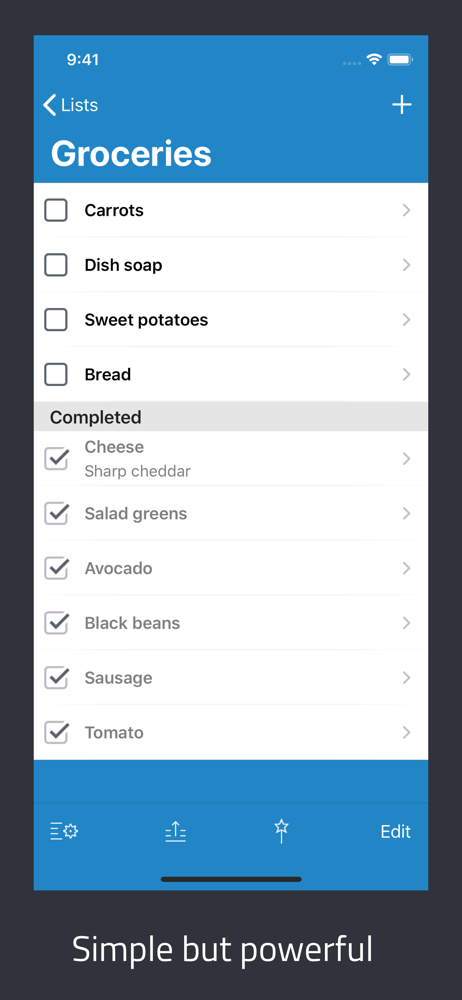
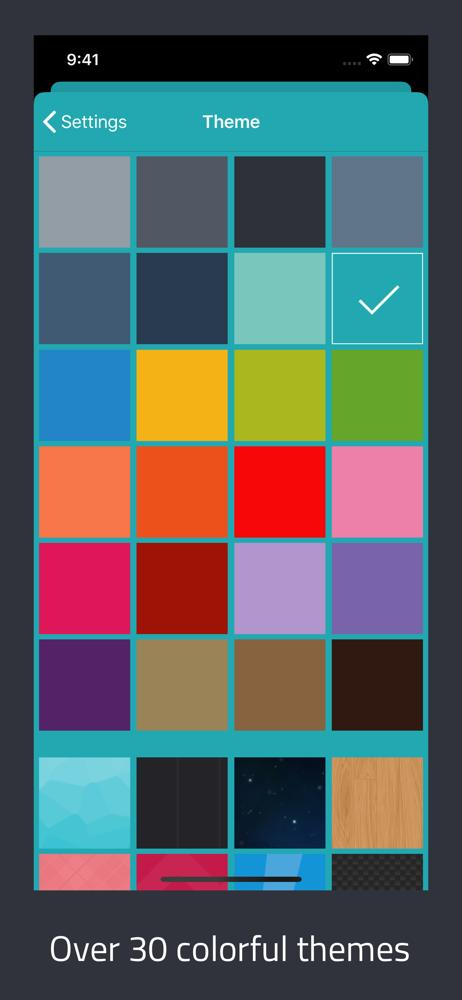
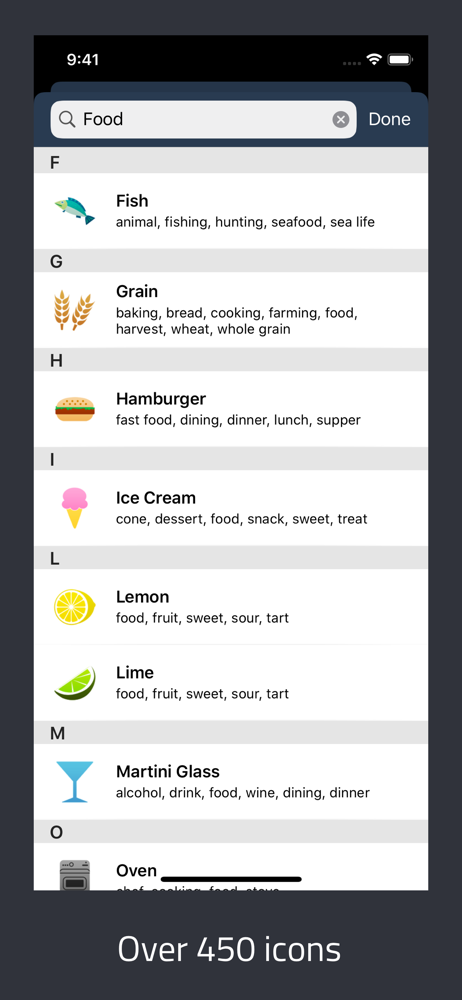
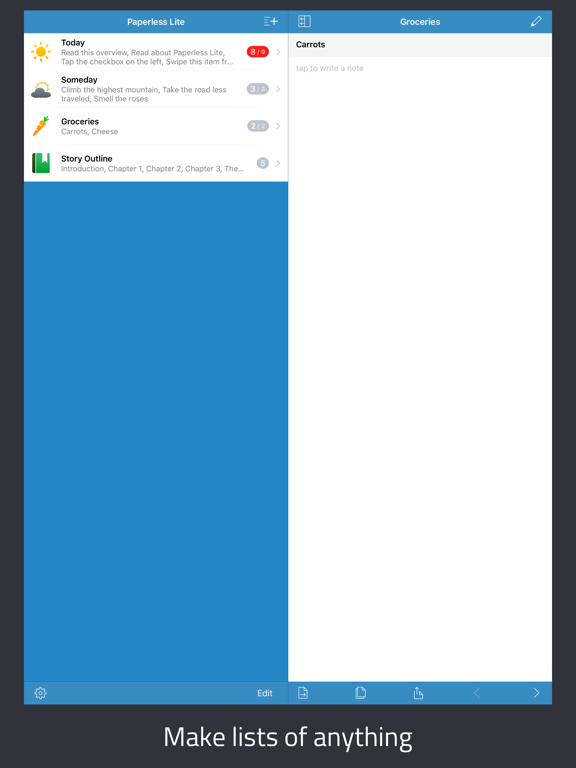
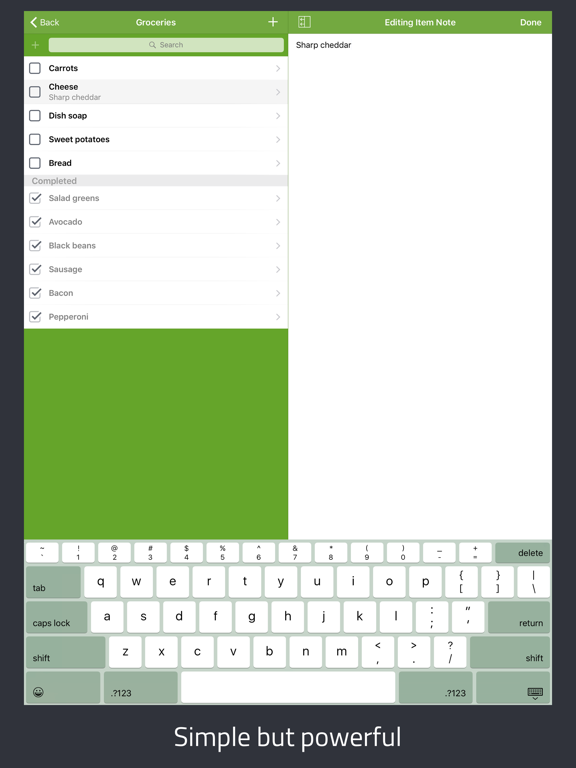
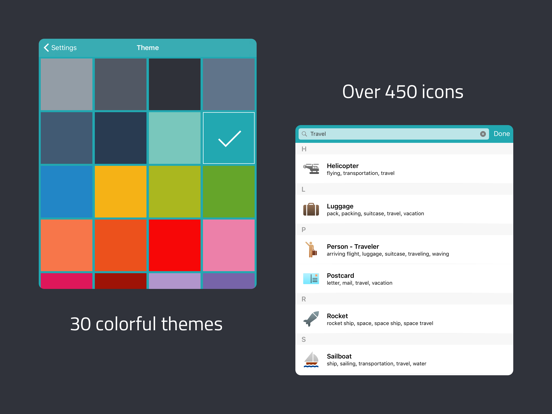
Study the product story and store experience behind the acquisition funnel.

03 / Market context
Keep revenue, downloads and store rankings separate from advertising performance.
Love this app. It’s a bit playful which is sorely lacking in most recent apps created by developers. Though I have my regular (much more expensive) app to track my longer term goals, progress and lists, I use this app for my ‘ToDay’ list, grocery list and other short term lists. It brings a smile to my face every time I open it.
I was using the free Paperless Lite version for years and I loved it. I had all my lists full of information in it. I recently got a new phone and when I restored from iCloud none of my items were there. The free version didn’t give me any way to back up the information. So I paid the $2.99 for the full version so I could sync/use drop box. Imagine my frustration when the full version kept none of my lists. I can’t find anywhere in the help section on how to get my information back. So I went to my old phone. Info gone there too. Restored my old phone from a backup from 2 days before I got the new phone. Information still all gone. I reached out to App Support. HOPEFULLY someone will get back to me on how to get all my info back. If you have the free version and are even thinking of upgrading it, take pictures/screenshots of all of your information so you do not lose it.
Really liked this App after downloading it and was about to purchase the full version for $2.99. HOWEVER, I checked to be sure that I could save my data in iCloud. Imagine my surprise when I found out some users lost ALL their data using your free dropbox for backup & syncing. Why would you not make it so we could back it up in the iCloud instead (or better yet, in addition to backup in the dropbox)? I cannot afford, after laying out ALL I have to accomplish, for that to happen. It would be crippling. Seems having both ways for backup would offer maximum protection. Can you explain why saving to iCloud is not an option? If iCloud backup was included, I would make the purchase AND give the App a 5.0 rating. PLEASE GET BACK WITH ME IN CASE I AM MISSING SOMETHING.
Get the app that Macworld says "deserves a spot on your iPhone"! MAKE LISTS OF ANYTHING AND EVERYTHING Paperless Lite is the free version of Paperle...