
Check the acquisition promise
Read the store headline, screenshots and description. What problem is the app promising to solve?
Study the storefront ↗
52 Spring LLC · iOS
Explore the ad evidence, study the storefront, and build your next acquisition hypothesis.
01 / Creative research
Read the store headline, screenshots and description. What problem is the app promising to solve?
Study the storefront ↗Explore apps with direct store-link matches. Compare their hooks and formats without assuming the same approach works here.
Browse observed advertisers ↗Store rankings and revenue estimates describe market context. They do not establish ad spend, conversions or ROAS.
Review the market context ↗02 / Storefront & product
Study the product story and store experience behind the acquisition funnel.





03 / Market context
Keep revenue, downloads and store rankings separate from advertising performance.
This app works great for me except in the new update, there is no way to see a summary of today’s tasks broken down by sub-category like before. Instead they are just lumped together like a long list and I have to sort out what is what, which is a bit overwhelming. This categorizing is the primary reason I chose this app as it helps to prioritize tasks by group. For example, sometimes I have an hour to bust out tasks for home. Or at other times I want to focus on work. With the new version I have to go into each category (personal, work, side gig) and then go into each subgroup to see tasks for each. This is inefficient when I’m just trying to see a summary of my day. Please bring that feature back or apply it to the daily planner feature!
It seems pretty user friendly and "simple" to use. I do wish there were other customizing options and ways to remove things like delegating since I'm the only one using this app. But so far the biggest annoyance is the prompt asking me to buy the subscription when I've already bought the app for life every time I open the app. I have to go and restore purchases every time. That is super annoying. *update* Customer service is amazing with this app! They fixed the subscription prompt issue I was having. While I wish there was still more customizable content and month views, it is a very lovely app.
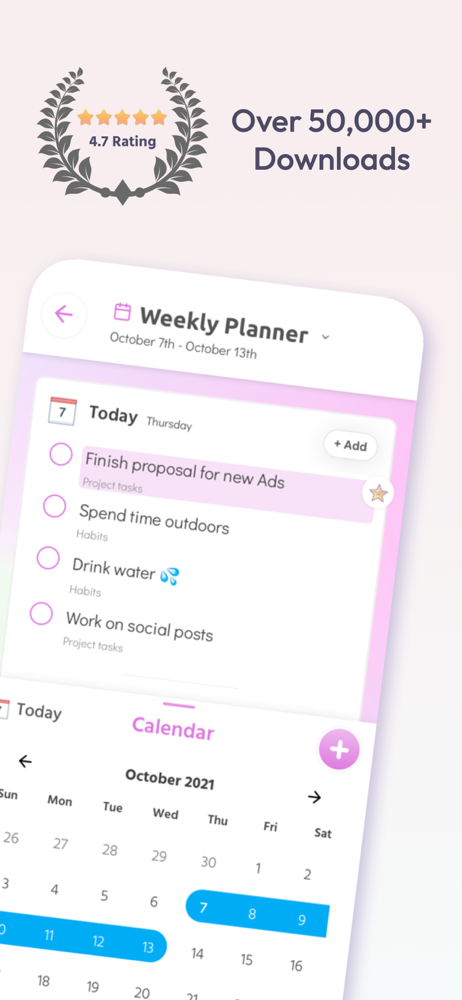
I’ve been using the app for a couple of weeks now, and it’s a great app to help me keep track of my daily to-do’s. I like several features of the app including being able to create separate “workspaces” for different projects and focus areas; daily and weekly planner views; being able to organize and add folders, checklists, tasks, and notes within the workspaces; and having a quote of the day/week to refer to when I need some encouragement. The app worked very well for me until it suddenly crashed one day and would not let me access it. Doing a reboot of my phone didn’t work and doing an uninstall/reinstall of the app didn’t work either. I finally decided to give up and search for another task management app to use. It’s unfortunate that I can no longer access this app on my phone. I was really starting to think that this was the one that I could use for all of my daily task needs. I guess I was wrong.
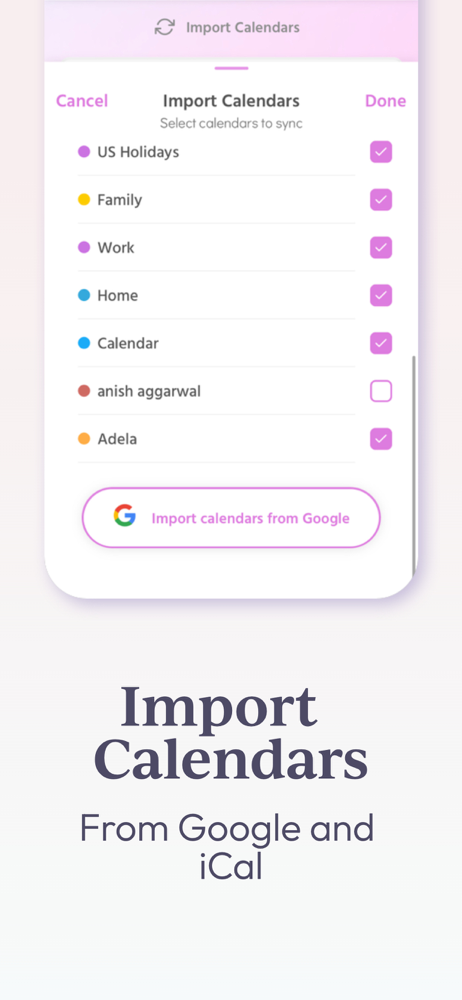
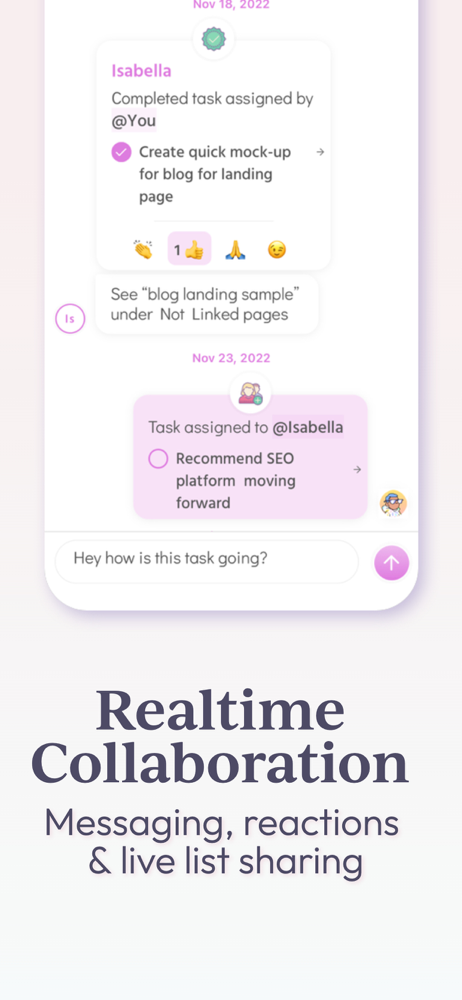
Finally all your calendar, tasks, notes, team messaging and more all in one place. Simplish is a beautiful, thoughtfully designed GTD based day plann...