Check the acquisition promise
Read the store headline, screenshots and description. What problem is the app promising to solve?
Study the storefront ↗
Suzhou Totoro Network Technology Co., Ltd. · iOS
Explore the ad evidence, study the storefront, and build your next acquisition hypothesis.
01 / Creative research
Read the store headline, screenshots and description. What problem is the app promising to solve?
Study the storefront ↗Explore apps with direct store-link matches. Compare their hooks and formats without assuming the same approach works here.
Browse observed advertisers ↗Store rankings and revenue estimates describe market context. They do not establish ad spend, conversions or ROAS.
Review the market context ↗02 / Storefront & product
Study the product story and store experience behind the acquisition funnel.


03 / Market context
Keep revenue, downloads and store rankings separate from advertising performance.
I have been searching for a media player app that meet my needs and have feature that support audio left/right channels. However, there are some small slight glitch on the toggle feature. Where, I would have to toggle on the audio left/right channel twice for it to actually switch to left or right channel.
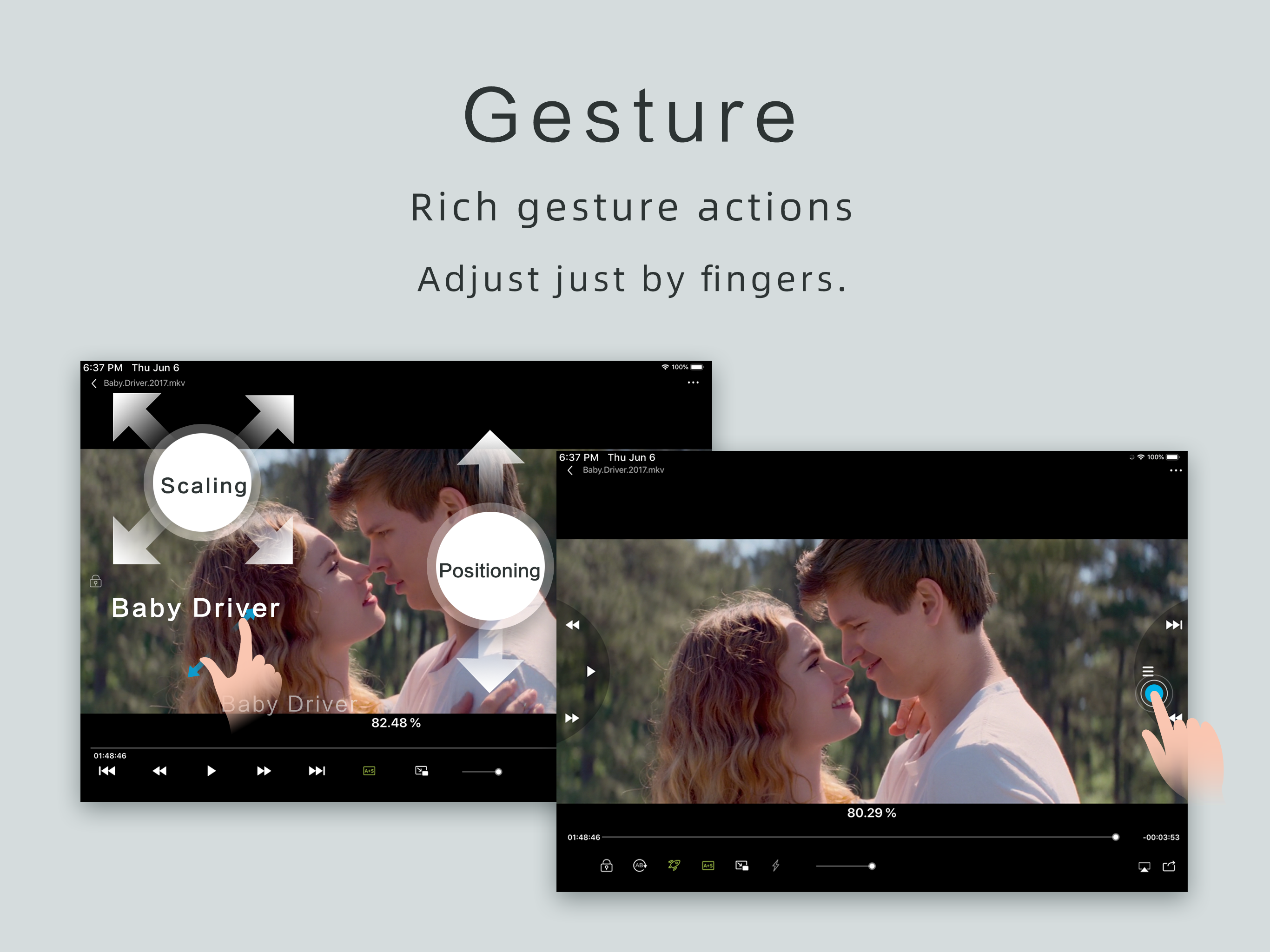
I read posts about how to sped up videos like we could do on YouTube’s, and got a list of apps, including OPlayerHD. I downloaded many of them, and tried almost all of those, sequentially^ ^ At last, I, even haven’t deleted all others, I do started mainly using OPlayerHD. I wanted to sped up some of my studying videos then go back or forward seconds, or play some music during leisure time so to minimize screen on my iPad Pro(iOS 11 or so), and leave blank for future needs, haha. I think if is an on-going developing app, and I hope it will continue to be so. Therefore, when the ads popped up asking for encouragement/ payment by upgrading to full/ paying version, yeah, oplayer did get my backup, and happily purchased. Still, crossing my fingers, hope that it will not let me down~~
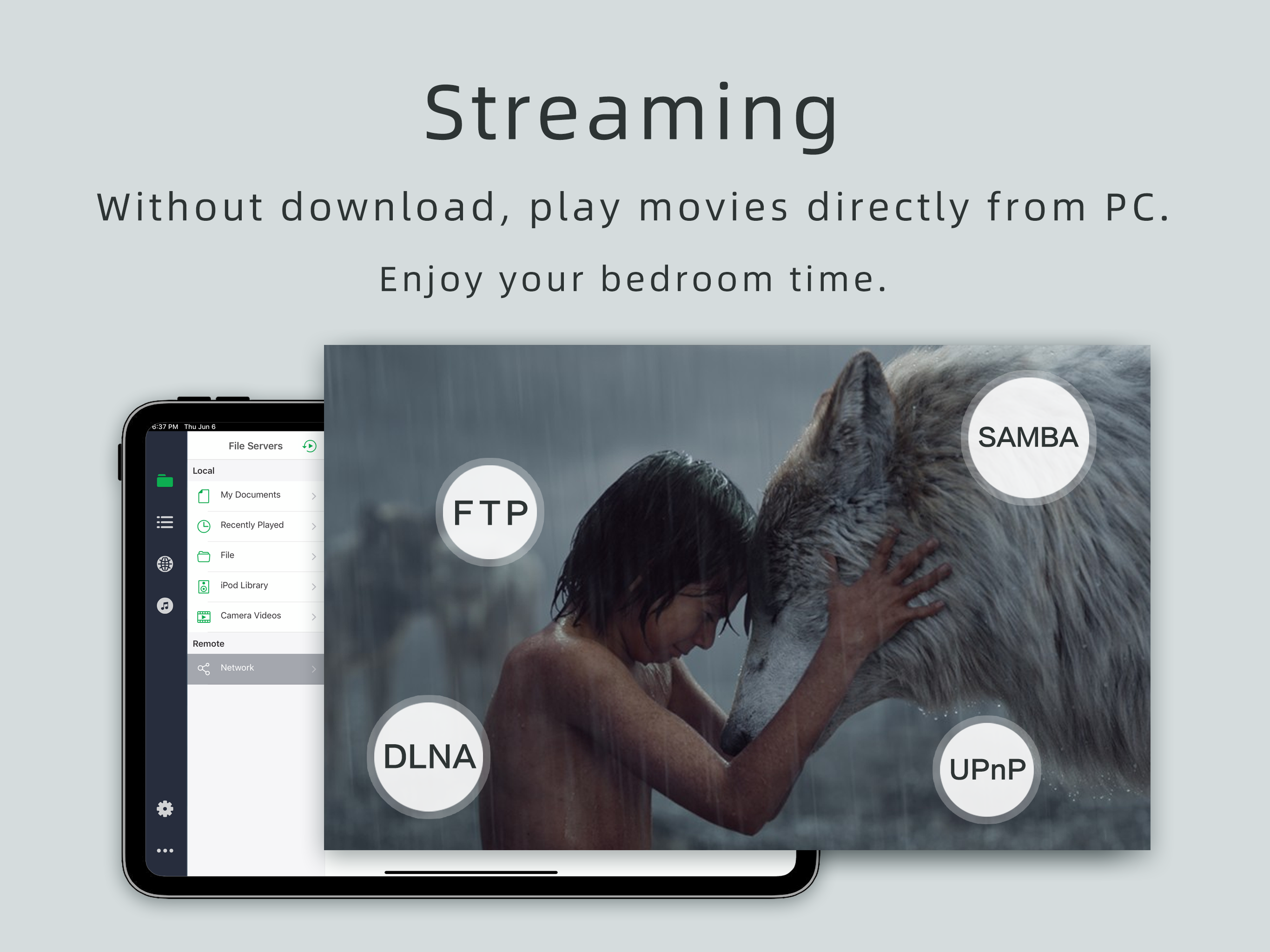
Oplayer was for many years a go to for all video. The dev improved and finessed it to a fine and totally needful app. In terms of playback, it’s still up there. It can indeed play many and sundry audio or video file formats which other apps can not. Occasionally the audio lagged behind the video. For all that, I would otherwise give it a solid 4.5. But the dev has earned 1 star by disabling one of the most basic features of Oplayer. Samba shares are now restricted to streaming. That is, you can scan for videos on your local network, from a computer or storage device, and stream them. But you can not download them to your iPad. This is an absolutely inscrutably bad decision to remove this feature. The WHOLE POINT of Oplayer is to download videos to it to play when away from home, without the need of a network. Why eliminate the basic functioning necessary to use the device? Also deleted is apparently the in-app web browser. I never used it much, but valued it being there. Perhaps this was in response to the recent hardware exploits. One can use another browser to send a downloaded web file to Oplayer. And if one is moving files to Oplayer from a computer, one can still move them from a computer using the Oplayer FTP or Bonjour servers. But if you use a net storage device, you are now up the creek. I heartily encourage the dev to RESTORE SAMBA FUNCTION immediately. Well, now I have to go find a new video player.
Play all your videos directly without having to convert them! OPlayer supports almost every format for video/audio playback. It gives you the flexibil...
| Name | Price | Type |
|---|---|---|
| Orange Theme | $0.99 | One-time |
| Photo Viewer | $0.99 | One-time |
| Decompress file | $0.99 | One-time |
| DivX Video Decoder | $0.99 | One-time |
| DTS Audio Decoder | $1.99 | One-time |
| Unlock all features | $4.99 | One-time |