
Check the acquisition promise
Read the store headline, screenshots and description. What problem is the app promising to solve?
Study the storefront ↗
Newin Inc. · iOS
Explore the ad evidence, study the storefront, and build your next acquisition hypothesis.
01 / Creative research
Read the store headline, screenshots and description. What problem is the app promising to solve?
Study the storefront ↗Explore apps with direct store-link matches. Compare their hooks and formats without assuming the same approach works here.
Browse observed advertisers ↗Store rankings and revenue estimates describe market context. They do not establish ad spend, conversions or ROAS.
Review the market context ↗02 / Storefront & product
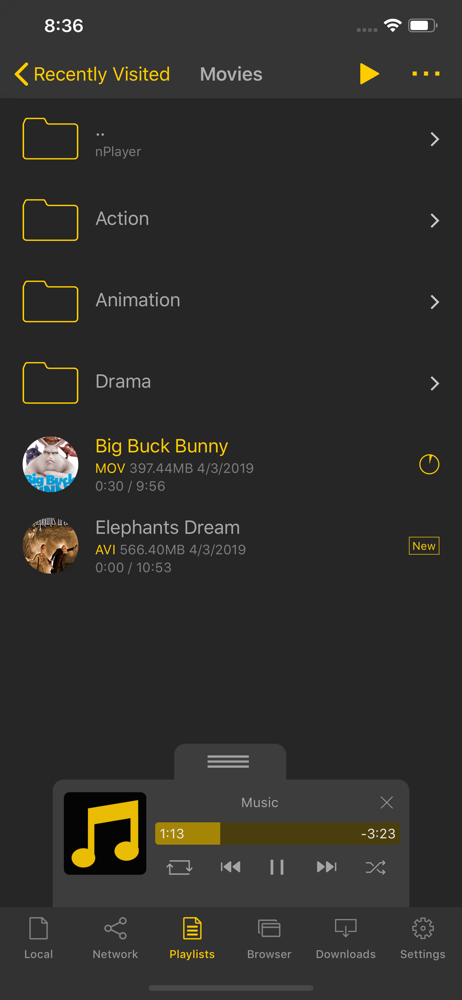
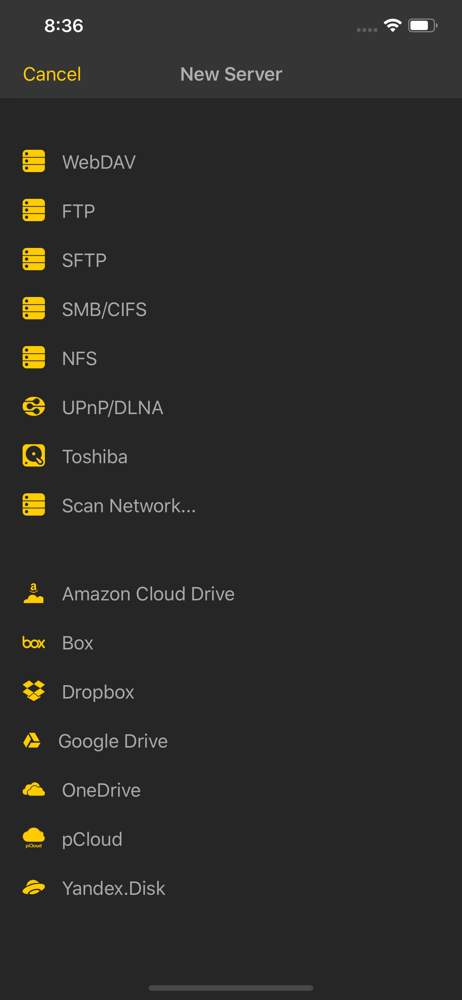
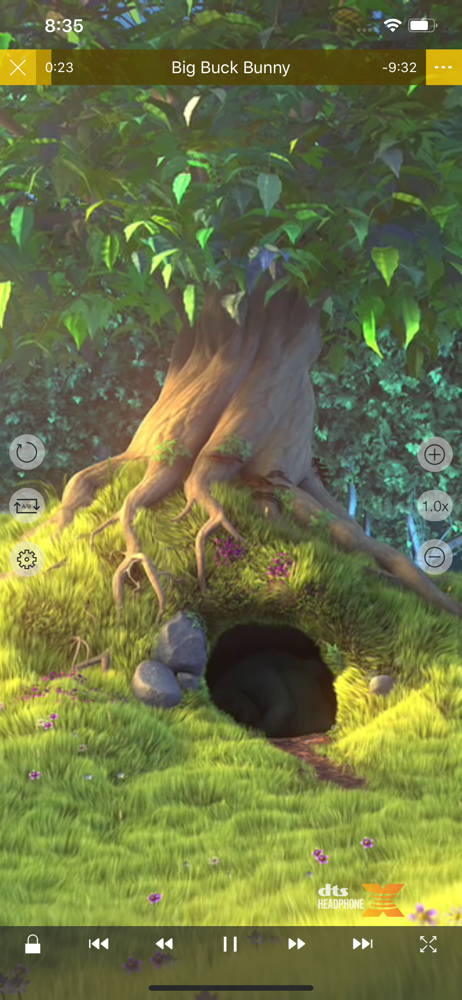
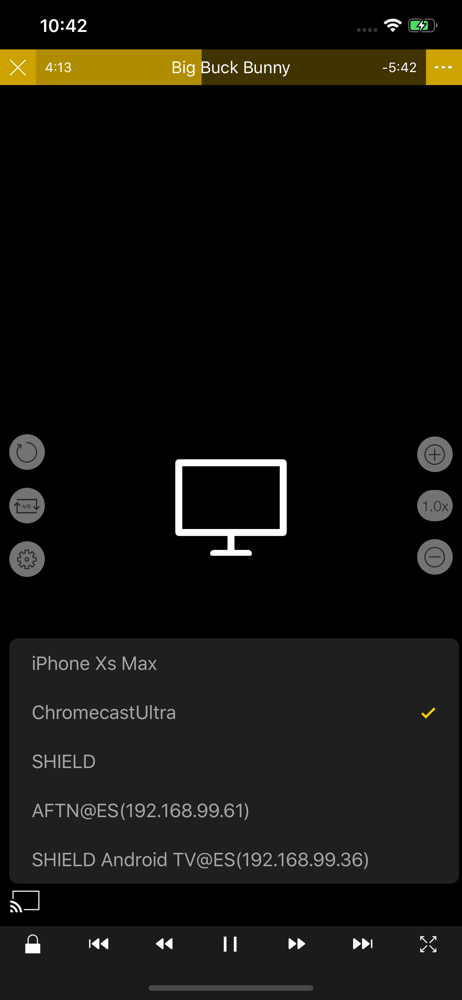
Study the product story and store experience behind the acquisition funnel.



03 / Market context
Keep revenue, downloads and store rankings separate from advertising performance.
I’m glad that your team have added new functions that allow us connect to a third monitor, play videos on the connected screen WHILE the iPad is SCREEN OFF. 1, I found a BUG that the external subtitles (the included subtitles also) don’t show up at all when the video is playing on the connected screen while the iPad is screen off (I have tested the internal subtitles and external ones, I have tested different subtitle formats, the bug still exist.) 2, Another bug I found that the font size of the subtitles on the connected screen don’t scale properly. I mean the font size are seemly fixed, it doesn’t scale to the connected screen size (I remembered that the subtitle scale on the connected screen works just fine, it’s two or three versions backwards I suppose). Really appreciate your hardworking on this amazing app. Hope you could fix those two bugs in time.
I bought this app a few years back, because it was the only one that seemed to let me access my music collection through the Internet. All these years I have been trying to do just that. A couple of times their support did answer, without any results. I’ve changed several routers and NAS servers in the meantime, thinking that one of them might be the reason for my inability to use the app for the purpose I bought it. Now I have the latest and greatest NAS and router. Everything works on my network. Everything works with my Internet. I still cannot use this as an Internet music player. I sent them emails through their website, send them messages through their app. I never, never received any answers. They don’t give a crap about their customers. I will look for another app that does this, and I strongly encourage whomever is reading this to do the same because now the App Store atmosphere is a lot richer then back in the day when I bought this. Do not waste your time!
I love this app. It’s amazing. You can get subtitles, brightness in left and volume in right, you can change the colors and all that beautiful stuff. What I’m having a problem is when I’m trying to delete a folder and it won’t let me. It says delete but it never deletes. I tried many File Managers on my PC and doesn’t work. Even iTunes can’t delete it. I used to have a hacked iPhone so it made my life easier and could erase anything easily. Please add a feature to cause a “erase all” in case a problem appears and a way to access what I have on this device on my PC so I can add movies/stuff from the internet!
** nPlayer officially supports DTS (DTS HD ), DTS Headphone:X, Dolby (AC3, E-AC3). ** nPlayer is the universal app. You can install it in any other i...
| Name | Price | Type |
|---|---|---|
| Upgrade (ONLY FOR 2.x VERSION USERS) | $2.99 | One-time |


