Check the acquisition promise
Read the store headline, screenshots and description. What problem is the app promising to solve?
Study the storefront ↗
Lunabee Pte. Ltd. · iOS
Explore the ad evidence, study the storefront, and build your next acquisition hypothesis.
01 / Creative research
Read the store headline, screenshots and description. What problem is the app promising to solve?
Study the storefront ↗Explore apps with direct store-link matches. Compare their hooks and formats without assuming the same approach works here.
Browse observed advertisers ↗Store rankings and revenue estimates describe market context. They do not establish ad spend, conversions or ROAS.
Review the market context ↗02 / Storefront & product
Study the product story and store experience behind the acquisition funnel.




03 / Market context
Keep revenue, downloads and store rankings separate from advertising performance.
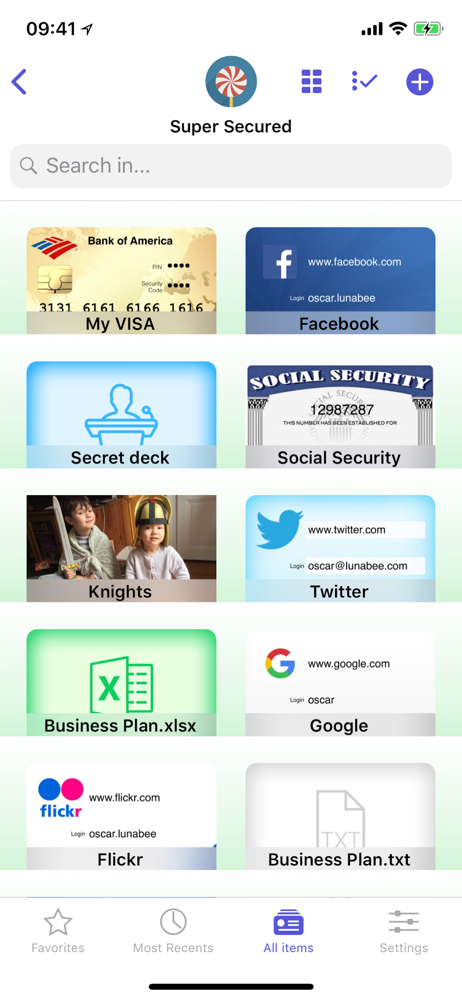
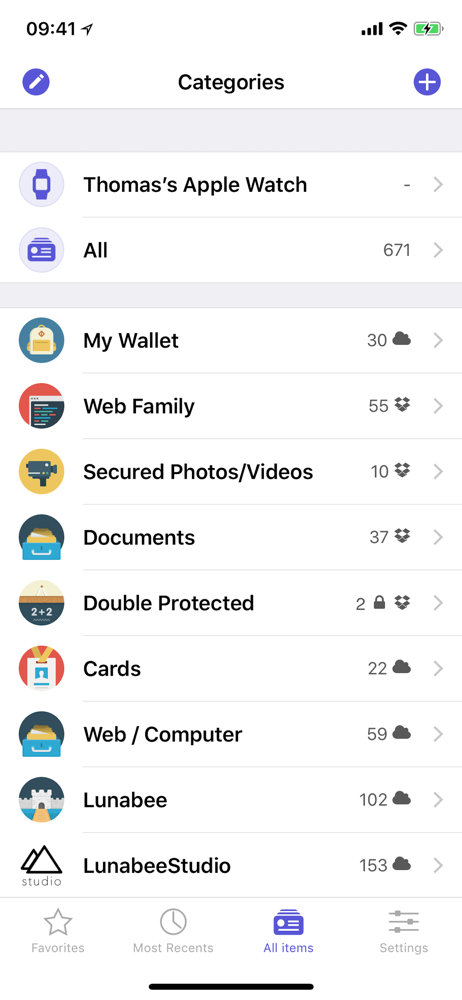
I’ve had the OneSafe App for at least 4-5 years now and I couldn’t go without it. I am the Creative Arts Director for our church and one of two Media Director’s for our community Bible study program which means me having to know a lot of passwords for the user accounts on every computer that I use and the website accounts that I use on them. I used to keep passwords for friends accounts too. Before I found this app I used to keep them in the “notes” app on my phone but now am able to crate and title each folder and put any user names and passwords in their respective folders. I also like that you have the option for the type of file that you want to create to put in the folder, ie, if it’s an app that you are using or a website or a debit or credit card and the encryption is awesome. I can’t imagine anyone being able to even breaking into this app to get anything I have stored inside of it. It’s a very safe app to use and user friendly too!
I’ll start by saying I like OneSafe. Been using it for years. Excellent app for storing my many logins—until today. As usual, I went to log into OneSafe using TouchID. Instead of allowing me to proceed once I scanned my finger, it indicated I was now required to enter my passcode. After a few tries and no alternative (NO forgotten password link, secret question, etc.) I looked it up on their website to find that unless I had previously set up the two secret questions (was never even an option on the version I had), for security reasons there was no way to retrieve your passcode. I had to delete and re-download the app. So I did. Except when I downloaded it the first time it was free...and now it’s $3.99. I considered skipping out and using another app instead, but I knew I had 90+ logins that I didn’t want to go through the trouble of locating again. So I bit the bullet and purchased the paid app. Once I logged in, I set up my account, “found” my previously saved info, but in order to access it I needed my passcode. Same problem as before, but $4 poorer. Brilliant way to scam me into deleting my free version of the app app and re-downloading the paid version instead. You kept me as a customer, but I’m still helpless without my passcode. How ironic. Thanks OneSafe.
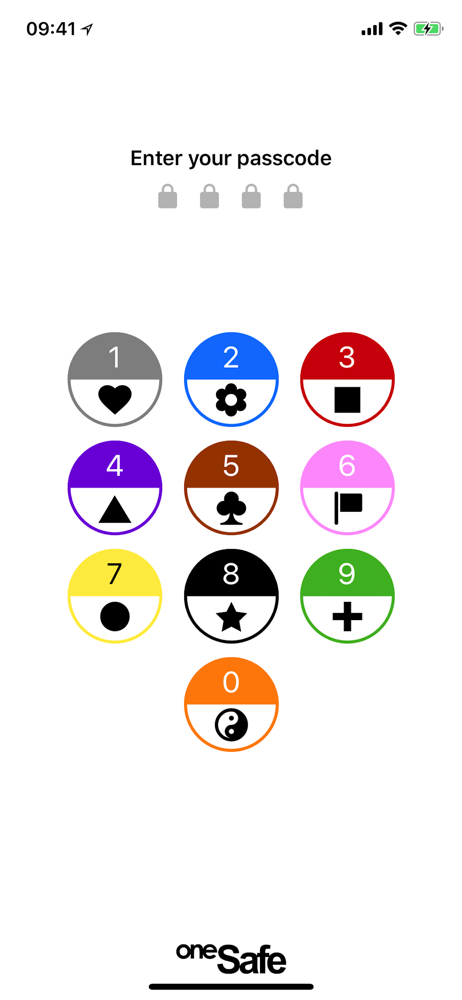
The best and greatest invention in the history of ever!!! Maybe that’s a slight exaggeration but in this day and age with so much life online and so many passwords to remember there is clearly only one way to function and that’s with a password locker app. I’m not sure if I could go without one now and idk how I went without one for as long as I did. I’ve tried a few of these things out (usually the free versions first). I almost never purchase app but this is the first one I paid for and I’m so glad I did. It’s easy to use and the templates make it a breeze to just plug info in and keep going with life. I have an iPhone and I like that if i need to login to an account, I can seamlessly jump from the login page, to the password locker, and back to the login page with just the touch of my thumbprint. You can put locker combinations for a gym locker or etc. you can add credit cards, WiFi router information, you can store passwords for banking/emails/etc. You can customize the icon decal with a picture from the web or your library so that you can more easily find your information. The app is heavily encrypted so pretty much no one/nothing is getting in. You can even set a logout timer so you can choose how long you want to stay logged in while the app is running in the background. There are quite a few options to lock the password locker app too...you can choose a pin, a password, or a symbol combination to name a few. All in all this is a phenomenal app and I highly recommend it.
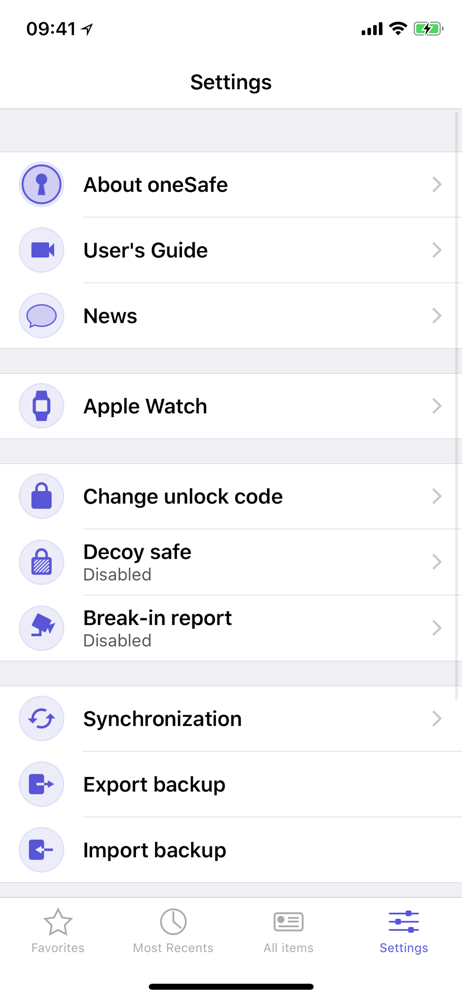
oneSafe provides advanced security for your passwords with features like Touch and Face ID, auto-lock, decoy safe, intrusion detection, self-destruct...