Check the acquisition promise
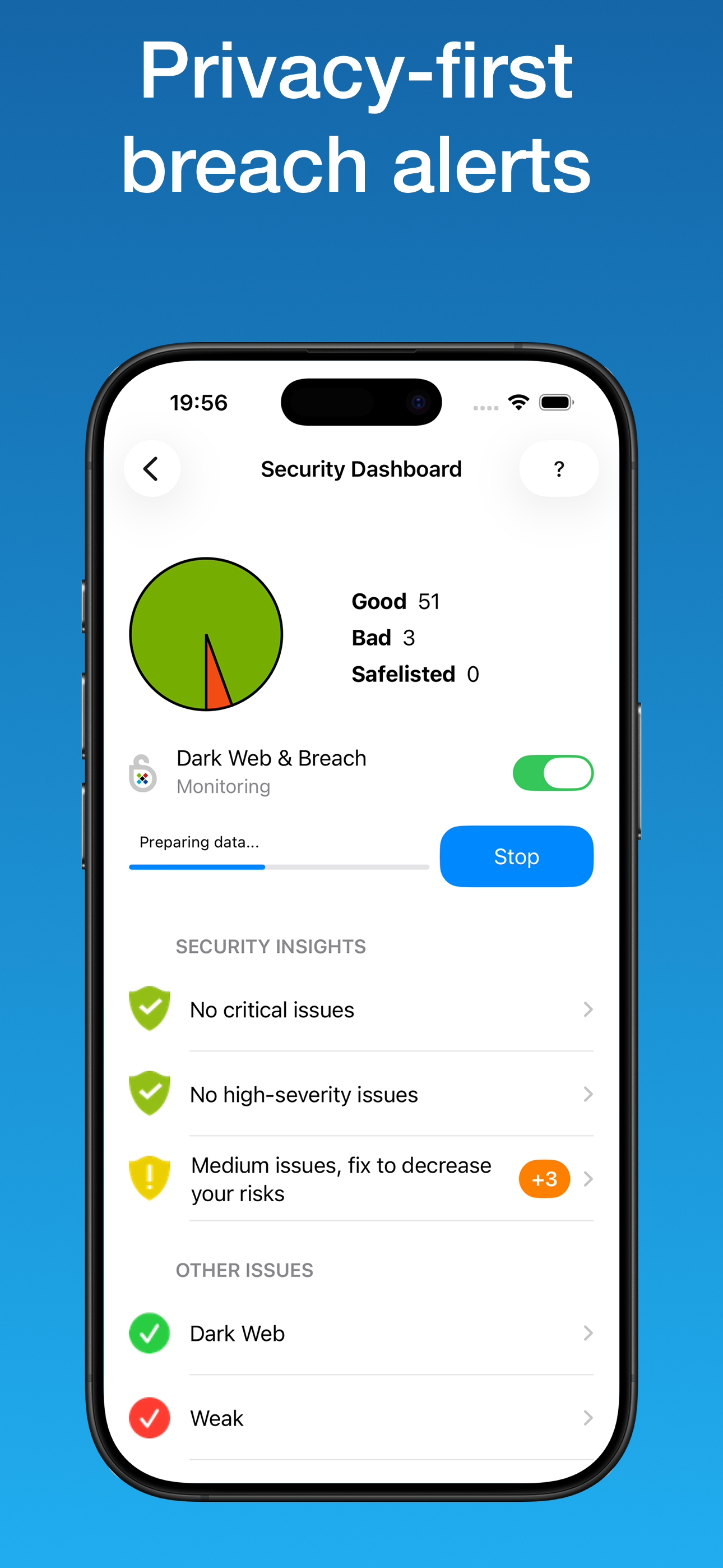
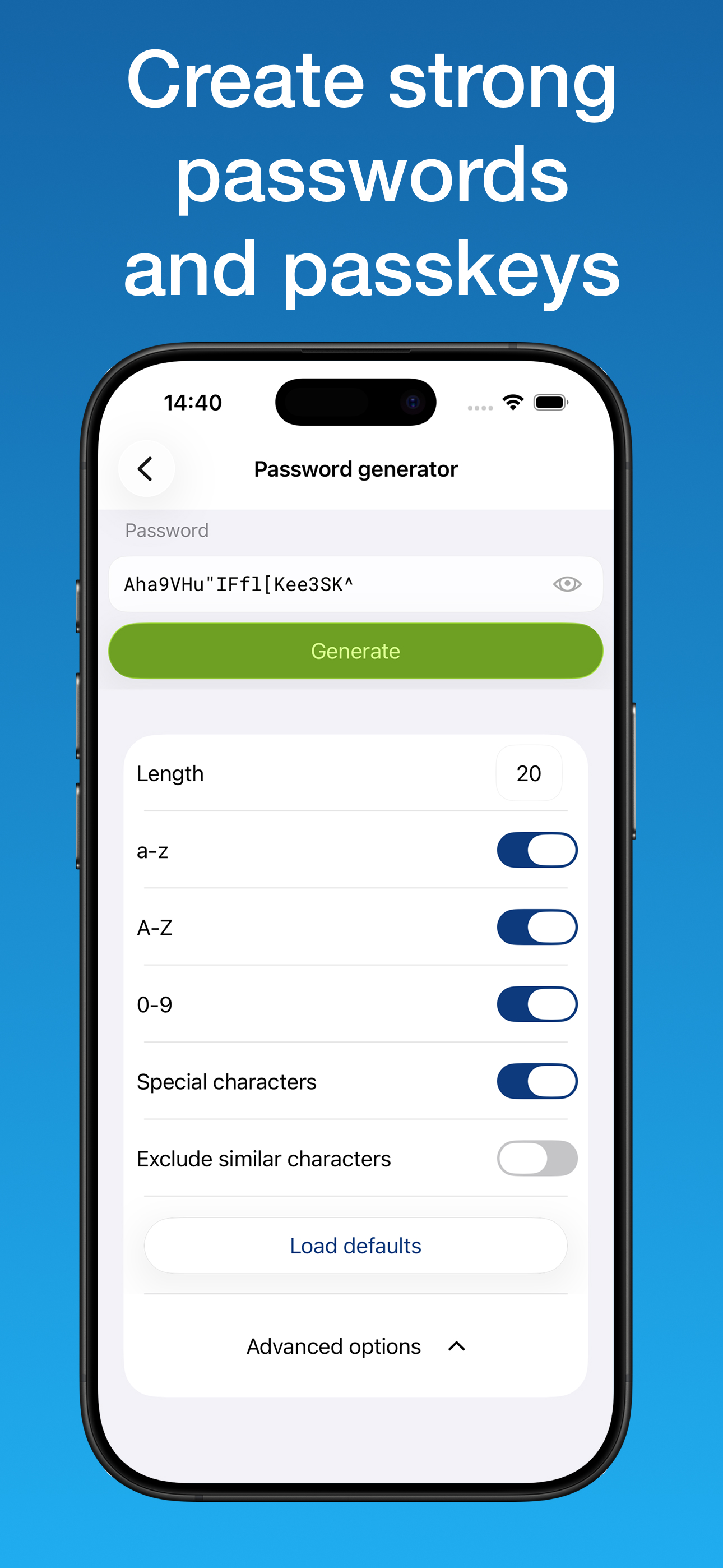
Read the store headline, screenshots and description. What problem is the app promising to solve?
Study the storefront ↗
Lamantine Software a.s. · iOS
Explore the ad evidence, study the storefront, and build your next acquisition hypothesis.
01 / Creative research
Read the store headline, screenshots and description. What problem is the app promising to solve?
Study the storefront ↗Explore apps with direct store-link matches. Compare their hooks and formats without assuming the same approach works here.
Browse observed advertisers ↗Store rankings and revenue estimates describe market context. They do not establish ad spend, conversions or ROAS.
Review the market context ↗02 / Storefront & product
Study the product story and store experience behind the acquisition funnel.




03 / Market context
Keep revenue, downloads and store rankings separate from advertising performance.
This was a great app because it allowed you to keep your passwords by syncing between phones, laptop, laptops, and desktops using your private WiFi. your passwords were not in the cloud, which many people prefer. Lately when my phone syncs to my laptop, or a desktop or vice versa, the app tells me that it has successfully synced the usernames and passwords on my devices. So I think that my passwords are up to date and backed up on my different devices. However, even though it’s telling me the sync was successful my passwords and usernames aren’t synced, they remain different for various accounts that I’ve recently changed on one or the other. so it’s not actually working. Huge bummer. I’ve asked for customer support using the company’s Online tool and have not gotten any response over the course of a week. I’m now looking for another password keeper after 10 years of being a loyal customer since this one no longer seems to be keeping up with its own tech issues or responding in a timely way to customer concerns. Don’t use this for your passwords, you will be sorry.
This is the only password manager I've ever used. I reccomend it to everyone with their lifetime option. I got it in 2016 and it's been serving me strong since. It keeps track of all those stupid accounts so I don't need to remember them from a shopping website that I'll use once every 3 years. Two issues. An account won't autofill on both the app and website, it'd be nice if they could be linked. and the second issue is if you're looking for your email account password, when you use the search function everything that uses that email pops up rather than just gmail or yahoo or whatever. Since that's every complaint that I have, this app deserves 5 stars and I can't be happy enough with it.
My husband and I enjoy the luxury of having our passwords in a secure database. No longer do we have to have a spreadsheet of passwords or handwritten passwords, which could get in the hands of the wrong people. Only problem I have is with sticky password is when we each have a password to the same account and we have shared this with each other, it’s hard to login to the specific account you want because it continually logged in to the other account, even though neither are set as default. This is an issue I need to resolve. Currently, my own solution is to make note of the user ID and password and restart the computer. Upon the restart I do not open stickypassword but Google the site and manually login. This results in wasted time, and having to save any data sheets or docs prior to restart. Other than this issue, which I am trying to resolve, I would not want to go back to NOT having Sticky Password.
Sticky Password helps you log in instantly and stay protected from breaches, phishing, and infostealers - without trade-offs. Your data is encrypted o...
| Name | Price | Type |
|---|---|---|
| Lifetime+ (1 user, 1 year) | $12.00 | One-time |
| Lifetime+ (1 user, 2 years) | $24.00 | One-time |
| Premium (1 user, 1 year) | $29.99 | One-time |
| Premium (1 user, lifetime) | $79.99 | One-time |