
Check the acquisition promise
Read the store headline, screenshots and description. What problem is the app promising to solve?
Study the storefront ↗
giddyapp · iOS
Explore the ad evidence, study the storefront, and build your next acquisition hypothesis.
01 / Creative research
Read the store headline, screenshots and description. What problem is the app promising to solve?
Study the storefront ↗Explore apps with direct store-link matches. Compare their hooks and formats without assuming the same approach works here.
Browse observed advertisers ↗Store rankings and revenue estimates describe market context. They do not establish ad spend, conversions or ROAS.
Review the market context ↗02 / Storefront & product
Study the product story and store experience behind the acquisition funnel.


03 / Market context
Keep revenue, downloads and store rankings separate from advertising performance.
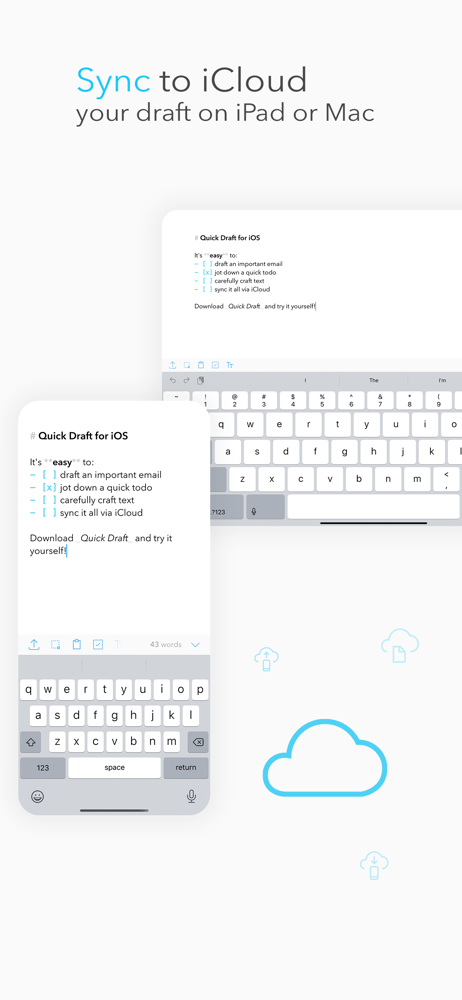
This app is a good place to throw random things you might need access to. Honestly, I have mostly used it on my Mac where it was very convenient to have it on my menu bar for things I needed to access somewhat frequently and it’s great for that. The reason I’m giving it a low review now is that one of its features is supposed to be syncing via iCloud and that is not working, I’ve made updates on my iPad, my Mac, and my iPhone and none of them have synced to the other devices. I’ve uninstalled and reinstalled on my iPhone and iPad and that hasn’t helped. I have verified in Settings in the iCloud section that Quick Draft is turned on both on my iPad and iPhone. There’s no button in the application to use to force a sync, no settings where you can turn syncing on/off, so there’s nothing else I can do here. The developer’s website isn’t loading (that is, it appears to be down) and I tried the Report a Problem option through the App Store and it said that wasn’t an option, so there is no way I can figure out to seek help on this issue.
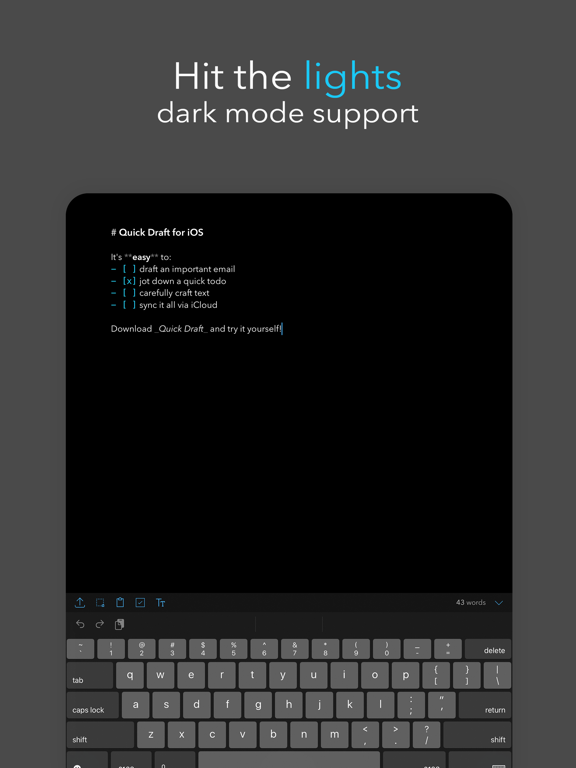
This app targets a specific set of use cases and accomplishes them well! The super fast note taking and polished controls makes this a well thought out app. Love the select all button! I’m sure some people will ask for more features (pages, markdown, actions, etc), but I hope the developer makes an effort to keep it focused. So far, this app has everything I need! If I were to make to make suggestions: 1. It would be to get a dark variant of the super great looking icon with the box & text lines. That would make it pair well with dark mode. 2. I agree with another reviewer that it may be nice to hide the word/character counts to see all the controls for those of us that don’t need those metrics. That said, if nothing changes I won’t be disappointed since it’s already so great. Keep up the great work! I look forward to trying the Mac version!
LOVE the clean and simple design and iCloud syncing. I wish this app and the Minimalist to do app could join together to create what I think could be the greatest minimalistic To Do app. Some suggestions: - Adding the ability to add new pages and swipe back and forth (the same way Minimalist to do app can). For those who just want one note pad can use as is, but the option to create additional pages would be sweet - I know the whole point of this app is quick drafting, but adding dates/due dates and alerts would be pretty sweet (I guess that would make it a to do app if I wanted to). I like to just write down what comes to mind that I have to do and assign a quick date
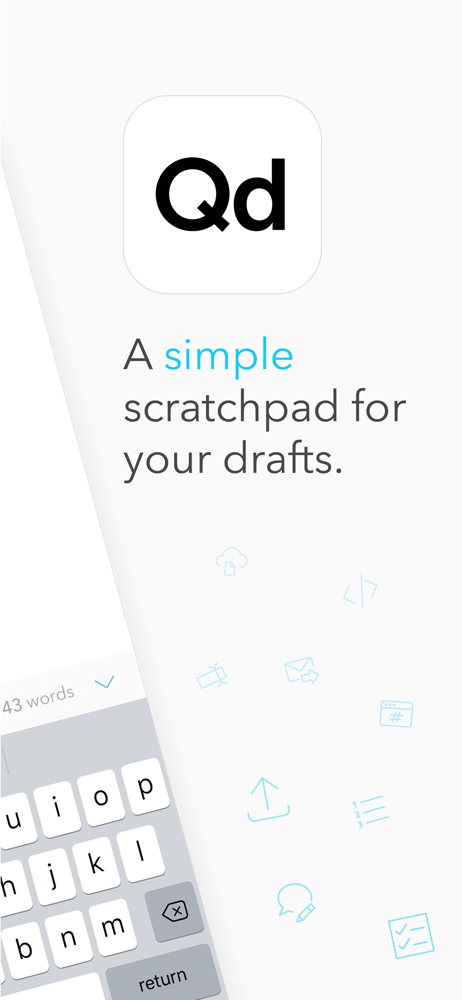
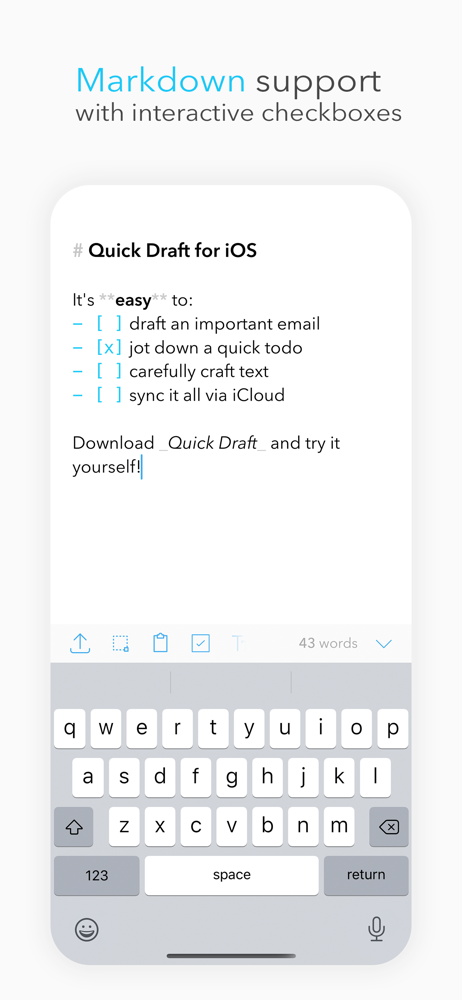
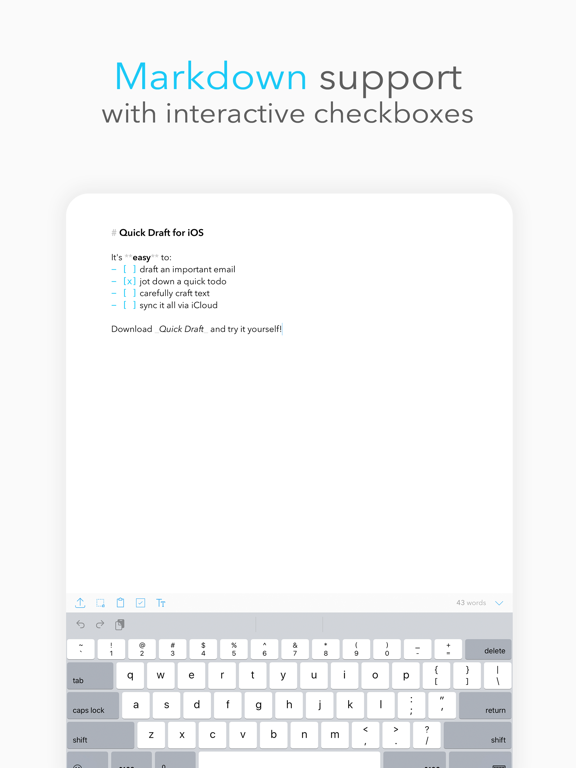
# Quick Draft: Your Essential Notepad with Markdown Support Capture your thoughts instantly with this streamlined notes app for iOS. Quick Draft is t...
| Name | Price | Type |
|---|---|---|
| QuickDraft Pro iOS + iPadOS | $4.99 | One-time |
| Quick Draft Pro | $7.99 | One-time |


