
Check the acquisition promise
Read the store headline, screenshots and description. What problem is the app promising to solve?
Study the storefront ↗
Navigant Credit Union · iOS
Explore the ad evidence, study the storefront, and build your next acquisition hypothesis.
01 / Creative research
Read the store headline, screenshots and description. What problem is the app promising to solve?
Study the storefront ↗Explore apps with direct store-link matches. Compare their hooks and formats without assuming the same approach works here.
Browse observed advertisers ↗Store rankings and revenue estimates describe market context. They do not establish ad spend, conversions or ROAS.
Review the market context ↗02 / Storefront & product
Study the product story and store experience behind the acquisition funnel.




03 / Market context
Keep revenue, downloads and store rankings separate from advertising performance.
I find the app very useful. However, there is one major improvement that needs to be made. It is extremely frustrating to try and deposit checks with a picture. I cannot tell you how many times I have to take more than half a dozen pictures before it will finally accept the image. The image looks fine on my side but it is still rejected. I wish they would fix this. especially since this happens when you do both the back and the front of the check. It sometimes takes me more than 10 minutes to finally get the check deposited. Big needless waste of time.
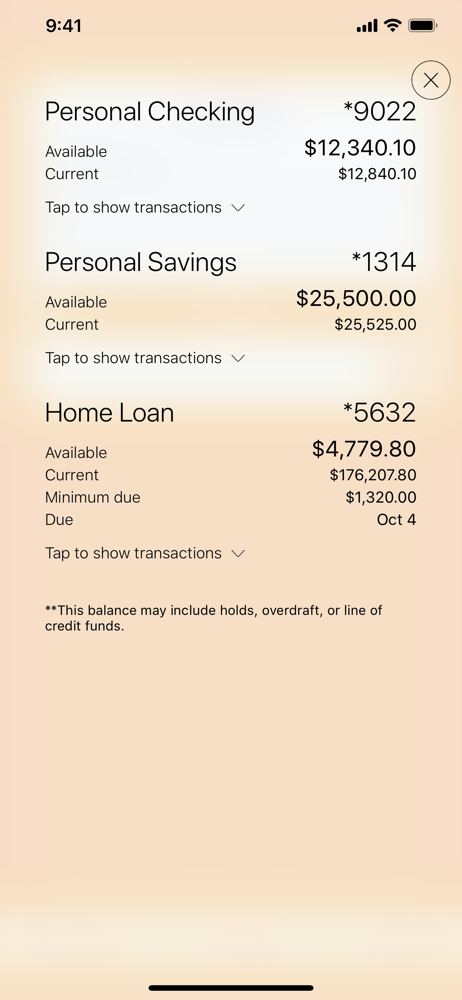
I’ve had this app for a few years and I’ve been impressed with the design work that’s gone into it over the last few updates. However, this previous update that changed how the transactions appear within an account I think is a step backwards. The previous design wasn’t great but it was easier to distinguish than just plain bold text in all caps.
Website tells you to write for mobile deposit only but when you realize no deposit has gone through and you don’t receive a notification and call them they tell you to put for Ncr mobile deposit only.
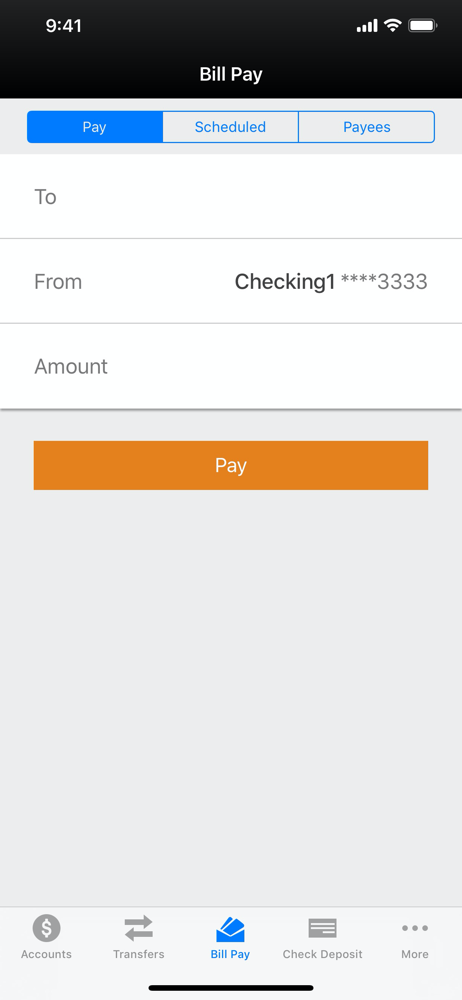
Features of Personal accounts: • Check balances, make transfers, deposit checks & view electronic statements • Pay Bills, send money to people and to...


