Check the acquisition promise
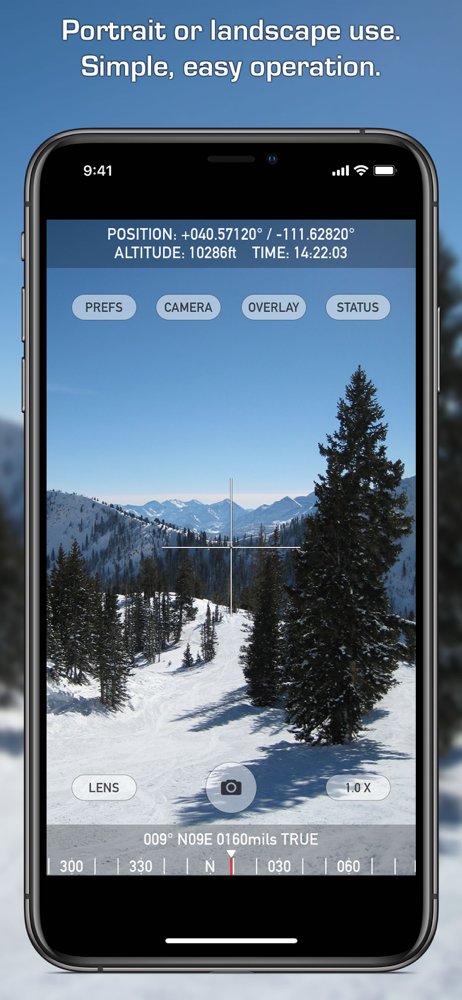
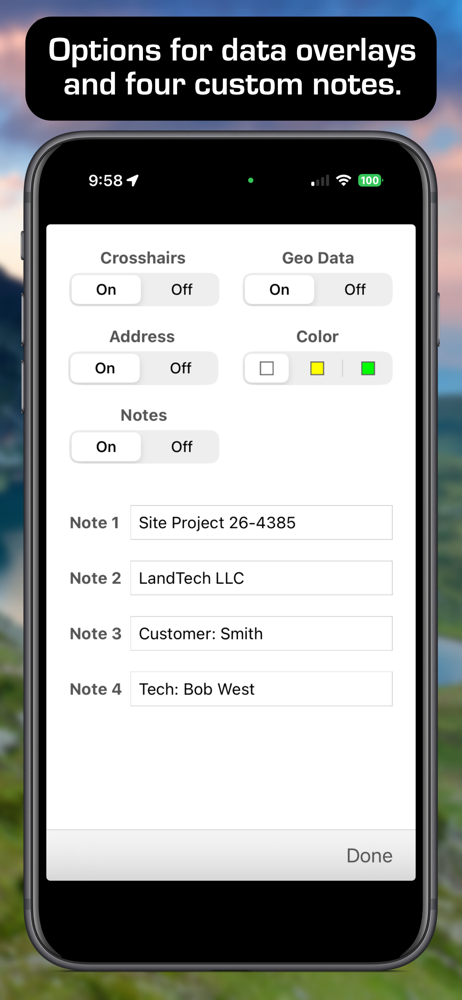
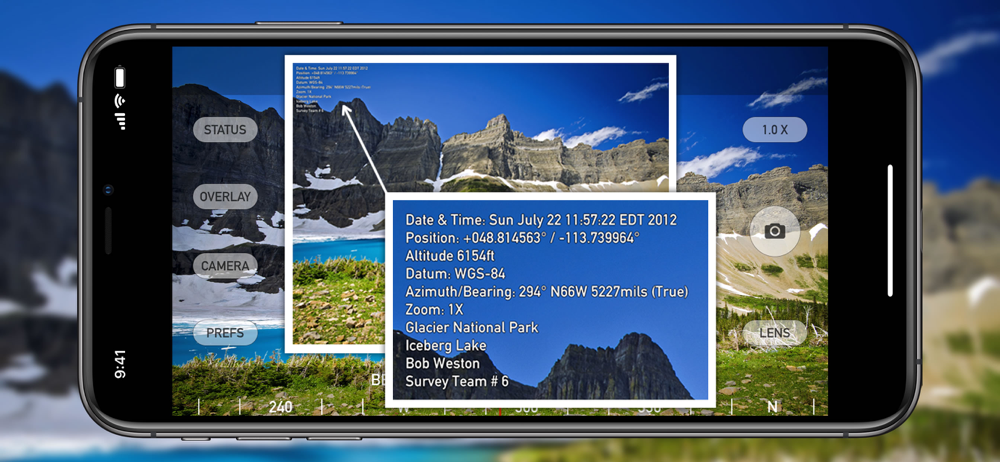
Read the store headline, screenshots and description. What problem is the app promising to solve?
Study the storefront ↗
Craig Hunter · iOS
Explore the ad evidence, study the storefront, and build your next acquisition hypothesis.
01 / Creative research
Read the store headline, screenshots and description. What problem is the app promising to solve?
Study the storefront ↗Explore apps with direct store-link matches. Compare their hooks and formats without assuming the same approach works here.
Browse observed advertisers ↗Store rankings and revenue estimates describe market context. They do not establish ad spend, conversions or ROAS.
Review the market context ↗02 / Storefront & product
Study the product story and store experience behind the acquisition funnel.




03 / Market context
Keep revenue, downloads and store rankings separate from advertising performance.
This is Almost ideal for sending reports to the National Weather Service, but I haven’t figured out how to minimize the landscape screen to just have the scrolling compass on the bottom in landscape ( don’t need bearing or MILS) as your vertical view is reduced. And on the top reduce that to one line, don’t need elevation for weather spotting but date, time and latitude longitude only to 4 decimal degrees would be perfect weather spotting to fit it at very top line.
After an “update” Nav Camera no longer works with my iPhone 7. It’s unresponsive to touch screen controls and the screen is over sized, won’t switch between landscape and portrait. Update: I received a reply from the developer and in their reply they neither stated what version of this app is compatible with my iPhone 7 nor did they state what version of iOS. Their assumption that I’m running outdated software is laughable, yes I’m running the latest version of iOS ,13.3.1, Apple insures that ! I also ran this app on my iPad(5th gen) with the latest iOS and the results are the same. I will not change my rating due to the developer suggesting that user is the problem! Fix your app!
The description doesn't mention that for every 1 second of video you record, it will require an extra 2-10 seconds (depending on quality & phone model) of "processing" before it saves the video. My experience is, it's always in the longer end of that range. While it's "processing" you can't start recording another video, or use your phone for anything else, it simply becomes a brick for up to 10 times the length of the recorded video. The "processing" is CPU-intensive, and it ran down my battery several times without finishing. But the app hides your battery level indicator, and if you click out of the app for a second to check your battery level... it gives you an error and the "processing" starts again from the beginning. If the "processing" gets interrupted, next time you open the app, it offers to pick up where it left off, but if it gets interrupted a second time, which is frequent because it takes so darn long to "process" even very short videos, that's it, you've lost your video and wasted a bunch of time. You can lower the video quality to shorten the "processing" time, but this makes the timestamp blurrier, and at the lowest quality level, the timestamp is totally unreadable, making the app completely pointless. You can read all of this in the documentation on the developer's website. It's just not here, in the app store description, where you might see it before you spend your money. Lowered to 1 star just for this. Not being able to use my phone for anything for up to 5 minutes after shooting a 30-second video and sometimes even then ultimately losing the video completely, I finally deleted the app. Total waste of $2.99, I deserve a refund.
Nav Camera uses the proven navigation, augmented reality, and image processing engines from the well known Theodolite app to create a new app that foc...
| Name | Price | Type |
|---|---|---|
| Datum Pack | $2.99 | One-time |