
Check the acquisition promise
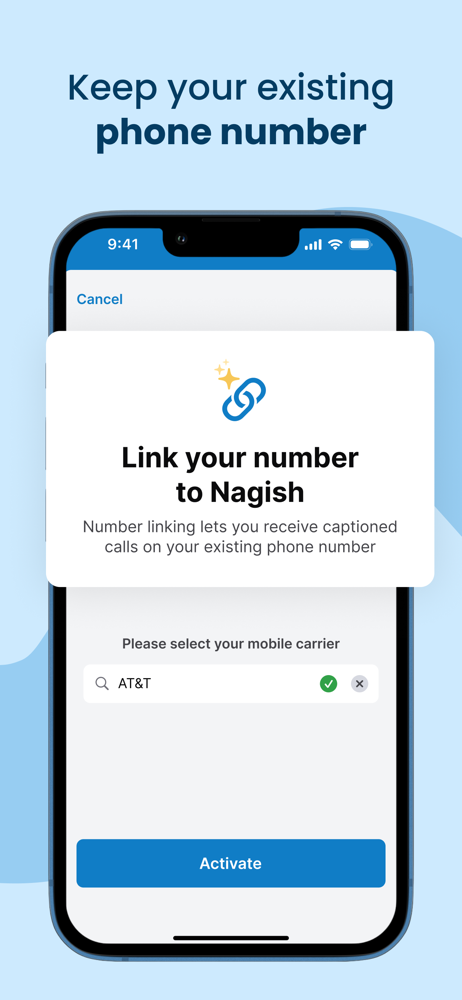
Read the store headline, screenshots and description. What problem is the app promising to solve?
Study the storefront ↗
Nagish Inc. · iOS
Explore the ad evidence, study the storefront, and build your next acquisition hypothesis.
01 / Creative research
Read the store headline, screenshots and description. What problem is the app promising to solve?
Study the storefront ↗Explore apps with direct store-link matches. Compare their hooks and formats without assuming the same approach works here.
Browse observed advertisers ↗Store rankings and revenue estimates describe market context. They do not establish ad spend, conversions or ROAS.
Review the market context ↗02 / Storefront & product
Study the product story and store experience behind the acquisition funnel.


03 / Market context
Keep revenue, downloads and store rankings separate from advertising performance.
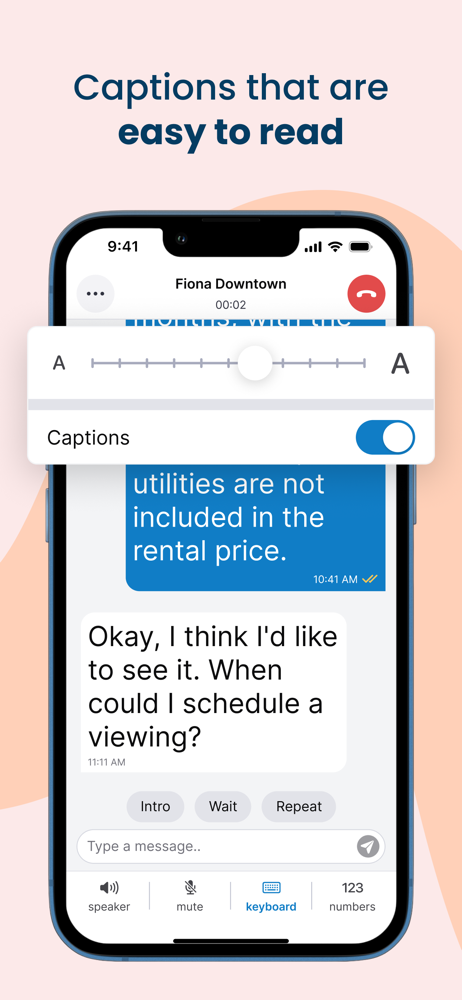
I’m late deafened(when I was 26yo). I for 15 years also couldn’t speak. So text relay apps was only way I could make phone calls but they so slow. Nagish text relay using AI didn’t really work well for me when I tried it. People would hang up before I could type my reply and there wasn’t an operator to explain at the beginning of the call. I’ve been working on relearning to speak and just past couple months have fluent understandable speech now. So I can speak while using nagish as a caption phone call. That has worked great so far. Sometimes it messes up words and I have to ask them to repeat it but mostly it’s right. I use it on both iPhone and iPad. Btw love that you guys got landscape view on the iPad app. I really wish you’d make a nagish app for the mac tho. Rn I have to have iPad or phone on a mount next to screen and keep glancing back and forth between screen and device. 🙏🙏It’d be nice if it could be on mac so I could just arrange window right next to the one I’m using and more easily read what the captions say. Rn my only option on mac is to make a normal voice call and use the dumb mac live captions which are not great.
It would be great to integrate microphone with noise canceling focus on voice support on websites to order or connect hearing aid receivers directly to Nagish. This could enable automatic closed captioning or transcription. Closed captioning (CC) is a major challenge, especially when trying to use personal AR or VR glasses at the movie theater. It’s important that CC includes all background sounds and ambient audio—everything that contributes to a full experience. Reception quality also needs to be strong to clearly capture both words and sounds for an inclusive experience. One issue I’ve run into: when I switch away from the app and return, the reception sometimes fails to pick up the sound again. I usually have to shut down and relaunch the app for it to work properly.
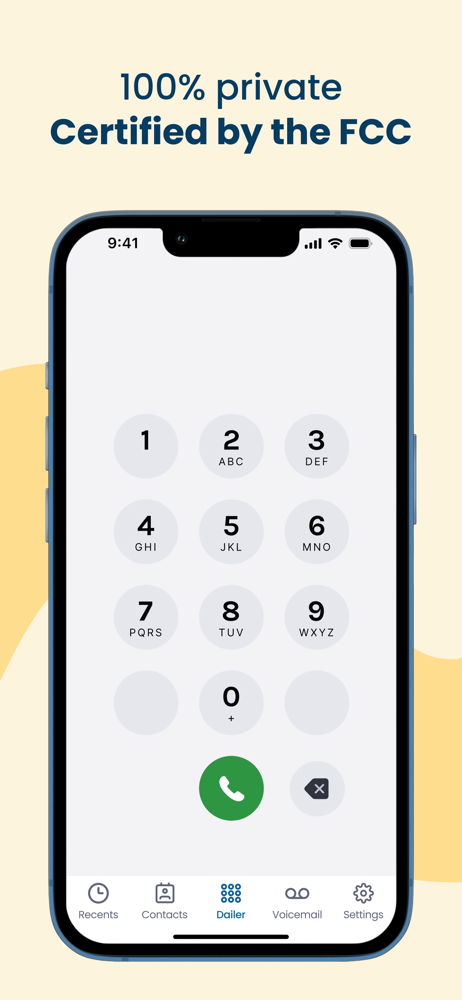
I’ve used a TTY and IP relay before. Nowadays I can’t stand being obligated to type GA, SK and other abbreviations. Nagish eliminates those with its full automation of text-based calling to voice phone numbers. Voicemail transcriptions are the most accurate I’ve ever experienced. I mostly use Nagish for its text-to-speech functionality. Its synthetic voice speaks very clearly and does not sound robot-like at all. My callers love having a more natural conversation directly with me. When I’m on hold, it’s nice to be able to hear the hold music. Despite the completely neurological nature and mildness of my hearing condition, now that Nagish has obtained FCC certification to provide IP Relay services even to nonspeaking people withOUT decibel hearing losses, I no longer have any fear of getting in trouble for using Nagish.
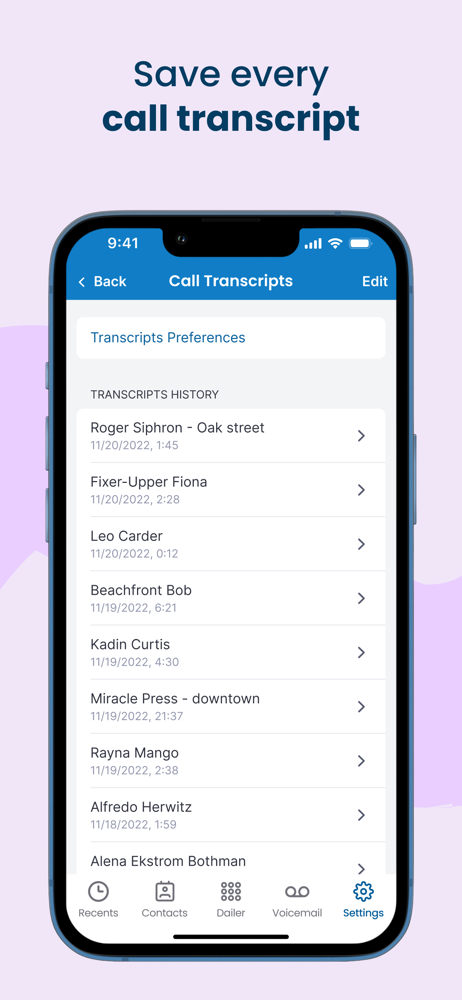
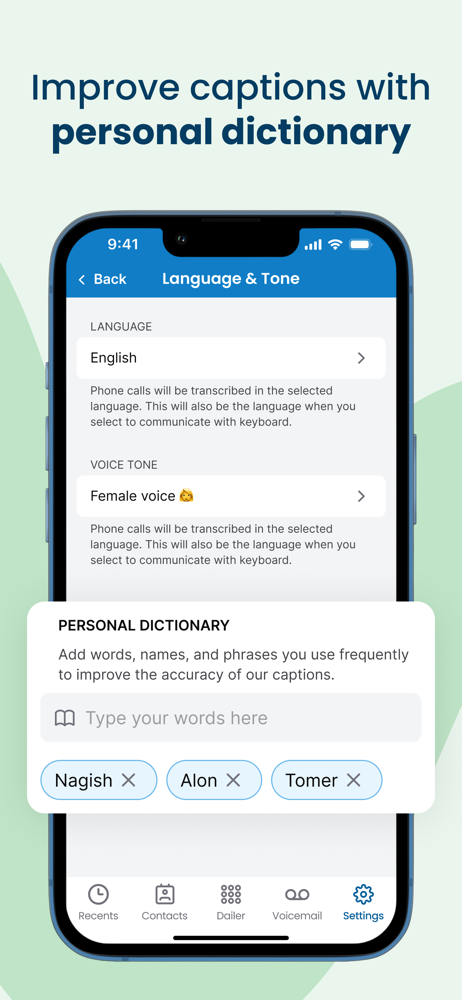
Why Nagish? Nagish is a free app for people with hearing loss that provides real-time captions on phone calls and in-person conversations. ■ Built f...


