
Check the acquisition promise
Read the store headline, screenshots and description. What problem is the app promising to solve?
Study the storefront ↗
MachineGenius · iOS
Explore the ad evidence, study the storefront, and build your next acquisition hypothesis.
01 / Creative research
Read the store headline, screenshots and description. What problem is the app promising to solve?
Study the storefront ↗Explore apps with direct store-link matches. Compare their hooks and formats without assuming the same approach works here.
Browse observed advertisers ↗Store rankings and revenue estimates describe market context. They do not establish ad spend, conversions or ROAS.
Review the market context ↗02 / Storefront & product
Study the product story and store experience behind the acquisition funnel.




03 / Market context
Keep revenue, downloads and store rankings separate from advertising performance.
This app is very frustrating. They often don’t let you enable the sounds to come out like they assume that every user is Deaf without a cochlear implant or hearing aids. Both captions and sounds should be provided as one of the options because you don’t know if it’s not working or the person isn’t saying anything if the captions take too long to get typed. You might accidentally interrupt the person or they might think you stopped answering them while waiting for them to say something. It can cause a lot of miscommunication. This app isn’t helpful when you need to make important phone calls for someone that wants to interview you for a job. Update: People who work for this app are very helpful, great, and caring. They will reach out to you when you bring up a problem in the reviews. If the speaker and louder sounds don’t work, you can turn off the speaker and reclick it to make it work. People are working on improving this.
I am a long time user of relay calls for the deaf via sprint and then T-Mobile. The only problem was I had to use my desktop and who wants to sit at a desktop waiting for calls to come in? Not me! For a while the sprint relay app would let you dictate what you wanted to say, but then they got rid of that feature, forcing us to type in what we wanted to say. Many times people (of course the people I didn't know, not my friends) would hang up on me because I took too long to type! Olelo cleared up all the issues and I can now SPEAK to the person I want to communicate with and I can READ what they are saying! It's miraculous! 100% accurate and very fast in real time transcribing to me what is being said. I love this app! It's a game changer and a life changer For anyone who is hearing impaired or deaf, this is the app to use! I'd give it 10 stars if there were 10. Thank you very much to the developers of Olelo and congratulations on being acquired (or partnered with) by Sorensen!
This is a great caption app I always love the captioning of both ends for historical purposes and recall. Very handy. I didn’t find any way to quickly adjust the tone of the speakers voice from within the app. My hearing impairment make it difficult to hear deeper male voices. So some method of tone manipulation to increase the clarity for those that need it or either end of the spectrum of sound and impairment. That is the one thing I can think of at this first testing that would be a great improvement. Might I suggest something easy like Tone: High, Mid, Low to start. Then as development progresses you could add in the settings a way to input your own audio gram to that the tone is lost customized. But start with the easy and work out the other later. I’ve used every method of captioning and apps. I’m always willing to help in development and testing of possible betas for your profound hearing impaired users as someone with an IT background and Great understanding of the current technologies available for the hearing impaired and captioning. Much appreciated feel free to reach me. - David /. If I missed the current way to do the tone manipulation, just let me know. Thanks.
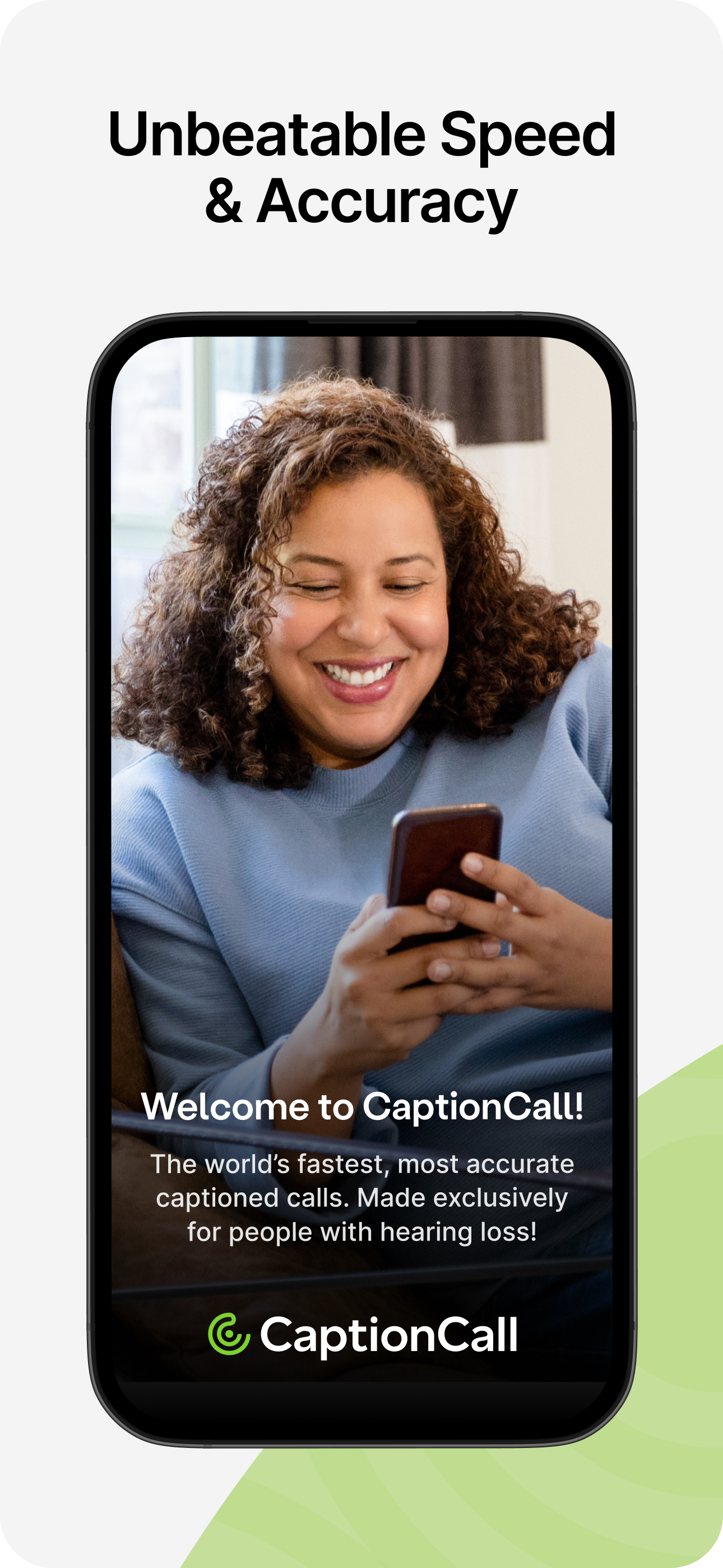
CaptionCall Mobile empowers deaf and hard-of-hearing individuals to make and receive phone calls with instant live captions. CaptionCall Mobile offer...