Check the acquisition promise
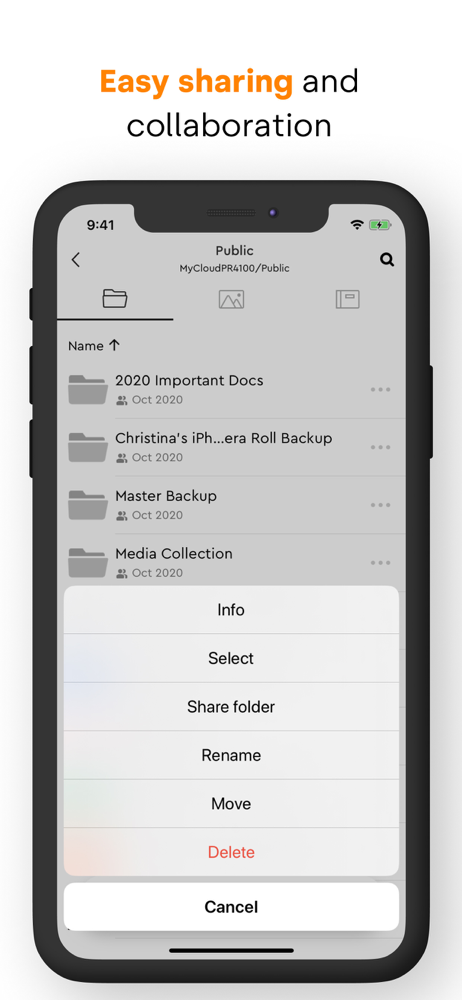
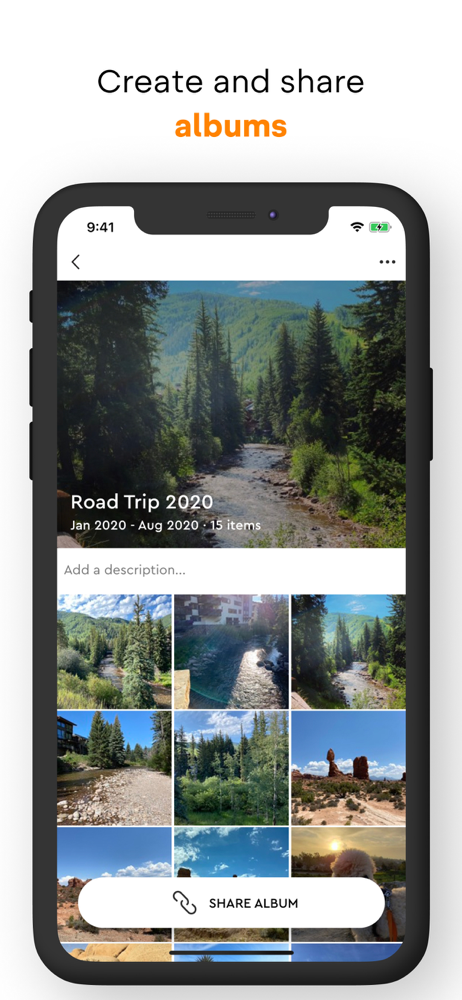
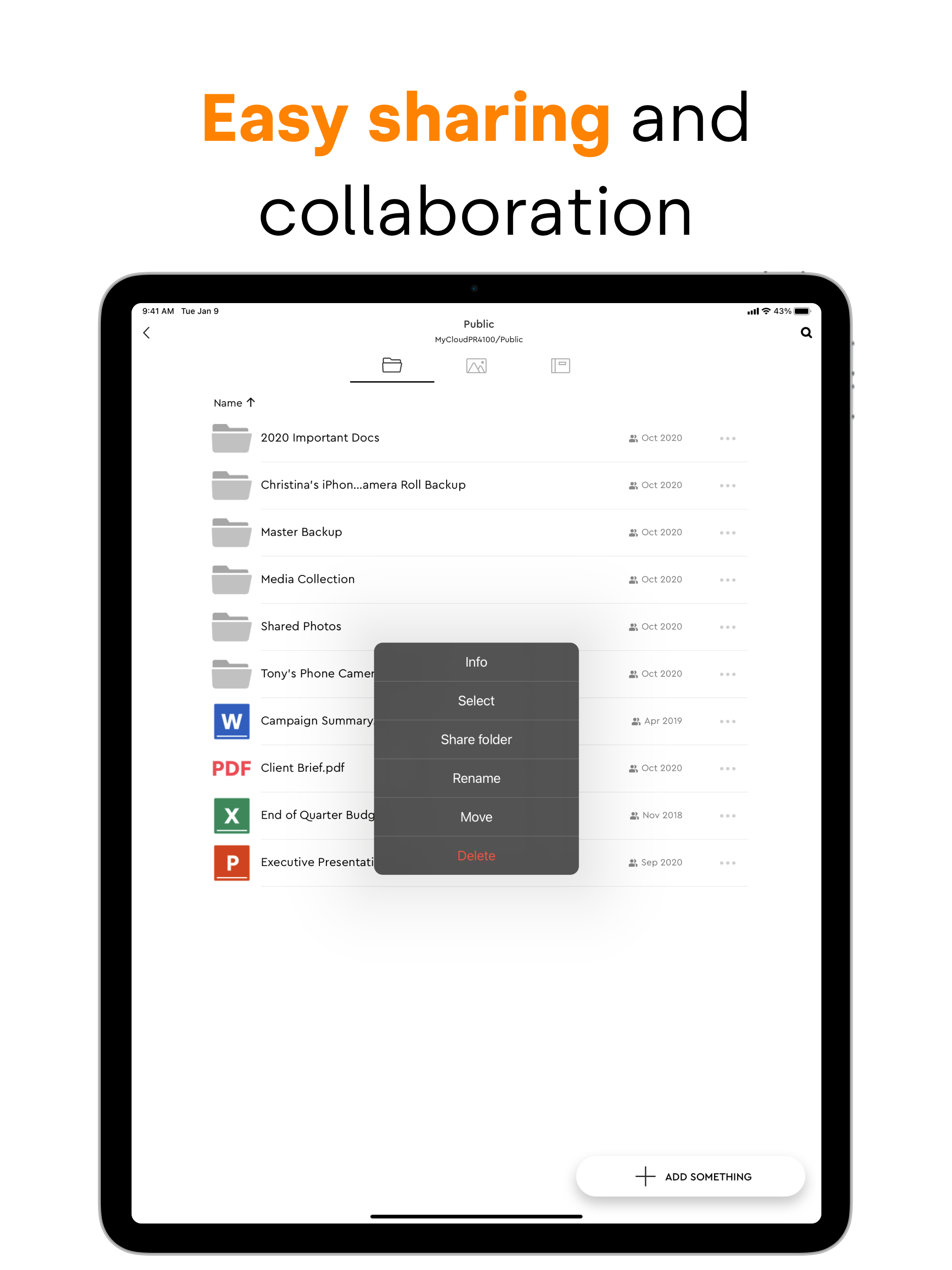
Read the store headline, screenshots and description. What problem is the app promising to solve?
Study the storefront ↗
Western Digital Technologies, Inc. · iOS
Explore the ad evidence, study the storefront, and build your next acquisition hypothesis.
01 / Creative research
Read the store headline, screenshots and description. What problem is the app promising to solve?
Study the storefront ↗Explore apps with direct store-link matches. Compare their hooks and formats without assuming the same approach works here.
Browse observed advertisers ↗Store rankings and revenue estimates describe market context. They do not establish ad spend, conversions or ROAS.
Review the market context ↗02 / Storefront & product
Study the product story and store experience behind the acquisition funnel.





03 / Market context
Keep revenue, downloads and store rankings separate from advertising performance.
My Cloud is a great app because I didn’t have enough storage and (i’m just a kid) I asked my dad if he could buy me storage and he said no, and I asked him why and he told me to download My Cloud! and i put ALL of my photos on there and deleted all my photos. And then went to recently deleted and deleted all of them, it felt really sad to do it because yk/you know all the memories. But after I deleted them I had storage and I could still see my old photos/vids and add them to my camera roll! Definitely 5!!!
So far, the new OS seems to be working. I miss a few of the features of the old system. For example, I haven’t figured out how to move a file from my phone to my storage device yet. So far, it looks like the only option is to copy files and that can be cumbersome when you’re copying from a long list of files that you really just want to move. If you have to pause the task in the middle of the transaction, it’s difficult to keep track of the number of files that you still need to copy. That’s the other problem too: there’s no way to know which files are in the process of being pasted and how much of them have been transferred. You only get to know the number of files you’ve chosen or how many files there are left in the transfer. The old system used to identify the files that were moved and specifically, which files were in the process of being moved. There doesn’t appear to be any support for GIF images in the new OS either. However, the things that the new OS does do, it seems to do them well.
I have been using my cloud products for 10 years starting with my book. Now I’m on the PR2100 and it worked well with OS3. I mainly use the products for backup and enjoy the cloud access to files as I travel frequently. I have delayed updating to OS5 for sometime knowing it did not have the OS3 capabilities and had hoped that they would continue to complete the build out. But they have not. OS 3 is no longer supported and I have made the move. Seems very focused on pictures only. I cannot edit other file types in the app. I cannot save other file types from my iPhone or iPad to the OS5 app. So unless you just want to manage pictures from IOS this seems like a huge waste of having cloud access and does not have the functionality of previous versions although it was beta released in late 2020? Looks like it is time to find another backup provider with cloud access.
Introducing My Cloud OS 5 Welcome to our fresh new My Cloud NAS software ecosystem featuring our latest security updates for enhanced data privacy, im...