Check the acquisition promise
Read the store headline, screenshots and description. What problem is the app promising to solve?
Study the storefront ↗
Western Digital Technologies, Inc. · iOS
Explore the ad evidence, study the storefront, and build your next acquisition hypothesis.
01 / Creative research
Read the store headline, screenshots and description. What problem is the app promising to solve?
Study the storefront ↗Explore apps with direct store-link matches. Compare their hooks and formats without assuming the same approach works here.
Browse observed advertisers ↗Store rankings and revenue estimates describe market context. They do not establish ad spend, conversions or ROAS.
Review the market context ↗02 / Storefront & product
Study the product story and store experience behind the acquisition funnel.




03 / Market context
Keep revenue, downloads and store rankings separate from advertising performance.
Device in theory seems great, but I cannot copy pictures from my Windows 10 OS computer to the My Cloud Home. Each time I attempt to copy the 136GB of pictures I get an error message saying that the My Cloud Home doesn’t have enough memory, even though I haven’t copy anything to the 4TB device. I contacted WD and the response was this is not a known issue and that they couldn’t help me. I’ve had it over 39 days and still can’t copy to it! Right now its just another drive that my PC accesses, but is unusable. Wouldn’t recommend this product because of the poor customer service and assistance to get it setup and working.
I bought the Cloud Home Duo with the intention for my home office backup. I shared the space as a network drive between several home PCs. It works great as planned. Hopeful if the harddisk ever crashes, the dual hard drives will give me one extra peace of mind for recovery. After having this configured for some time, the software update came along which improved the efficiency of playing media file. In the beginning the media MP4 did not seem to play smoothly but now it works well. I should also note that the iPad and iPhone can access the drive information like a drive. One thing i wish the manufacturer can do is to allow me to define some shortcuts which instantly can take me into certain popular folders. Right now when i start my access, i always have to start from the root level which is hard on iPhone. In addition, they can make the system to have typical folder sort, like newest first or do you want to go back to that unfinished MP4 file. It would be a nice feature but very common in the NetFlix world. I.e. resume playing last file. If this feature can be available, i think the device world be perfect 5 star rated.
I bought the WD MyCloud Duo with the hopes of having my own big cloud server, accessible from all my devices, just like Dropbox or OneDrive or iCloud, but with more space and no subscription fees. It connects well enough to our PCs, but file handling is cumbersome from an iPad or iPhone. I want to be able to edit MS Word documents on my iPad and my PC and even my iPhone without having to make a copy of the document and then transfer it back to my MyCloud Home server. With OneDrive, it’s all the same file, I close it on one device, and I open it on another device, and I’m not creating duplicate versions that can become confused later. I want to transfer sheet music PDFs to the ForScore app directly, but the only way to do that is to send them from MyCloud to another cloud service like dropbox, and open them from there. I’d like to share files with a work group that uses many different devices, like we do currently with Dropbox and Slack, but it’s too inefficient if we can’t just click on an audio or video or DOC file and open it.
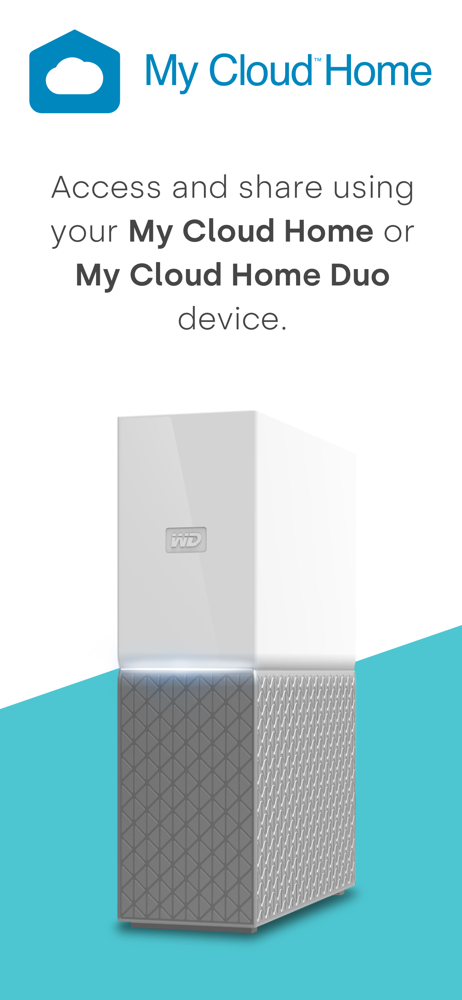
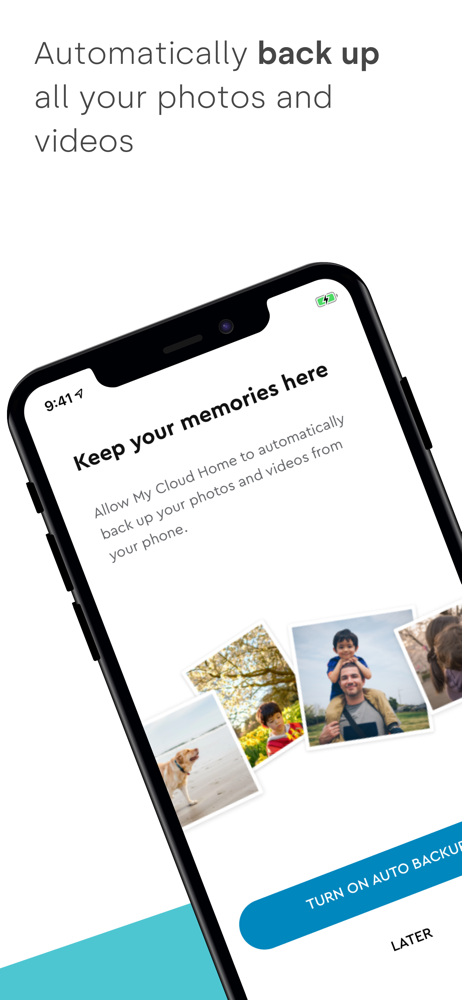
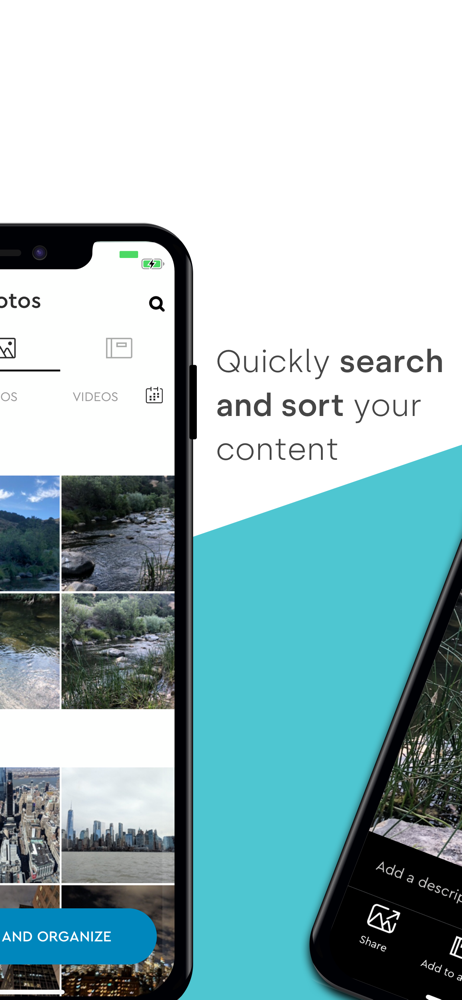
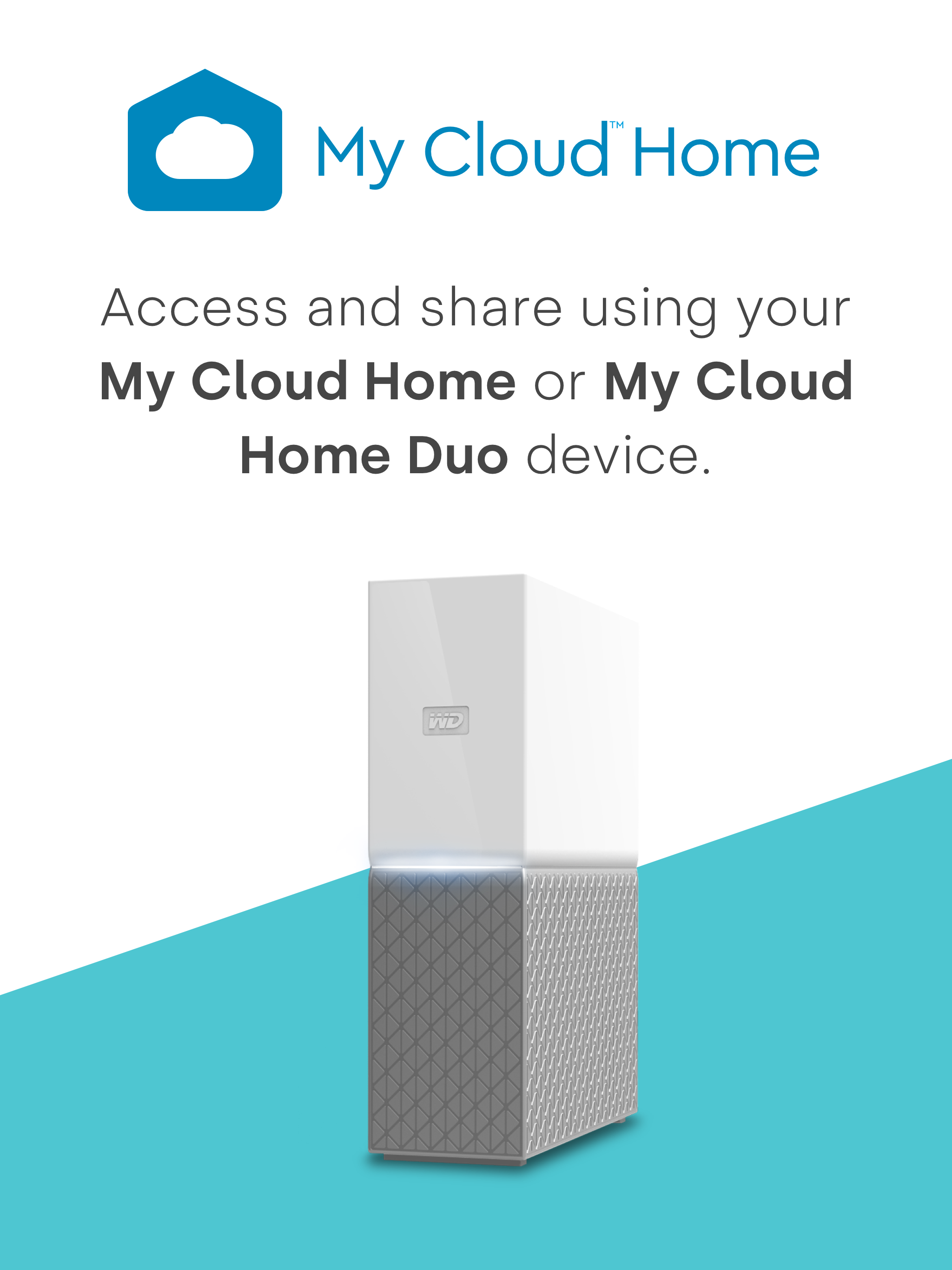
My Cloud Home app Store it all in one place. Access and share it from anywhere. The My Cloud Home app keeps you connected to all the photos, video...