Check the acquisition promise
Read the store headline, screenshots and description. What problem is the app promising to solve?
Study the storefront ↗
mSeven Software, LLC · iOS
Explore the ad evidence, study the storefront, and build your next acquisition hypothesis.
01 / Creative research
Read the store headline, screenshots and description. What problem is the app promising to solve?
Study the storefront ↗Explore apps with direct store-link matches. Compare their hooks and formats without assuming the same approach works here.
Browse observed advertisers ↗Store rankings and revenue estimates describe market context. They do not establish ad spend, conversions or ROAS.
Review the market context ↗02 / Storefront & product
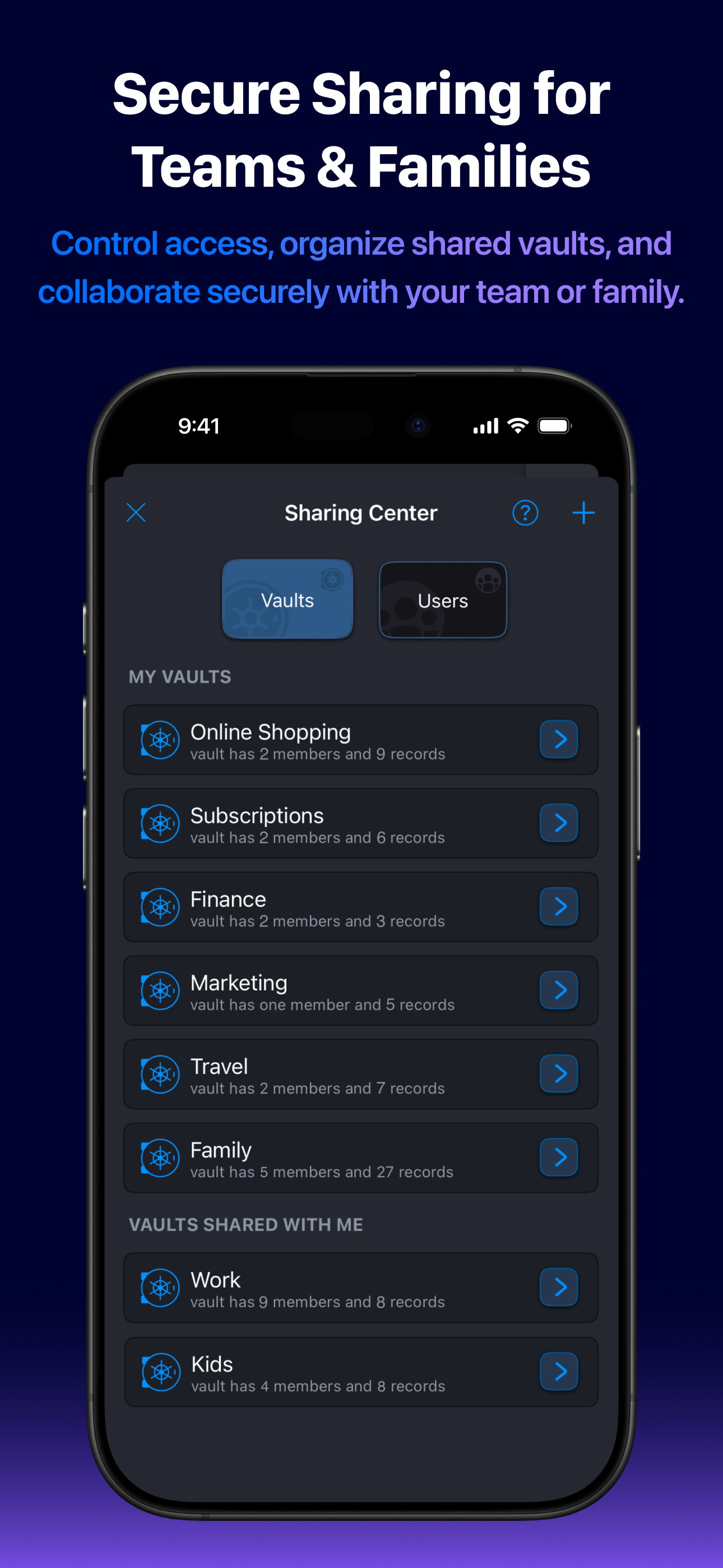
Study the product story and store experience behind the acquisition funnel.




03 / Market context
Keep revenue, downloads and store rankings separate from advertising performance.
You may have noticed most of the reviews of mSecure are five stars. And there's a reason for that—mSecure is one of the very best password managers on the App store. Many of us have been using it for more than 9 years or more without a hitch. When I do see a negative review it's usually one of two things: The user doesn't want to pay a yearly fee to support the developer to continue to update, develop the software that protects what are—arguably—the most important Crown Jewels of their digital and financial life—full stop. That's shortsighted, but an ugly reason to trash the App. The next user has run into "a problem", which is usually an inadvertent user error associated with the changeover to a new device. Instead of contacting support, they post a 1 or 2 star review thinking it's the way to solve the problem. Also ugly and shortsighted. Help is needed, but you've just trashed the app? Coming back around—mSecure is solid, fully encrypted, safe, easy to use on Apple devices—and it syncs quickly and beautifully between all them. mSecure is also—when you compare password managers—an amazing value for individuals AND for folks who need a secure family account. Some things are 100% worth paying for. Like any advanced tool there's a learning curve, but for mSecure it's quite small. Pay attention to what your master password is, follow directions, and you'll never have an issue you can’t get past. And if you do have an issue? Contact support. They'll help you. I simply can’t recommend mSecure enough.
So just to set expectations, I’ve used MSecure since version 4. When I was forced to upgrade to v5, I decided to reward the company with some money for a good product and purchased their “pro” membership for $30. I believed they had earned it. Unfortunately this company’s greed knows no bounds. Now they have created a new version (again, which their app forced me into an upgrade of) and dropped the $30 pro membership off the map. They now offer a “premium” subscription (monthly or yearly) if you want to keep same features you had previously. They claim pro membership keeps everything they had (and gets more) but it’s a lie. Here’s just one example. In v5, you had ability to assign a password entry to a “group”, to better organize your passwords. I have a group for my utilities logins, for example. Groups were a “pro” feature, if I recall correctly. In v6, they’ve taken away groups and replaced them with “tags” which can be added to password entries (now called vaults). The only problem??? Tags are one of the paywall-blocked features in their new premium subscription model. So in their greed to make more money, they are taking away features already paid for unless you agree to their subscription. I’ll be moving on to a different product and no longer will support these money grubbers. I advise all of you new to this to do the same.
Over many years I have accumulated a significant amount of email addresses (both work and personal), web and app accounts, personal information, even clothing sizes or other gifting information and of course passwords. A day does not go by in which I don’t need to look up some of this often critical data. On many occasions this app has saved me significant amounts of heartache and frustration! While it is not the most beautiful app I own, IT IS one of the most important. A beautiful app with no usefulness has little value, unless its purpose is to be beautiful. And even these apps frequently require account info. The ability to add fields of my particular type and design is especially important as it allows me to quickly and easily include information about the account, service, subscription, etc., that is not included in the provided template. For example, it isn’t unusual to need an account number field which is not typically included in the majority of entry types. Lastly, the value and ability to utilize the app, and sync its information, across every single device, including my laptop, as well as backup the information from any device cannot be overstated. And, it has the same look and feel everywhere.
Don't take chances with your passwords or private information. mSecure is the simple, secure way to manage logins, passkeys, 2FA codes, and sensitive...
| Name | Price | Type |
|---|---|---|
| Premium Monthly Upgrade | $1.49 | Monthly |
| Essentials Monthly | $1.99 | Monthly |
| Premium Monthly | $2.99 | Monthly |
| Family Monthly | $5.99 | Monthly |
| Premium Yearly Upgrade | $14.99 | Yearly |
| Essentials Yearly | $19.99 | Yearly |
| Premium Yearly | $29.99 | Yearly |
| Family Yearly | $59.99 | Yearly |