Check the acquisition promise
Read the store headline, screenshots and description. What problem is the app promising to solve?
Study the storefront ↗
广栋 莫 · iOS
Explore the ad evidence, study the storefront, and build your next acquisition hypothesis.
01 / Creative research
Read the store headline, screenshots and description. What problem is the app promising to solve?
Study the storefront ↗Explore apps with direct store-link matches. Compare their hooks and formats without assuming the same approach works here.
Browse observed advertisers ↗Store rankings and revenue estimates describe market context. They do not establish ad spend, conversions or ROAS.
Review the market context ↗02 / Storefront & product
Study the product story and store experience behind the acquisition funnel.



03 / Market context
Keep revenue, downloads and store rankings separate from advertising performance.
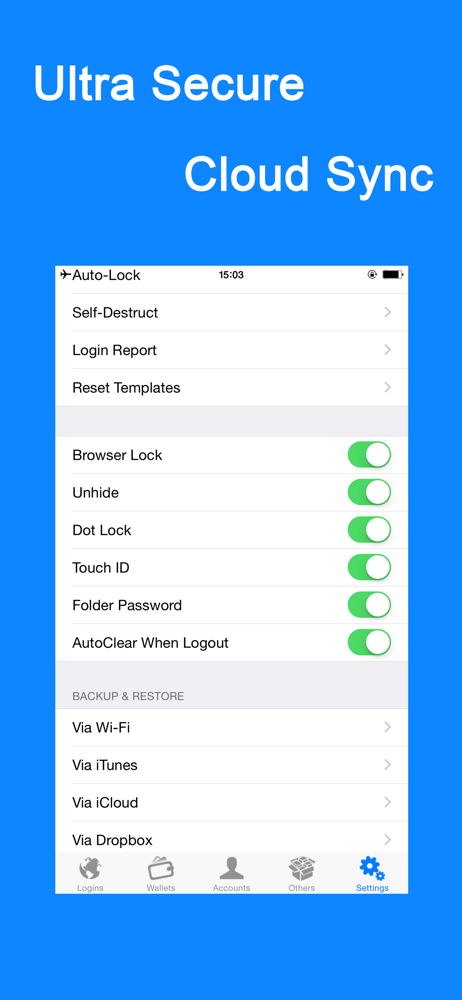
I purchased this a few yrs ago on my iPhone 7. Upgraded to Pro. Confusing because the app icon changed to iPassword, so it was difficult to find again to put on my new iPhone X and even worse now on my iPhone Xs. I was not able to restore my previous purchase for starters. When I restored my phone backup on my new phone the app appeared but would not open. It showed as an open app but would not stay on the screen to access it. So I she arched and searched for the app on App Store and finally through forums realized it is called password manager in the app store. So now I get the same exact thing happening with the new download. Will not restore previous purchase will not restore previous backup from all sources made available to me. WiFi, iTunes, iCloud, DropBox they all failed. So then i figured it has to be due to this being the plain Jane version so I paid for the pro version again thinking it would just realize I’m a previously paid customer. Well, nope not what I expected. I was charged again and the worst part it still does the same thing the original app did, crash. I installed it on my iPhone X again. Now it is doing the same thing it does on the new Xs. Don’t get this app if you plan to use it in the future. I have my whole life in this app as I have so many passwords, who doesn’t these days, that I’m having to manually retrieve them to find something better. Worked great up to this point, I have to say that. What’s the point in paying if they can’t deliver what you paid for.
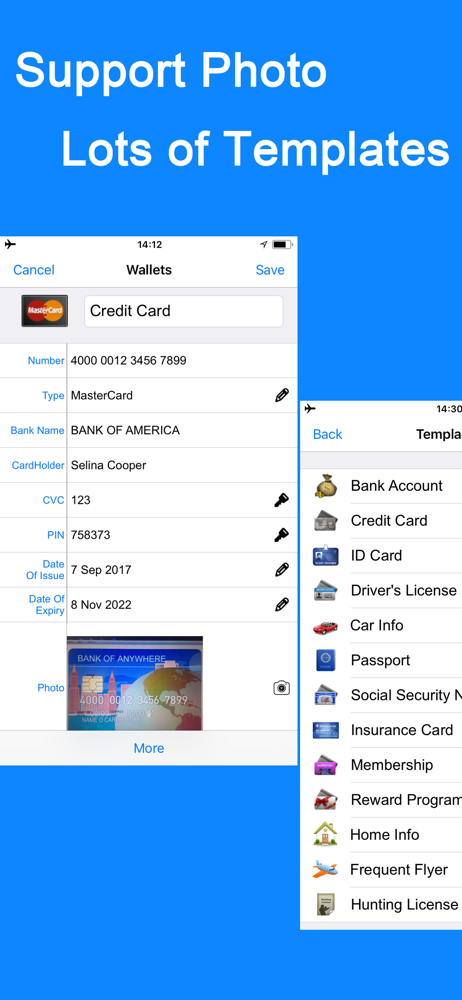
There are some nice features. I like the templates and the fact that you can modify them to suit your needs. What I don't like is the fact that they don't tell you when you download the app that you'll be limited as to how many entries you can save. I enter data for six passwords and on the seventh I got the upgrade to pro message. If you don't upgrade you can save another entry. They did give me the choice of writing a review and getting more free storage and I'm not sure what that means. Does it mean I can enter more data i.e. more entries or is it cloud storage that I don't even use. Had I known they were going to rope me in to try it out and then hit me with the upgrade to pro or you're dead in the water I probably wouldn’t have downloaded it. That being said I use it regularly and it performs very well. I’m sure there’s plenty of features I don’t use. What I do use are logins and some folders. I don’t have any problem with the way they work. I also use the back up to Wi-Fi and that works fine as far as giving me a back up file. Unfortunately testing the restore functionality it’s just not something you do unless you have some parallel phone. You just don’t blow away something that works just to see if restore works because what if it doesn’t? I also don’t like the fact that it keeps asking me to rate the app and I have rated it numerous times and it still keeps asking me to rate the app what the hell is up with that. That cost you a star.
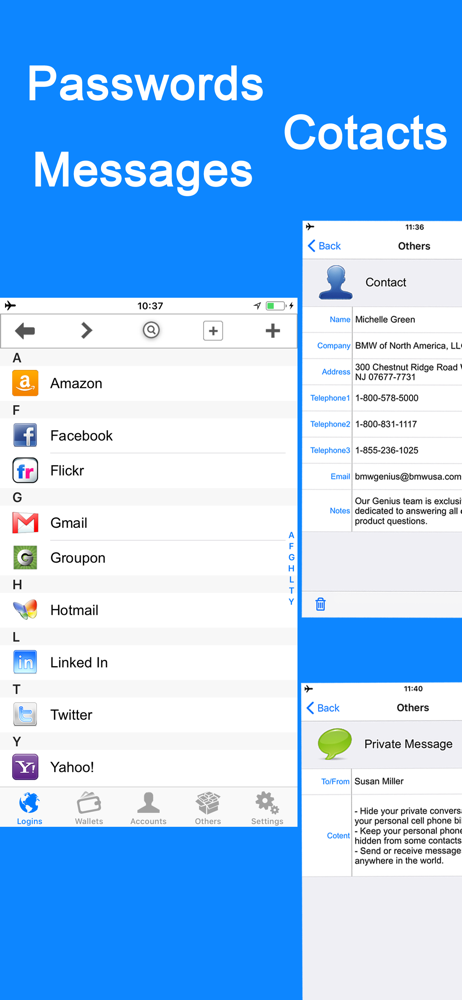
Just getting starting & so far I like many of the features. The app allows you to enter logins with associated passwords & websites with customizable icons for easy viewing & quick access. CON: I have only entered 4 logins /passwords & I am already being asked to upgrade for more storage space (this is a bit worrisome seeing as how I have another 30 or more things to enter). I am currently writing this review because when it prompted me to upgrade, it said if I leave a review I can have some 'free' additional storage space. I can only assume that I will be asked again shortly to once again upgrade... Other than that, I like the layout & functionality of the app itself, but if I am forced to purchase more storage in order to put all of my info into this app, I will likely seek out a different app since I don't like feeling duped into purchasing something. They should just be straight up from the start regarding the 'free version' storage space.
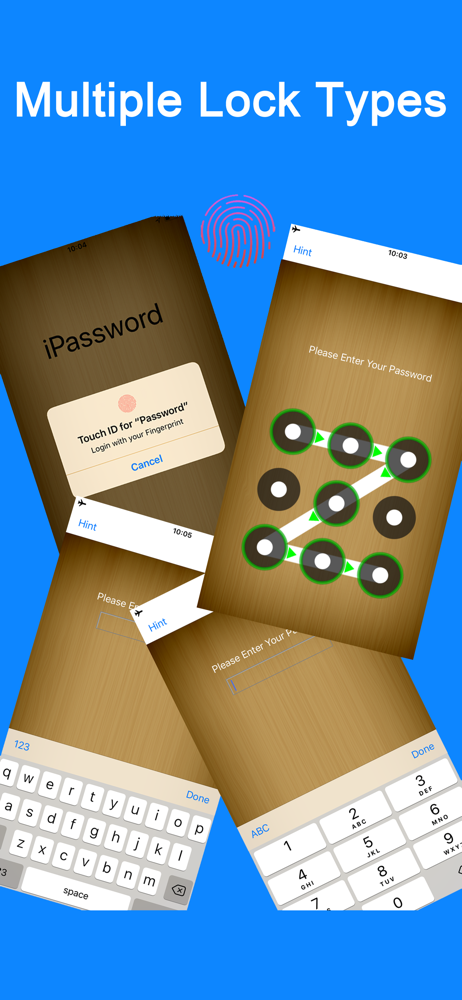
• iPassword can securely store your important information and can automatically log you into websites with a single tap. There's no need to remember t...
| Name | Price | Type |
|---|---|---|
| Pro Version for Lifetime | $5.99 | One-time |