Check the acquisition promise
Read the store headline, screenshots and description. What problem is the app promising to solve?
Study the storefront ↗
Jem Accessories, Inc · iOS
Explore the ad evidence, study the storefront, and build your next acquisition hypothesis.
01 / Creative research
Read the store headline, screenshots and description. What problem is the app promising to solve?
Study the storefront ↗Explore apps with direct store-link matches. Compare their hooks and formats without assuming the same approach works here.
Browse observed advertisers ↗Store rankings and revenue estimates describe market context. They do not establish ad spend, conversions or ROAS.
Review the market context ↗02 / Storefront & product
Study the product story and store experience behind the acquisition funnel.


03 / Market context
Keep revenue, downloads and store rankings separate from advertising performance.
I have been using these LEDs for a really long time now and have for the most part really enjoyed them. The one thing I was really upset about and has kind of caused me to move to other lights because I need certain colors is the fact that the colors are now these preset options, we used to have the ability to change the color on like a color wheel and now those options are not available at all and I can’t get a certain queue for a color that I needed in a structure that I had these LED lights in so now I have to replace them with something else that can do that
Hello, I’m KJ. I’m writing this review because I liked the fact that this lighting system was an app instead of a remote so I don’t lose the remote itself. However, I’ve experienced some issues with the app, especially lately with the new UI and Layout. The problem I started to have with the old and continuing with the new is that the color system broke. I love using orange lights, but in the old UI the orange button broke and was always turning my lights yellow. Additionally, this was not the only color, as I had similar issues with Blue, Purple, Green, and a few others. Due to this, I had to drag the color to orange by myself Everytime I wanted to change the color one of the colors which did not match the button. Speaking of which, I heavily dislike that you removed the color wheel option. This removed a lot of freedom and accessibility for peoples’ LED light strips. Another thing, the saving colors option isn’t working correctly. If I’m in red and hold it down, open the in-color color changing bar, slid it to the left to make orange, and then save it; the color no longer is the cockle I made it, rather it’s just red and not orange. Overall, there are bugs to be fixed and changed. The UI of the app or at least bring back the color wheel in the light settings, or just make a toggle for old destiny’s versus new settings.
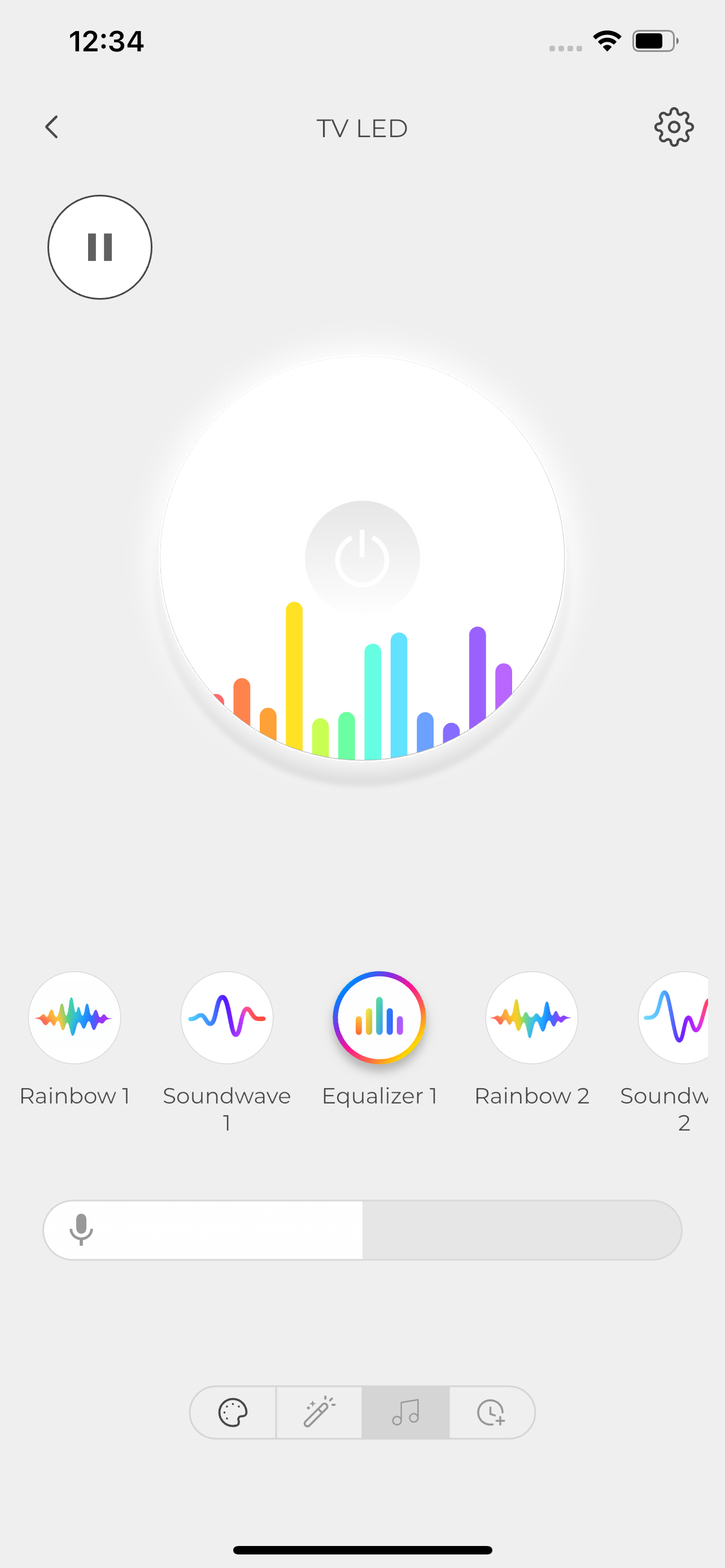
I set up these Monster Smart Lighting LED lights behind my tv, process was simple and easy but they wouldn’t stick to the tv so we had to use tape. I lost the remote to the LED’s and decided to use the app and let me tell you, it is really cool! There are 3 different types of modes: Static, Dynamic, and DIY. Static consist of different holiday colors like Halloween (Yellow and Orange), and Festive (Green and Orange) Along with many other colors. For the Dynamic mode, you can do animate the LED lights like the ones in the Static ones. Like color swing, Light Show, Vortex, Halloween, Festive, etc. lastly, the 3rd one is DIY. This mode is animating LED lights but better, the animations are the lights going around in a circle or flashing. You can control the brightness and speed of the lights and choose different colors. Overall pretty solid.
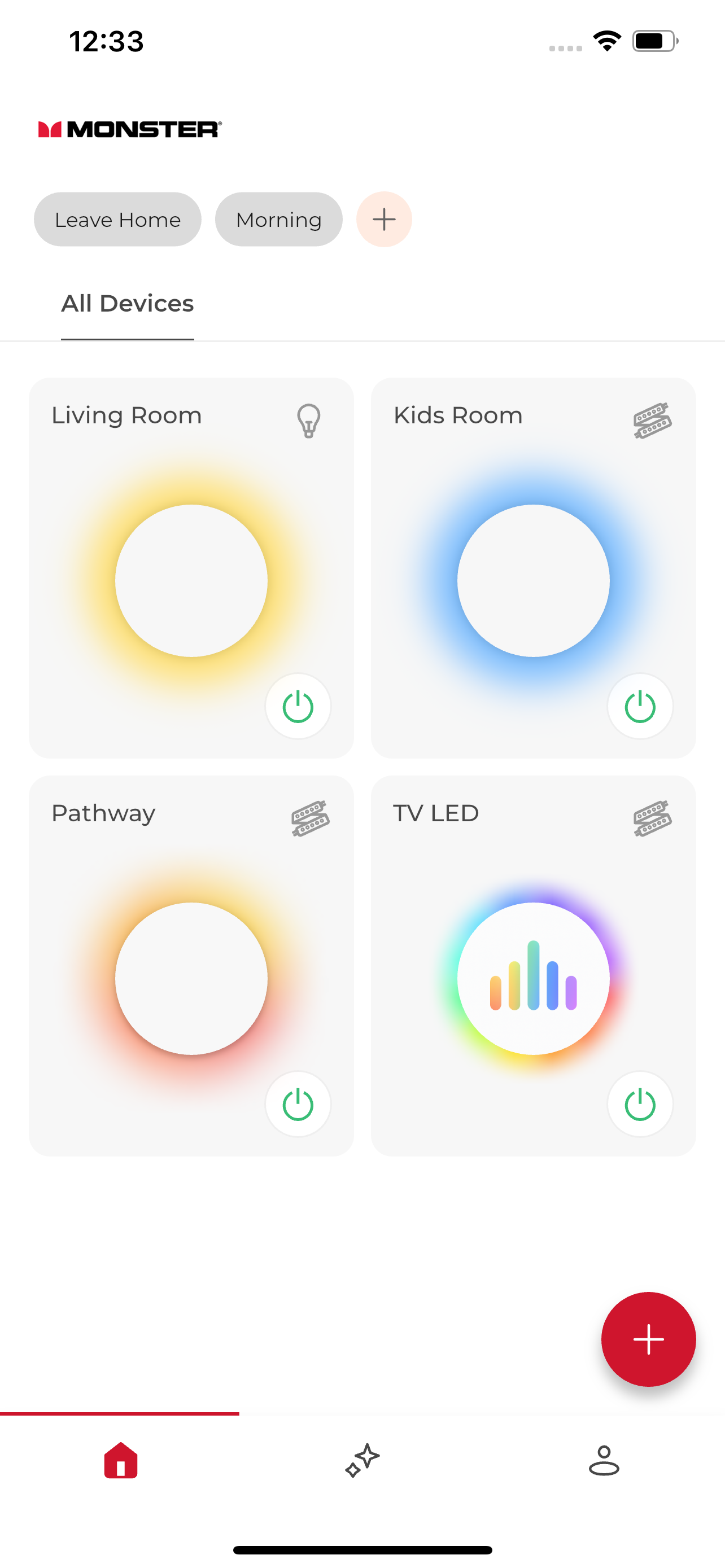
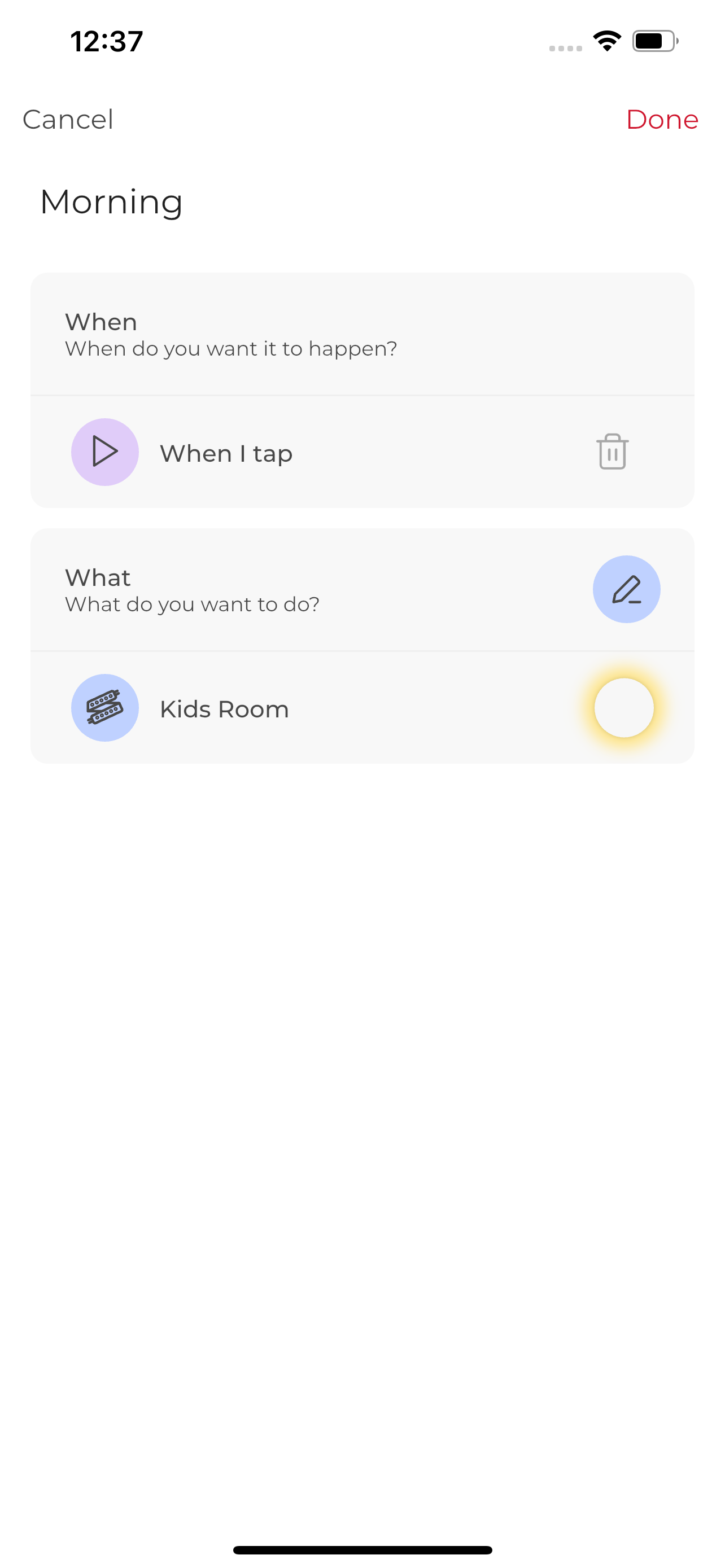
Transform your living space into a haven of convenience and ambiance with Monster Smart Lighting, the ultimate smart home control app. This powerful a...