
Check the acquisition promise
Read the store headline, screenshots and description. What problem is the app promising to solve?
Study the storefront ↗
Moleskine Srl · iOS
Explore the ad evidence, study the storefront, and build your next acquisition hypothesis.
01 / Creative research
Read the store headline, screenshots and description. What problem is the app promising to solve?
Study the storefront ↗Explore apps with direct store-link matches. Compare their hooks and formats without assuming the same approach works here.
Browse observed advertisers ↗Store rankings and revenue estimates describe market context. They do not establish ad spend, conversions or ROAS.
Review the market context ↗02 / Storefront & product
Study the product story and store experience behind the acquisition funnel.




03 / Market context
Keep revenue, downloads and store rankings separate from advertising performance.
The original Moleskine Notes and its successor M+ Notes both worked well. They connected to the pen and updated reasonably quickly. It was relatively easy to find a date or page. The new version keeps telling me I have multiple versions of my notebooks and asks me which one I want to keep. For example I have one notebook labeled 2026, but a message pops up whenever I use the pen, i.e. write a word—pop up, do I want to make this my default notebook and archive the others?—write a second word—pop up, do I want to make this my default notebook and archive the others?—write a third word, same pop up. Seriously annoying. The new app doesn’t completely update. Many pages are blank or contain only a small portion of the content that is in the paper notebook. There doesn’t seem to be any way to go back to the old app and retrieve everything that the pen wrote. Very disappointed. Would rate it a zero if I could.
The original app was never great but it worked and I could keep my content locally without using their cloud services. This new 3.0 major update forces you to upload all of your old notes to the cloud. After updating the app, they give you an option to export your old notebooks to an offline format (probably pdf) but that option only comes up once. If you skip that export option (which I did to better understand my options later in the legacy notebook migration flow), you’re basically screwed; you are forced to upload all your content to their cloud. If you don’t upload your content to their cloud, they lock you out of YOUR notebooks. IF YOU DON’T USE THEIR CLOUD SERVICE, YOU CANNOT ACCESS YOUR NOTEBOOKS. In summary: - It costs over $200 USD for their criminally mediocre “smart” pen - NO OFFLINE OPTION: In order to use Moleskin’s “smart” notebook system, you are forced to upload your content to their cloud services. - This is an egregious, user-hostile change to this moleskin “smart” ecosystem. I’ll admit the physical Moleskin notebooks are wonderful. Great products. But the “smart”/digital side of the ecosystem is a scam. We, the users are now the product. They’re going to milk us for our data and we’ll inevitably find out about a massive data breach at some point. Do yourself a favor and avoid Moleskin’s “smart” products. I feel anything but smart for getting so invested in their garbage.
I love having a hard- and soft-copy of notes. I wanted to try the different modes of the device and found the following on the first day of trying it. 1) Live streaming to the app works fine. Most strokes were appropriately captured if you hold the pen properly. 2) Off-line capture only grabbed about a page’s worth of strokes before it quit capturing. I don’t know if the pen quit capturing or if the transfer of data failed when the app re-connected. This is obviously a problem if you depend on a soft-copy. 3) The best way to make sure it reconnects properly for a new session (meaning any time you turn the pen back on) is to force close the app, turn the pen on, then re-open the app. This is obviously a problem if you want to capture quick notes or fleeting ideas. 4) The app crashes without any notice as to why. Are error logs captured anywhere? 5) I have a feeling the app content is not being saved in iCloud, which should be the default. If I lose the data because my iOS device dies or it is stolen, I’m out of luck.
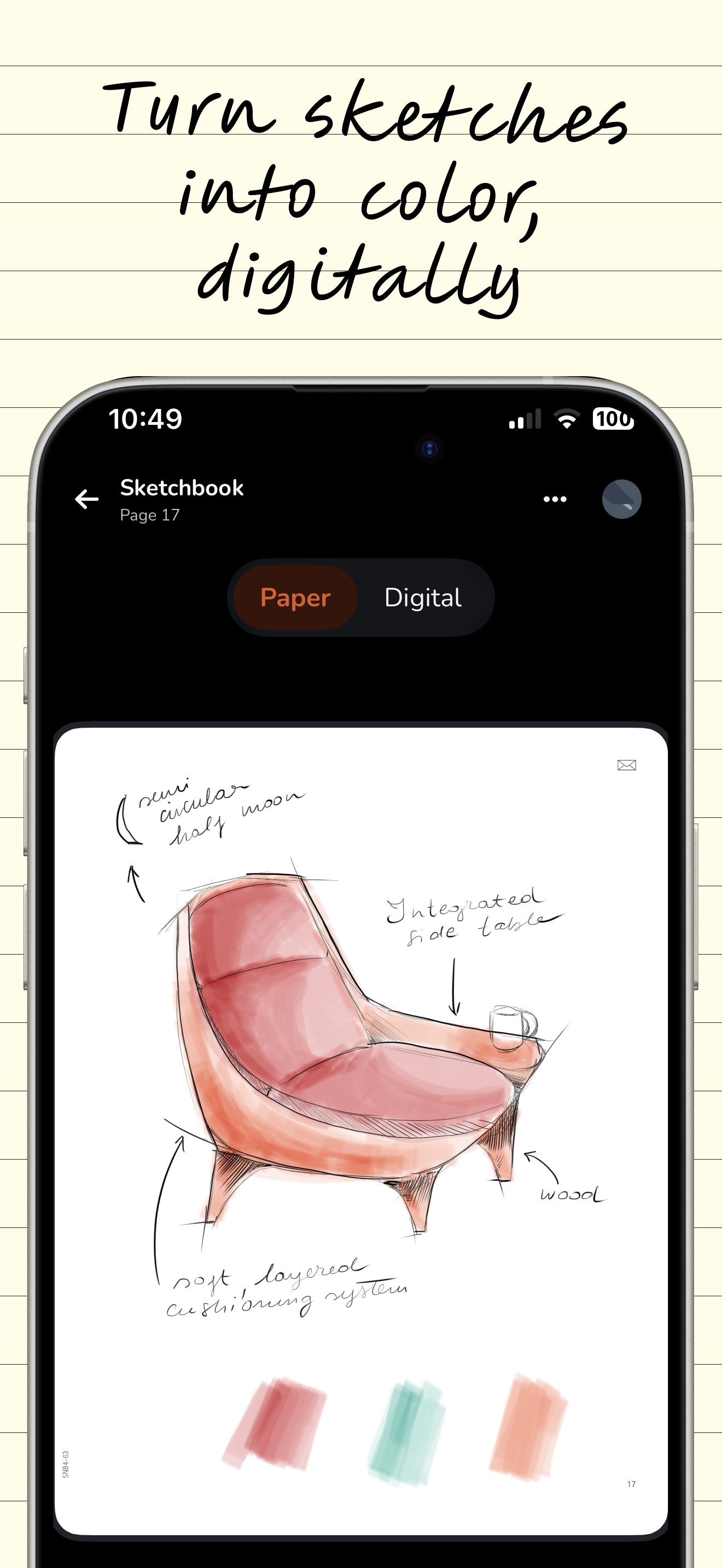
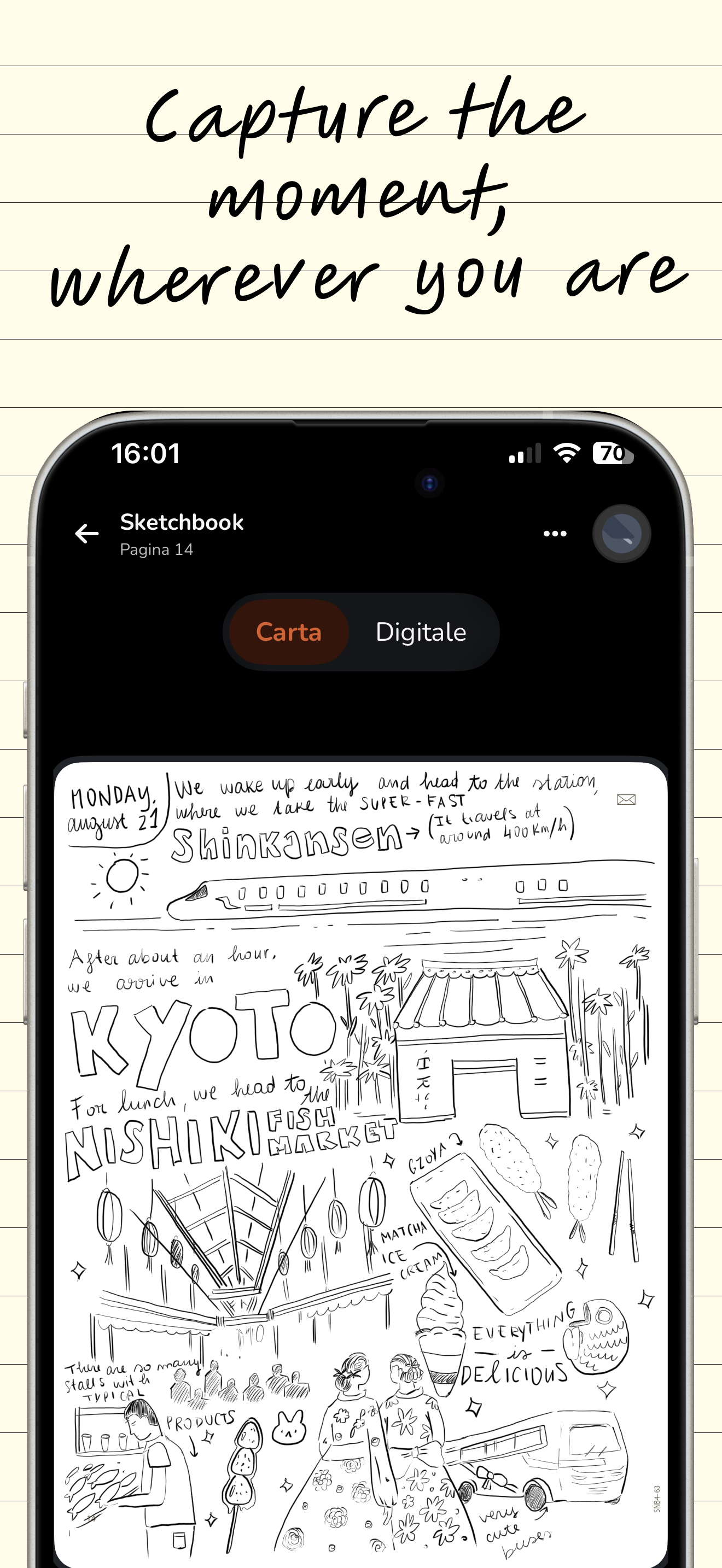
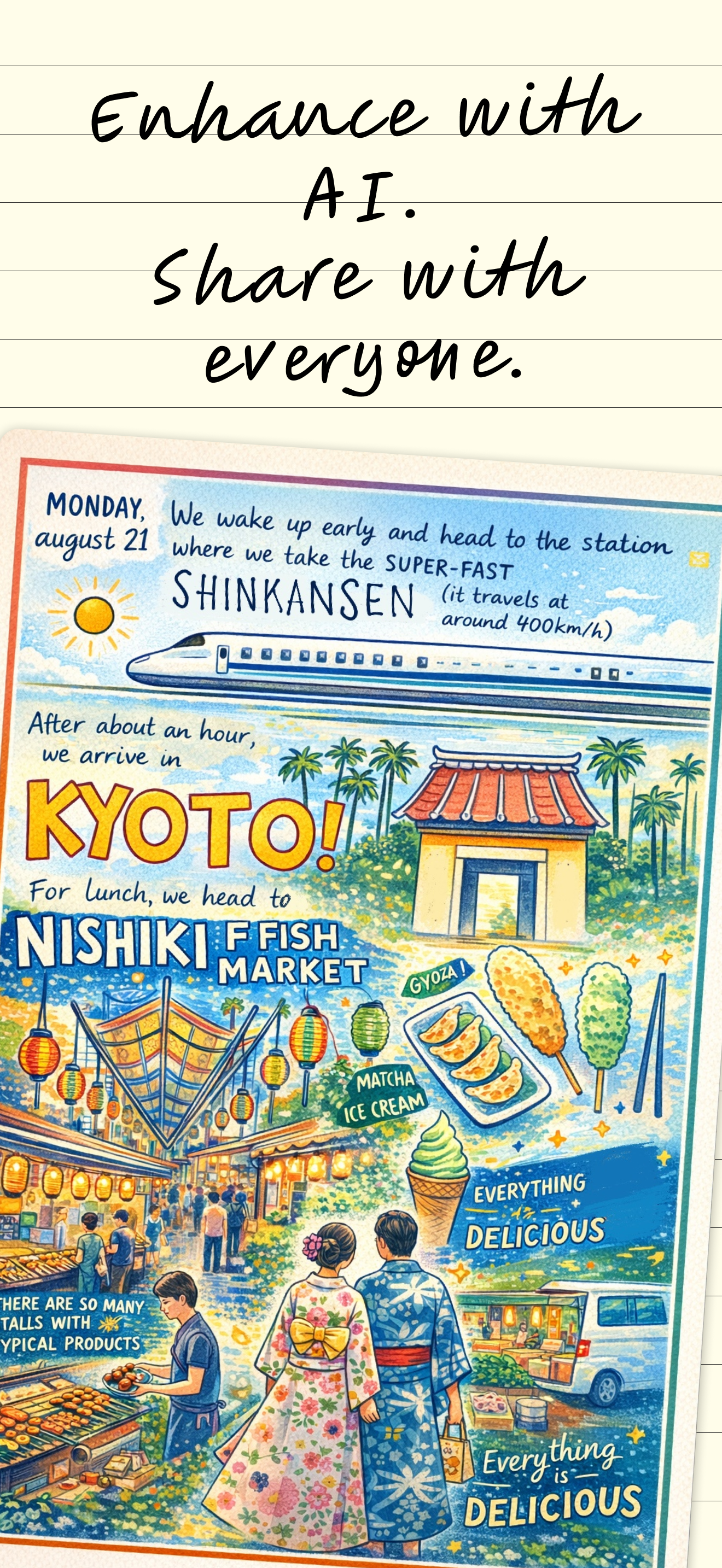
From paper to digital, the timeless pleasure of handwriting meets the limitless power of technology to evolve, expand, and reinvent your ideas. Every...
| Name | Price | Type |
|---|---|---|
| Bundle + AI - Monthly Plan | $9.99 | Monthly |
| Bundle + AI - Annual Plan | $79.99 | Yearly |


