Check the acquisition promise
Read the store headline, screenshots and description. What problem is the app promising to solve?
Study the storefront ↗
Mimi Hearing Technologies · iOS
Explore the ad evidence, study the storefront, and build your next acquisition hypothesis.
01 / Creative research
Read the store headline, screenshots and description. What problem is the app promising to solve?
Study the storefront ↗Explore apps with direct store-link matches. Compare their hooks and formats without assuming the same approach works here.
Browse observed advertisers ↗Store rankings and revenue estimates describe market context. They do not establish ad spend, conversions or ROAS.
Review the market context ↗02 / Storefront & product
Study the product story and store experience behind the acquisition funnel.





03 / Market context
Keep revenue, downloads and store rankings separate from advertising performance.
[UPDATE: Another reviewer found a workaround. I deleted my hearing ID (there’s a “x Delete Hearing ID” label to tap in the app), and it started to work again. I’ve upped my rating by 1 star, though I’m not sure it’s deserved — that’s a pretty bad bug, and a non-obvious & data-destroying workaround.] I had tried it some months ago on non-calibrated headphones, and now that I have AirPods Pro, I was curious to try it again. It didn’t recognize the AirPods, so I chose the non-calibrated option. After going all the way through the test, the app tells me something went wrong. Just “something.” No useful error message. It asks if I’m connected to the Internet. Yes. Yes I am. I’ve tried several times, always with the same result. I deleted the app and re-installed it, but that didn’t change anything. Update: The new version 5.3.0, according to the release notes, “significantly reduced the probability of an unexpected error.” Well, maybe, but it’s still a frustrating and useless app for me. It still doesn’t see my AirPods Pro as being calibrated, even though the app description explicitly lists that exact model. Worse, after going through the whole test, I still get that vague “something went wrong“ message, and no results.
I did the test twice out of curiosity. I have known hearing loss and tinnitus, a unfortunate family inheritance, and have been wearing hearing aids full time for about 12 years. I did one test with on the ear headphones, another with wired Apple earbuds. Not exactly the same, but the outcome was the same and consistent enough with results of professional hearing tests that I can recommend this app for screening purposes. Since unaided hearing loss is a factor in some many areas, including social isolation, loss of the ability to distinguish words, and even dementia, I recommend that anyone suspecting hearing loss follow up. Addressing the problem is far better than suffering and the level of daily energy it takes to function when you do not hear well. Modern hearing aids are marvels of technology and improve all the time. My only issue was understanding the very clear instructions on “the button”, holding while hearing a sound and releasing when it stops, and the portrait only orientation on the ipad. My phone does not have a 3.5 connector, so had to use the ipad. Linking to Apple Health had to be done on the phone, and required an account with Mimi, but eventually I was able to link it, and see the results in Health.
This is a pretty awesome app! Three questions I have though: 1) What if my hearing is great...but my response time is very low? Would that not give a false result? Example: Let’s say I’m totally drunk when I take the test. My response time would be greatly affected, which, I think would be telling the app that I didn’t begin hearing a sound until a second or two after I actually had. It would seem this could vastly alter the result. (That’s just my theory and I have no idea.) Just a question. Nice though, and well designed app! 2) The app explains that you really need to use genuine Apple headphones (earbuds—the set that come with your iPhone) for the test to be most accurate. I have a strong suspicion that this was an Apple requirement for the app. The thing is, where the Apple ear buds aren’t noise canceling at all, the slightest ambient sound is very distracting while taking the test—as opposed to noise cancelling ear buds. 3) Because I have an iPhone 8, I therefore can only use headphones with 1/8” plug, with an adapter (since I don’t have any with the lightning cable plug). I actually used a very high quality Bluetooth headphone adapter. The latency is said to be so low it’s not really even perceivable but I’m not really sure. I don’t detect any latency when watching video that way. But it seems like that could also adversely affect a test outcome. Interesting and fun test though! I had to take it a few times before I really understood that response time may be a pretty big deal. If my tests were accurate, at 62, looks like I’m entering the hearing-aid age. ☹️
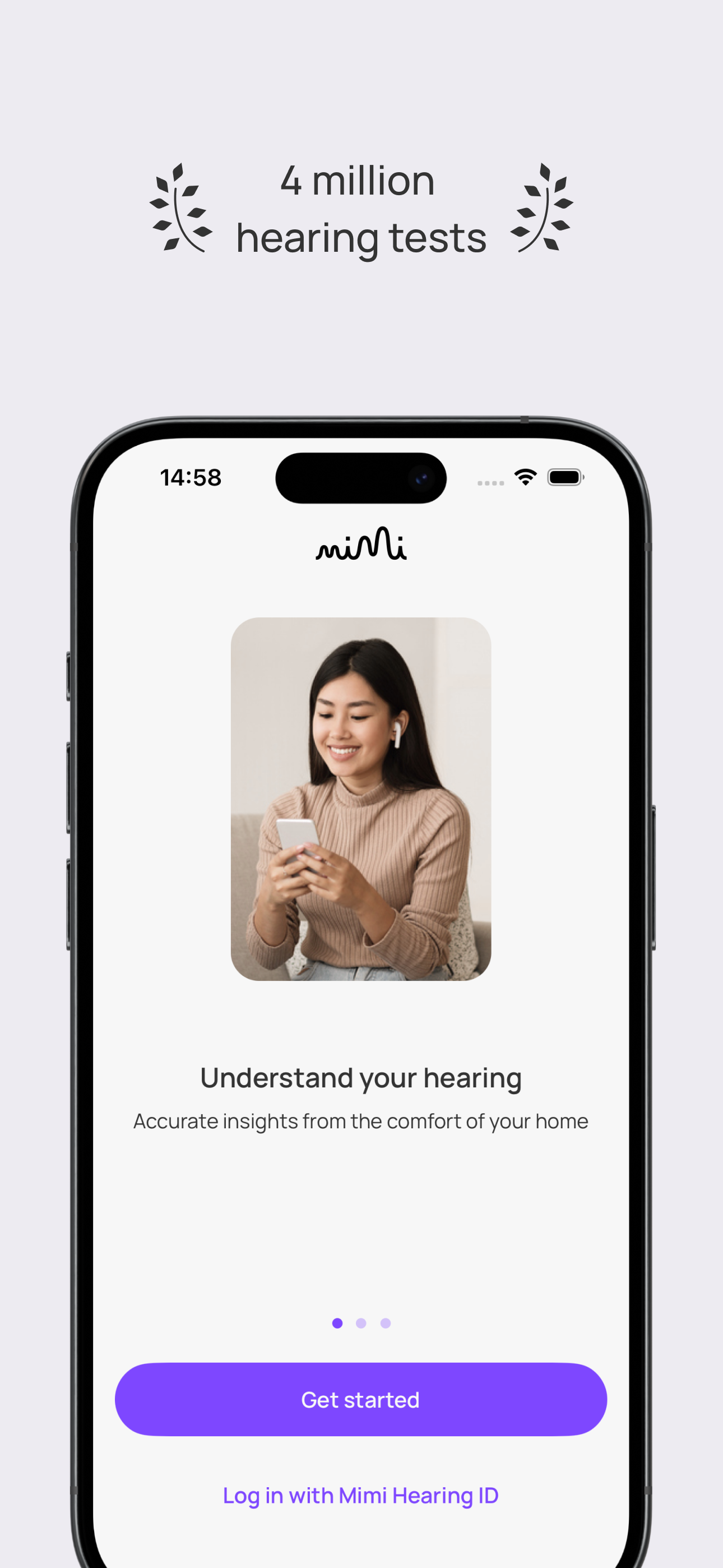
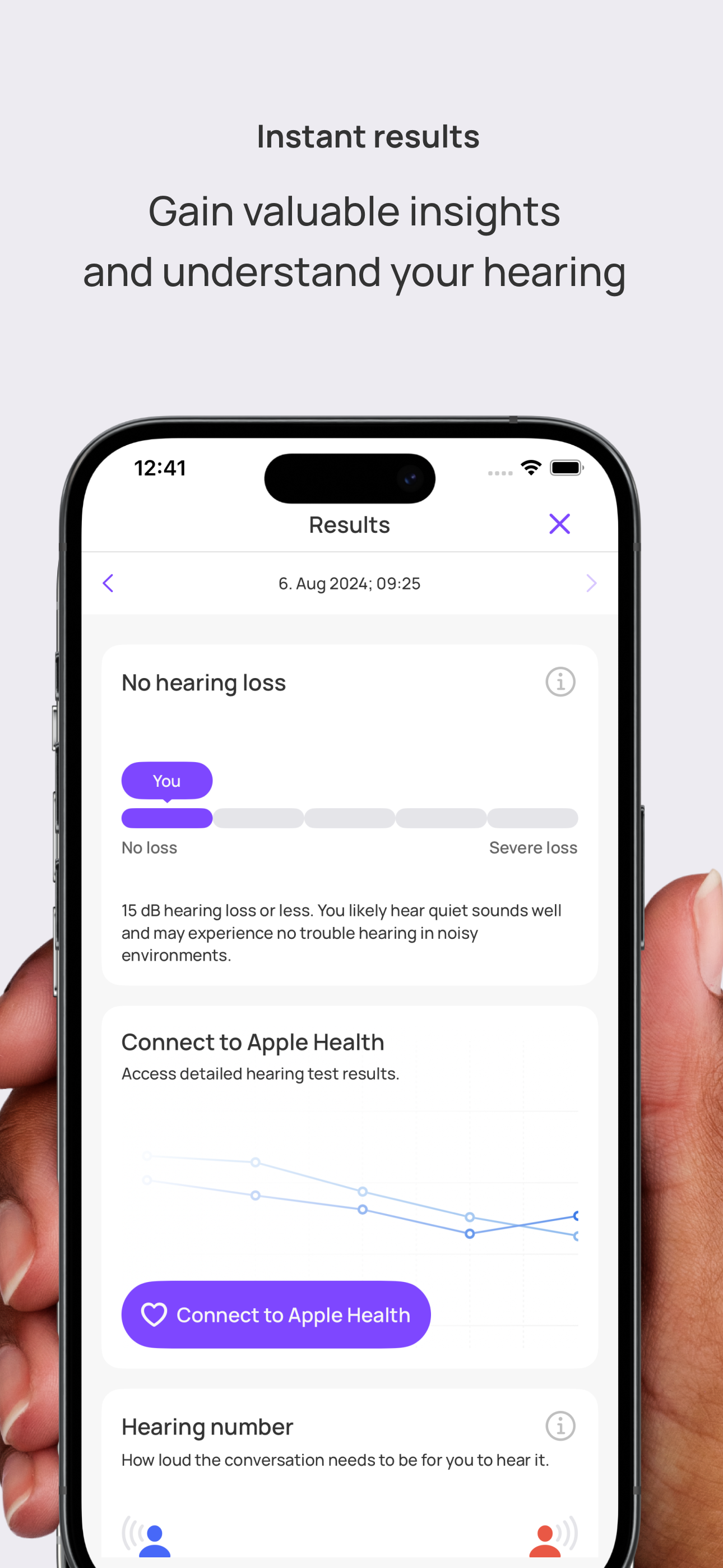
The Mimi Hearing Test is an easy and reliable assessment of your hearing, delivering understandable results in just 5 minutes. - Modern assessmen...
| Name | Price | Type |
|---|---|---|
| Ultimate Love | $1.00 | One-time |
| Ultimate Love | $2.00 | One-time |
| Ultimate Love | $5.00 | One-time |
| Ultimate Love | $10.00 | One-time |
| Ultimate Love | $20.00 | One-time |
| Ultimate Love | $50.00 | One-time |