Check the acquisition promise
Read the store headline, screenshots and description. What problem is the app promising to solve?
Study the storefront ↗
Microsoft Corporation · iOS
Explore the ad evidence, study the storefront, and build your next acquisition hypothesis.
01 / Creative research
Read the store headline, screenshots and description. What problem is the app promising to solve?
Study the storefront ↗Explore apps with direct store-link matches. Compare their hooks and formats without assuming the same approach works here.
Browse observed advertisers ↗Store rankings and revenue estimates describe market context. They do not establish ad spend, conversions or ROAS.
Review the market context ↗02 / Storefront & product
Study the product story and store experience behind the acquisition funnel.



03 / Market context
Keep revenue, downloads and store rankings separate from advertising performance.
This app is fantastic, but it has problems capturing recipes. A killer use case for this is taking pictures of recipes from books or magazines and dropping the captured text into OneNote. The version of Lens that I first used would frequently misread numbers. For example, if the recipe calls for “1/8 teaspoon salt” it might get read as “1/2 teaspoon salt” which, you can imagine, will ruin the recipe. I’ve learned to inspect all numbers in the ingredients and directions to make sure they are correctly captured. The latest update seems to have made progress at reducing these errors, but there’s another issue that hasn’t been fixed yet. The app will sometimes (but not always) read ingredient lists as two columns when they should be read as one column with tabs. For example, if the recipe says: “1 cup <tab> Flour <new line> 1/2 cup <tab> Sugar <new line> 2 cups <tab> Water” Lens will often read that as “1 cup 1/2 cup 2 cups Flour Sugar Water”. (Sorry, it looks like the app store review won’t let me use tabs or returns here.) It would be very nice if there was a way to tell Lens that the text should be read as one column, not two. Or maybe Lens should have some sort of AI to realize that the text is gibberish if read as two columns but makes more sense if read as one.
This App is the camera App we have ALL always needed but couldn’t have known we did. We’ve probably all taken photos of important documents or photographs, articles, even the paused TV screen, and then cropped and cropped and tried to perfect (or correct) the images of. What a time waster! What frustration! Well, with a steady hand (which I struggle to have) you can make PERFECT photo images (like scans, but right from your phone, even from weird angles). You may sometimes need to get the area lighting correct, make sure you aren’t in the light, creating a shadow on your photo, etc. But you will LOVE LOVE this App! I have found, for some unknown (to me) reason, that MOST photos come out best by far of you always use the ‘Business Card’ setting. From no matter how far away. The TV, everything I’ve mentioned above all seem to like the ‘Business Card’ setting the best. Then, using your iPhone’s Photos App you can edit the lighting, after effects, coloring, contrast, sharpness, and whatever. I use this App, Microsoft Lens ALL THE TIME!
I received a great promo for Lens because I have an office subscription. It made me want to love Lens. But Lens is lacking features that I use all the time when scanning documents. The biggest problem is that it lacks important editing features, such as the ability to change a color document to B/W, and the ability to lighten or darken a document. Second, when I input images from my device (camera roll) into Lens, I must do it one page at a time. I am used to being able to select a number of images at once. (I use that scanner feature frequently to combine PDFs. (I convert the PDFs to images, and then bring the images (PDF pages) into my scanner app and make a new PDF.) Lastly, my old app will capture a page as soon as it detects the edges, without my having to touch the shutter button, but Lens doesn’t. That feature makes it easier to hold the device while scanning and it allows me to scan multiple pages quickly. Lens might offer new functionality for people who want to scan whiteboards. I don’t know and I don’t need that ability. For those of us who deal heavily with documents, Lens needs to step up its game. I can already easily send scans to one note (as an image or a pdf) so switching to Lens would not help me. I will hold off using Lens for now.
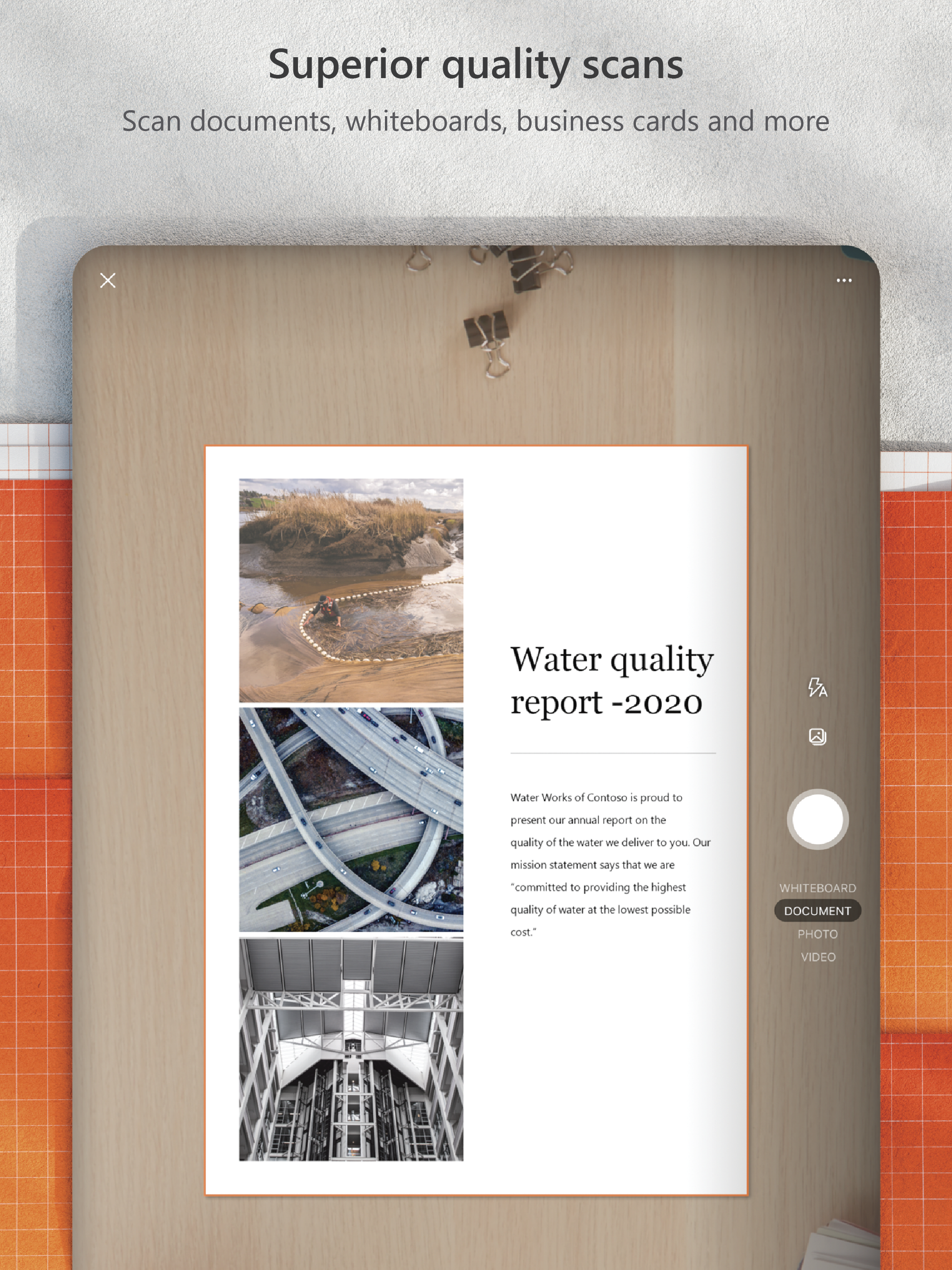
Microsoft Lens (formerly Office Lens) trims, enhances, and makes pictures of whiteboards and documents readable. You can use Microsoft Lens to conver...