Check the acquisition promise
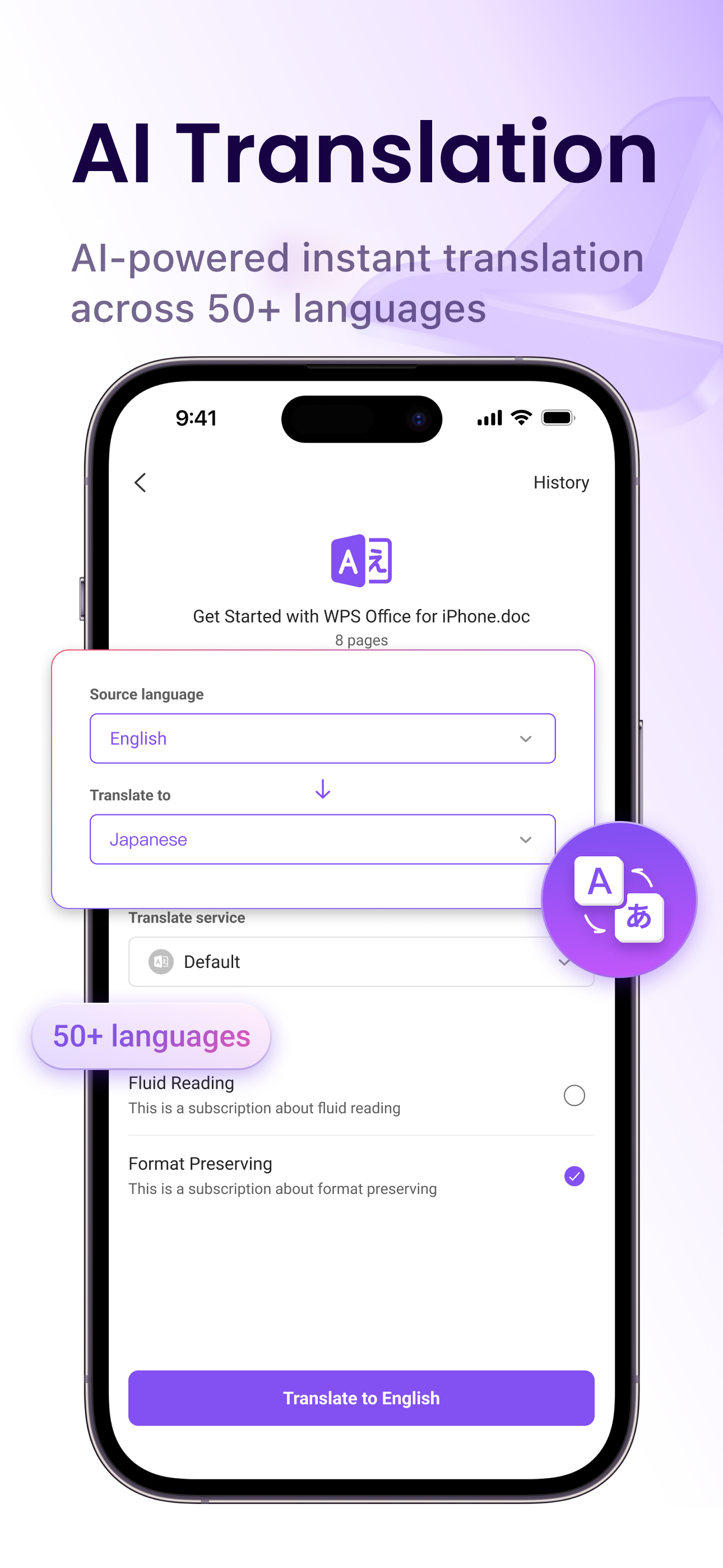
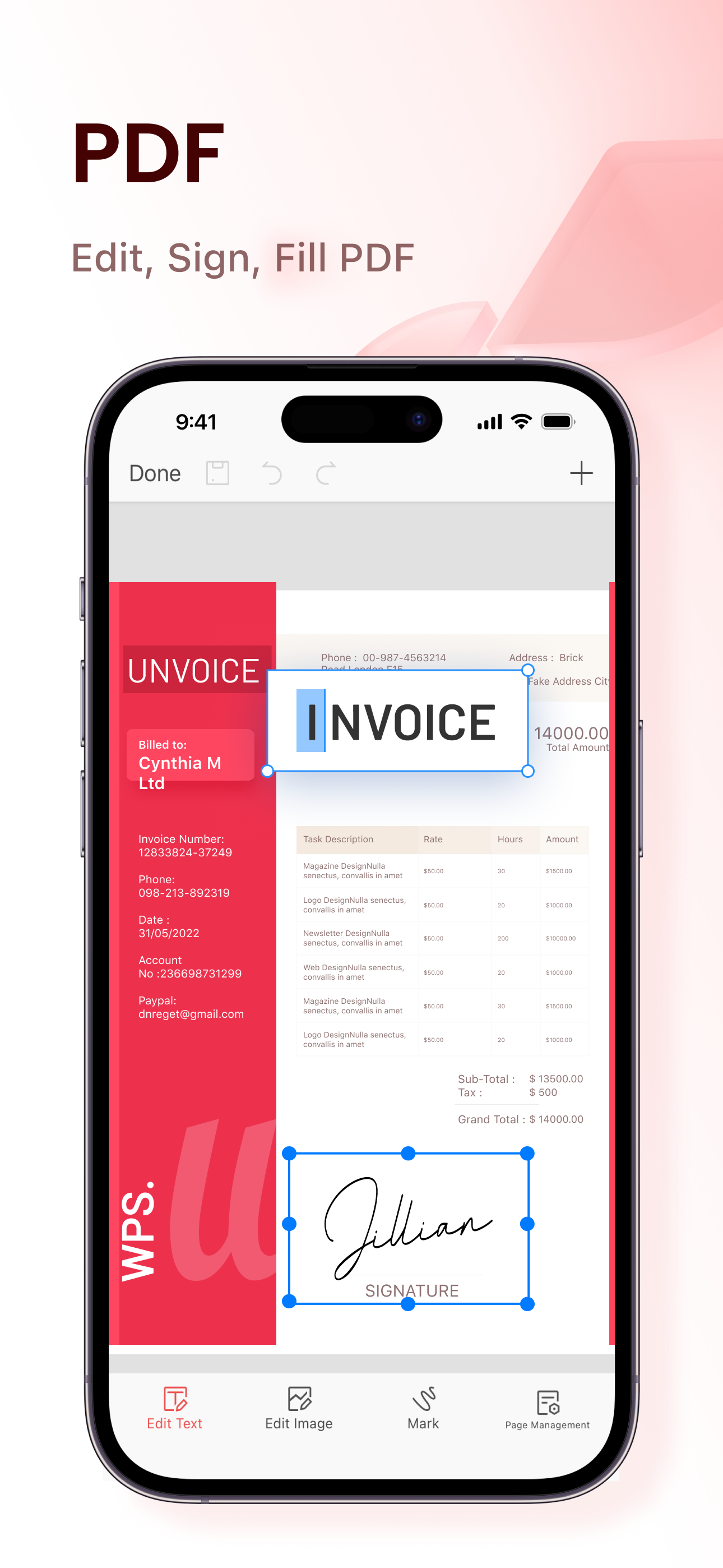
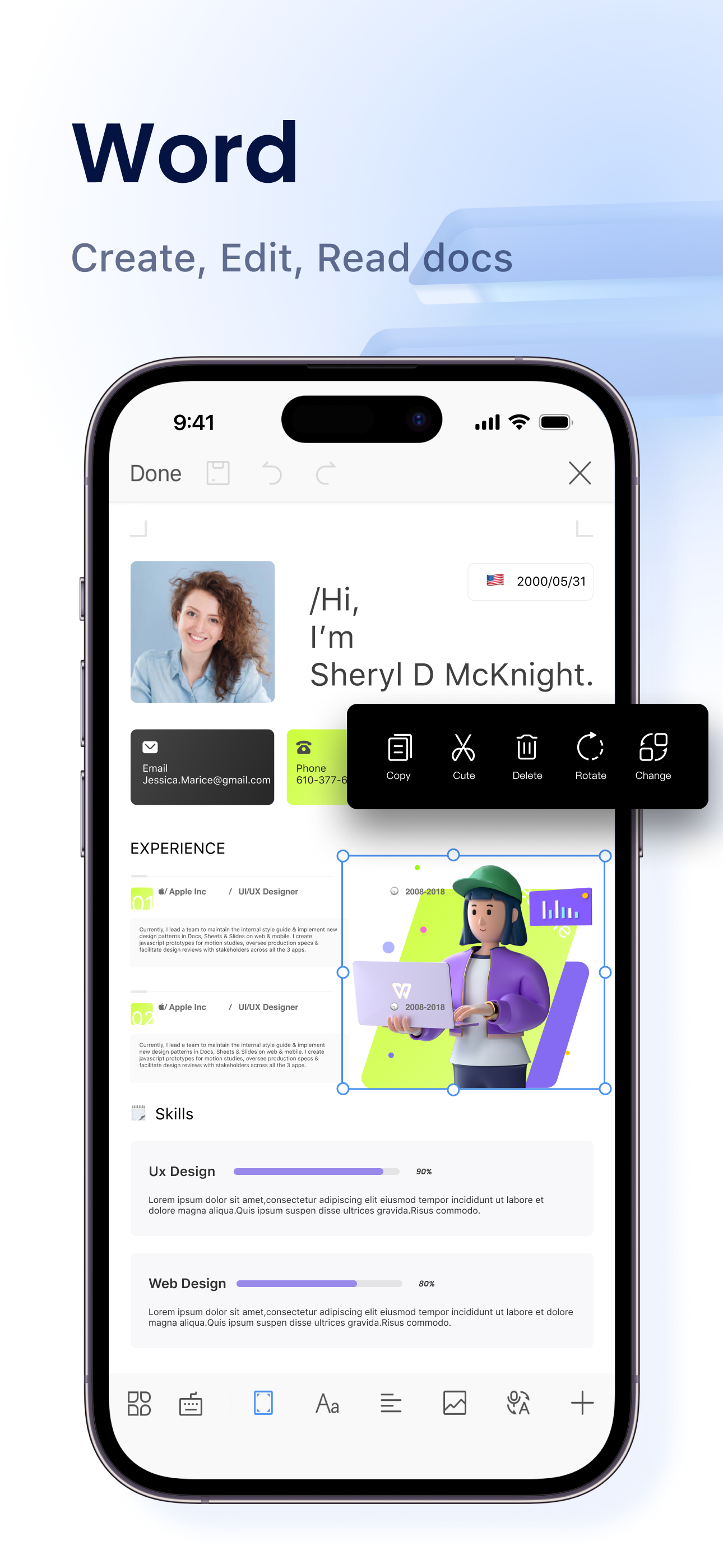
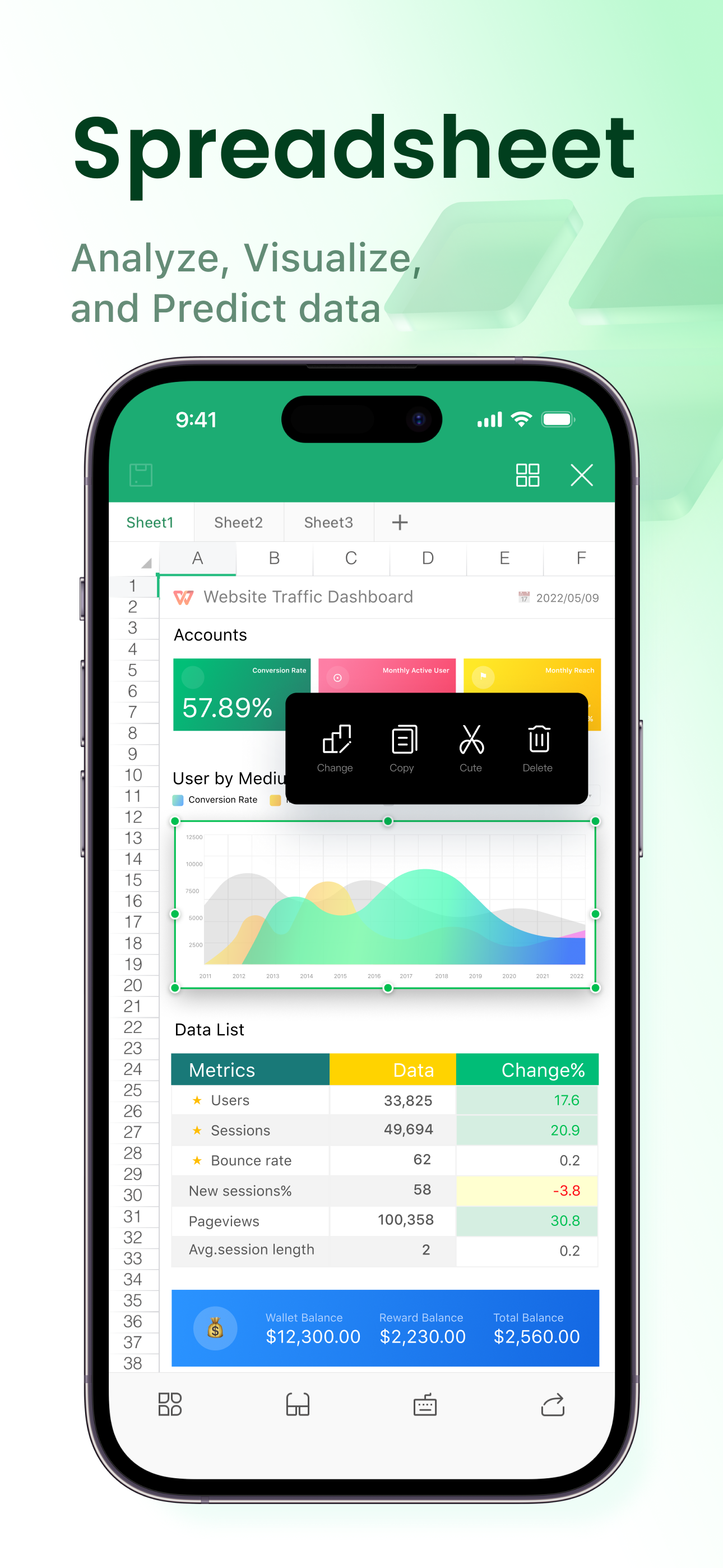
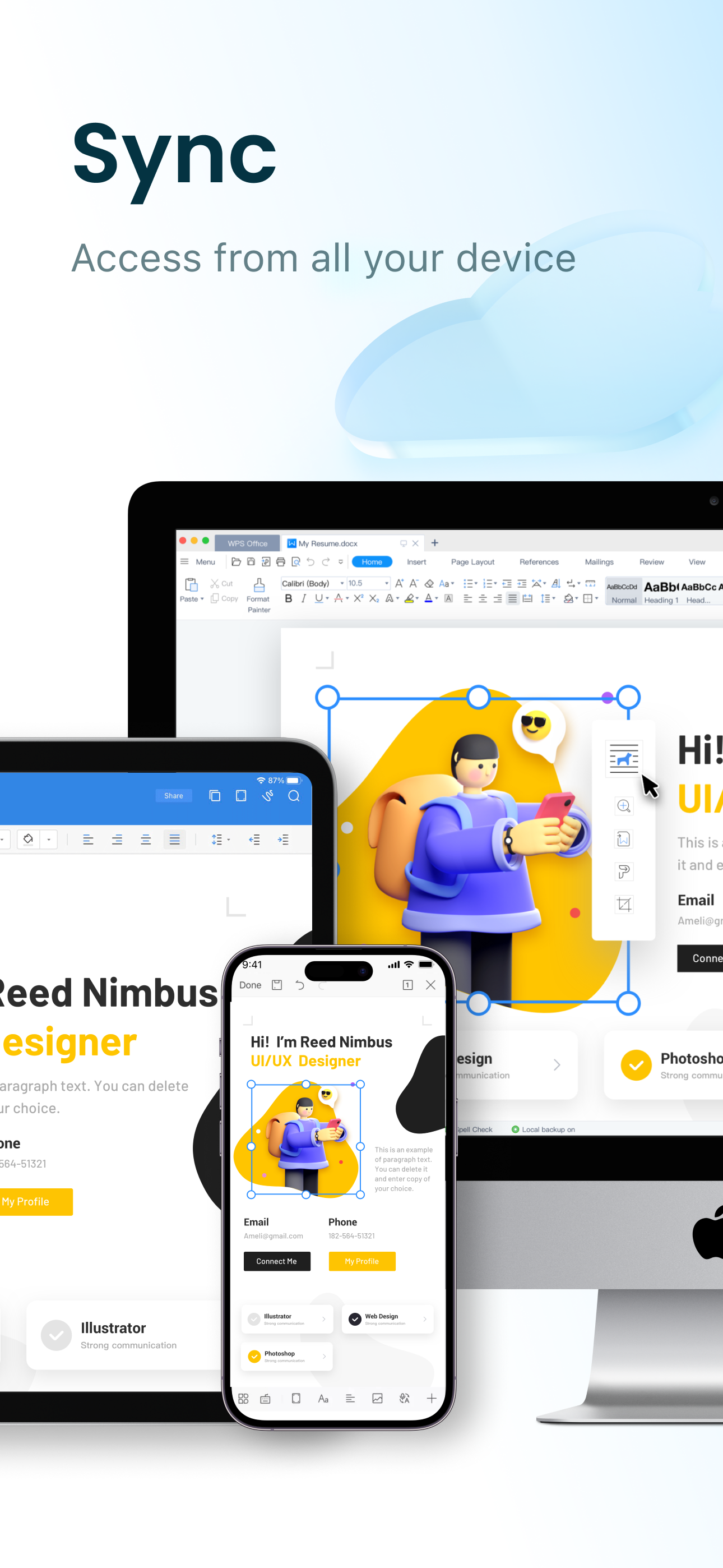
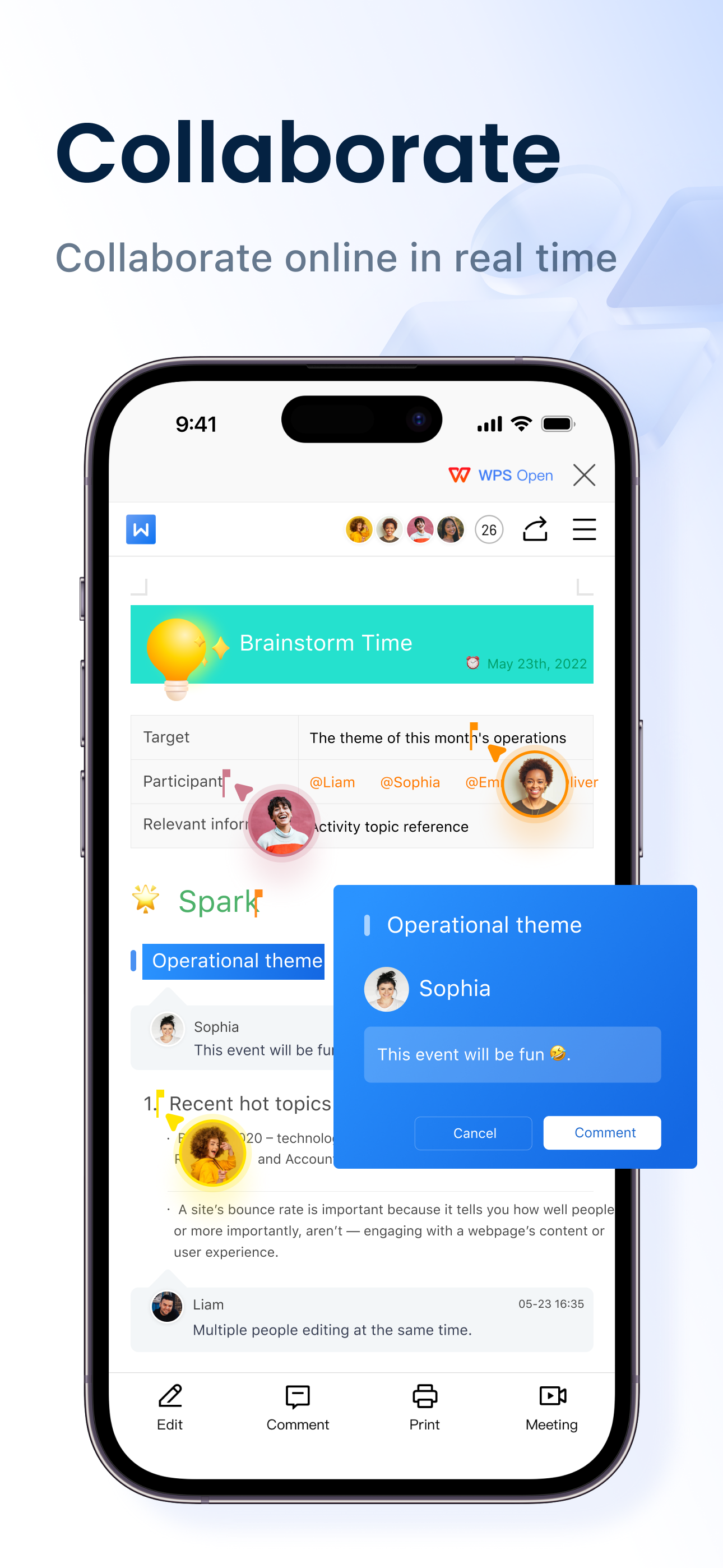
Read the store headline, screenshots and description. What problem is the app promising to solve?
Study the storefront ↗
KINGSOFT OFFICE SOFTWARE CORPORATION LIMITED · iOS
Explore the ad evidence, study the storefront, and build your next acquisition hypothesis.
01 / Creative research
Read the store headline, screenshots and description. What problem is the app promising to solve?
Study the storefront ↗Explore apps with direct store-link matches. Compare their hooks and formats without assuming the same approach works here.
Browse observed advertisers ↗Store rankings and revenue estimates describe market context. They do not establish ad spend, conversions or ROAS.
Review the market context ↗02 / Storefront & product
Study the product story and store experience behind the acquisition funnel.


03 / Market context
Keep revenue, downloads and store rankings separate from advertising performance.
I have used Microsoft Word since it was first introduced. I have had countless PCs since then. I do not understand how to this day that this powerful and capable piece of software in 2023 is just as slow to load just as it always has. Maybe there are some for whom this is not a problem, but this is what I encountered as a desktop support technician for 30 years. It just does not make any sense. I reached a point where I started to use Microsoft Write more-and-more as my main word processor because of this. Fast forward now to WPS, and it not only is extremely capable and functional, but it loads within moments of initiating it. I am fully aware that there could be a coding difference, a bloatware difference, or preloading difference, but none of that matters to me. Just the fact that what’s in front of me loads quickly and I am able to get to the the task. I really appreciate it. There are other productivity suites out there for sure, this one of my opinion is very capable, and a good, fair value. Five stars in my book.
I couldn’t take CoPilot anymore. I’ve tried every other Office solution out there with all coming up short in some manner to being acceptable replacement of MS Office … until now. I had even simply accepted MS Office as being my permanent solution until having CoPilot shoved down my throat. And I use AI daily but the implemenation of CoPilot has been nightmare, I even had an issue where CoPilot locked me out from accessing my work for period of time because MS forced me to accept new terms and conditions but didn’t put that front and center and I finally stumbled upon it after bunch of troubleshooting. This is not only competitor, but beats it. Just simple things like click on row in excel and instantly tell it how many rows you want to add. Many of those little items are fixed here and they’ve kept or beat all the good parts. It also keeps all the data intact from Excel so issues I’ve had before like trying to find the right cell color to match what was already there from Excel are not an issue. It is even complertely free which will suit the casual user or for few dollars a month you can upgrade to premium that offers enough to replace need for other PDF solutions. I plan to go to premium version fully as soon as my Adobe Subscription ends in couple months.
As a nurse, I was looking for a”simple” word processing app that would let me create a table with information related to my duties (not anything that is personal identifying violating HIPPA.) Yes I already pay for MSWord and iOS apps. I liked the clean appearance of the blank document page of this app. The controls are at the bottom. After some trial and error I was able to use the icons. My disappointment came when I used a premade table template offered by this software. I saw no easy way to edit the template. After many wasted hours trying to edit the template, I created a document that was printable but useless for my needs because there is no way to move or change the table lines. I could not see a way to create a new table and start over. All of my typing with two thumbs was wasted. I have concluded that this word processor is just fine for class notes. It has a highlighting feature and draws shapes making note taking enjoyable. I think it would be good for writers who are writing on the spot or for writing ideas. Because I needed more features, this word processor would not work for my needs. Wish they had a more detailed tutorial as I couldn’t find one. This may be the perfect note taking word processor for you. It’s great for simple note taking. Little kids might enjoy it for typing too. This is certainly the way the world is trending - everything for business will be on cellphone apps.
WPS Office is an all-in-one free office suite on iPhone and iPad, integrates all office document processor functions: Word, Spreadsheet, Powerpoint, P...
| Name | Price | Type |
|---|---|---|
| WPS VIP Monthly | $3.99 | Monthly |
| WPS Pro AI Monthly | $5.99 | Monthly |
| WPS Pro Yearly | $17.99 | Yearly |
| WPS Pro AI Yearly | $25.49 | Yearly |
| WPS Pro Yearly | $29.99 | Yearly |
| WPS Pro AI Yearly | $35.99 | Yearly |
| WPS Pro Yearly | $35.99 | Yearly |
| WPS 1-Year Plan | $39.99 | Yearly |
| WPS AI 1-Year Plan | $99.99 | Yearly |
| WPS Pro + WPS AI 1-Year Plan | $131.99 | Yearly |