
Check the acquisition promise
Read the store headline, screenshots and description. What problem is the app promising to solve?
Study the storefront ↗
Microsoft Corporation · iOS
Explore the ad evidence, study the storefront, and build your next acquisition hypothesis.
01 / Creative research
Read the store headline, screenshots and description. What problem is the app promising to solve?
Study the storefront ↗Explore apps with direct store-link matches. Compare their hooks and formats without assuming the same approach works here.
Browse observed advertisers ↗Store rankings and revenue estimates describe market context. They do not establish ad spend, conversions or ROAS.
Review the market context ↗02 / Storefront & product
Study the product story and store experience behind the acquisition funnel.



03 / Market context
Keep revenue, downloads and store rankings separate from advertising performance.
Like many other others I appreciate the notifications that I get from Defender about credit alerts and blocked links. The only thing that’s been a bit annoying is that it shows that I’m connected to a VPN even though the VPN service was discontinued in February 2025. When I turn it off or try to delete the profile, the system tells me I’m not protective which I believe is not true. I keep my phone updated with app updates and it seems interesting that that the VPN feature has not been deleted from the app. Other than that highly recommend.
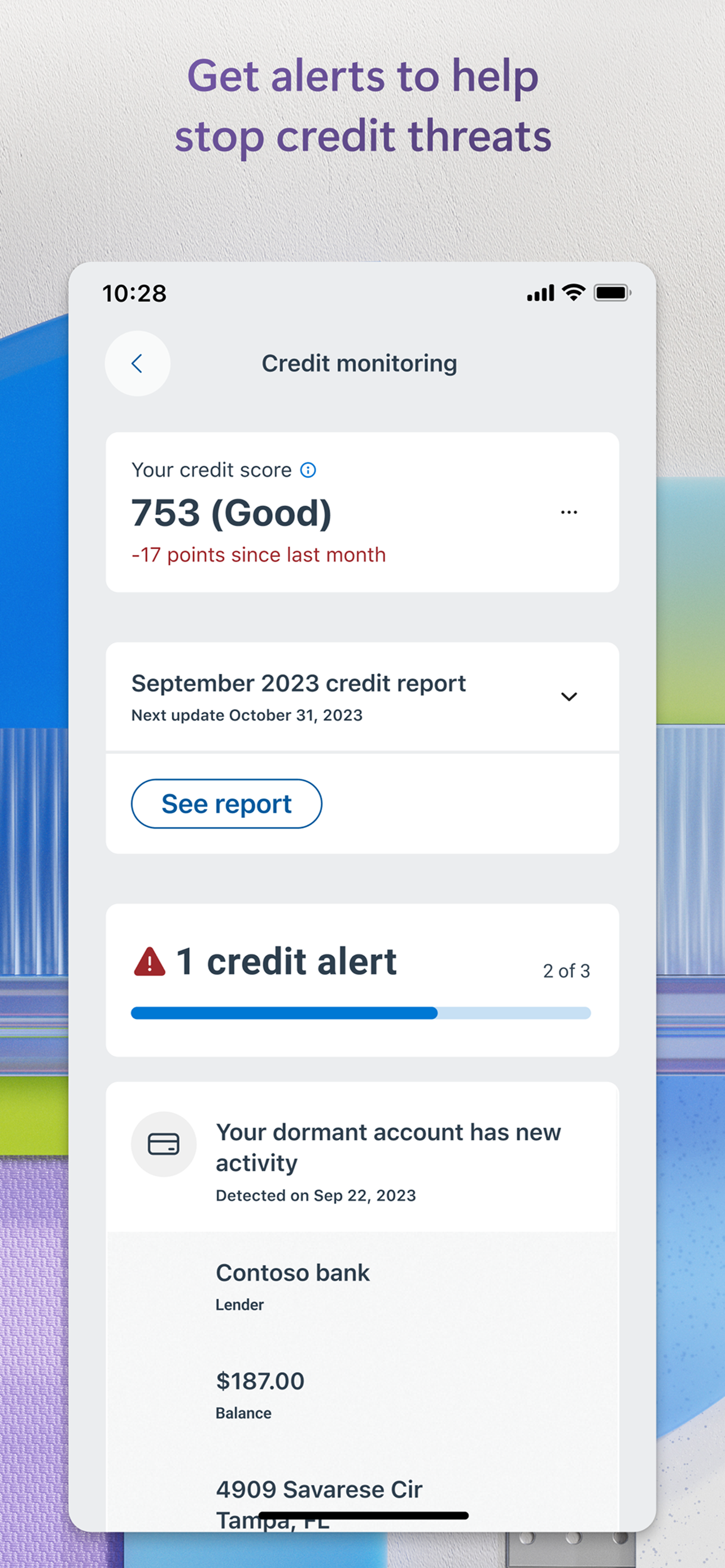
Here’s a problem. When designers decide that there is only one path to using their app, and when you choose to “skip” something they think is necessary (because they get a kickback or have some other arrangement with a “partner”), they just nag you to death about it. I have a paid Experian subscription. It isn’t under my Microsoft ID. And it never will be. I don’t need Microsoft’s “free version.” But if you don’t set it up, the little red dot telling you that you have notifications will never go away. Which means you get in the habit of ignoring it. And then when a REAL notification comes along - well, you might miss it. When a user clicks “skip” that should be it. Maybe confirm “are you sure you want to skip?” And if they say yes then inform that “you can always come back and set up later.” And then nothing else. No constant “notification icon” that you can’t clear because you ALREADY HAVE THE SERVICE and don’t need Microsoft’s “free version.” I’ll give it six months. And if the notification is still there, I’ll delete the app. There are plenty of other options out there. But I went with Defender because I use it on my PCs and have for years. And I’ve NEVER been hacked or successfully attacked. It just works. But there’s no need to tie in “partner” processes and “require” them in order to “successfully complete setup.” Don’t be a Donald. Give the people what they need. Not what you want to give them. And for those of us with Experian accounts who don’t use their Microsoft ID for Experian, allow us to ACTUALLY skip the Experian/Defender integration. After all, defender is about defending my phone. Experian is about defending my credit. They really shouldn’t be mixed.
I’ve seen a significant amount of reviews complaining about “High battery usage” and “5k links?? I only used one app!” iOS tracks “battery usage” based on network activity, and because this acts as a VPN, yes, it will show high battery usage, but in reality it’s not. Let’s say Facebook used 10% battery, and Instagram used 15% battery, after installing this app, you’d see iOS report that this app used 25% of your battery. I’m sure you get the idea now. You can validate this information by using any VPN client on your phone. Link scans: This is all traffic from your phone: background app refreshes, apps can send request to hundreds of separate links. That’s why you see so many link scans. Network usage: again, because all apps route their data into this app, your data usage will be pointed to this app aswell. If you used 5GB on Facebook, it would show as 5GB under this app.
Microsoft Defender is an online security app for your personal life[1]and work [2]. Use Microsoft Defender for individuals[1] at home and on the go to...
| Name | Price | Type |
|---|---|---|
| Microsoft 365 Personal (Monthly) | $6.99 | Monthly |
| Microsoft 365 Personal (Monthly) | $9.99 | Monthly |
| Microsoft 365 Family (Monthly) | $12.99 | Monthly |


