
Check the acquisition promise
Read the store headline, screenshots and description. What problem is the app promising to solve?
Study the storefront ↗
MobileIron · iOS
Explore the ad evidence, study the storefront, and build your next acquisition hypothesis.
01 / Creative research
Read the store headline, screenshots and description. What problem is the app promising to solve?
Study the storefront ↗Explore apps with direct store-link matches. Compare their hooks and formats without assuming the same approach works here.
Browse observed advertisers ↗Store rankings and revenue estimates describe market context. They do not establish ad spend, conversions or ROAS.
Review the market context ↗02 / Storefront & product
Study the product story and store experience behind the acquisition funnel.




03 / Market context
Keep revenue, downloads and store rankings separate from advertising performance.
I’ve had the MobileIron security on my IPhone X for a couple of years now and about 6 months ago I started having problem with my fitness apps on my Apple Watch. I usually carry both phone and watch when I run. Running distances weren’t accurate. Over an 8 mile run, I would lose about a mile. The problem went away after I deleted the MobileIron app and discontinued the device management. And then it came back again after I re-installed. I would delete it permanently but unfortunately I need it for work. Very frustrating.
While providing a secure way of accessing corporate email and another resources, the app is quite buggy. Launched automatically when Email+ or other in-suite apps, it’s supposed to verify device compliance, log in the user (FaceTime) and then hand back over to the originating app. But this never happens - it just verified device compliance and stops there. One need to switch back to Email+ in order to be once again forwarded to this buggy app before user authentication happens. Also, might be my company policies, but as new iOS versions are not automatically approved, more then once, I had my phone automatically update iOS overnight and the first check of emails using Email+/MobileIron in the morning rendered my device non-compliant and Email+, together with my on device email and settings is wiped and I am without access to my corporate resources until some IT resource person have had their morning coffee and decided that the iOS security update indeed made the device more secure. This app and the whole suite uses old fashion security approaches and offers little convenience for the users. If you are stuck with this solution because of your company polices, I’m so sorry for you.
This, and the Docs@Work companion, have been nothing but trouble. Crashes, bugs, etc. Our IT department chose this app for security purposes, but the app functionality for the user is nothing but trouble. The document management functions work/don't work inconsistently. Just trying to sign a document can be an exercise in frustration. The pop up menus appear and disappear on a whim and the signature save function will work then not work. I'll amend a document then save it, then the app won't let me have access to it again. Now I'm told that there is a new update and Mobileiron will no longer work with any iOS less than 10, so my 3rd Gen iPad (which can't be upgraded beyond 9) won't run it, which means I would have to spend hundreds of dollars on a new iPad just to run Mobileiron, which isn't even working properly on my iPhone 8 with iOS 11!
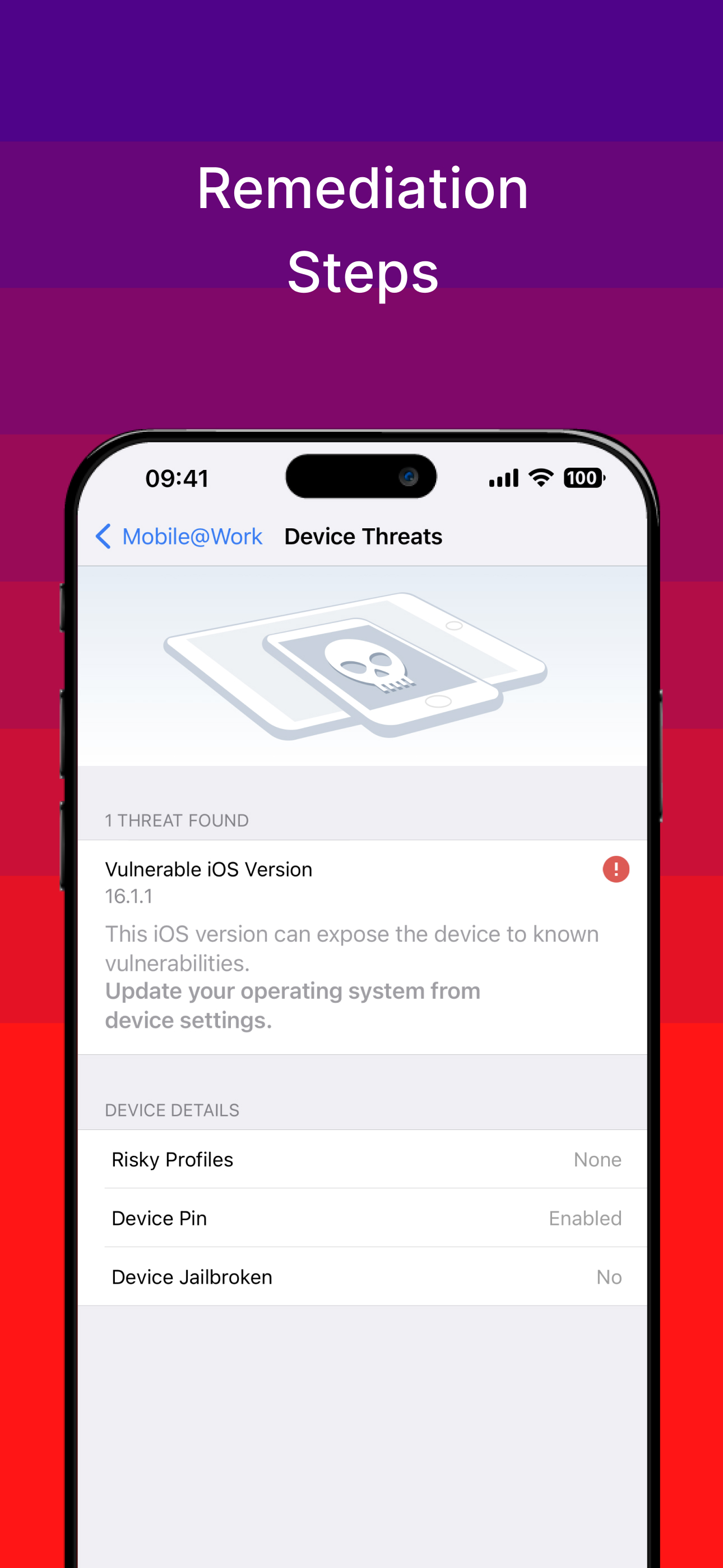
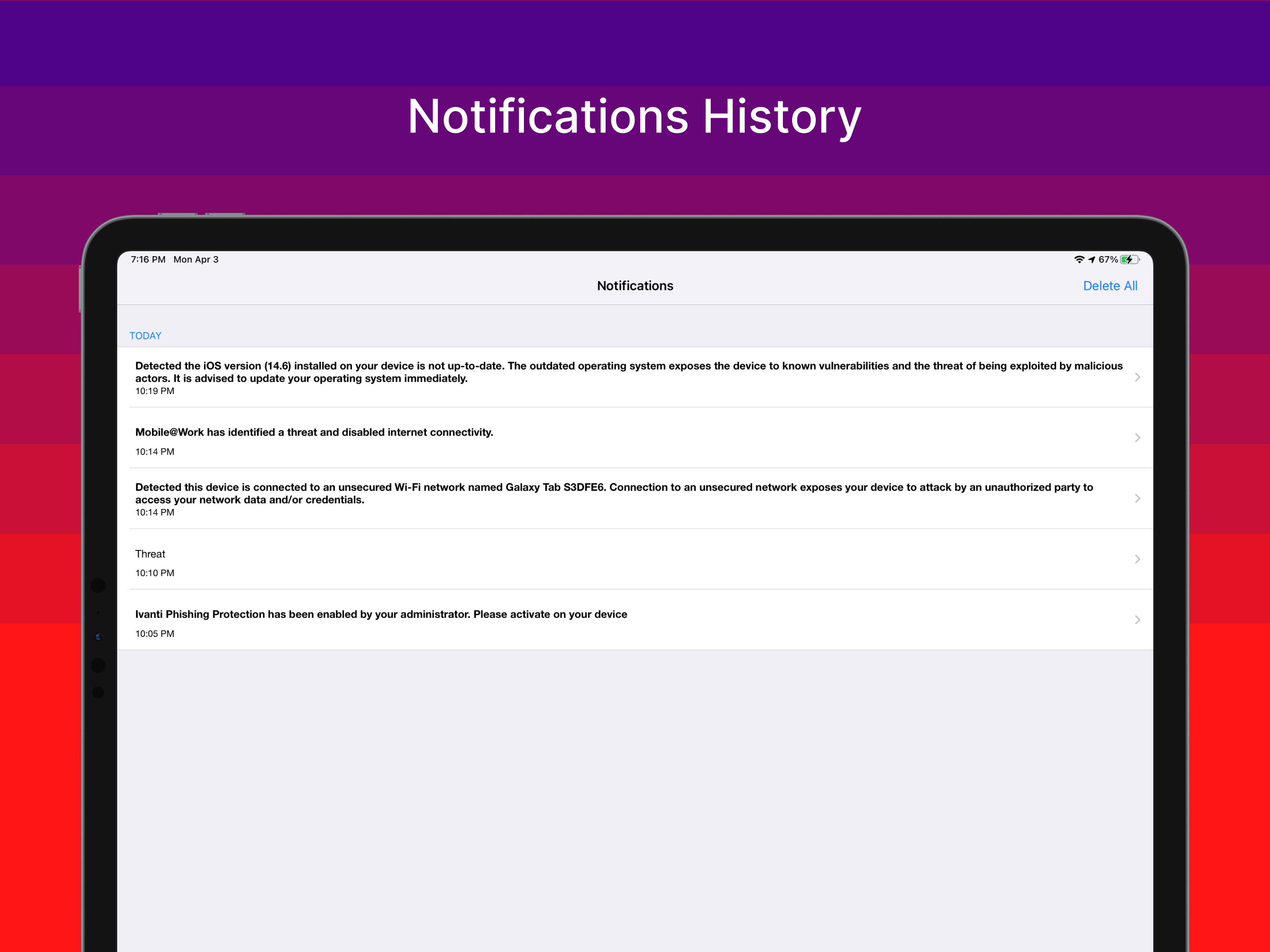
Ivanti’s Mobile@Work securely connects your iOS device to your company network so that you can easily access email and other work resources. Best Tech...


