Check the acquisition promise
Read the store headline, screenshots and description. What problem is the app promising to solve?
Study the storefront ↗
Minas Giannekas · iOS
Explore the ad evidence, study the storefront, and build your next acquisition hypothesis.
01 / Creative research
Read the store headline, screenshots and description. What problem is the app promising to solve?
Study the storefront ↗Explore apps with direct store-link matches. Compare their hooks and formats without assuming the same approach works here.
Browse observed advertisers ↗Store rankings and revenue estimates describe market context. They do not establish ad spend, conversions or ROAS.
Review the market context ↗02 / Storefront & product
Study the product story and store experience behind the acquisition funnel.


03 / Market context
Keep revenue, downloads and store rankings separate from advertising performance.
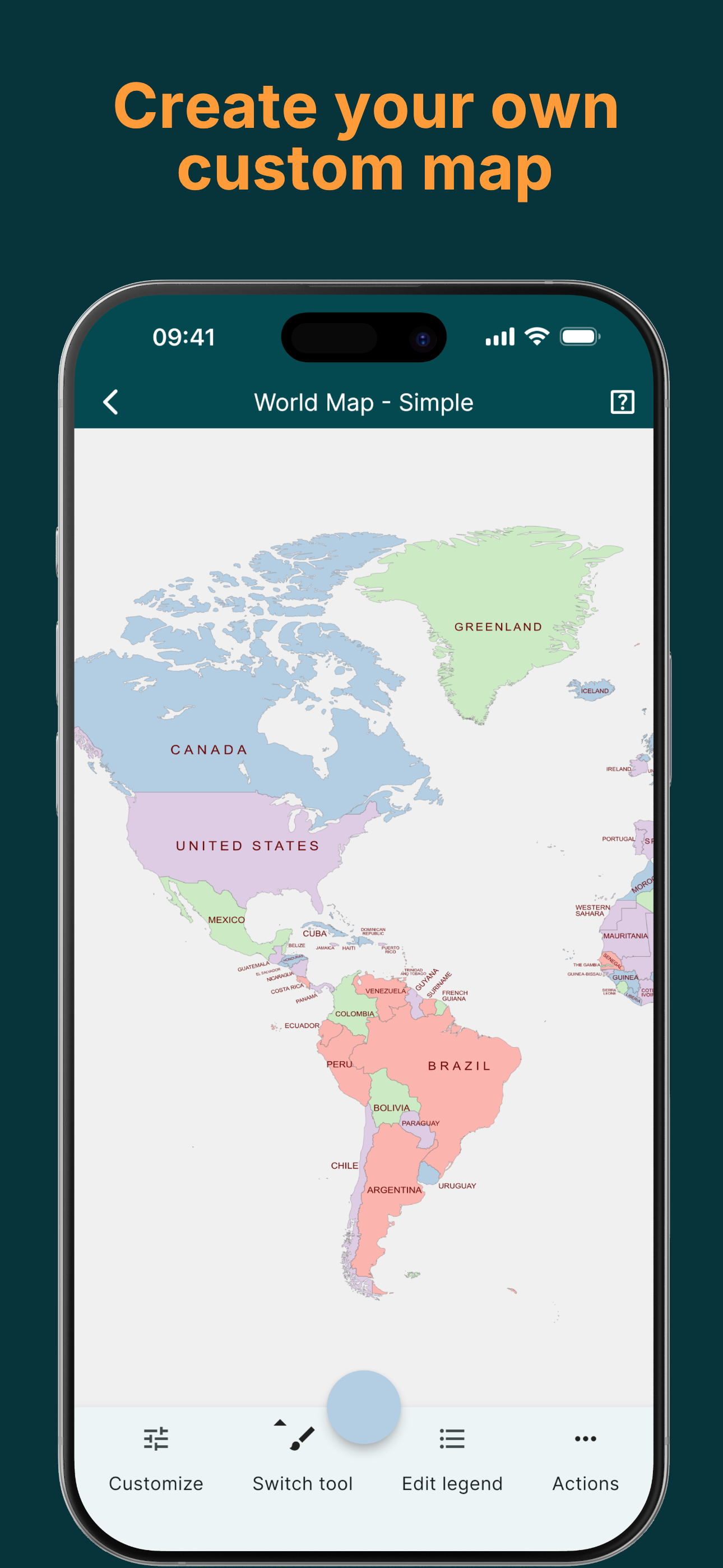
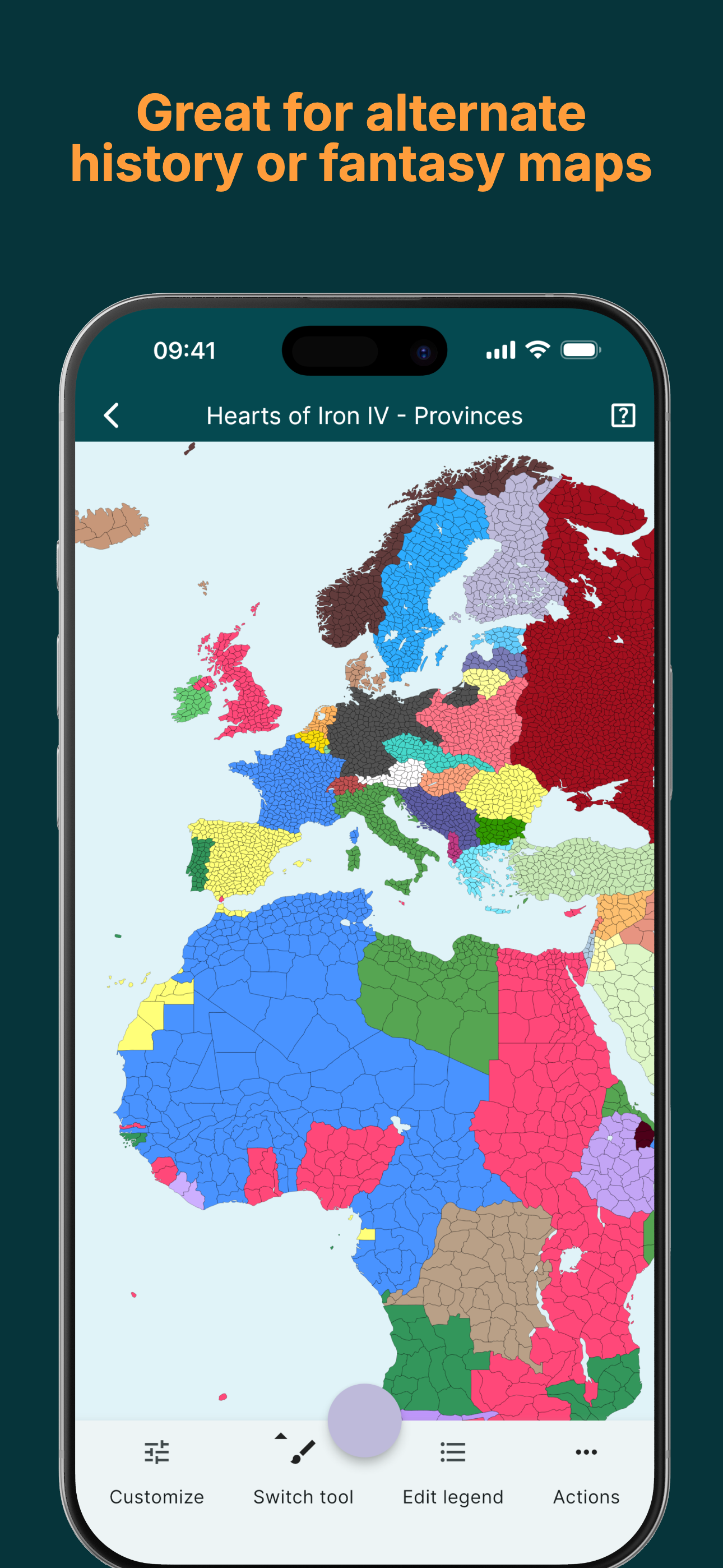
I will start with this… I really enjoy using this application as it makes creating maps much easier… before I would simply download a world map image and it would take forever to get things looking halfway decent… here, however, it is much easier due to how it is done in provinces rather than having to manually draw each border… it also offers a nice array of tools including the scripts… certain tools such as the ‘fill province/country’ tools in certain maps is very helpful in speeding up the process if the person wants certain things to line up with real world (or fictional) counterparts while others are more free style… with that being said I believe there is a small feature that could be quite helpful… the ability to save preset themes… for example maybe a person has a go-to theme they made themselves, right now it is repetitive constantly having to set it up each time a person makes a new map on a blank one… hence why this could help save even the smallest amount of time… users can set names as well of course, and it will appear under the ‘themes’ tab with all the other built in themes…
Hello creators of MapChart! I love your app but I have a few suggestions that many people have mentioned (please add these please!!!!). Firstly, if I want to use the subdivision map to make fictional timelines, I have to color the whole subdivision for it to work. And with this, I would wish you added the feature of having a pen to make borders more realistic if making a war map. Secondly, I wish that you make your own maps with their own borders. Thirdly and lastly, I would wish that there was a feature to make big boxes and color them in (making them transparent) to show the country. For example, if I wanted to color French Polynesia (French Territories that are so small) I could look for the box instead of looking for the tiny island, which would combing with the custom border feature. And if you still don’t get what I mean by “boxes”, watch some Geography and Space Videos and see the video of WW2 in the pacific. As you can see, you would see the flag of the country and instead of being on the tiny island, it included the area around it. Well.. that’s all! Hope that you can add these features!
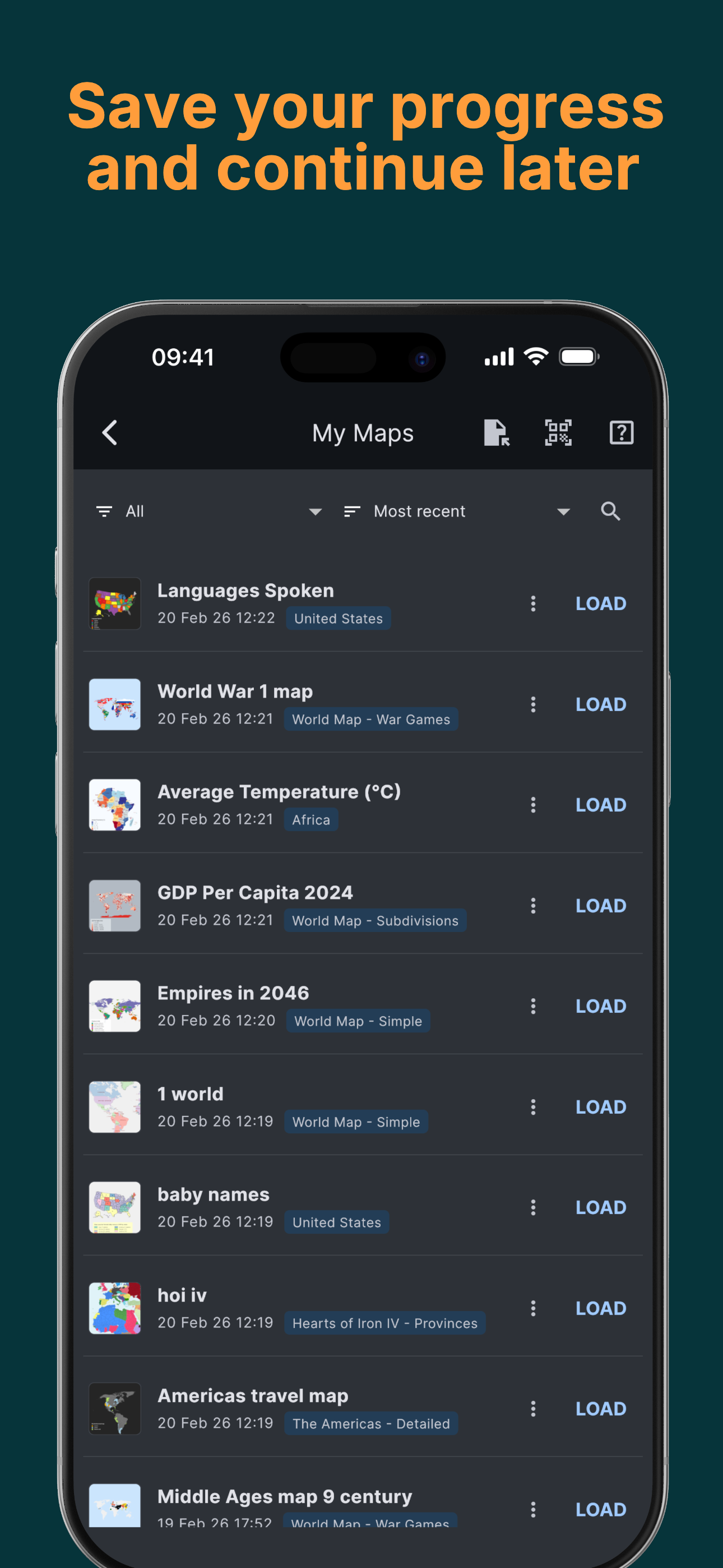
This is legit the best app for this sort of thing that is also free. I am one of those people who could look at a map all day and not get bored so when I found MapChart online years ago I got really excited. Now that I have the app on both iPhone and iPad I am surprised that it actually works surprisingly better than I thought it would. Considering how most apps like this are hard to operate on smaller devices, I found the app to work just as good if not better. The one thing I DO NOT LIKE is that when I am working on a map and I log out or close the app, when I come back later the map is erased. I have had multiple maps delete themselves. While this problem shouldn’t bother most people with s small, quick project that they finish in one sitting, it can be really frustrating when a full map gets deleted because you didn’t save it. Hours of work gone and I don’t know where to get it back. Oh well. Maybe I am doing something wrong but I feel like the app shouldn’t delete these things so easily. There is the option to save your map but that hasn’t worked for me and it doesn’t seem to allow you to re-edit the map after you have saved it, or even access it. I give this app 5 stars because of how easy it is to use but I would have to take away points for this one broken feature.
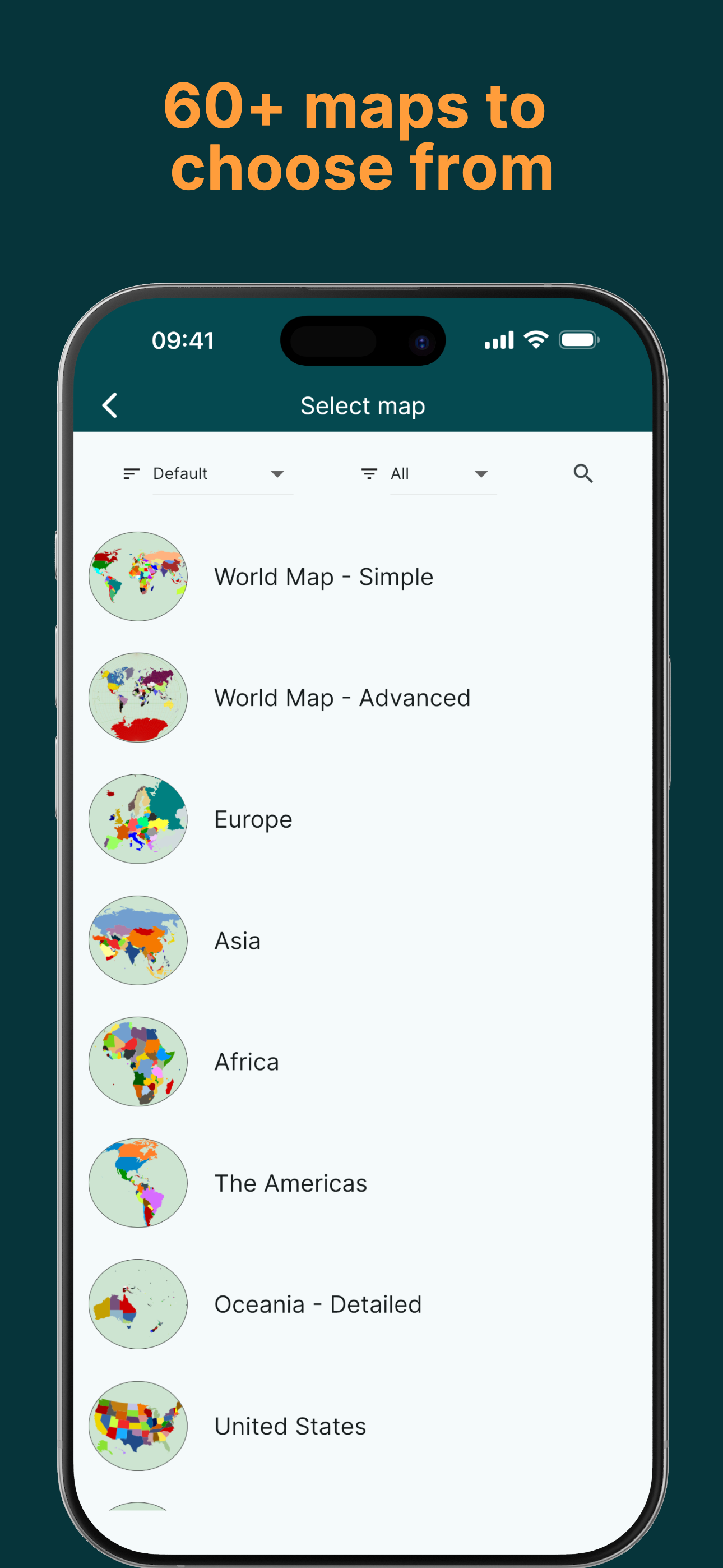
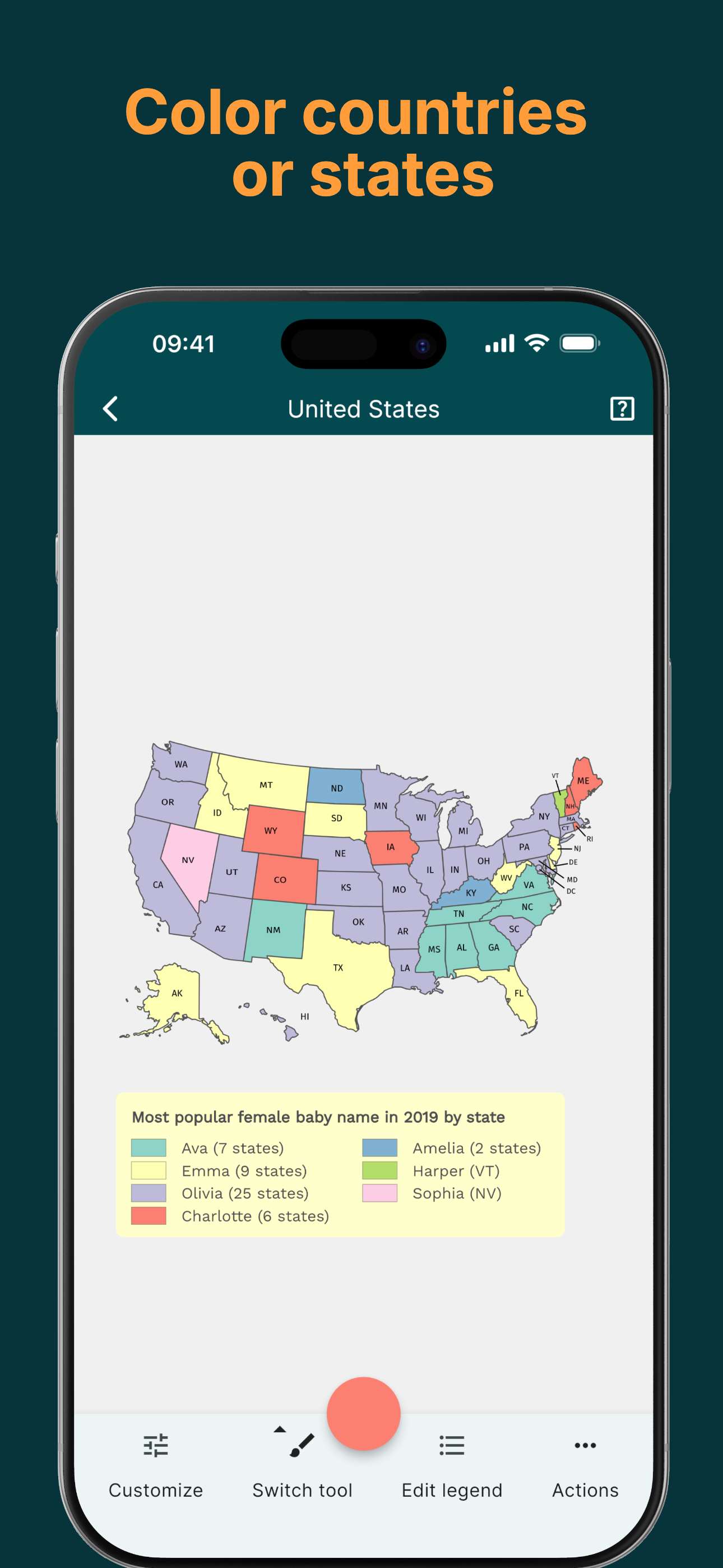
Make Cool Maps Easily with MapChart App! MapChart, the #1 map-making website, is now an app! Perfect for anyone who loves coloring maps, learning geo...
| Name | Price | Type |
|---|---|---|
| MapChart Premium to Max | $2.99 | One-time |
| MapChart Premium | $4.99 | One-time |
| MapChart Premium Max | $8.99 | One-time |