Check the acquisition promise
Read the store headline, screenshots and description. What problem is the app promising to solve?
Study the storefront ↗
zhibiao Lin · iOS
Explore the ad evidence, study the storefront, and build your next acquisition hypothesis.
01 / Creative research
Read the store headline, screenshots and description. What problem is the app promising to solve?
Study the storefront ↗Explore apps with direct store-link matches. Compare their hooks and formats without assuming the same approach works here.
Browse observed advertisers ↗Store rankings and revenue estimates describe market context. They do not establish ad spend, conversions or ROAS.
Review the market context ↗02 / Storefront & product
Study the product story and store experience behind the acquisition funnel.
03 / Market context
Keep revenue, downloads and store rankings separate from advertising performance.
Package came with 2 bulbs, first one would not make available the Wi-Fi network the instructions said to connect to. Couldn’t get to the faq, the link for said faq I had to open on my computer to get it to load- the link for said faq showed “not secure” in the search bar when I entered it. I gave up on the first bulb and tried the Second bulb, which upon screwing in to my desk lamp revealed the network instructed to connect to, which I did, it then asked me to connect to my home Wi-fi router while in the app. Again, this time in my Wi-Fi settings my phone said the provided connection was an “unsecured network”, and I was not comfortable typing my router password when prompted to by the app. When I went back to the app, despite not providing my Wi-Fi information, the app suddenly worked, and while connected to the Wi-Fi network the instructions lead me to, I could access and control the Second Bulb. This was a gross hassle, hate when a product says “easy setup”, then tries to collect data on you it doesn’t actually need to access a product’s functions. Can’t tell if the app developer was incompetent or if this is some sort of phishing scheme. Time will tell. One star because through sheer tenacity I got it to work, the bulb base is hot to the touch which makes me nervous, LED bulbs I’ve used in the past don’t get hot. A Bluetooth only bulb would be more secure, I’m sure there are better products out there but this was given to me as a gift. Research products before you buy, my friends.
The light strips worked great for a short time. Then all of the sudden, they would reset themselves in the middle of the night and begin flashing through all colors. This was inconvenient to have to get up and unplug 6-8 sets throughout the house. The first time this happened it was somewhat difficult to reset and reconnect due to having to eventually reset the router in order to get them to connect. This sporadically happened over several months then again last night they all reset, flashing the rainbow throughout the house. Again, I just unplugged them all and began working to reset and reconnect them today. So far, I have reset the router and attempted to reset and reconnect the lights around 7 times with only one of 8 controllers being able to reconnect. I am lost and have went through all the FAQs and tips while wasting many many hours troubleshooting this.
I can’t say if it’s the app or the bulbs…my guess is the app, so here you go! My bulbs worked fine awhile ago. Then they needed to be reset, but I didn’t have time. Today, I upgraded the app and reset two bulbs and connected another for the first time. It worked fine configuring and connected the new one. The other two I could not get to work. One connected, turned green and then went off line. I could not get it back online, so I deleted the device and decided to start over. The app discovers the bulbs and the phone displays the wifi settings. The bulbs also flash or change color, which clearly indicates it’s communicating with the app. But when I try to continue, app consistently says it can’t connect to wifi. I’ll reset, then close the app, reopen it, blah blah blah and they won’t connect. Since I actually have a life and can’t sit here for hours to connect bulbs to my phone, something I’ve managed to live without my whole life, I just turned the lights off and closed the app. Now, when I turned the lights on, both bulbs keep changing colors between a stark, almost blue white and a beige normal light bulb color. The app isn’t open, bulbs never connected, yet it like Vegas in my room! It’s very very &%*¥!=~ annoying! Going to find a couple good old-fashioned incandescent, money wasting glass light bulbs that won’t give me a headache!
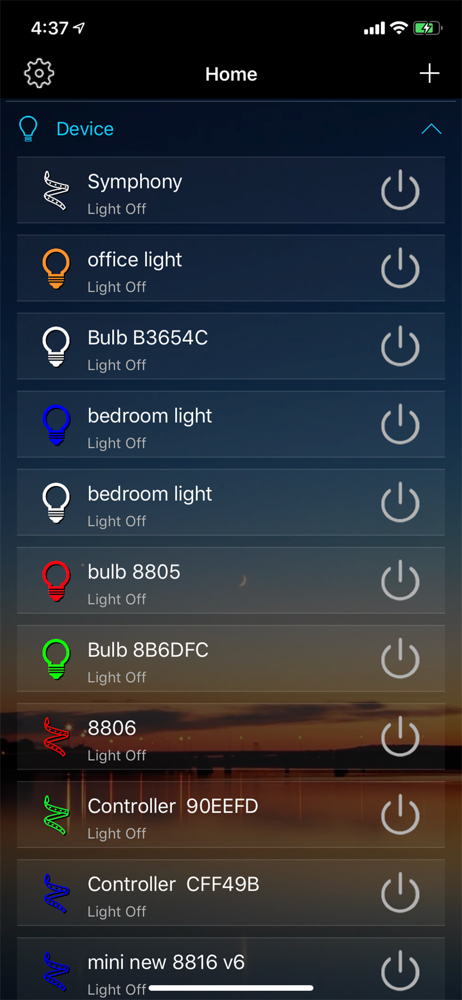
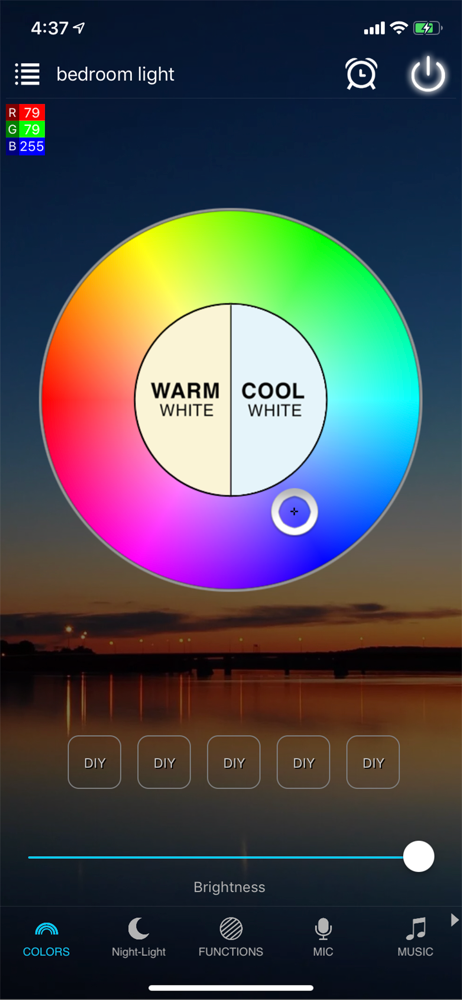
Magic Home Pro is a wifi controller APP for smart led lighting. New feature: 1. Faster Start without scanning 2. Easier to set light to router 3....