
Check the acquisition promise
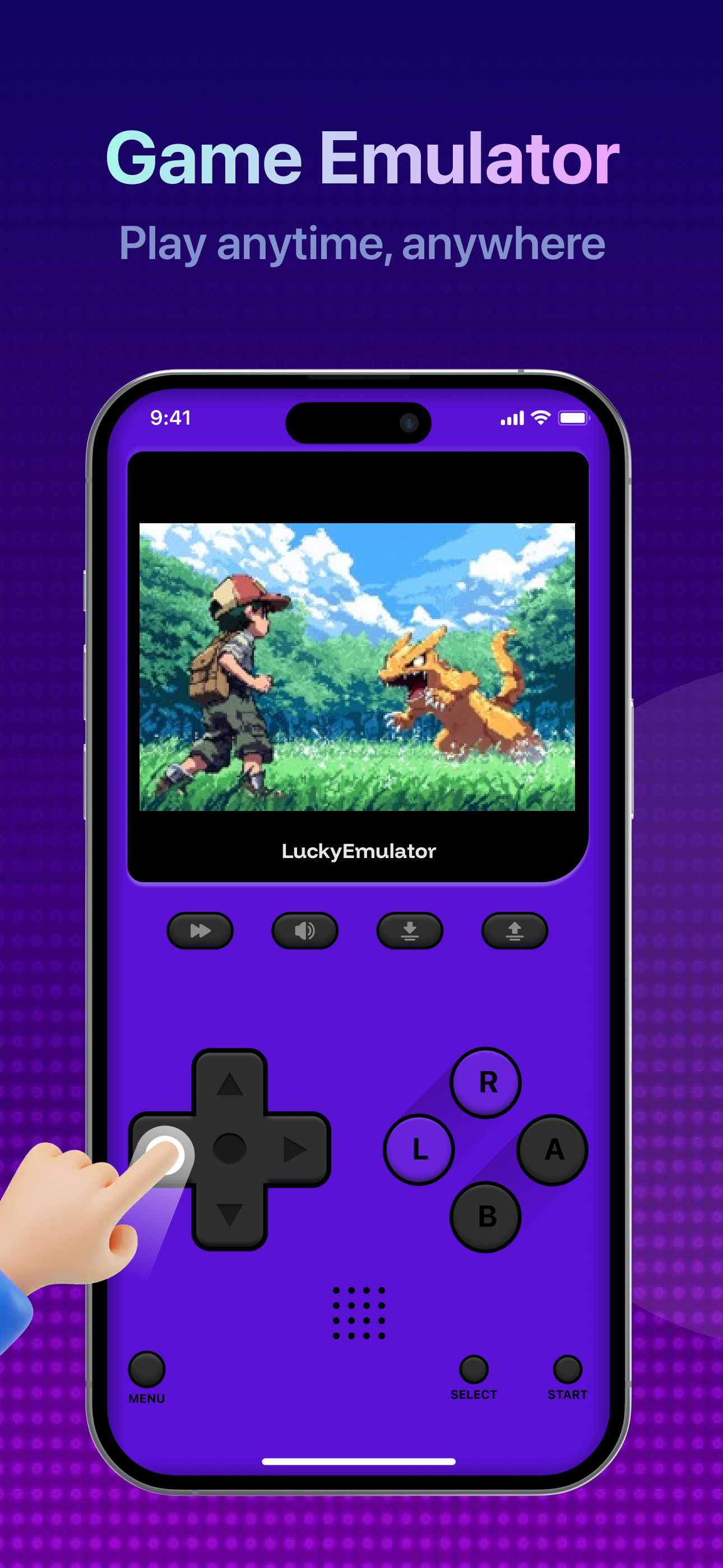
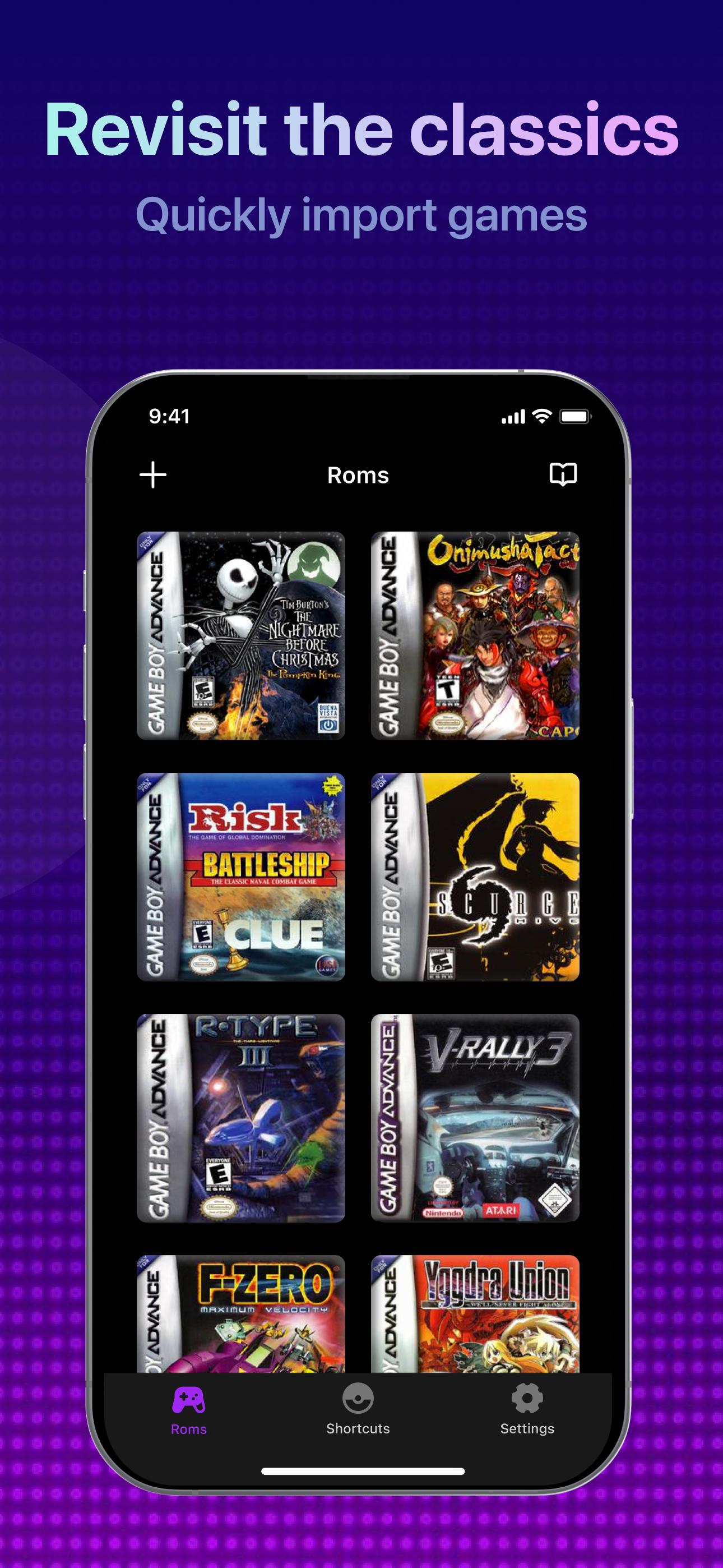
Read the store headline, screenshots and description. What problem is the app promising to solve?
Study the storefront ↗
Lucky Emulator Ltd · iOS
Explore the ad evidence, study the storefront, and build your next acquisition hypothesis.
01 / Creative research
Read the store headline, screenshots and description. What problem is the app promising to solve?
Study the storefront ↗Explore apps with direct store-link matches. Compare their hooks and formats without assuming the same approach works here.
Browse observed advertisers ↗Store rankings and revenue estimates describe market context. They do not establish ad spend, conversions or ROAS.
Review the market context ↗02 / Storefront & product
Study the product story and store experience behind the acquisition funnel.

03 / Market context
Keep revenue, downloads and store rankings separate from advertising performance.
So first off I love this emulator, it can be a little clunky but I’m chill with it. Nothing will be able to replace just playing it on the original device/sp. I am extremely thankful to the devs/ people who made this real and accessible on the iPhone App Store, but please, please, if at all possible make it so the L/R buttons can be switched to the left side of the screen by the control pad. Or better yet add a UI that we can just put the wherever we want. Some games are insanely more difficult than they should be (skill issue lol) due to the rigid snes config. If this is already there and I’m overlooking it please let me know. I know a one star would probably get more attention but this app deserves 5 imo. Regardless, thanks for reading.
I can play all of the old sims 2 games except the urbz which was disappointing but that’s ok because all of the other games work. I’m really playing games from my childhood like Aladdin and lion king, super Mario, Harry Potter, and more. I really wanted this for the sims 2 games and gotten more and love it. The only issue I have is, I have to keep the game open so I don’t lose my place because when I save it, it doesn’t save properly. Other than that, this emulator is awesome and I definitely recommended it to all of my followers
A ton of your old favorite games are here, worth to buy in general. I’m trying to play some of my favorites and games from my childhood like Metroid Fusion and the controls are atrocious for it. Calling it tank controls would be a compliment, it’s infuriating how bad this feels to control. And i’m talking about the way the app runs, not the og controls of the game. Between autosaves that happen during boss battles that FREEZE the game, and with there no way to adjust where the buttons are on the screen i’m having to use three fingers to use the right side of the emulator. Using a phone and a touch screen means that you have to have perfect input and luck, because sometimes the buttons don’t respond when they are pressed. Allow me to adjust where the buttons are, and turn off the autosaves. That is, my only complaint.
Lucky Emulator is the easiest way to enjoy GBA & NDS retro games on iPhone and iPad. Relive the classics with smooth performance, controller-ready gam...
| Name | Price | Type |
|---|---|---|
| 7 Days VIP | $0.99 | One-time |
| Emulator Base (Weekly) | $4.99 | Weekly |
| Emulator Base (Weekly) | $4.99 | Weekly |
| Emulator monthly | $9.99 | Monthly |
| Emulator pro (Annual) | $24.99 | Yearly |
| Emulator yearly | $29.99 | Yearly |


