Check the acquisition promise
Read the store headline, screenshots and description. What problem is the app promising to solve?
Study the storefront ↗
Nguyen Quang Chien · iOS
Explore the ad evidence, study the storefront, and build your next acquisition hypothesis.
01 / Creative research
Read the store headline, screenshots and description. What problem is the app promising to solve?
Study the storefront ↗Explore apps with direct store-link matches. Compare their hooks and formats without assuming the same approach works here.
Browse observed advertisers ↗Store rankings and revenue estimates describe market context. They do not establish ad spend, conversions or ROAS.
Review the market context ↗02 / Storefront & product
Study the product story and store experience behind the acquisition funnel.
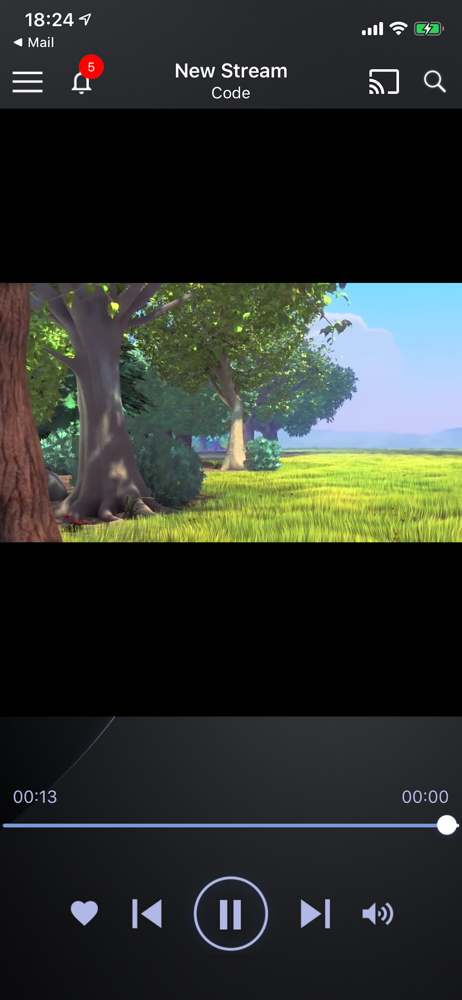
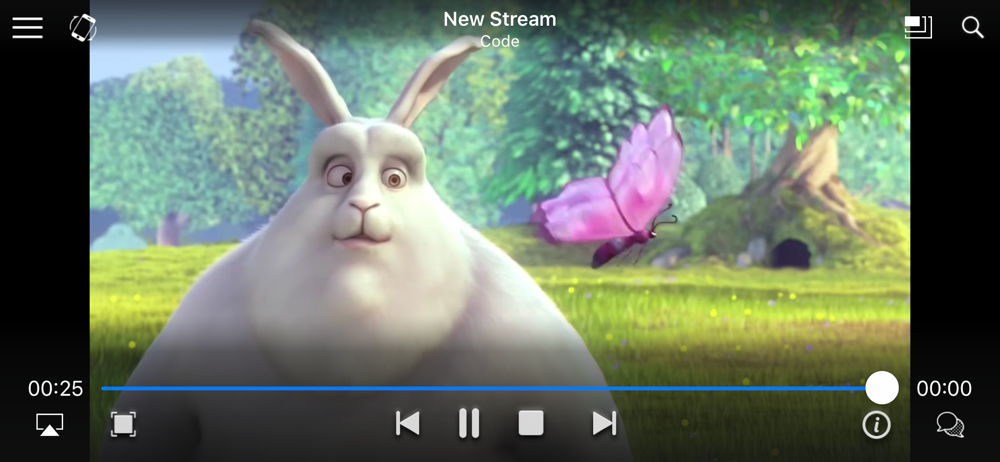




03 / Market context
Keep revenue, downloads and store rankings separate from advertising performance.
The app basic functionality is so so. Upgrade to pro to avoid the ads. But the pro version seems not have much extra value. The local play feature has no option to open the files folder in IOS or IpadOS; the most confusing and does!'t work feature is the network location, only allow enter a ip of the server, then nothing connecting. no ideas why is says supports NAS, SMB, etc. Does WebDav supported? how ti specify the protocol and the port number, and a path location?! Then the worst, try to connect to google drive, after sign in with Google a few seconds, googles blocked the app, warning the App trying to access sensitive personal data!
I tried few different method but i am not able to watch the pro version on my another device which i carry all the time. Its just stuck on one device that i do not use anymore. I paid 15 bucks for it but its of no use. There were some FAQs that says to go to left side menu and click on Restore Pro License and it gets restored but there is no such things of existence. Looked up every icons. Checked everywhere. Tried every clicks but of no use. Fix this. I need to watch on the phone with me all the time. Also the one which says restore transactions option. Tried clicking there and it says it doesn’t find any transaction that i made while it shows on the left side top as PRO.
I recently purchased the lifetime pro version, however although it says it offers Picture in Picture, it actually does not seem to work and won’t let me keep watching after I go to the Home Screen no matter what I try, and until this issue is resolved, I cannot claim this as a 5 star app.
Live Player is a professional streaming media player for your smartphone. - Live Player will play most popular streaming protocols, including: http, h...
| Name | Price | Type |
|---|---|---|
| 100 Coins | $0.99 | One-time |
| 200 Coins | $1.99 | One-time |
| 500 Coins | $4.99 | One-time |
| Live Player Pro 3 Months Plan | $5.99 | Quarterly |
| Live Player Pro 6 Months Plan | $9.99 | Semi-Annual |
| 1000 Coins | $9.99 | One-time |
| Live Player Pro 12 Months Plan | $14.99 | Yearly |
| Live Player Pro Forever | $19.99 | One-time |
| Live Player Pro | $19.99 | One-time |