
Check the acquisition promise
Read the store headline, screenshots and description. What problem is the app promising to solve?
Study the storefront ↗
Linear · iOS
Explore the ad evidence, study the storefront, and build your next acquisition hypothesis.
01 / Creative research
Read the store headline, screenshots and description. What problem is the app promising to solve?
Study the storefront ↗Explore apps with direct store-link matches. Compare their hooks and formats without assuming the same approach works here.
Browse observed advertisers ↗Store rankings and revenue estimates describe market context. They do not establish ad spend, conversions or ROAS.
Review the market context ↗02 / Storefront & product
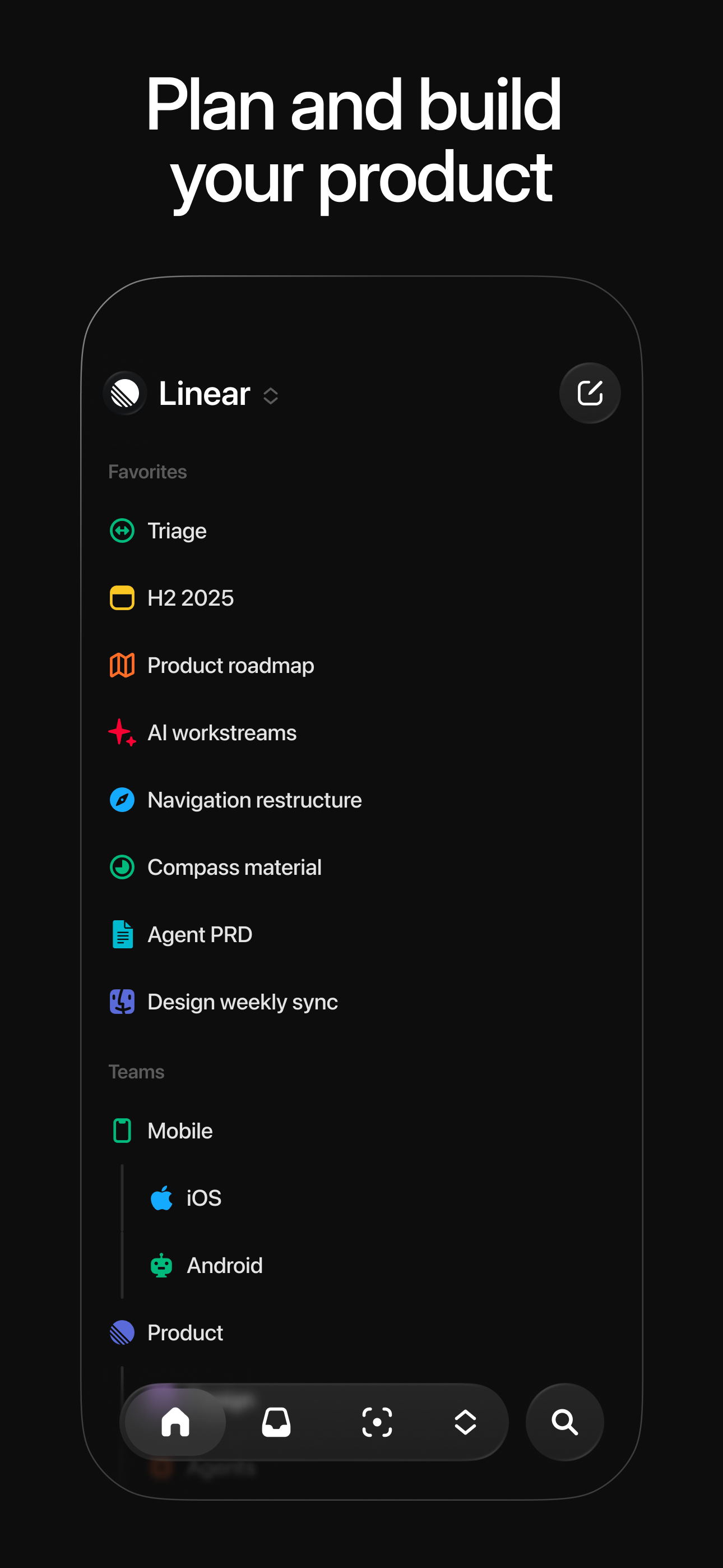
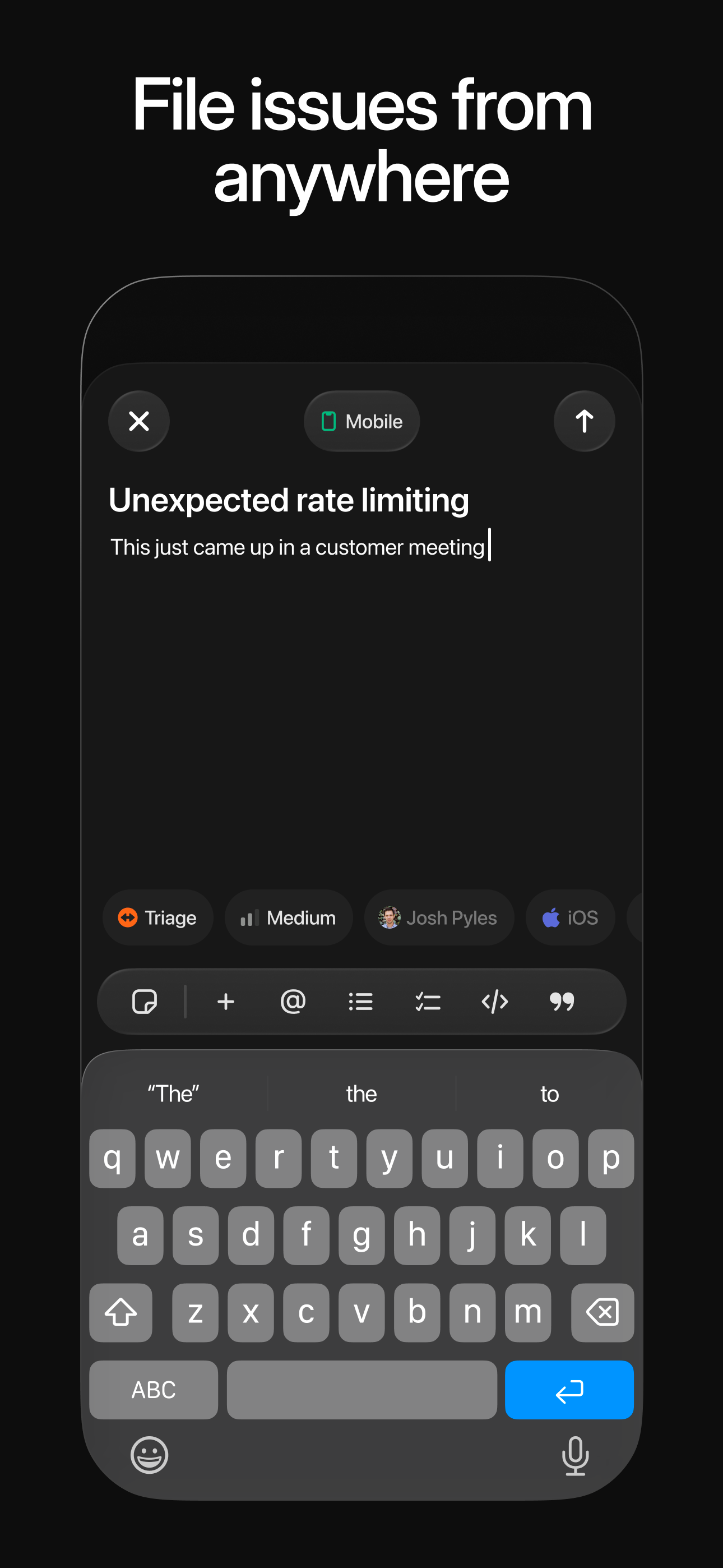
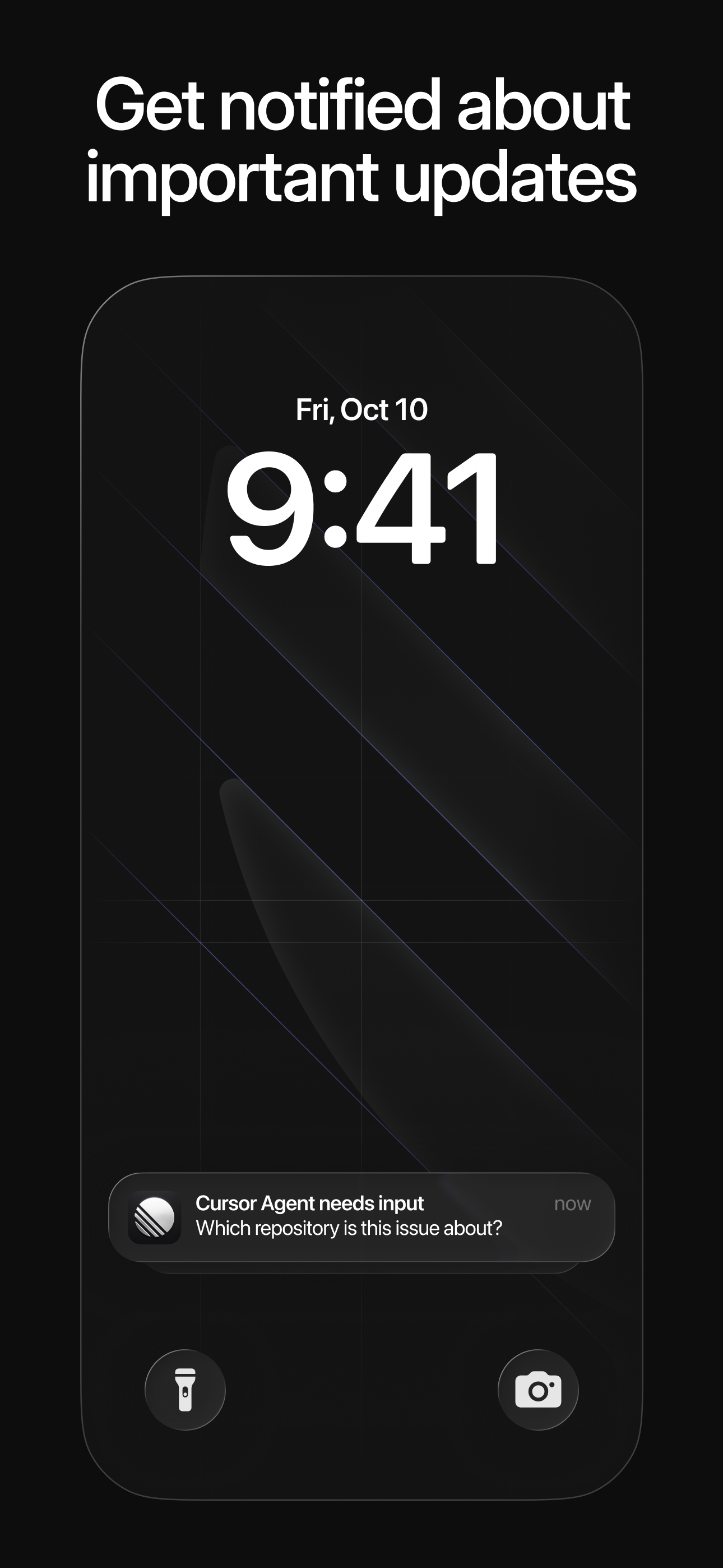
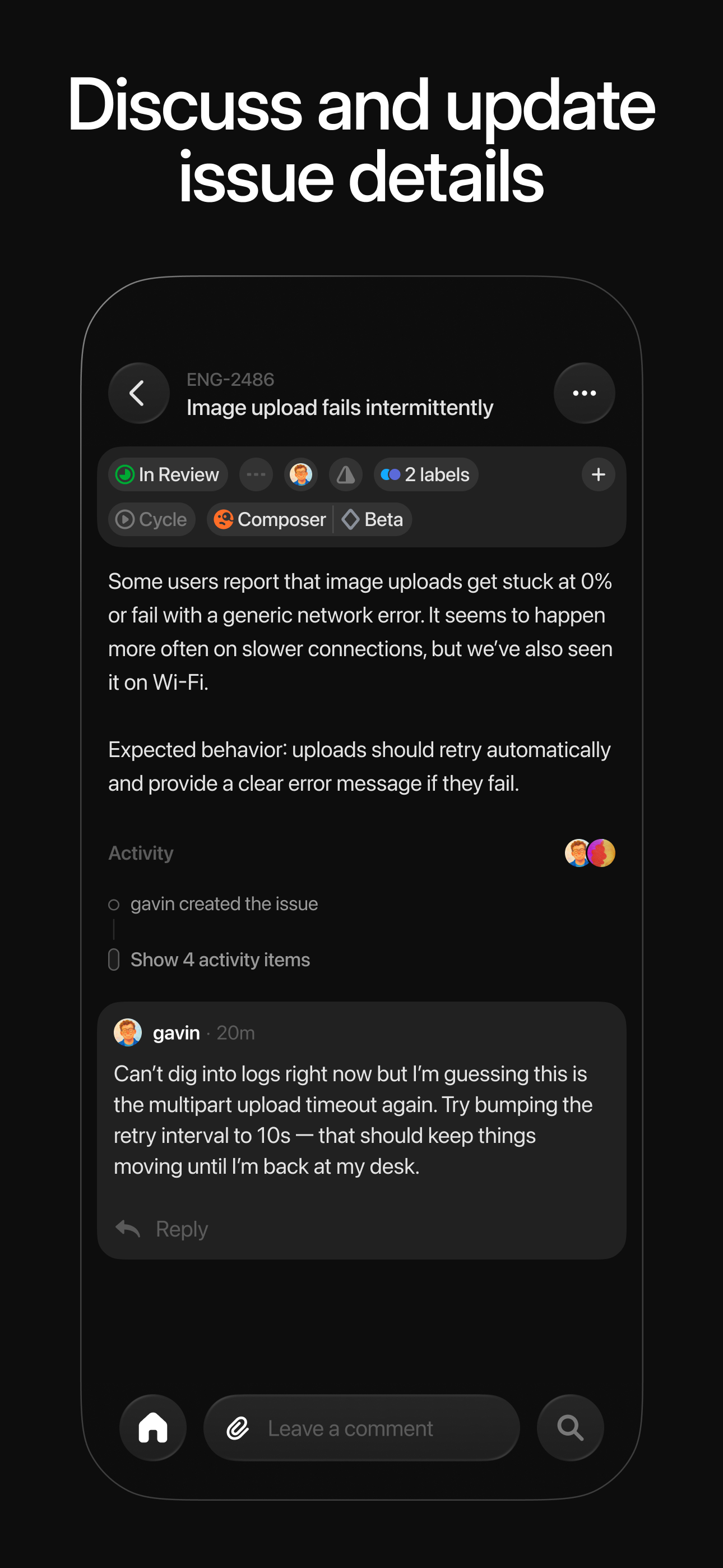
Study the product story and store experience behind the acquisition funnel.




03 / Market context
Keep revenue, downloads and store rankings separate from advertising performance.
I’m a small solo creator that works on different types of video content daily. This app has been very fast and responsive with putting clarity and direction with my workflow. I love how easy it is to create an issue and assign values to it. Love the comments and the tracking info. My only critique is that I wish the mobile app had the same features as the desktop versions. There are small things you can’t do on mobile versus the desktop. I’m usually on the move so if I’m at the bus planning I’ll be relying on my phone. Aside from that this app has been the best so far with getting things done. I love how it has a comment tracker, and abilities for mark down notations. This is very team driven, so I wonder if there’s a setting to ignore auto assigning or organizing based on person when you’re the only person on the project. Great app and hard to replace. I hope they keep adding more features and have the phone app mirror the desktop versions.
The desktop and web Linear experiences are good, but the iOS app is not. Instead of inline editing of issue text that syncs automatically, editing an issue requires opening a separate dialogue, and the results are not saved until you upload it. I’ve lost so much data because of this, especially when I have a spotty connection, like on the subway, or when navigating away and reopening the app. Sometimes the upload button just times out, and you have to pray that your work didn’t just get deleted. Editing issues should be as reliable and fault tolerant as Apple Notes. There’s no offline support at all, unlike the desktop app. If you’re using Linear Mobile to organize your work during a commute, prepare for a frustrating and painful experience. Linear devs: make content editing inline, save drafts, and add offline support. Loosing user content is never acceptable.
Linear is by far the best issue tracker I’ve ever used as a software engineer and product manager. The mobile app is also solid, especially as an initial version. They seem to be committed to continuous improvement across all platforms including mobile. As I understand it, they are planning to add widgets for iOS too which I am particularly excited for. Keep up the good work!
Linear is a purpose-built tool for planning and building products. Streamline issues, projects, and product roadmaps. Linear Mobile is a companion to...


