
Check the acquisition promise
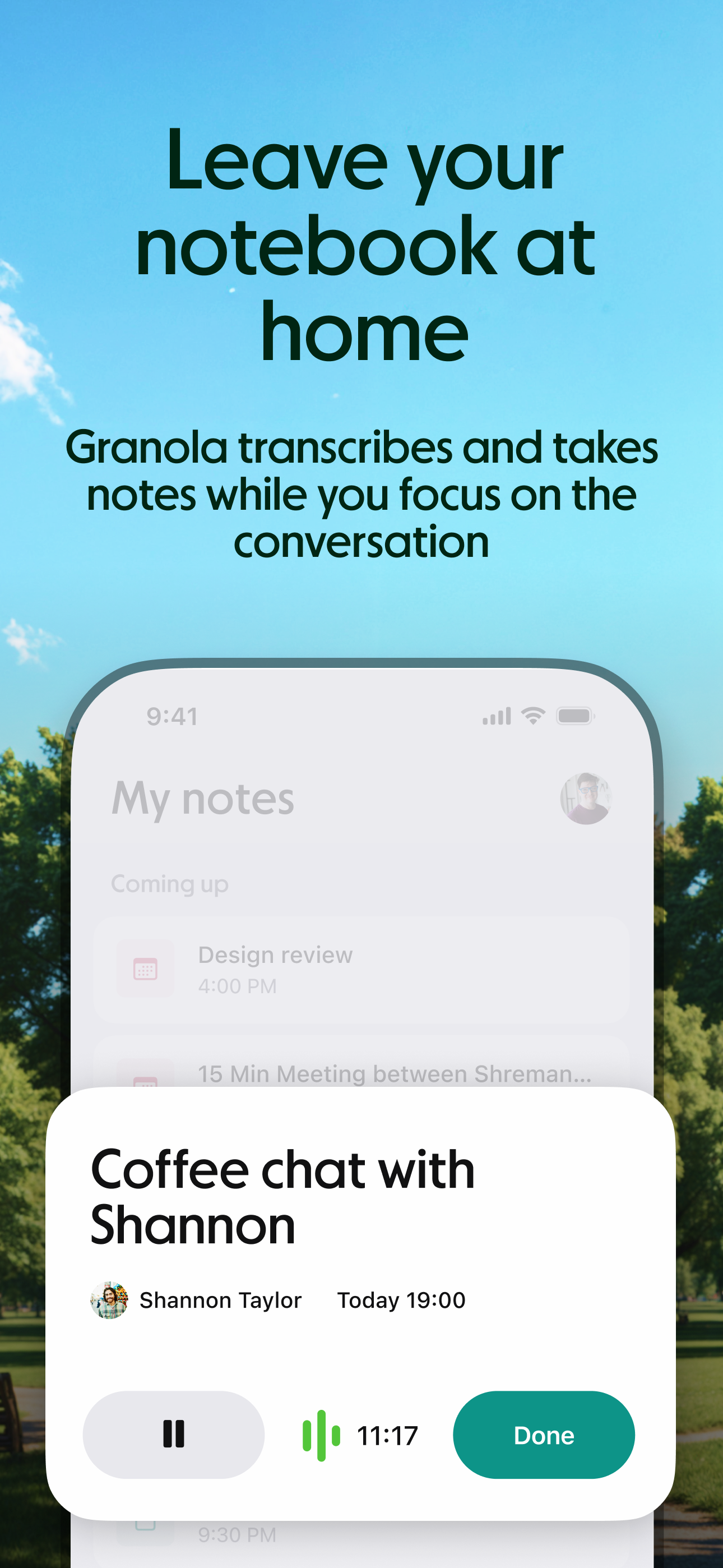
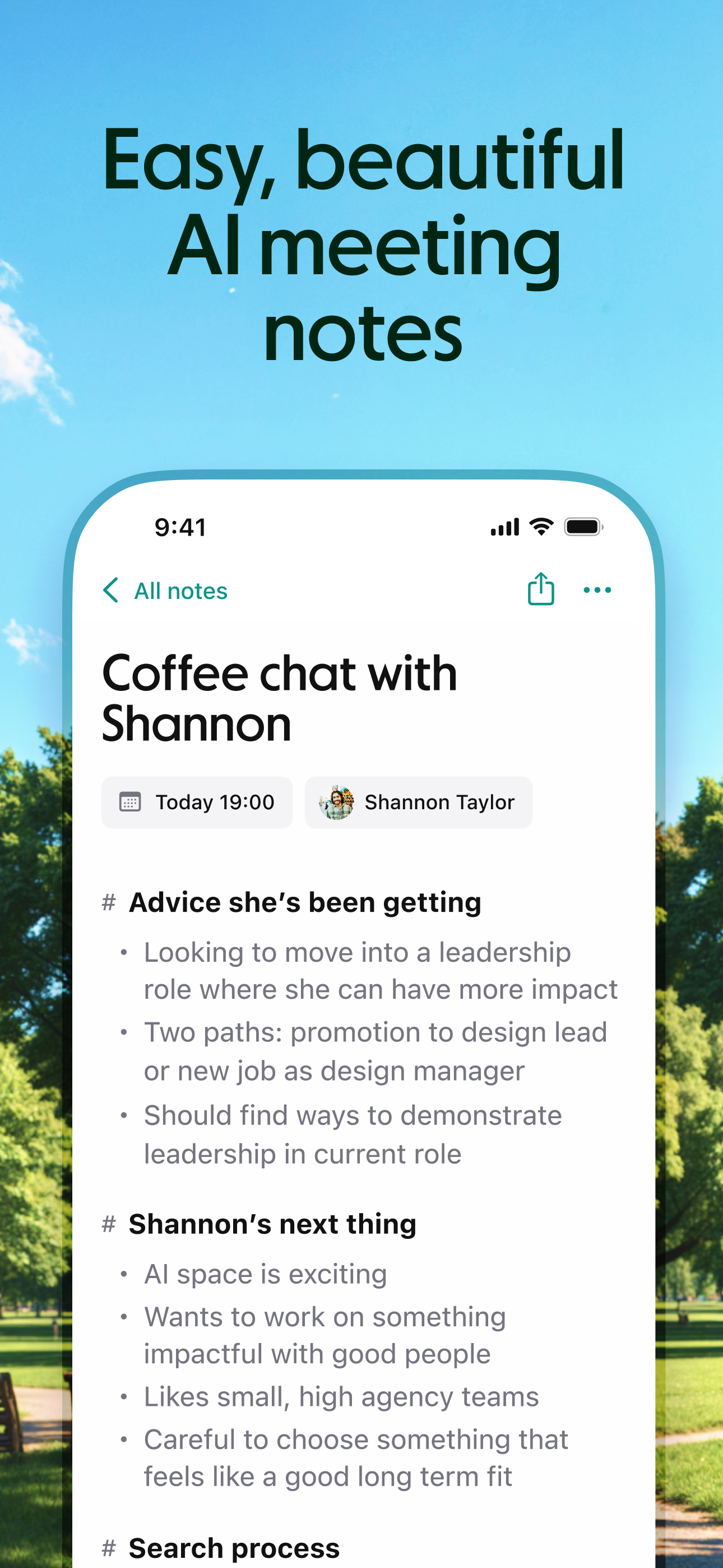
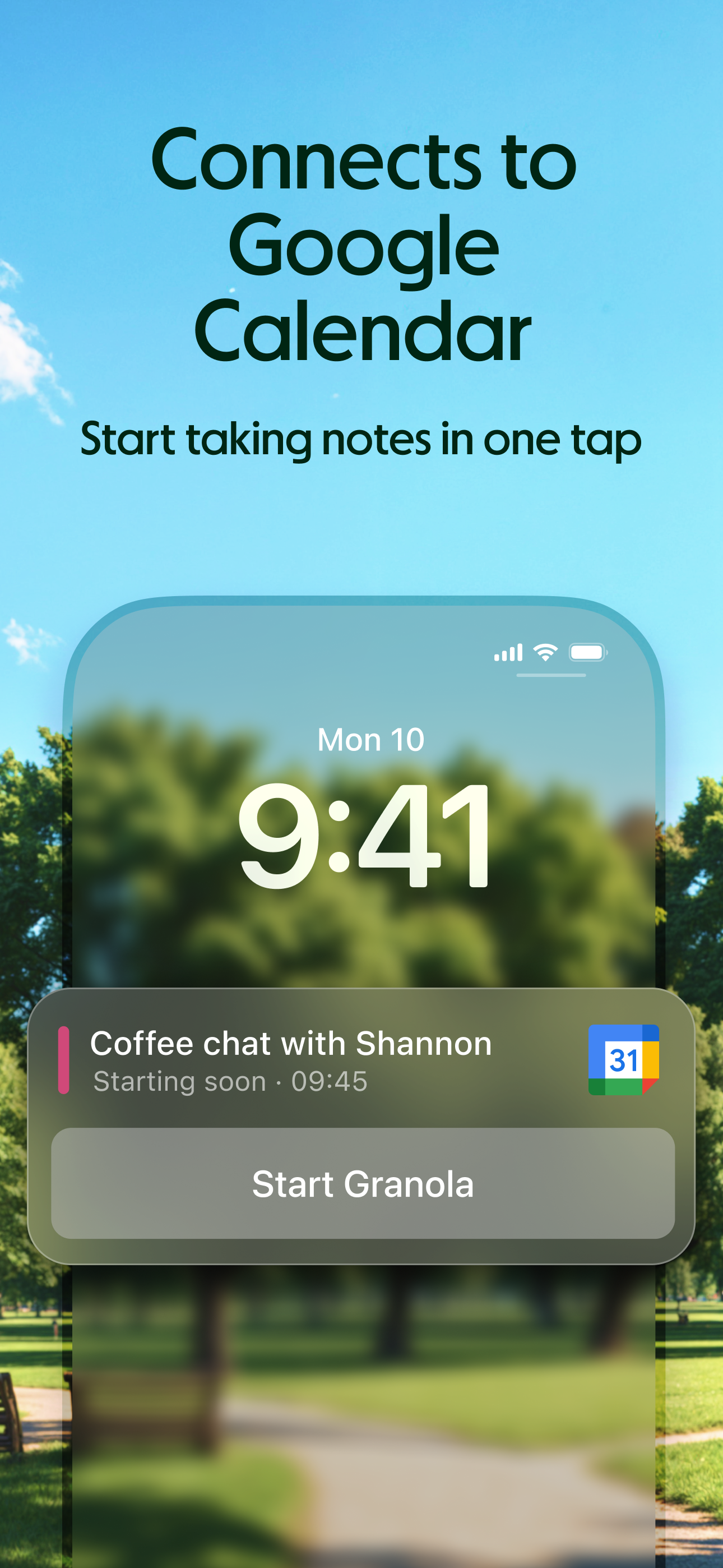
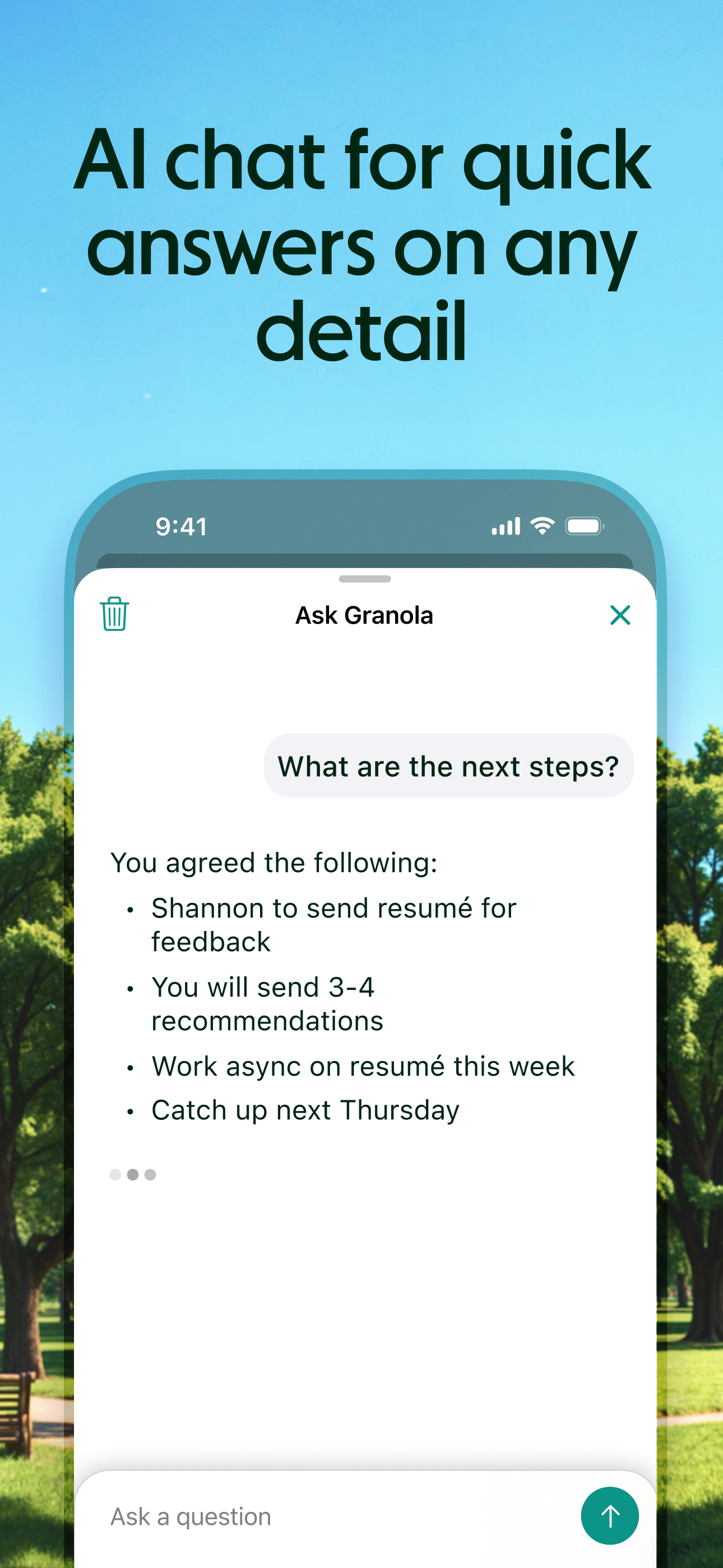
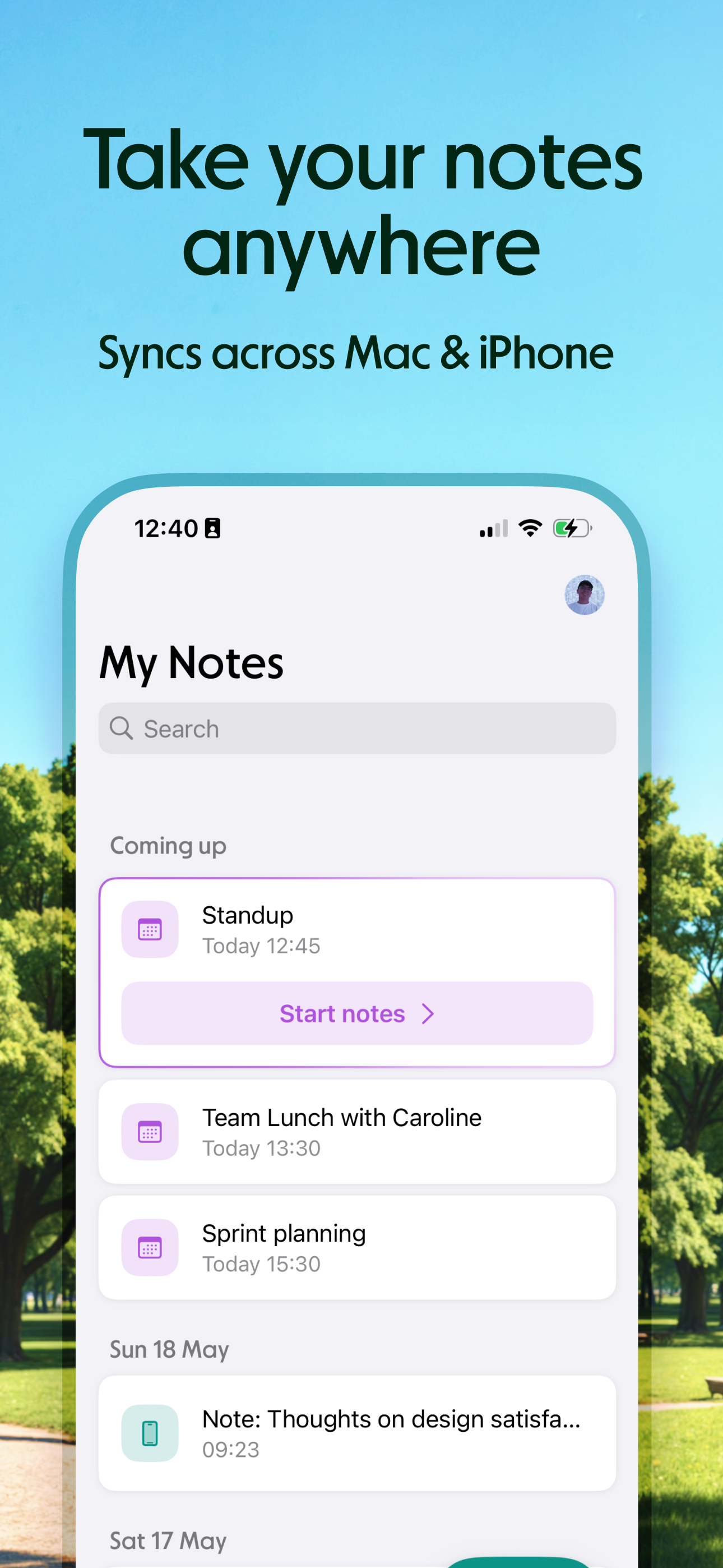
Read the store headline, screenshots and description. What problem is the app promising to solve?
Study the storefront ↗
Granola inc · iOS
Explore the ad evidence, study the storefront, and build your next acquisition hypothesis.
01 / Creative research
Read the store headline, screenshots and description. What problem is the app promising to solve?
Study the storefront ↗Explore apps with direct store-link matches. Compare their hooks and formats without assuming the same approach works here.
Browse observed advertisers ↗Store rankings and revenue estimates describe market context. They do not establish ad spend, conversions or ROAS.
Review the market context ↗02 / Storefront & product
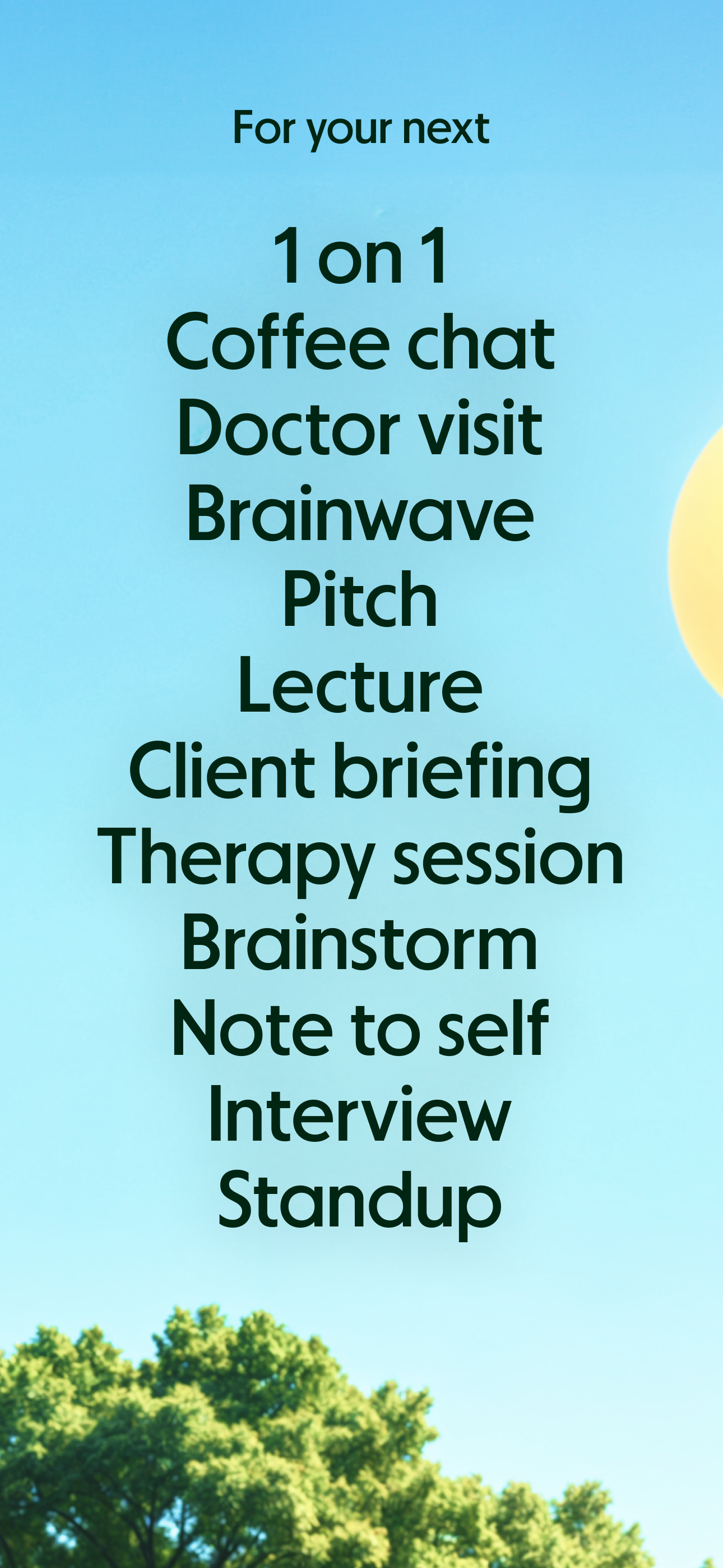
Study the product story and store experience behind the acquisition funnel.


03 / Market context
Keep revenue, downloads and store rankings separate from advertising performance.
The Granola app was recommended to me by someone I admired, and decided to give it a try despite the numerous other note-taking apps that are available. Literally went back to him the next day with a huge note of thanks! I love the interface of Granola, and it was so easy to kick off the first session .. but, afterwards not only does the app give highly valuable AI insights and structured notes, but I am able to view transcripts and have a valuable record of all meetings. Love Granola, and strongly recommend!
I use Granola every single day and it has become indispensable to my workflow. On mobile, it’s perfect for capturing conversations during walks and transcribing meetings on the go. The one-tap capture makes it effortless to start recording without interrupting the flow of conversation. What really sets Granola apart for me is the Vision Pro support. Being able to use it to talk through and transcribe my own ideas and thoughts in that environment has been incredibly valuable. So many apps artificially limit their Vision Pro functionality or don’t support it at all, so I genuinely appreciate that the Granola team made it work seamlessly across all platforms. The transcription quality is excellent even in different environments, and the AI-generated summaries with action items and key points save me hours of work each week. Whether it’s a formal meeting, a casual conversation, or just me working through my own thoughts, Granola captures everything beautifully. If you’re in back-to-back meetings or need a reliable way to capture ideas across your Apple devices, including Vision Pro, Granola is absolutely worth it. Highly recommend!
I love the phone feature. Very clever. However, a couple of bugs: 1. It's laggy in the UI responsiveness. For example, when I toggle the speakerphone from earpiece on and off, it's got about a 1-second delay. 2. If I call somebody and they don't answer, it still tries to generate a note, which I don't think is useful. 3. Better organization of call logs - calls to the same person should be grouped, etc. 4. Notification after the call telling me my notes are ready shows the phone number rather than the name it should be mapped to. 5. Call stack UI builds up, and you have to dismiss each individually. So, if I had three phone calls all in a row through the Granola app, when I come back to the Granola app, you have to dismiss all of them, even though they're not all notes. You just see a blank screen with the person that you called. Dismissing is also not easy. If you try to slide it down, you kind of have to hit the down arrow instead. 6. Lots more, but this is my first day using it… I will change my review back to five stars once you acknowledge you received this feedback. I just wanted to get your attention once you fix this.
Granola is the AI notepad for people in back-to-back meetings, trusted by top founders, VCs, and recruiters. And now it's available on your iPhone. S...


