
Check the acquisition promise
Read the store headline, screenshots and description. What problem is the app promising to solve?
Study the storefront ↗
Karl Jeacle · iOS
Explore the ad evidence, study the storefront, and build your next acquisition hypothesis.
01 / Creative research
Read the store headline, screenshots and description. What problem is the app promising to solve?
Study the storefront ↗Explore apps with direct store-link matches. Compare their hooks and formats without assuming the same approach works here.
Browse observed advertisers ↗Store rankings and revenue estimates describe market context. They do not establish ad spend, conversions or ROAS.
Review the market context ↗02 / Storefront & product
Study the product story and store experience behind the acquisition funnel.




03 / Market context
Keep revenue, downloads and store rankings separate from advertising performance.
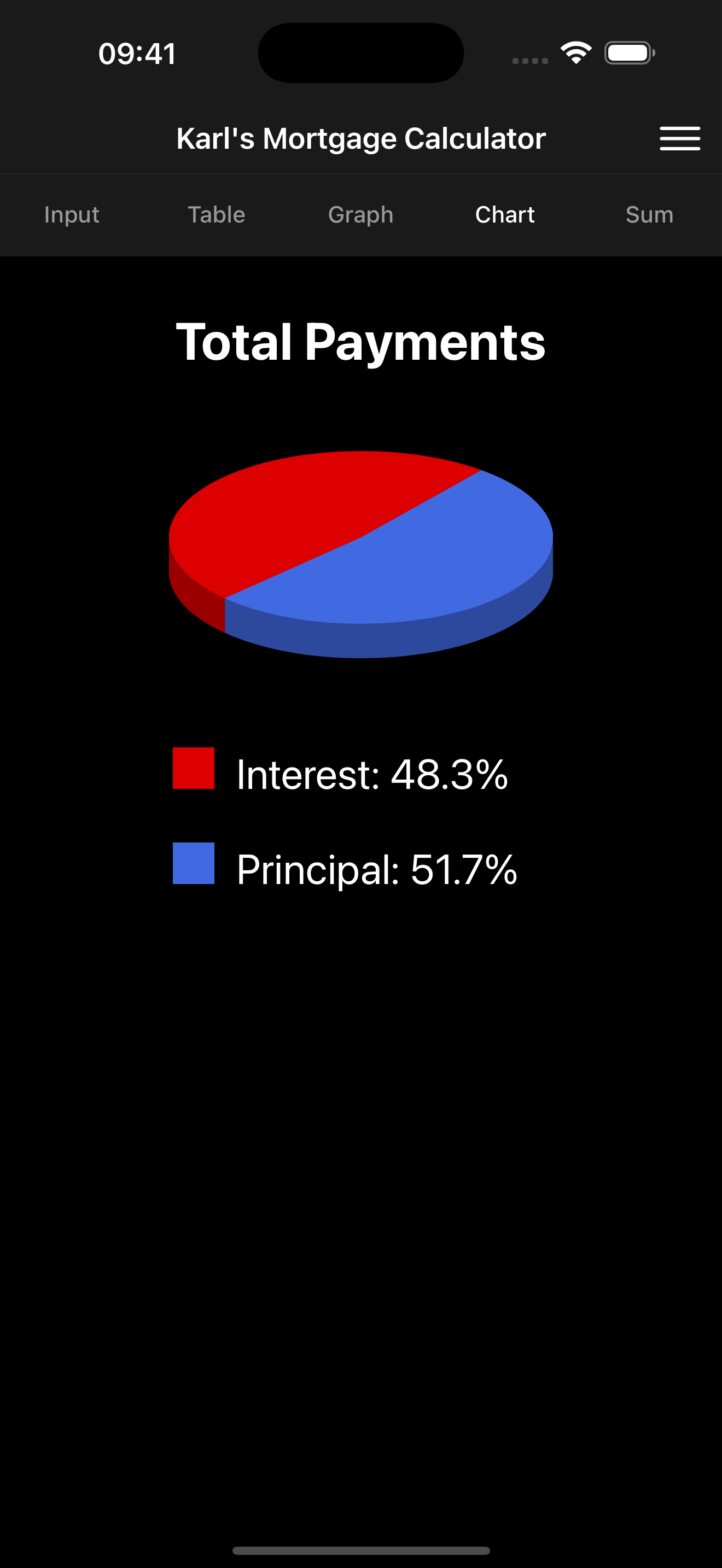
I absolutely LOVE this app! I’ve used it for two house mortgages running “what-if” scenarios trying to target reasonable early payoff dates and understanding how much money I save in interest I don’t have to pay the bank. The app is easy to use and easy to pivot your payoff strategy when financial changes happen and you have to put less or can put more into the house. Seeing the payoff graphs, tables, and summary views are so nice. I use all the features on this app. The app is simple but powerful. Very user friendly but not underpowered. Great job! This is probably the first review I’ve ever posted about a mobile app because I just loved it so much.
I own a handful of properties and I’m always looking for ways to tweak my payments as rent goes up or as I come in to more income so that I can shorten my payoff dates. There are plenty of mortgage calculator apps or online calculators out there, but I always find some thing that they’re lacking or that’s annoying about their use. But Karl’s calculator is just about perfect. I love that I can easily create new scenarios and that they automatically save and that I can email them when I’m done and the recipient of the email does not need the app in order to see the summary. Simply click on the attachment and they have a tidy summary of the scenario that I’ve run. Like I said, perfect!
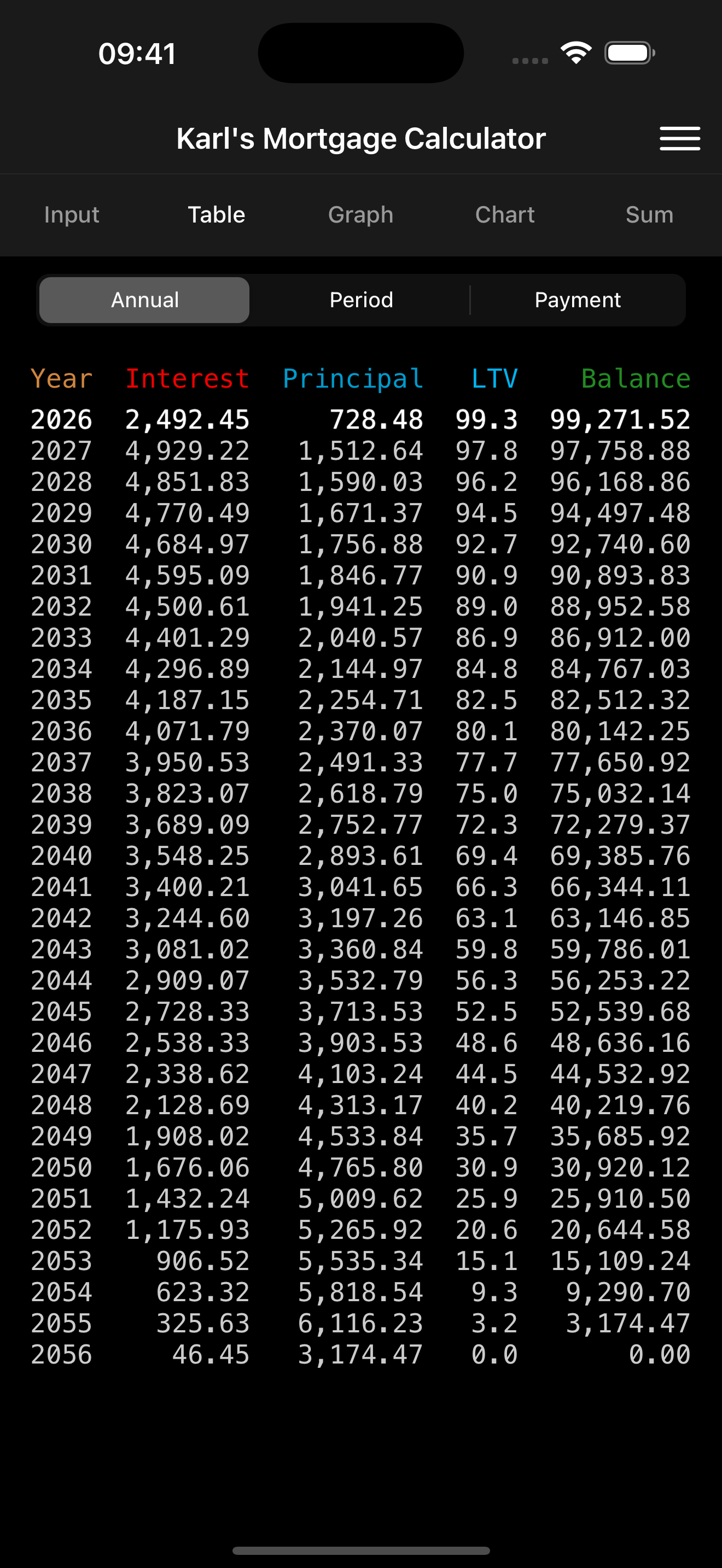
I wanted to determine what the short, mid and long term financial benefits would be in refinancing our current mortgage now that interest rates have dropped. I wanted detailed comparisons, and some key questions answered, not just a semi-useless summary. I tried several online calculators... very awkward to get the level of detail needed. Irritating ads. Needed pencil and paper - to answer some key questions - awkward. I could have done it manually on my business calculator sitting idle in the kitchen draw.... big pain in the neck to get the level of detail needed in usable form. Karl’s calculator was fantastically easy to use, user friendly, fast, and lays out all the amortization details on an easy to play with slider tool. The amortization tables, with loan balances, interest paid, etc. etc., charts, graphs, summary, and more are all there and intuitive to use. So, I entered the variables for my current mortgage and wallowed within the results. Did the same for other scenarios. I emailed the detailed reports to myself, compared the .csv spreadsheets (all on my IPad). Don’t bother to look elsewhere for a mortgage calculator. Even if your needs are totally basic, you can’t beat this one.
Calculate mortgage payments given principal, interest and term. Reverse calculate any one variable given the other three. Enter a down payment amount...


