
Check the acquisition promise
Read the store headline, screenshots and description. What problem is the app promising to solve?
Study the storefront ↗
斌 阳 · iOS
Explore the ad evidence, study the storefront, and build your next acquisition hypothesis.
01 / Creative research
Read the store headline, screenshots and description. What problem is the app promising to solve?
Study the storefront ↗Explore apps with direct store-link matches. Compare their hooks and formats without assuming the same approach works here.
Browse observed advertisers ↗Store rankings and revenue estimates describe market context. They do not establish ad spend, conversions or ROAS.
Review the market context ↗02 / Storefront & product
Study the product story and store experience behind the acquisition funnel.



03 / Market context
Keep revenue, downloads and store rankings separate from advertising performance.
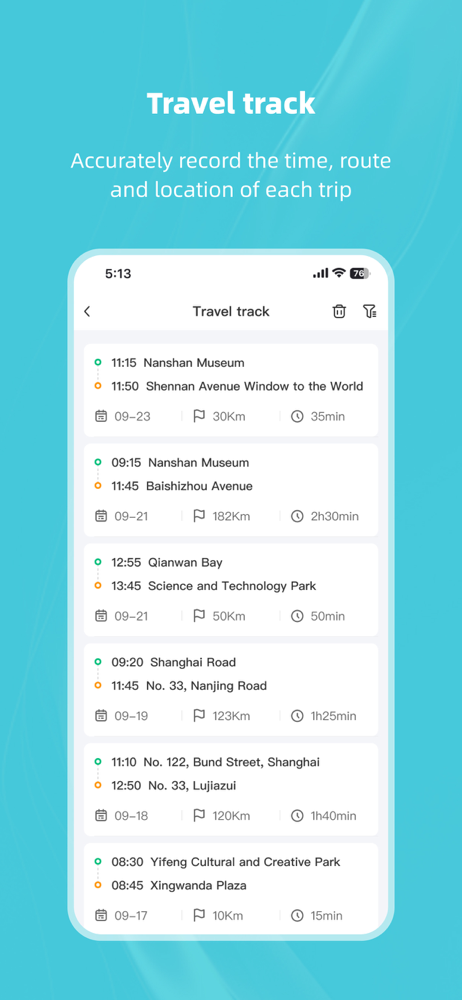
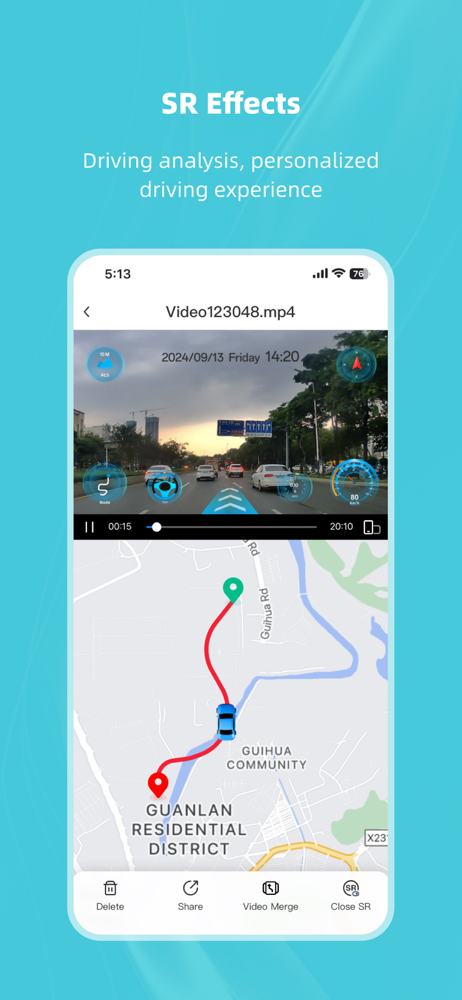
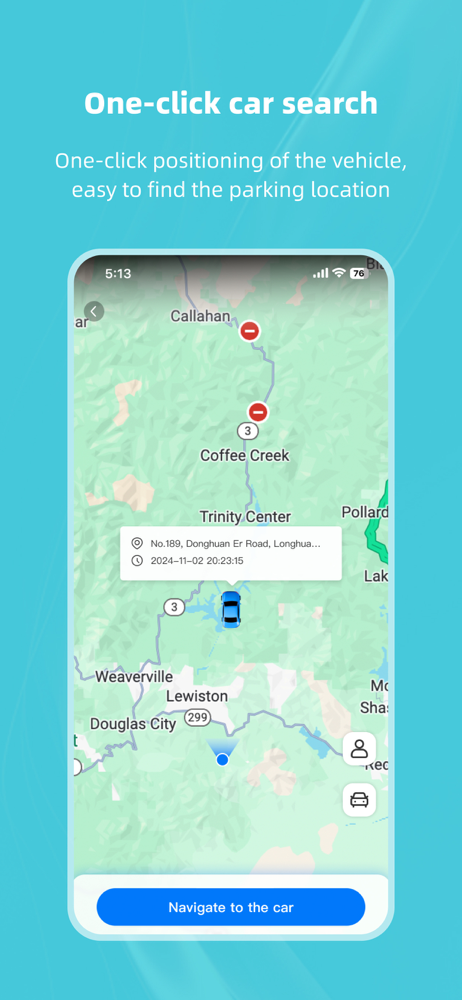
This is the first ever dash cam I own. At first like anything you gotta get use to, you don’t use Bluetooth but WiFi to connect to it. I’ve had it for at least 2 years. It killed my battery the first month but I had to replace it either way. Once I replaced the battery on my 6yr old Grand Cherokee (which I had to do regardless). The dash cam runs so well, I mean I’m impressed the picture is near 4k and the details like speed, maps live tracking, and if you have a newer car like mine(2018) it’ll stay on even though you don’t Hotwire it to your car.
Alright, it’s definitely not the best app, but I didn’t have trouble connecting to view footage. Can also use the app as a rearview camera. ALSO I saw one review that said you can’t flip the camera in the app if it’s upside down. Well, you can. The rear one, anyway. You do not need to have the app on for it to record. The app is for reviewing footage and changing settings. Like the parking monitoring sensitivity and resolution (which is medium and highest, respectively, by default. If there is an accident and you can’t save the video to your phone through the app, take out the micro SD card and plug it into a computer.
Does the cam have automatic recording when I start the car? cause it doesnt record unless I started to open the all and connect to the wifi. This is so much of a hassle its kinda annoying I wish it has an option that u can start recording as soon as ur car starts.
Kacam is the companion app for the driving recorder dash cam, While your smart device is connected to the driving recorder’s WiFi connection, this app...


