Check the acquisition promise
Read the store headline, screenshots and description. What problem is the app promising to solve?
Study the storefront ↗
HoloBuilder Inc. · iOS
Explore the ad evidence, study the storefront, and build your next acquisition hypothesis.
01 / Creative research
Read the store headline, screenshots and description. What problem is the app promising to solve?
Study the storefront ↗Explore apps with direct store-link matches. Compare their hooks and formats without assuming the same approach works here.
Browse observed advertisers ↗Store rankings and revenue estimates describe market context. They do not establish ad spend, conversions or ROAS.
Review the market context ↗02 / Storefront & product
Study the product story and store experience behind the acquisition funnel.



03 / Market context
Keep revenue, downloads and store rankings separate from advertising performance.
Tried using this app for work to mark locations of 360 photos during a walkthrough. Holobuilder works well enough, but the job walk feature is completely useless. Asked for my location. Gave it that. Asked me to walk around for some sheet scaling. Did that. But it still won’t let me take 360 photos where and when I want. All I need is to manually drop a pin and take a photo while I’m doing the walkthrough, but the coders overcomplicated this program to the point of 0 compatibility. Complete waste of storage space. You’ll want to upload all your 360 photos manually and place them in holobuilder one by one after your walkthrough is finished. App makes no sense. 1/5 star.
Though built for VR archiving of construction site progress, this is an excellent tool for scientific fieldwork. Unlike numerous other tools that I've used much of the photography, note-taking and data collection can be done in the field. In one instance I was able to complete much of the VRE creation at a coastal site and then upload it while eating lunch at a nearby restaurant. The definite pluses of the Holobuilder suite... - It is highly self contained in the field. - The on-line editor is robust and yet simple to use. - The user-friendly collaborative function means that it is readily doable to engage colleagues and students in a field project. - The company is highly responsive to suggestions for improving an already excellent tool. In short I give this one two thumbs up.
I work for a large GC, and used the JobWalk app on my latest healthcare project for in-wall photography. We chose to use JobWalk over another photography service that is traditionally used in healthcare construction, because it is more cost effective, and we had more control over the photography schedule/number of photos we were able to take. The most important benefit for us on the construction side, was that we got more information from the 360 photos than we would have had with single photos of each wall, and we were able to reference those photos as needed throughout the project. It is very impressive to an owner to be able to see the project through 360 photos as it is progressing, and we definitely scored points with them when they learned that they would be able to reference the photos (still attached to the plans, as they are in the app) in the future, should they ever need it. I have had technical issues with a few aspects of the process, but the support team responded quickly when I reached out to them, and we were able to get the problems resolved; I was able to get back to using this tool with little delay. I will definitely be bidding this into my projects in the future, in lieu of traditional in-wall photography services.
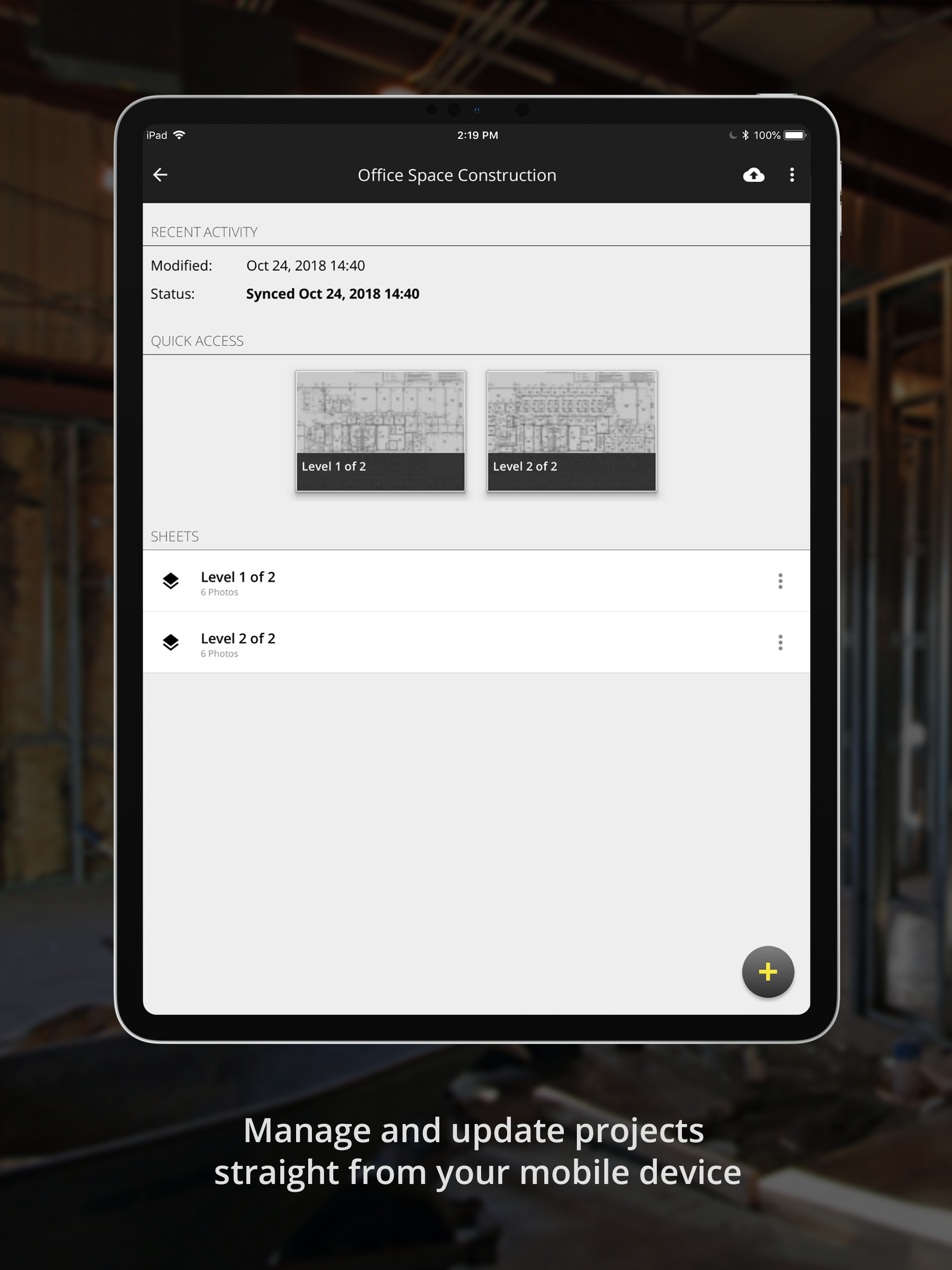
The JobWalk App is the easiest and fastest way to create 360° progress documentation of your construction site with your 360° camera. Share progress w...