
Check the acquisition promise
Read the store headline, screenshots and description. What problem is the app promising to solve?
Study the storefront ↗
JAL ペイメント・ポート株式会社 · iOS
Explore the ad evidence, study the storefront, and build your next acquisition hypothesis.
01 / Creative research
Read the store headline, screenshots and description. What problem is the app promising to solve?
Study the storefront ↗Explore apps with direct store-link matches. Compare their hooks and formats without assuming the same approach works here.
Browse observed advertisers ↗Store rankings and revenue estimates describe market context. They do not establish ad spend, conversions or ROAS.
Review the market context ↗02 / Storefront & product
Study the product story and store experience behind the acquisition funnel.


03 / Market context
Keep revenue, downloads and store rankings separate from advertising performance.
サポートは電話のみ。通話料はユーザー持ち。いつかけても混んでいて仕方なく30分待っても繋がる気配なし。
インストールした後 ログイン画面にて アカウントの登録をする為に 画面下部の「アカウントの登録はお済みですか?」をタップすると「ご確認」ポップアップが表示されるのですが、「いいえ」と「はい」意外にメッセージが表示されていません。 何を問われているのかが不明な為使いにくいです。 何度か繰り返して、画面遷移。 遷移後のページでアカウントの登録等を済ませて再度アプリを起動しました。 ログインボタンを押すと「エラー」のポップアップが出るのですがこちらもメッセージがない為に何が原因のエラーなのかわかりません。 機種はiPhone6s iOSは13.4(2020/4/3現在最新) その後アプリの再インストールを試みましたが結果は同じでした 恐らくアカウント設定がうまく行っていないのだと思いますが、UI的な視点でいくとかなり不便なので確認と修正をしてもらえると助かります.
運営さんお願いです! いつもお世話になってます。 普段使いから海外旅行まで、幅広い場面で使っています。どうか、Applepayに対応してください。 よろしくお願いします。
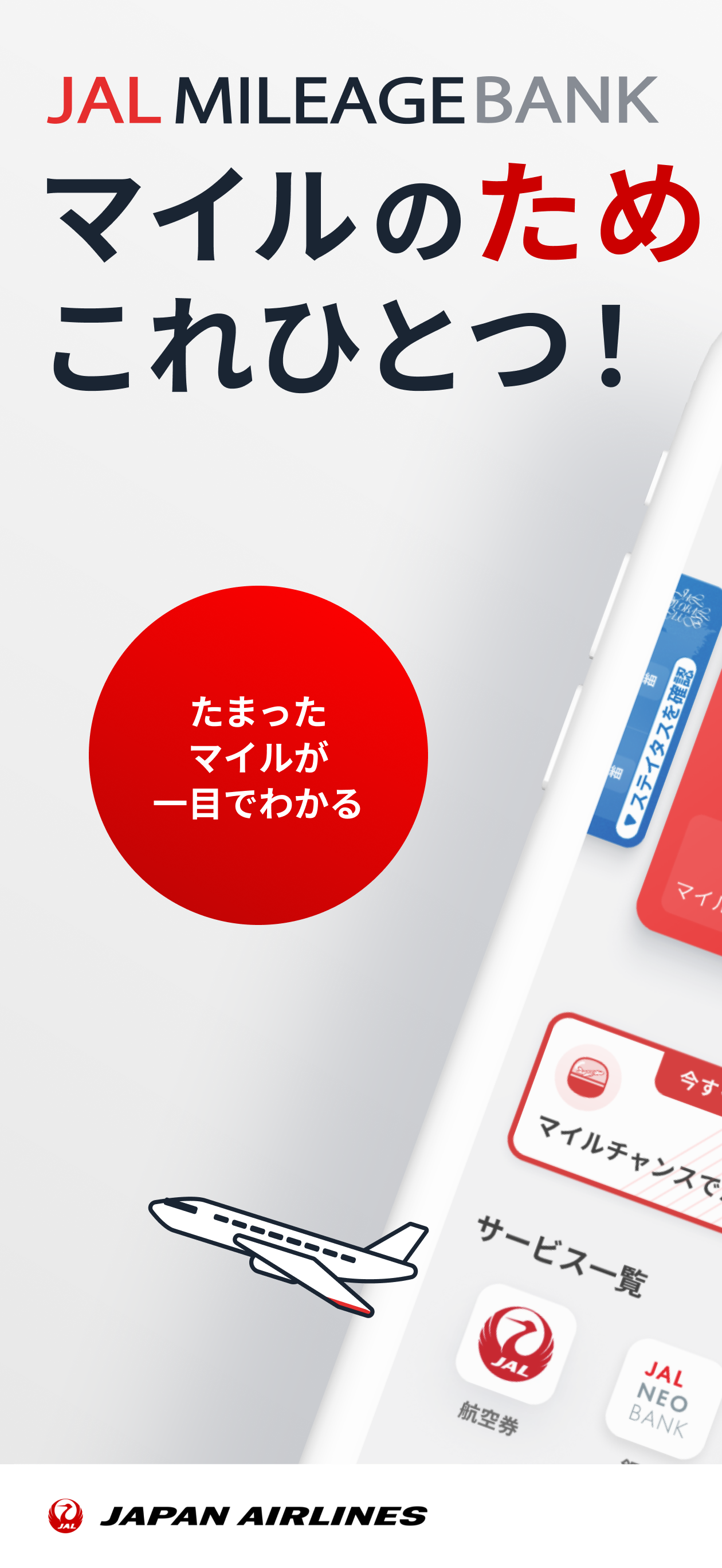
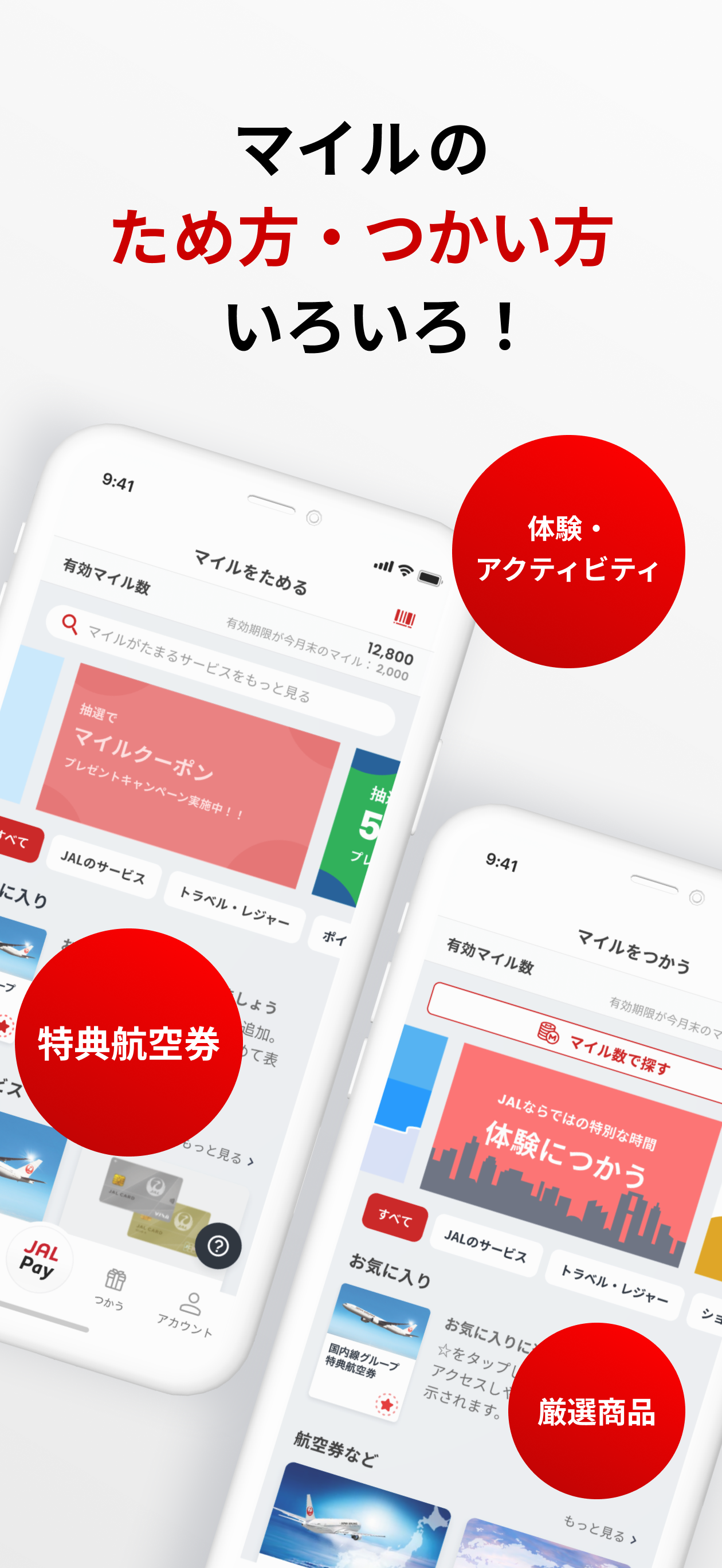
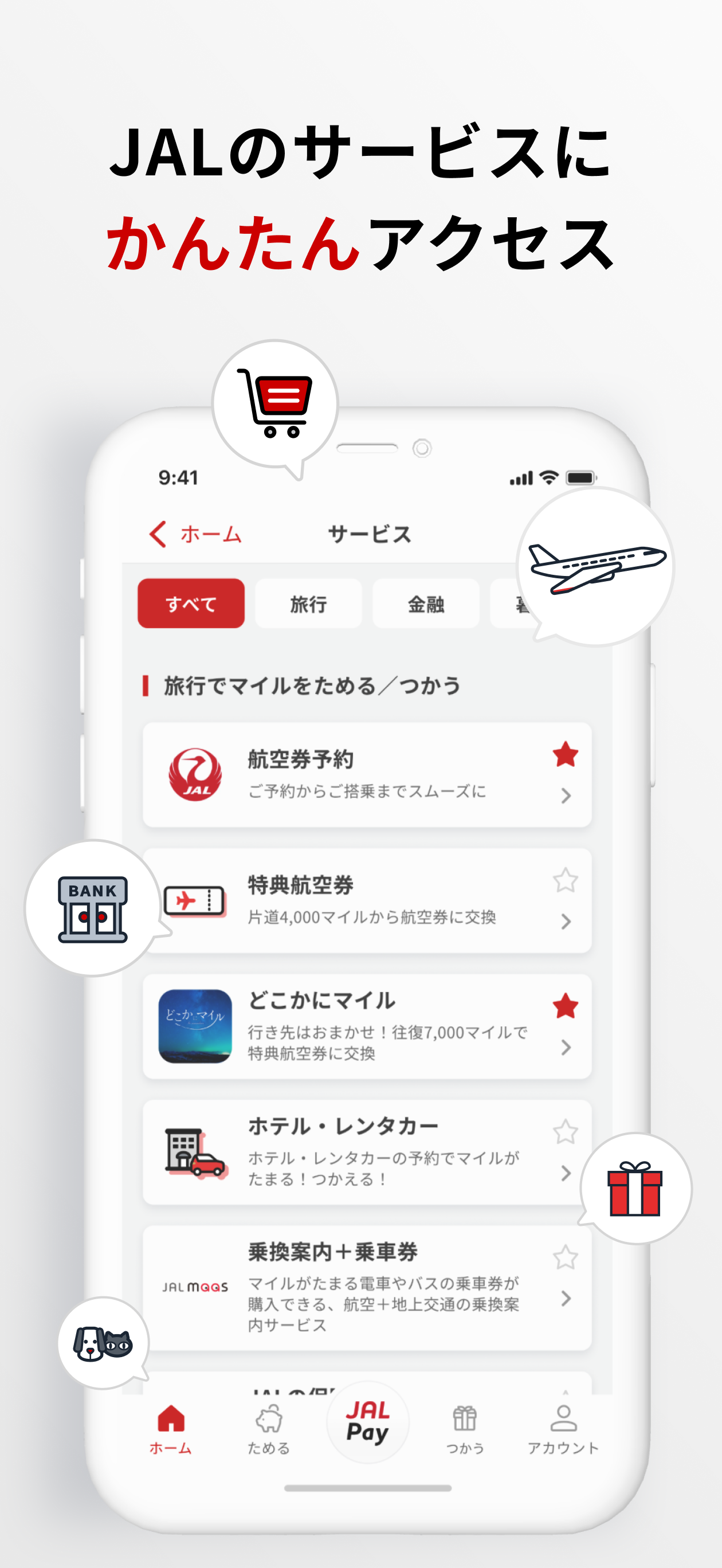
JALのマイルをためるならJALマイレージバンクアプリ! 保有マイル数の確認をはじめ、会員証の提示・マイルを「ためる」「つかう」サービスへの簡単アクセス、JAL Pay決済でマイルをためることができる便利なJALマイレージバンクアプリをぜひお試しください。 ::::::::::::::::::::...


