Check the acquisition promise
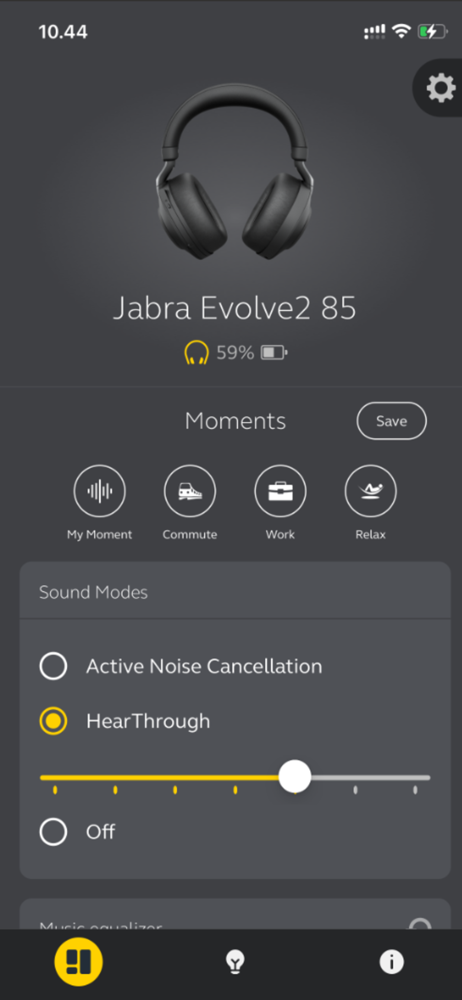
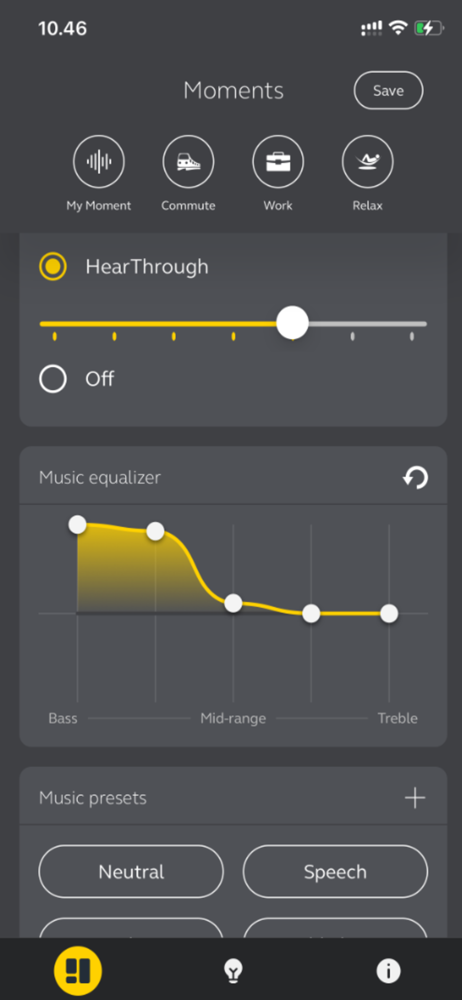
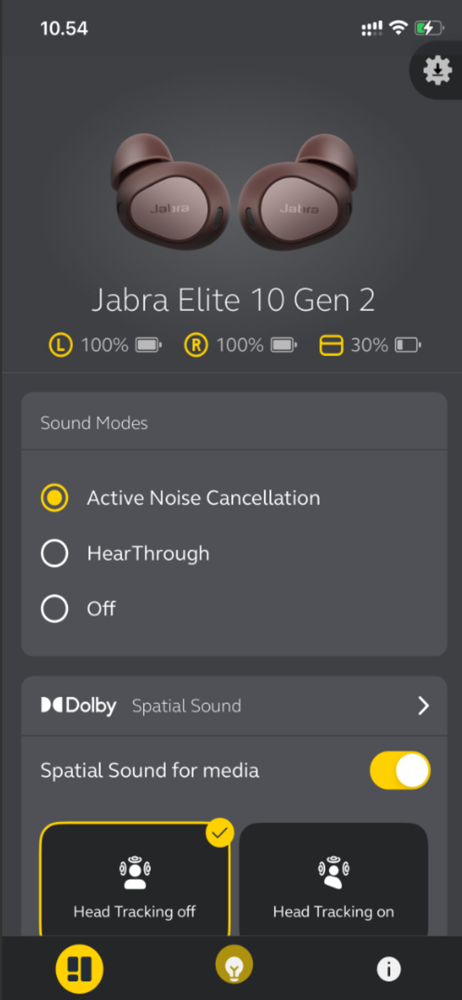
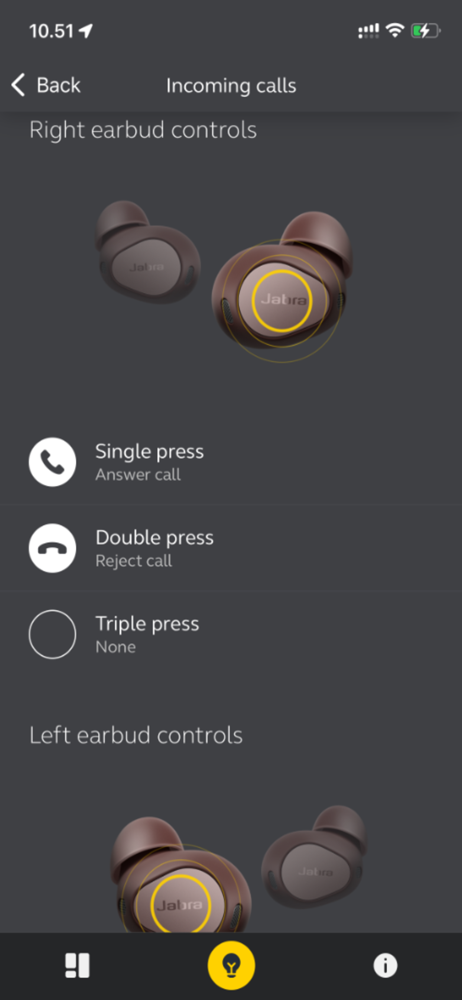
Read the store headline, screenshots and description. What problem is the app promising to solve?
Study the storefront ↗
GN Audio AS · iOS
Explore the ad evidence, study the storefront, and build your next acquisition hypothesis.
01 / Creative research
Read the store headline, screenshots and description. What problem is the app promising to solve?
Study the storefront ↗Explore apps with direct store-link matches. Compare their hooks and formats without assuming the same approach works here.
Browse observed advertisers ↗Store rankings and revenue estimates describe market context. They do not establish ad spend, conversions or ROAS.
Review the market context ↗02 / Storefront & product
Study the product story and store experience behind the acquisition funnel.



03 / Market context
Keep revenue, downloads and store rankings separate from advertising performance.
It's a decent app on the whole. Here's what I wish were improved after a year of using it: 1. Updating EQ presets without having to save another version (and there's no 'replace' feature when creating a preset of the same name). 2. Making the EQ fully parametric; it's so close already (is it 'an app experience made for you', really, or is it taking a cue from Apple which always brands itself as 'customer oriented' that really means a dumbed down, easier--and so feature-less complexity 'made easier just for you (dumb) people'?. Likewise, if there's already a spacializing algorithm, it's not too hard to throw in a slider for more/less wet, to make it more/less wide. There is a whole subpage within 'advanced settings'! -it's a single, practically reduntant button! 90% of the subpage is an over-simple virtue signal: look at the 'woman of color' having so much enjoyment; look how much we Care about You! -just not about her understanding of how to use a few more 'advanced features', actually. The developers could take another cue from Apple, like how Logic Pro comes in 'basic mode' (for the non-pros) and actual pro users have to go turn-on 'to allow' Advanced Settings...as if they're...dangerous... 3. Having the app reorient to work on iPad in landscape/sideways, as in a keyboard case (how I mostly use my iPad). It would be perfectly fine even if it just shifted upright, as a smaller scale UI on a center-third of the screen, but as it will not and stays fixed 'sideways' while sideways, it's a constant head turning annoyance day-to-day. 4. Often rather slow/stuck to connect to the device, even while the earbuds are already playing music!
Using the Jabra 8 Elite Active and find this app an important benefit to using them. The app is fairly intuitive and useful. I love the equalizer presets as a fast way to get close to the sound I want, with the graph allowing me to tweak it. There are a few things that would make this app even better. 1. Add a toggle that turns off “device connected” alerts. With 2 devices connected, moving in an out of range of one keeps triggering the audio alert, which is distracting. One ends up turning off the Bluetooth for the one that’s not moving with you (in my case, iPhone on me and iPad at desk), which is not always what you want to do. 2. Add the option to tongle between having different settings in different devices, or automatically have settings synch. There are times when both are desirable. 3. Probably MOST important, an iPad version is badly needed. When watching media on iPad, you use landscape orientation (and probably most other things you do in iPad), but this app only works in portrait orientation. That’s a pain in the neck because you have to keep turning things while you tweak the settings. Orientation agile apps are everywhere — why not here?
This App works extremely well, and is much more feature heavy than you could imagine or possibly need. With the Jabra Sound+ app not only can you optimize the headphones but you get pass through sound amplification that you can use while listening to music, on a call, or just with the headphones in your ears. This feature makes the 65ts and Active 75ts low grade hearing aids on top of being amazing headphones. With any variety of 75t or 85t earbuds you also get active noise cancellation as an added bonus if you’re one of those people that thinks you need it. Call quality on both ends is five stars all around, and the presets and equalizer controls allow you to customize your soundstage exactly how you've always wanted. The white noise feature along with its 12 different presets makes the any compatible pair of Jabras optimal for naps on a plane, or during your daily commute. I wouldn't use the feature over night only because I'm prone to ear infections. The ONLY downsides I could mention is the quick battery depletion when fiddling with the Jabra Sound+ app on the 65ts in particular. The 75ts did not have this battery drain issue when utilizing the Sound+ App.
Enhance Your Audio Experience with Jabra Sound+ For over 150 years, we've been crafting technology that makes life look and sound better. Whether you...