Check the acquisition promise
Read the store headline, screenshots and description. What problem is the app promising to solve?
Study the storefront ↗
Patrick Industries, INC. · iOS
Explore the ad evidence, study the storefront, and build your next acquisition hypothesis.
01 / Creative research
Read the store headline, screenshots and description. What problem is the app promising to solve?
Study the storefront ↗Explore apps with direct store-link matches. Compare their hooks and formats without assuming the same approach works here.
Browse observed advertisers ↗Store rankings and revenue estimates describe market context. They do not establish ad spend, conversions or ROAS.
Review the market context ↗02 / Storefront & product
Study the product story and store experience behind the acquisition funnel.




03 / Market context
Keep revenue, downloads and store rankings separate from advertising performance.
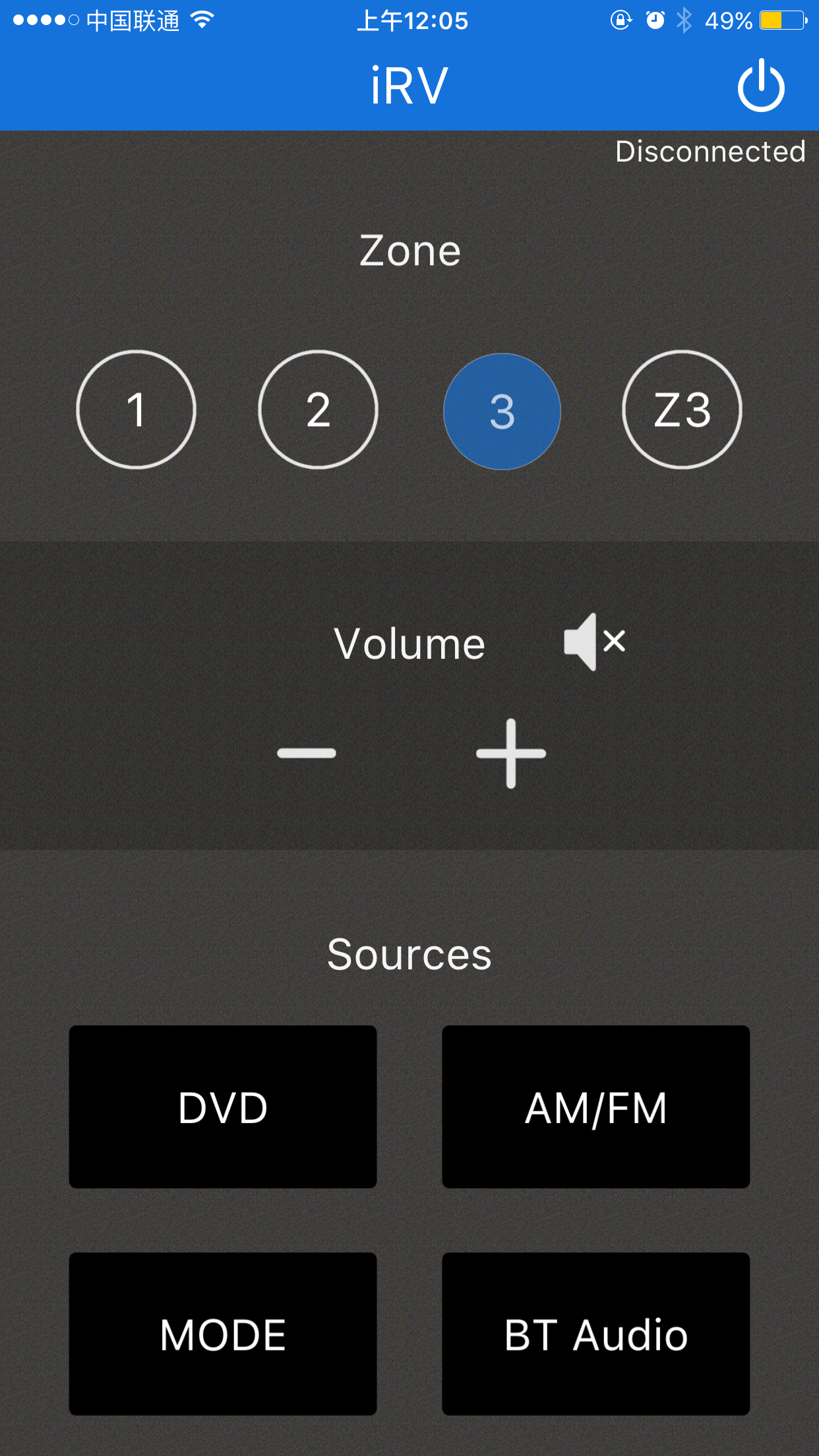
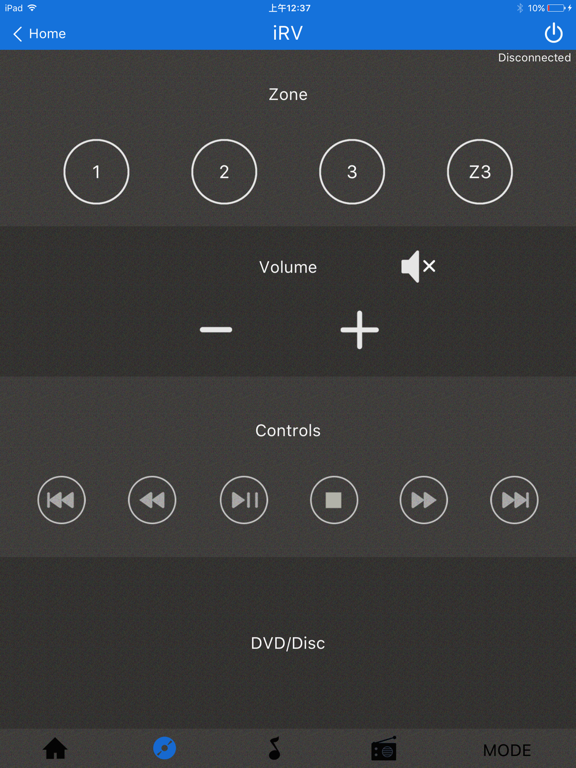
There is no feedback when you select a mode, so you have to go look at the unit to see which mode is selected. Also, no indication onscreen of the volume level, which station frequency is tuned, etc. Frankly, the only real use is for selecting speaker zones and adjusting the volume (audibly). In short, it is almost useless.
This app is terrible. The UX is poor and it’s barely functional. About all it does clearly is turn the head unit on or off. The rest of it is poorly laid out or just doesn’t work. Coming from an RV that used the Jensen app to run their head unit, I would advise the app developer to look at the competition and copy them.
We have a 2018 iRV 68 and this app lets me use my phone to do anything I can with the remote. It’s nice because you can use it for volume and music control when you’re outside the camper and listening to the outdoor speakers.
iRV Technologies Remote -Support all iRV devices. -Set Zone Audio: 1, 2, 3, Z3. -Adjust volume and Set Mute. -DVD Controls. -AM/FM Controls. -Audio Co...