Check the acquisition promise
Read the store headline, screenshots and description. What problem is the app promising to solve?
Study the storefront ↗
俊红 柴 · iOS
Explore the ad evidence, study the storefront, and build your next acquisition hypothesis.
01 / Creative research
Read the store headline, screenshots and description. What problem is the app promising to solve?
Study the storefront ↗Explore apps with direct store-link matches. Compare their hooks and formats without assuming the same approach works here.
Browse observed advertisers ↗Store rankings and revenue estimates describe market context. They do not establish ad spend, conversions or ROAS.
Review the market context ↗02 / Storefront & product
Study the product story and store experience behind the acquisition funnel.


03 / Market context
Keep revenue, downloads and store rankings separate from advertising performance.
By far this app is worth it I found it years ago and it continues to be my number one go to app for casting almost anything! Lots of other apps you have to jump through hoops or have the settings just right but this app simplifies everything and with ease. Sadly with 15 it opens and hangs at the logo and then crashes which boo but as long as they continue to update so will I would buy again and again and I recommend it to anyone.. thank you guys!
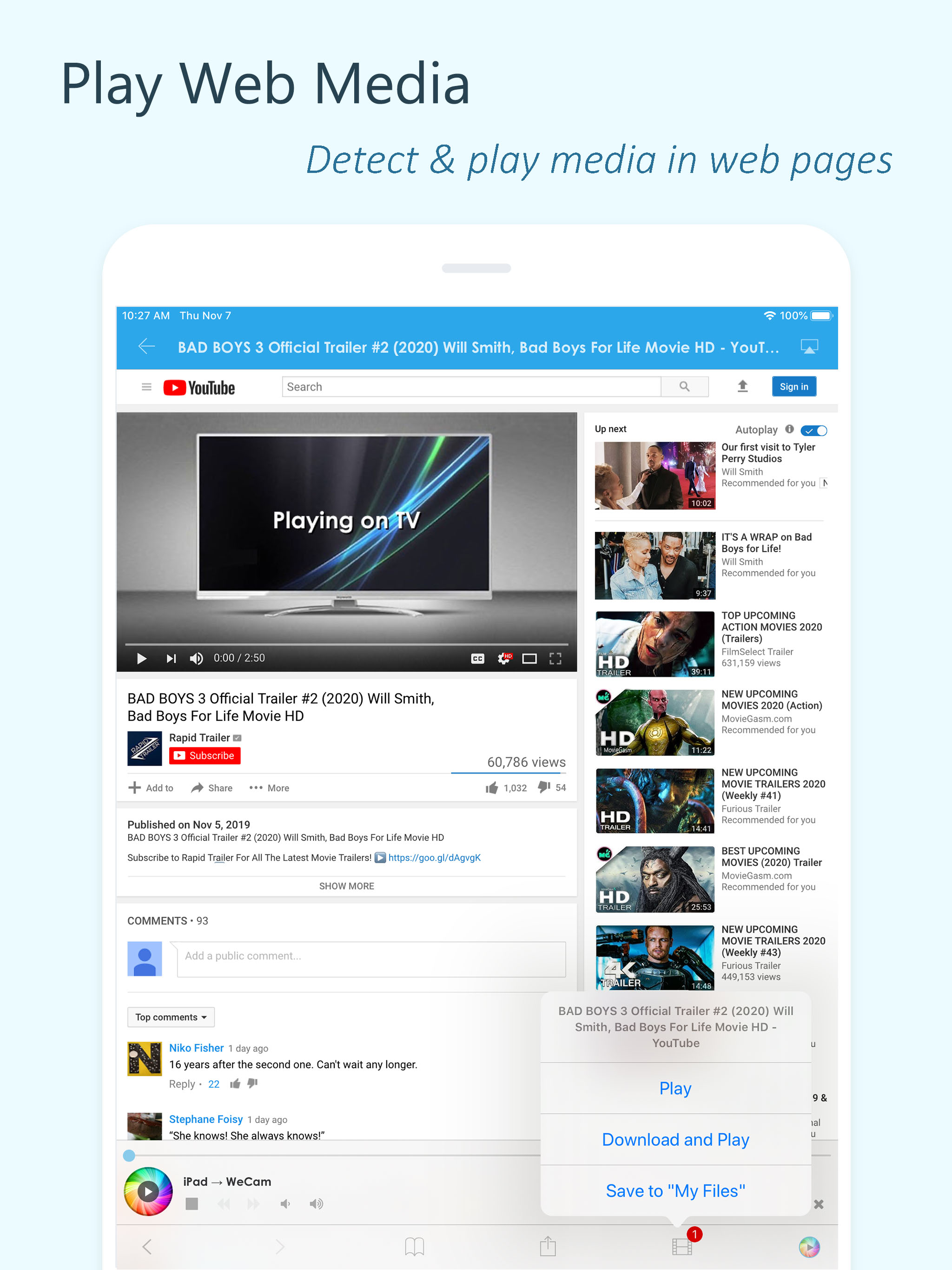
This app has a lot of potential the web browser casting to tv did not work once it’s fixed then I will give 5 stars. Good job!!!
I use it to play slideshows that I’ve created using iMovie. When either App is working, it usually only works for one Slideshow. Switching to another slideshow is difficult and often enough impossible. Instead the Apps insist on playing the same slideshow over and over. Sometimes you can get it to disconnect and play another by broadcasting in a different pixel density (720 to 1080 etc) but other times it stubbornly refuses to quit the existing slideshow. Using it to play photos only has been more successful. If only it would work I would use it all the time.
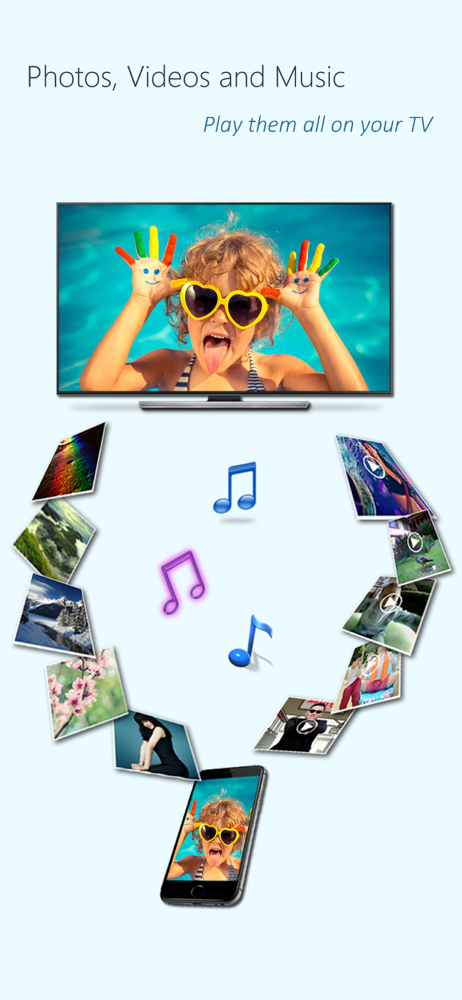
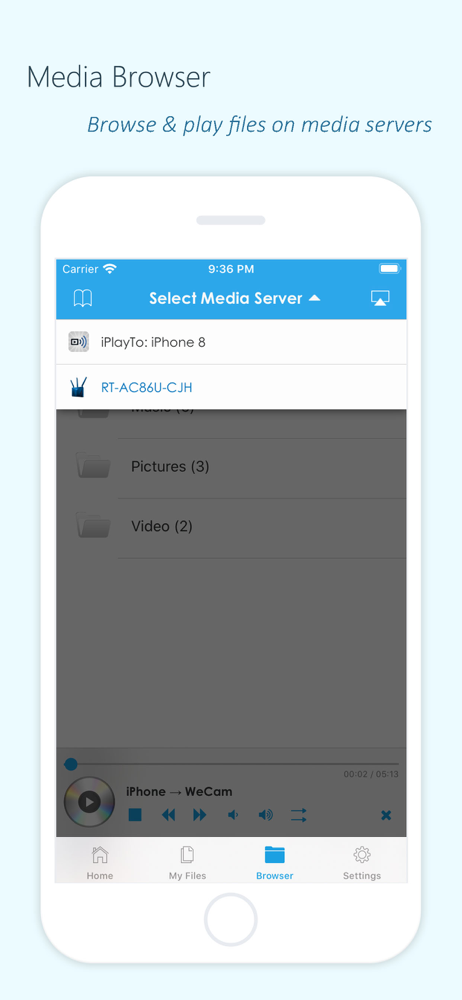
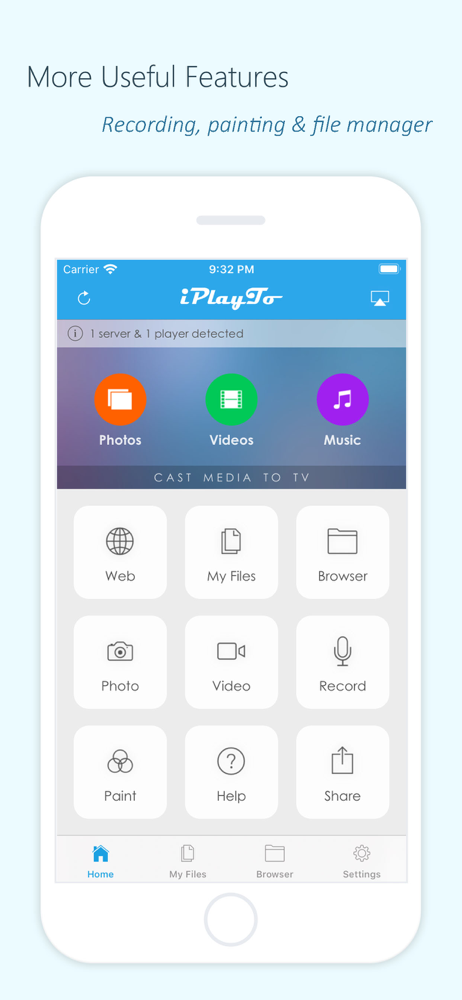
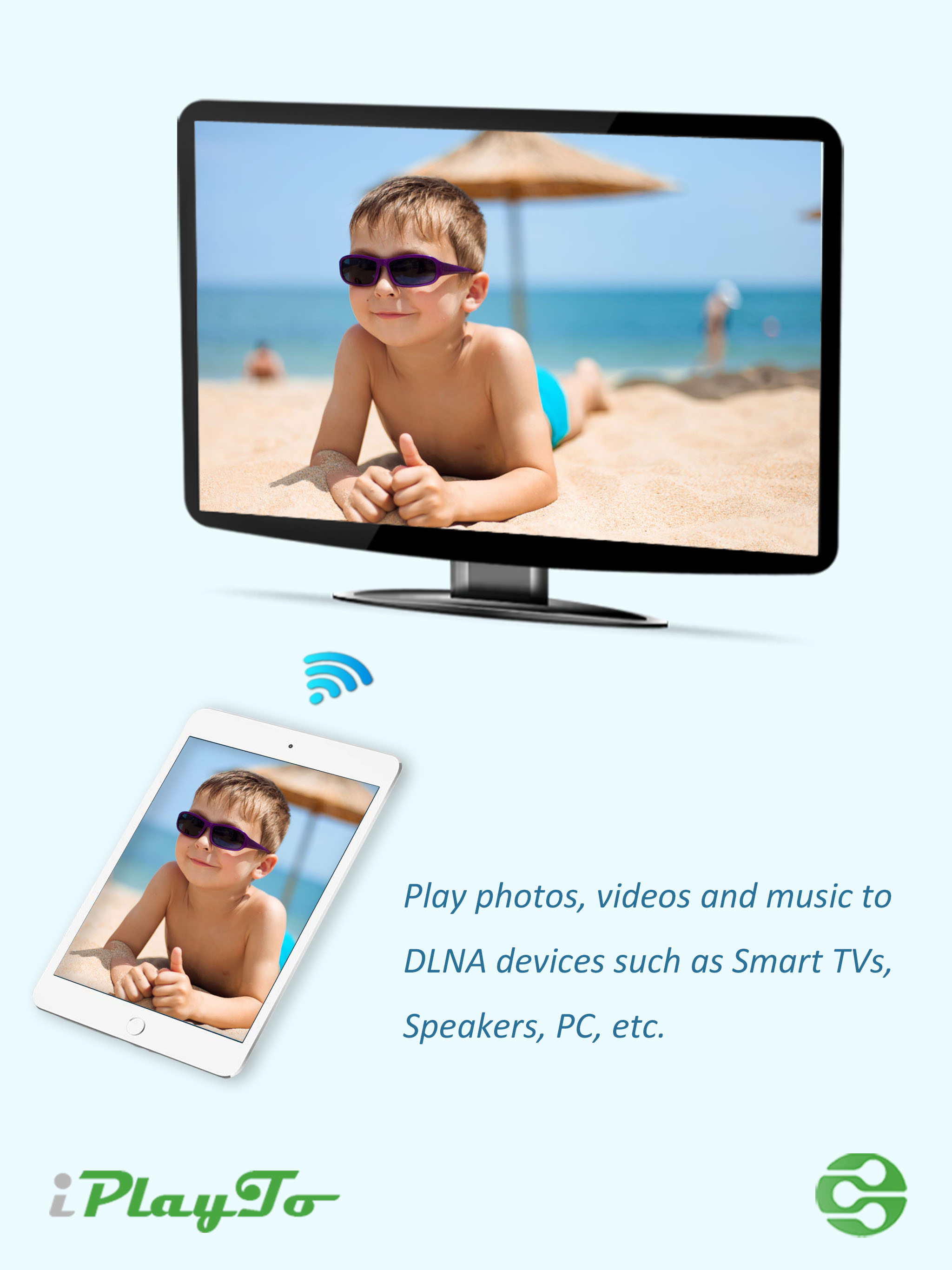
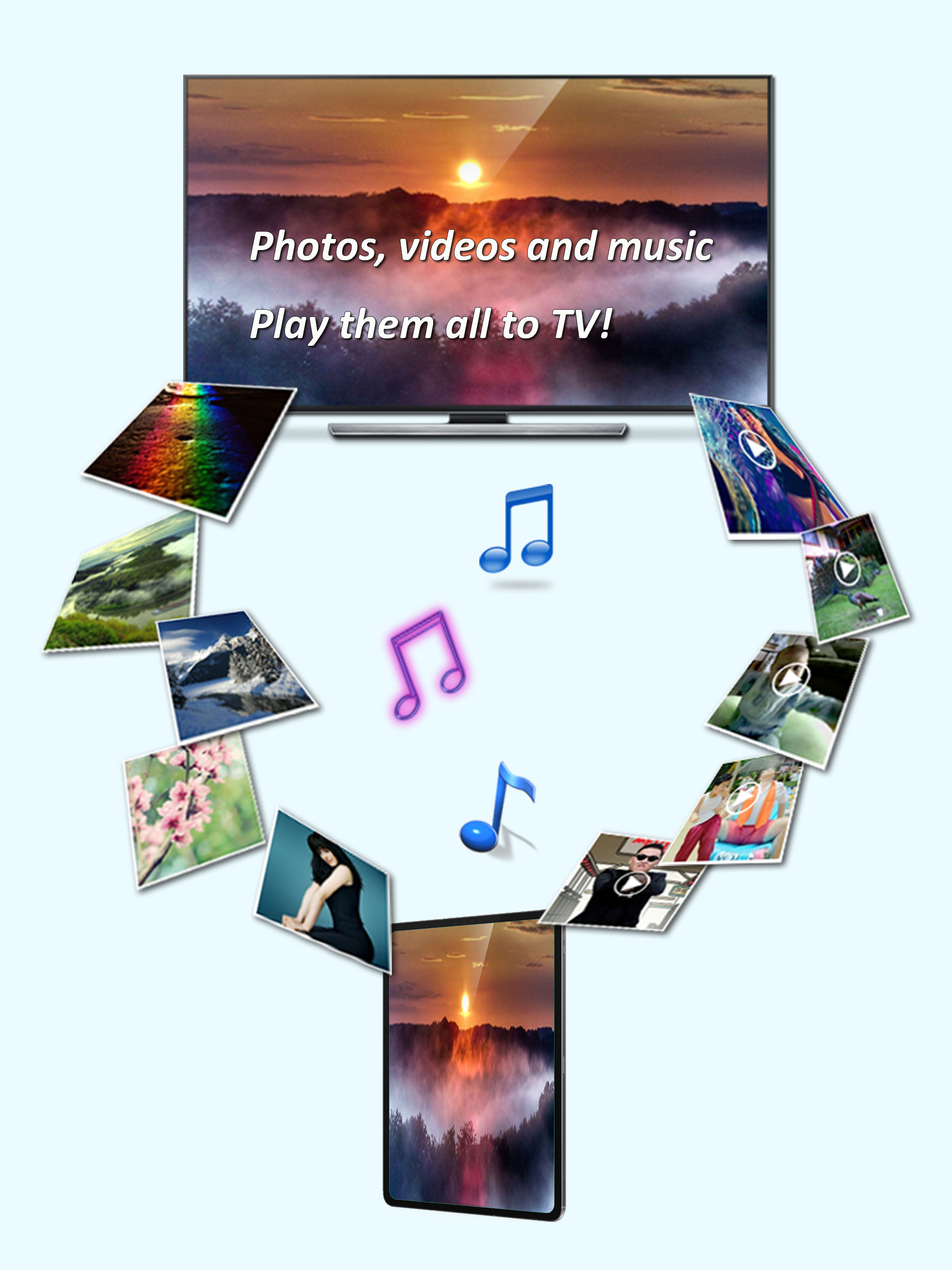
Play photos, videos, and music from your iPhone/iPad to DLNA-compatible devices such as smart TVs, AV systems, speakers, PCs, and other mobile devices...




![File Explorer & Player [Pro]](https://is1-ssl.mzstatic.com/image/thumb/Purple211/v4/f0/bb/e8/f0bbe83c-8339-186d-687e-97ad91de7f57/AppIcon-0-0-1x_U007emarketing-0-8-0-85-220.png/150x150bb.jpg)