
Check the acquisition promise
Read the store headline, screenshots and description. What problem is the app promising to solve?
Study the storefront ↗
Juan Manuel Merlos · iOS
Explore the ad evidence, study the storefront, and build your next acquisition hypothesis.
01 / Creative research
Read the store headline, screenshots and description. What problem is the app promising to solve?
Study the storefront ↗Explore apps with direct store-link matches. Compare their hooks and formats without assuming the same approach works here.
Browse observed advertisers ↗Store rankings and revenue estimates describe market context. They do not establish ad spend, conversions or ROAS.
Review the market context ↗02 / Storefront & product
Study the product story and store experience behind the acquisition funnel.
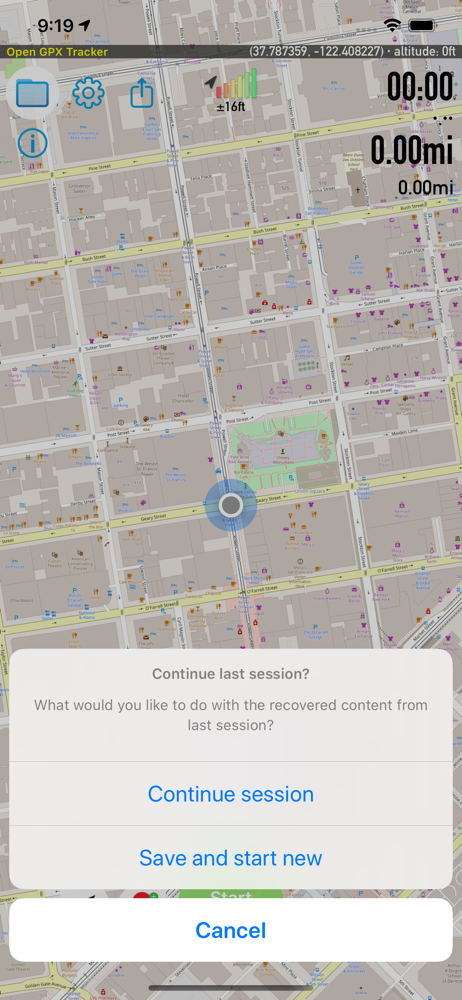
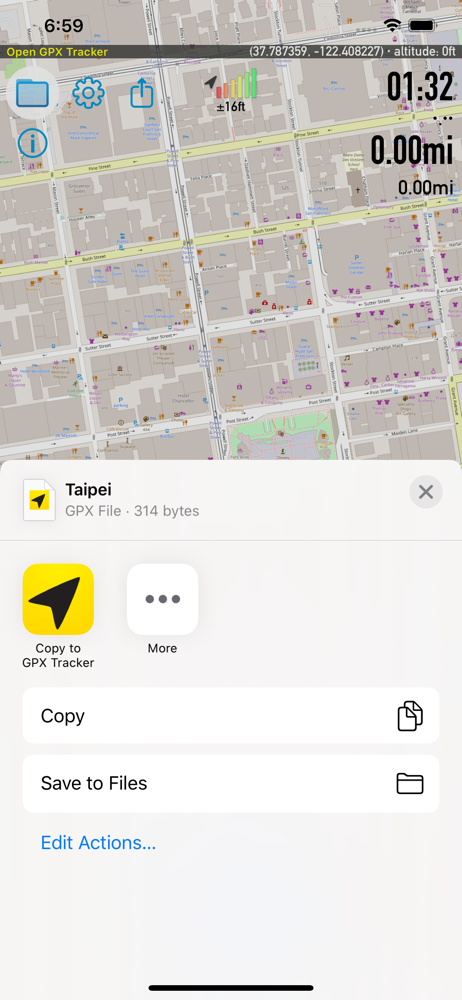
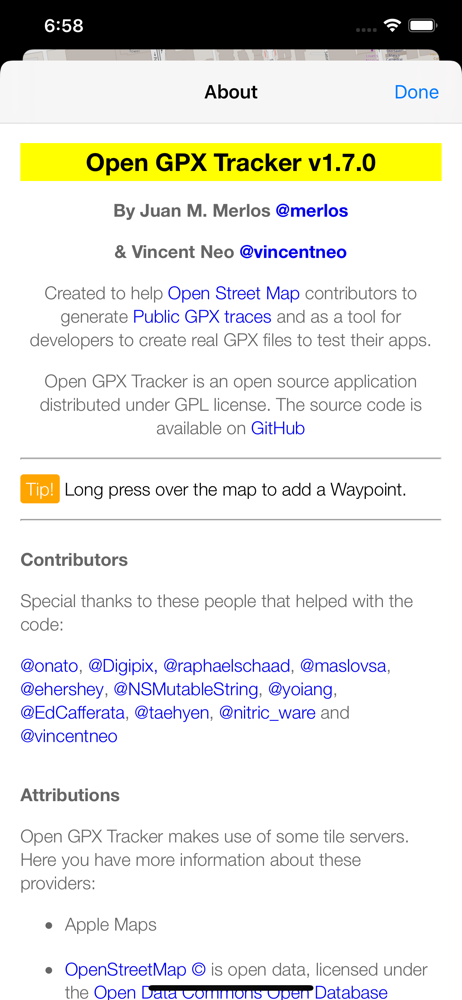
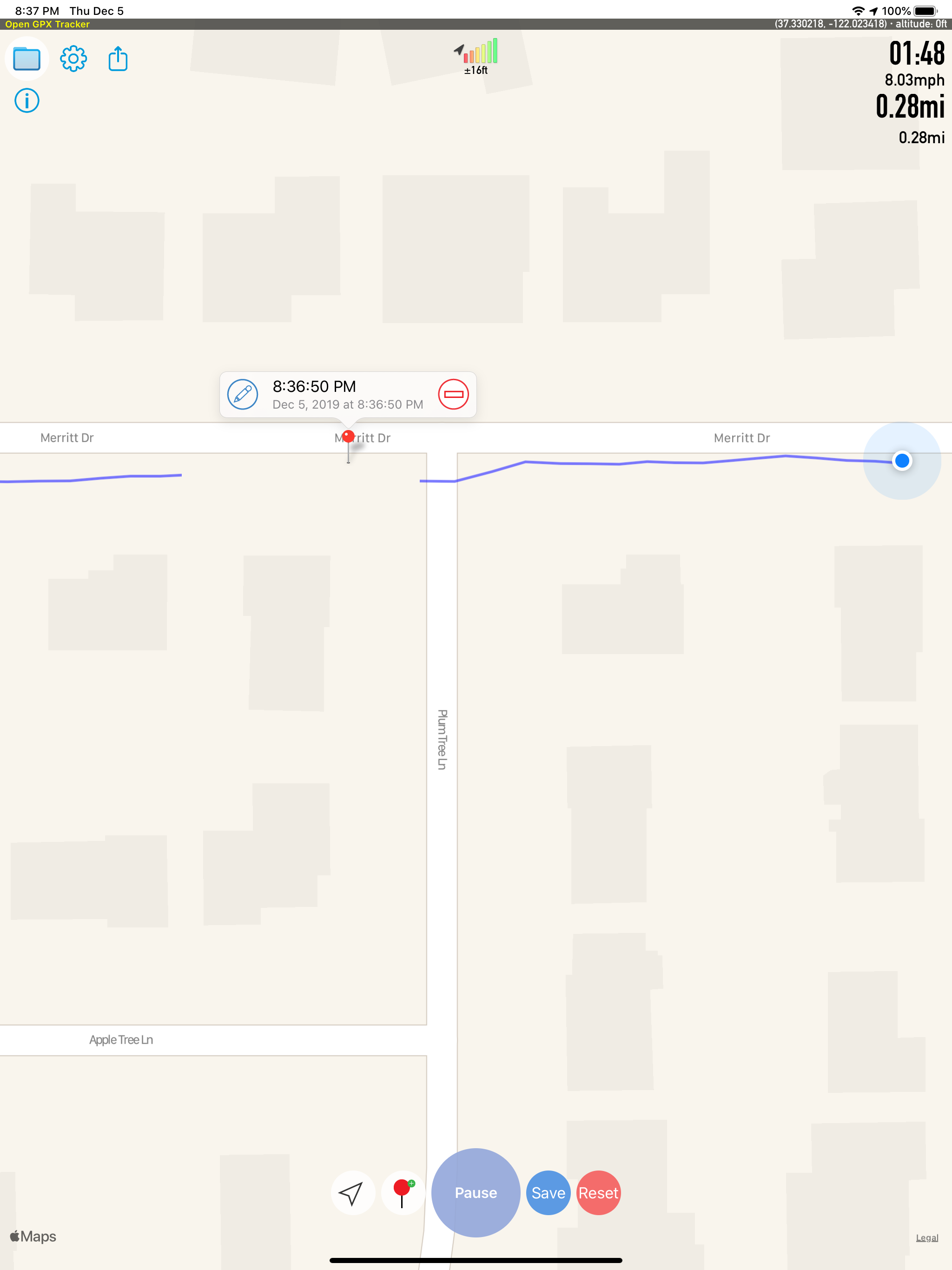
03 / Market context
Keep revenue, downloads and store rankings separate from advertising performance.
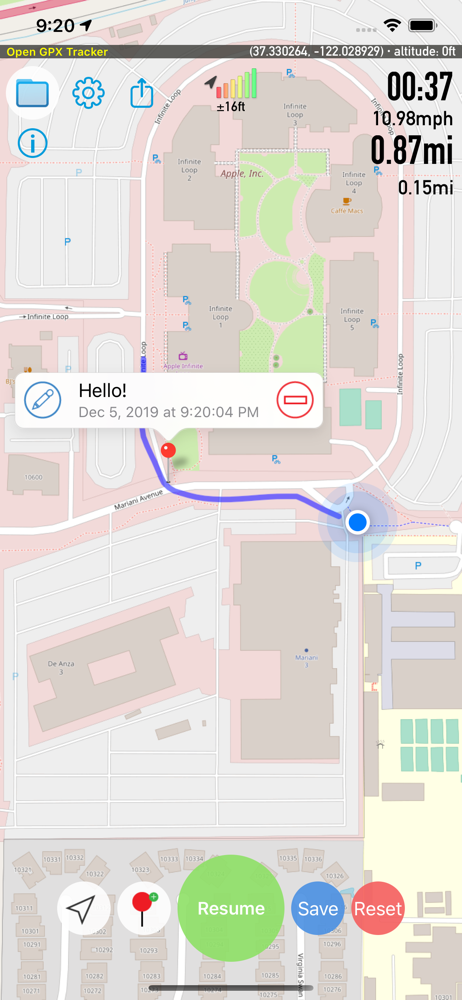
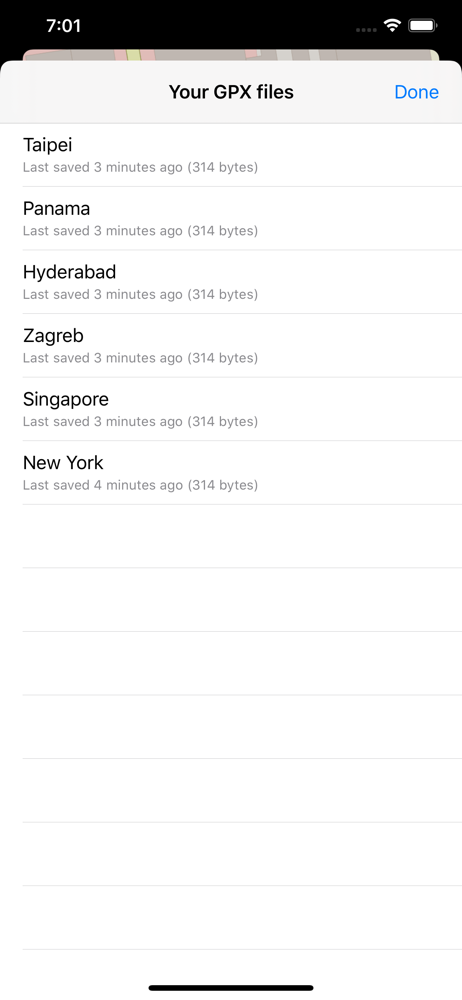
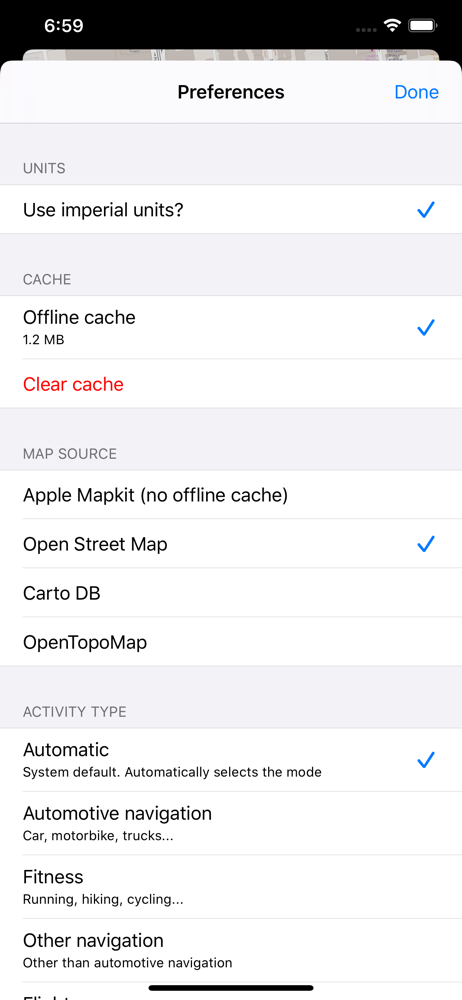
I like that it’s lightweight on battery consumption. It’s easy to start tracking and adding points. The UI is clean and simple. I like that the save folder is accessible from the Files app. Two things that I’d like to see though: 1) like someone else mentioned, a confirmation when you swipe left to delete an entry would be good. Right now, it’s too easy to accidentally delete files. 2) I would like the ability to cache an entire defined area (including all zoom levels) by drawing a box around it. Right now, you gotta do a lot of panning and zooming and hoping that you’ve downloaded the areas that you need. Other than those two points, this is my favorite mapping app.
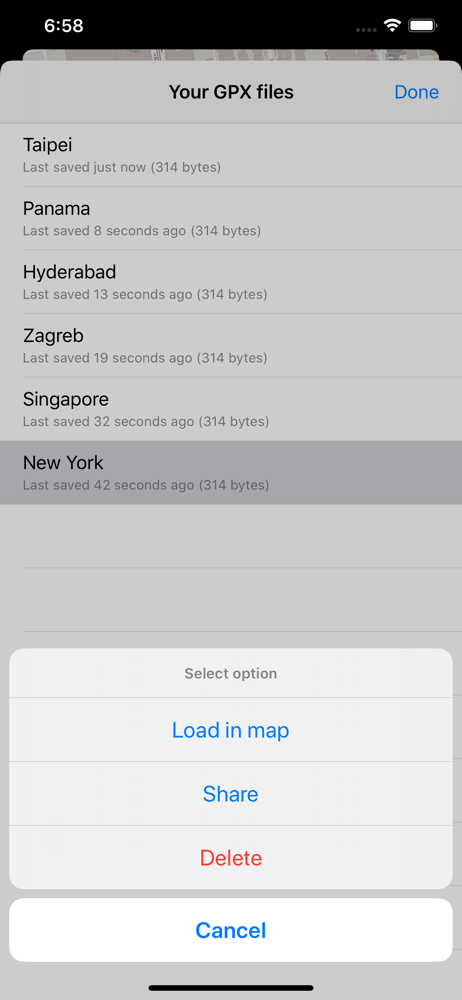
This is a nicely made app having all the essential features, without annoying ads. I understand it takes time and effort maintaining open source project, but I suggest just a few improvements that I am looking forward to in the future update: 1, able to change date/time format for default file name. The default date format is dd-mmm-yyyy on on my iphone, so all the files are sorted day, it is hard to search through files. 2, better add a conformation window when deleting files, right now it is just too easy to delete file by mistake.
I have become OCD about geotagging my photos in the past decade. I started with a GPS tracker (clunky). I moved on to using my iPhone when I wasn’t somewhere outside civilization (which is all the time now). I’ve paid for apps but they sometimes were abandoned or began pestering me with ads. I fell for the “Free to download!” qualifier not realizing they were limited. I recently tried this app out. It worked. I don’t need a lot of extra features. I just need an app that can track accurately. It should just start up and begin tracking with a tap. Naming a trip is nice but not necessary. It should export a GPX file. On those expectations this app is perfect. No bloating. The worst I can say is it drains the battery (but all tracking apps do that). This is my go-to app now.
Create GPS traces with waypoints. Offline map support, no time restrictions, no ads, no in-app-purchases, and all the data is private. Open GPX Track...


