Check the acquisition promise
Read the store headline, screenshots and description. What problem is the app promising to solve?
Study the storefront ↗
Pingman Tools LLC · iOS
Explore the ad evidence, study the storefront, and build your next acquisition hypothesis.
01 / Creative research
Read the store headline, screenshots and description. What problem is the app promising to solve?
Study the storefront ↗Explore apps with direct store-link matches. Compare their hooks and formats without assuming the same approach works here.
Browse observed advertisers ↗Store rankings and revenue estimates describe market context. They do not establish ad spend, conversions or ROAS.
Review the market context ↗02 / Storefront & product
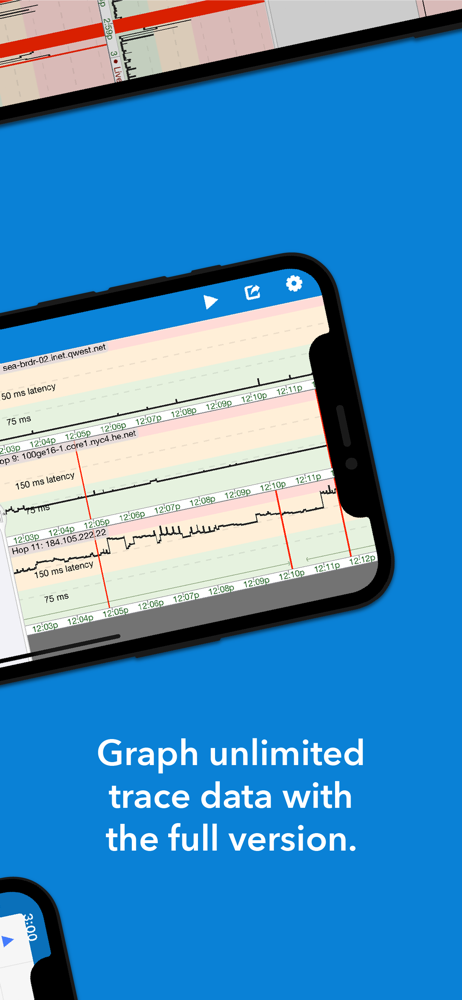
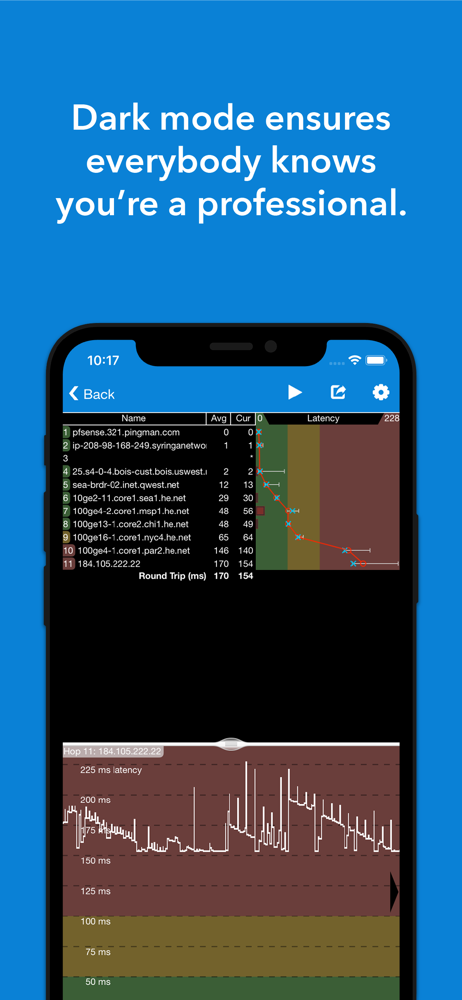
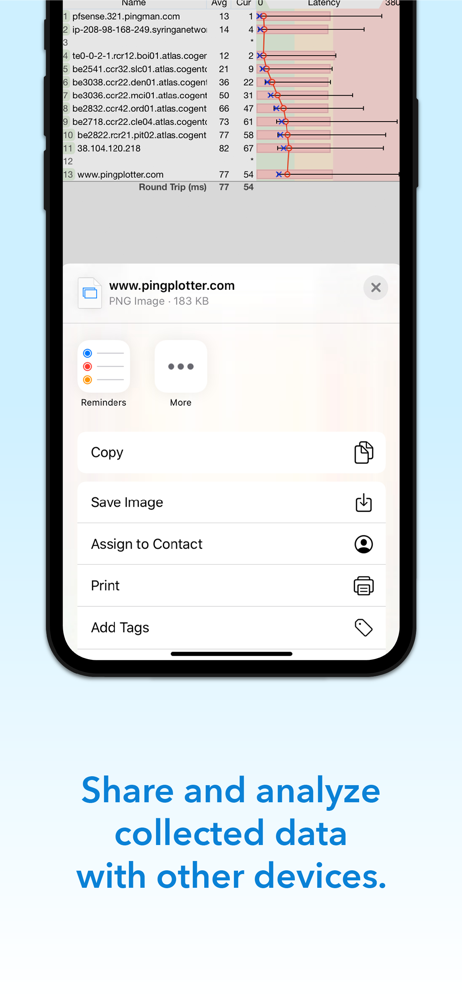
Study the product story and store experience behind the acquisition funnel.


03 / Market context
Keep revenue, downloads and store rankings separate from advertising performance.
First off since iOS 16 there are UI bugs that cause the buttons on the main screen disappear. Secondly make this background properly, it’s a joke that I have to keep the app on my screen…
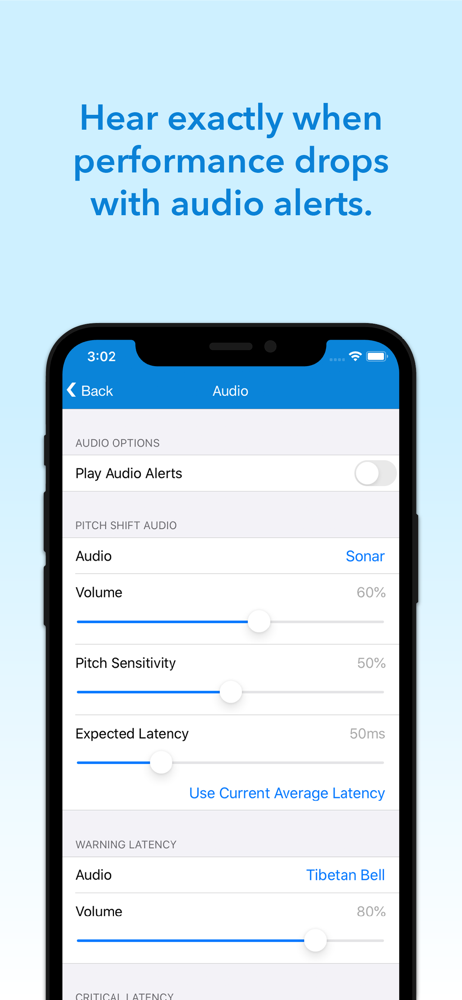
as a network engineer, I’m familiar with this companies ping plotter tool on desktop. It’s very well done and useful, I have purchased it and use it on occasions where I need to test end to end, or an entire channel. So I was very surprised when I tried this app and noticed how poor of an execution the iOS version is. The interface does not seem to be aligned or scaled properly on iPhone. Additionally there are pretty much zero settings directly related to the pings. When testing Wi-Fi on a mobile device, one needs to be able to set the send interval very low, for example on other Ping apps you can set it as low as 0.1 seconds, ( ie 100ms , or sending 10 pings every one second). The one setting I found like this only went down to 0.5, and when I changed it to that nothing seemed to change, pings were still sending every two seconds which is not very useful. Additionally what you get for the nine dollar upgrade is a joke. I would really like to see this app redone and brought more closely to the standards of this company’s desktop app.
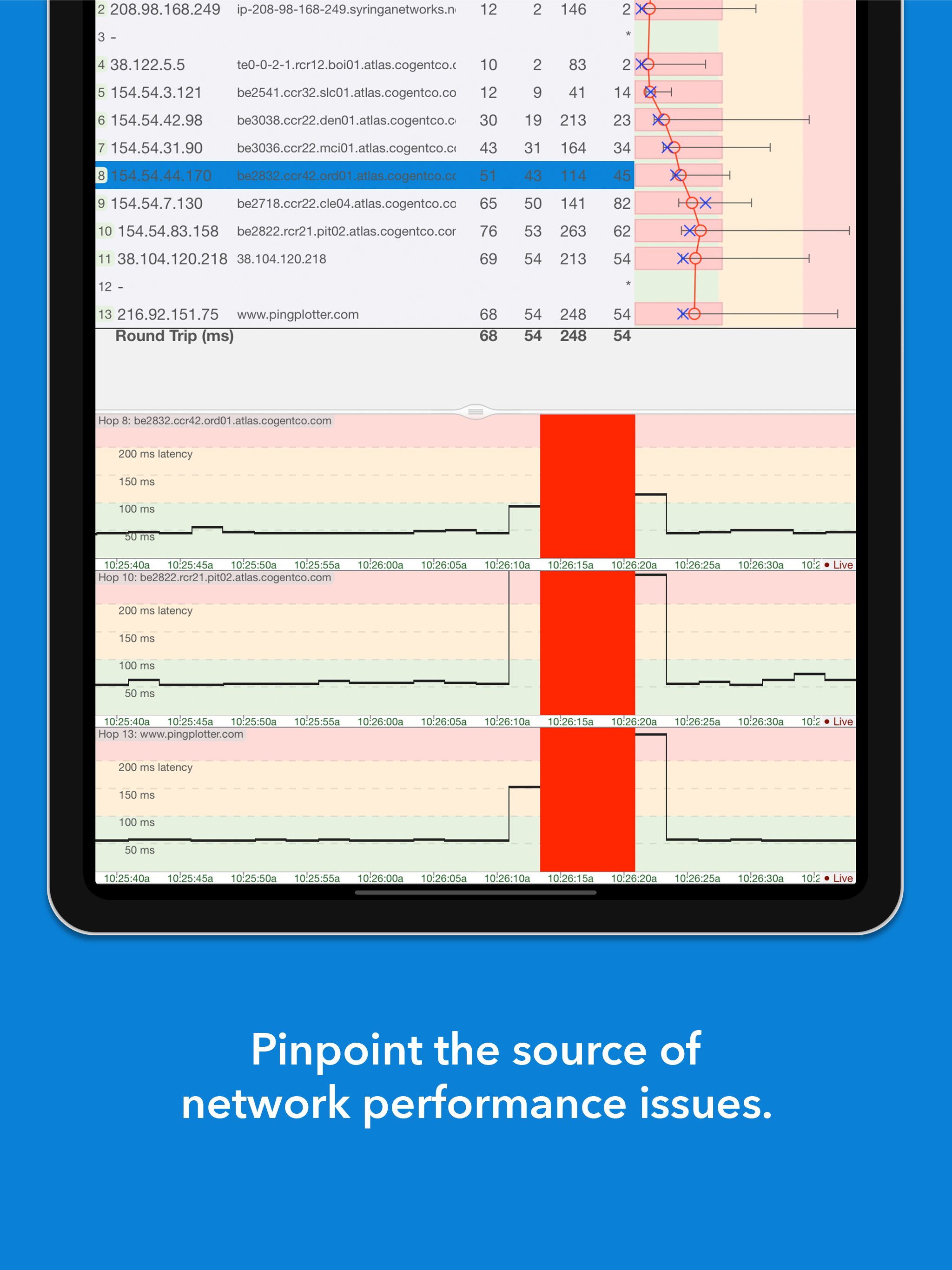
I’ve use this app for many years as a desk top tool. There’s nothing else on the market like it that I’ve found. It’s the best. But this app isn’t. Works fine in primary screen but stops working if the screensaver launches or if you close to another app. It stops working and does not recover when you go back to it. Press the play button and it seems to restart, but can’t find the network and reports 100% outage. All red. Please developer fix this so It can be the consummate tool the desktop version has been for many years.
Be the hero - network troubleshooting powers for mortals Get notified about network problems the moment they occur and find culprits quickly with Pin...
| Name | Price | Type |
|---|---|---|
| PingPlotter Standard | $8.99 | One-time |