Check the acquisition promise
Read the store headline, screenshots and description. What problem is the app promising to solve?
Study the storefront ↗
Universal Audio · iOS
Explore the ad evidence, study the storefront, and build your next acquisition hypothesis.
01 / Creative research
Read the store headline, screenshots and description. What problem is the app promising to solve?
Study the storefront ↗Explore apps with direct store-link matches. Compare their hooks and formats without assuming the same approach works here.
Browse observed advertisers ↗Store rankings and revenue estimates describe market context. They do not establish ad spend, conversions or ROAS.
Review the market context ↗02 / Storefront & product
Study the product story and store experience behind the acquisition funnel.

03 / Market context
Keep revenue, downloads and store rankings separate from advertising performance.
The lack of a landscape mode really feels like a tremendous oversight (or a corner cut). Please devote the resources to this. My iPad stand only holds the device horizontally, and I can’t let it on top of the substantially sized Ox. It would be materialistically wasteful to buy a stand to accommodate the vertical functionality of one app. It has also been surprising that I need to reconnect to the Ox whenever I leave the app –– for instance if I switch to another window to look up more information about a setting in the app, without closing the app completely. I’ve found these two fundamental functions lacking, on an otherwise exceptional product. I’m getting the best sounds from my amps I ever have at home (+ two stars for the hardware and configurability), but the app could be much better with basic improvements, which I see requested in other views from several years ago. It’s time to address these.
I use my iPad in a kickstand/keyboard mode in my studio, but unfortunately the Ox app doesn’t support anything other than Portrait/Vertical orientation. Seems like a simple fix that would improve the usability and workflow for those of us using stands.
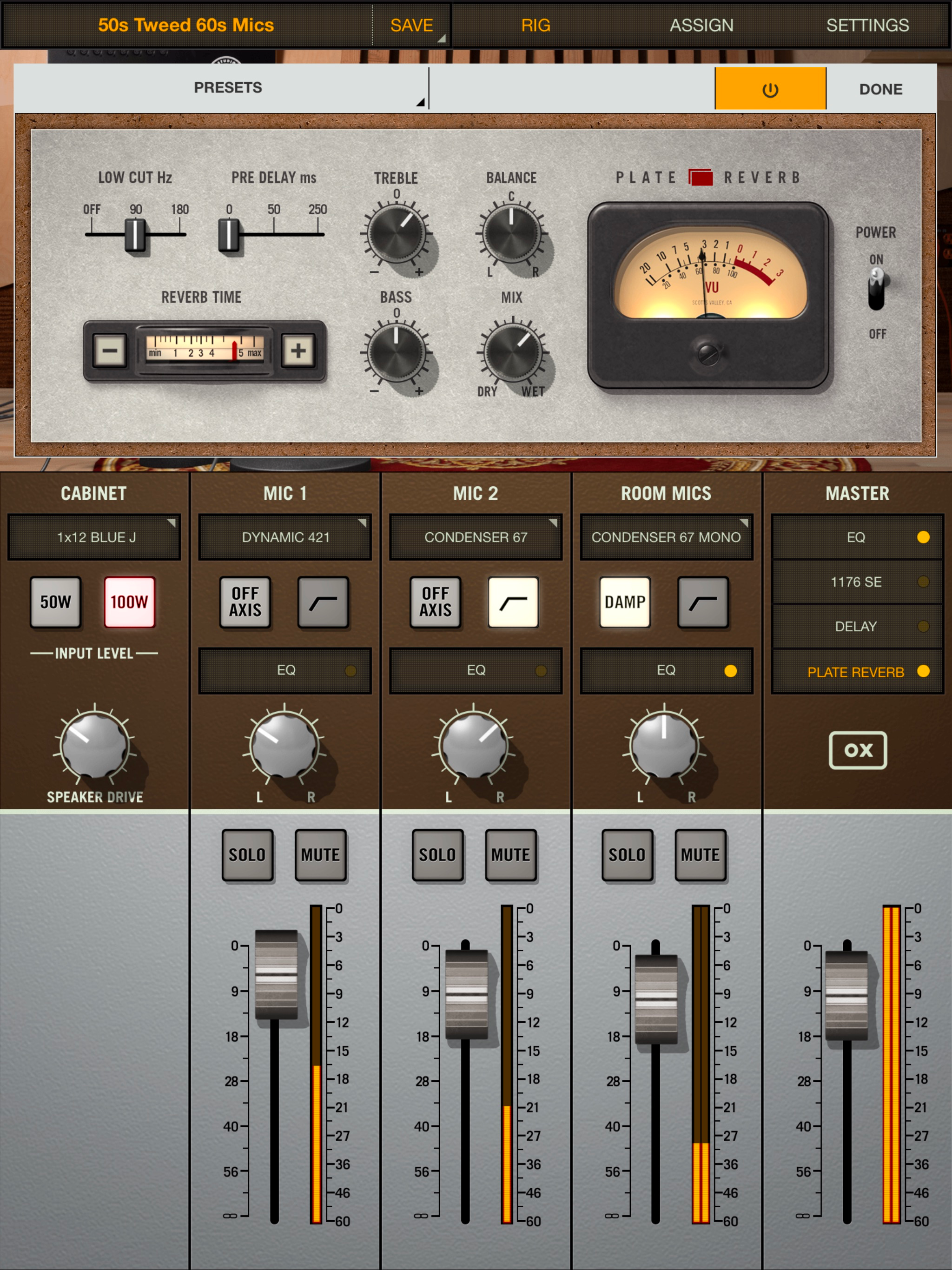
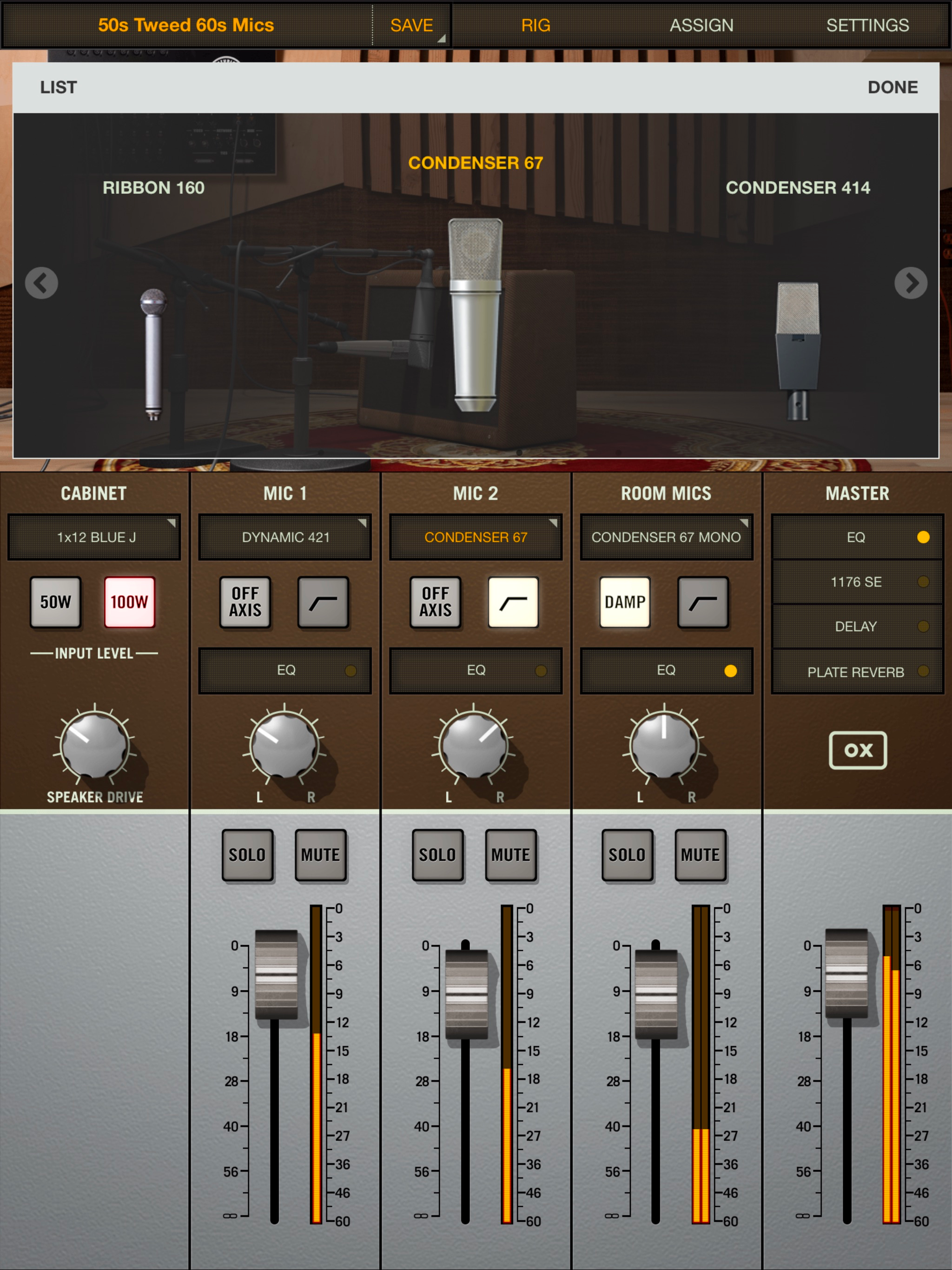
It just works easily. Steps are so basic. The OX and this app make this a “game changer”. -The 2 Fender Tweeds and Vox models are just fantastic. Sparkly and clean and will light on fire when the volume turned up and extra "gristle" is needed. 1) Connect Amp out into OX with correct Ohm matched. Plug in headphones or Line out to monitors, Turn on Ox, Turn on Amp, Play Guitar. -Default Cabinets are Great: 1) Marshall green back, 2) Tweed alnico, 3) Vox 2x12, 4) Tweed 4x10 bassman, 5) Blackface Champ/Princeton and 6) 2 x12 Divided by 13. The UAD platform is rock solid and captures the soul of the best studio gear. This App leverages the great sounding modeled gear as a foundation for its recording chain that mike , nice plate reverb, compressor (1176), Delay and EQ.
Legendary Album Tone from your Tube Amp — Anywhere, at Any Volume. This is the companion application for OX Amp Top Box by Universal Audio. Install t...