Check the acquisition promise
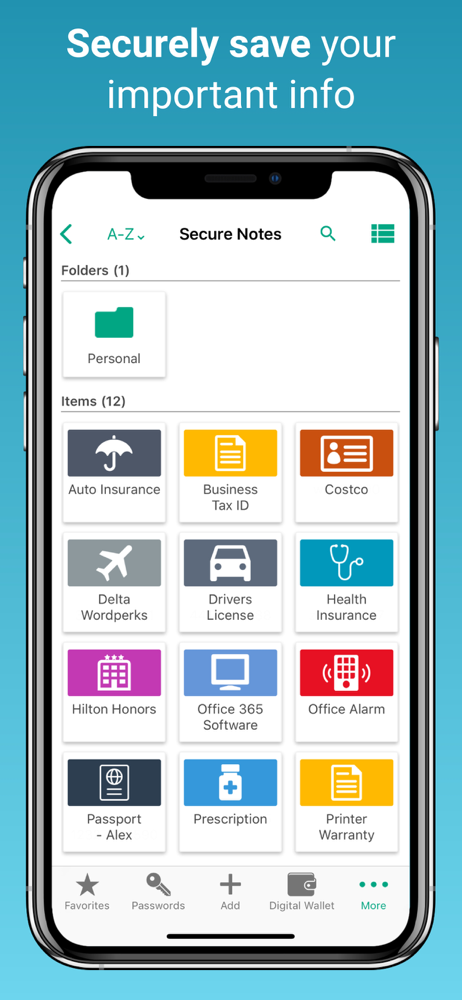
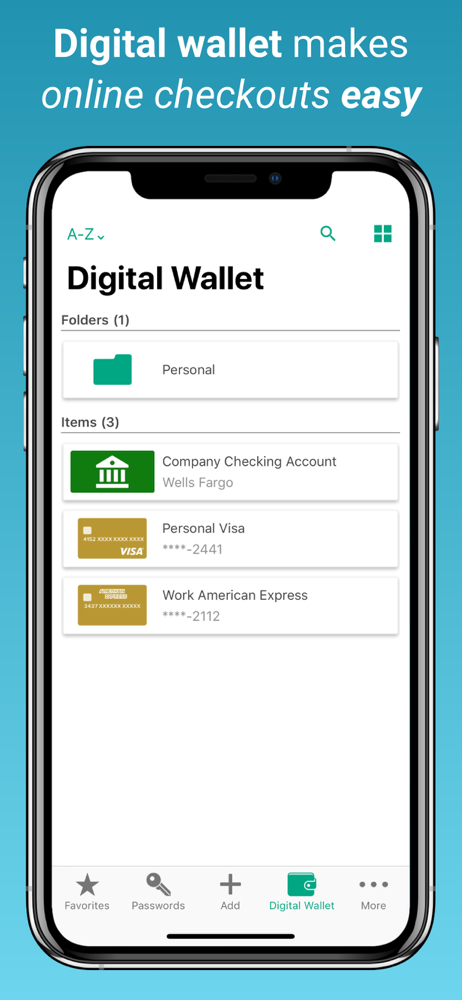
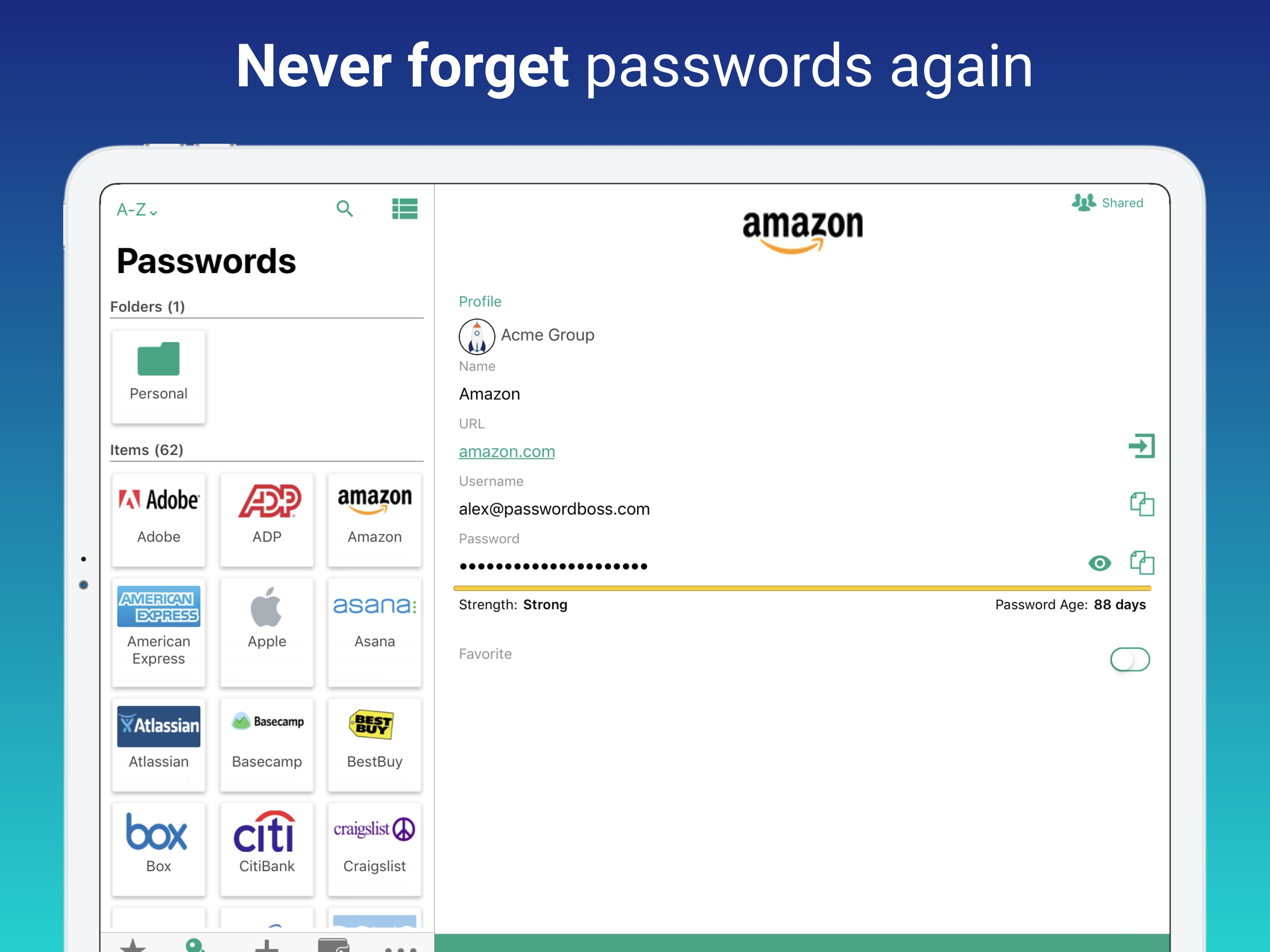
Read the store headline, screenshots and description. What problem is the app promising to solve?
Study the storefront ↗
CyberFox, LLC · iOS
Explore the ad evidence, study the storefront, and build your next acquisition hypothesis.
01 / Creative research
Read the store headline, screenshots and description. What problem is the app promising to solve?
Study the storefront ↗Explore apps with direct store-link matches. Compare their hooks and formats without assuming the same approach works here.
Browse observed advertisers ↗Store rankings and revenue estimates describe market context. They do not establish ad spend, conversions or ROAS.
Review the market context ↗02 / Storefront & product
Study the product story and store experience behind the acquisition funnel.





03 / Market context
Keep revenue, downloads and store rankings separate from advertising performance.
This app is nice, but it needs improvement. It works well when filling in passwords on websites. It’s icons are labeled well, so it’s easily navigated by the visually impaired. However, the help file is often unclear, and if there is too much dependence on screenshots, and not enough on detailed description of how to perform tasks. Especially for those who are visually impaired, and cannot see the screenshots. Also, it is not possible to request help, because there appears to be no phone number to call, and when you send emails, you encounter acaptcha, A picture used to verify that you were not a robot. This would be usable, if an audible capture option or added. But without this, it is impossible for a visually impaired person to request help.
The iPad and Mac interface simply aren’t smooth or consistent. I am using 2FA. Sometimes it asked for a PIN that was emailed to me, and sometimes it asked for my authenticator password. That’s odd. When a secure note is created, the updates don’t immediately show up after selecting save. Takes about 30 seconds. Speaking of “save” - you select save when you are finished editing a note. And nothing happens. Literally. No feedback at all. Both of these are irritating, but maybe not a dealbreaker, right? When I went to the secure notes section, there were zero notes there! Where did they go? Why can’t I see them?!I close the app and try again. Then I can see the notes. For now. THIS IS a dealbreaker!!I’m not playing the “Did it save?” game after creating something. NOPE. There are other frustrations, too. On both the Mac and iPad apps. It’s just not worth it to list all of them. The MacOS app is just as flaky. I’ve uninstalled both. Deleting my account. I’m DONE. Two last observations:A simple Google search shows this app has been outsourced to Brainvire Infotech Inc., circa 2014. For what that’s worth. Password Boss’ website states they are in Minneapolis, MN. A simple Google maps search reveals the address listed is a UPS store. Wow. A Whois search — nevermind. If you’re still reading this, you get the points I’m making. TRY SOMETHING ELSE. And be sure to test it first. Or you could end up losing your passwords... Instead of writing a frustrating review like this one.
I have the desktop and app versions and like them EXCEPT the fact that the app does not have facial recognition ID. Since the newer iPhones do not have Touch ID, I have to log in my long master password EVERY SINGLE TIME. To the developers, facial recognition ID is a crucial feature, please add soon! Thanks!
Keep passwords safe and secure with Password Boss – the ultimate password manager app! Our easy to use password wallet and password filler app logs y...
| Name | Price | Type |
|---|---|---|
| Password Boss Premium 1 Year Subscription | $29.99 | Yearly |
| Password Boss Premium - 2 Years | $44.99 | One-time |
| Password Boss Premium - 3 Years | $54.99 | One-time |