Check the acquisition promise
Read the store headline, screenshots and description. What problem is the app promising to solve?
Study the storefront ↗
Surge Networks Inc. · iOS
Explore the ad evidence, study the storefront, and build your next acquisition hypothesis.
01 / Creative research
Read the store headline, screenshots and description. What problem is the app promising to solve?
Study the storefront ↗Explore apps with direct store-link matches. Compare their hooks and formats without assuming the same approach works here.
Browse observed advertisers ↗Store rankings and revenue estimates describe market context. They do not establish ad spend, conversions or ROAS.
Review the market context ↗02 / Storefront & product
Study the product story and store experience behind the acquisition funnel.



03 / Market context
Keep revenue, downloads and store rankings separate from advertising performance.
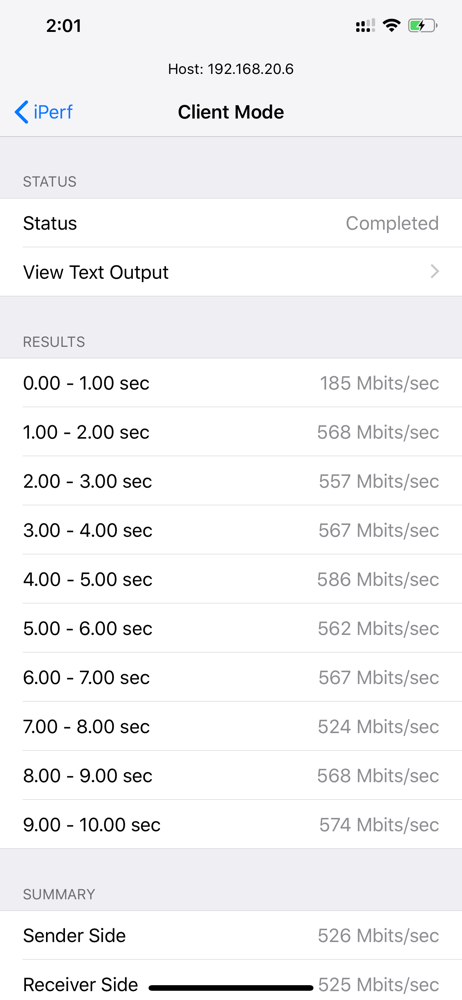
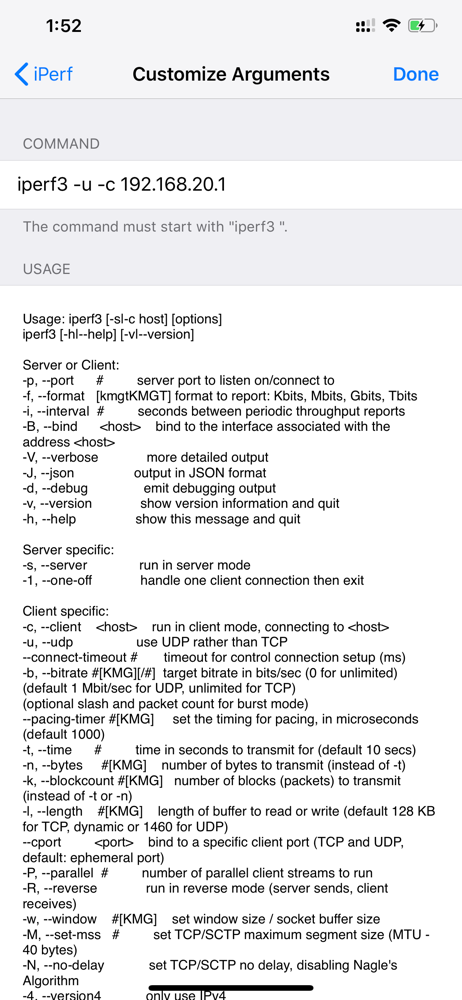
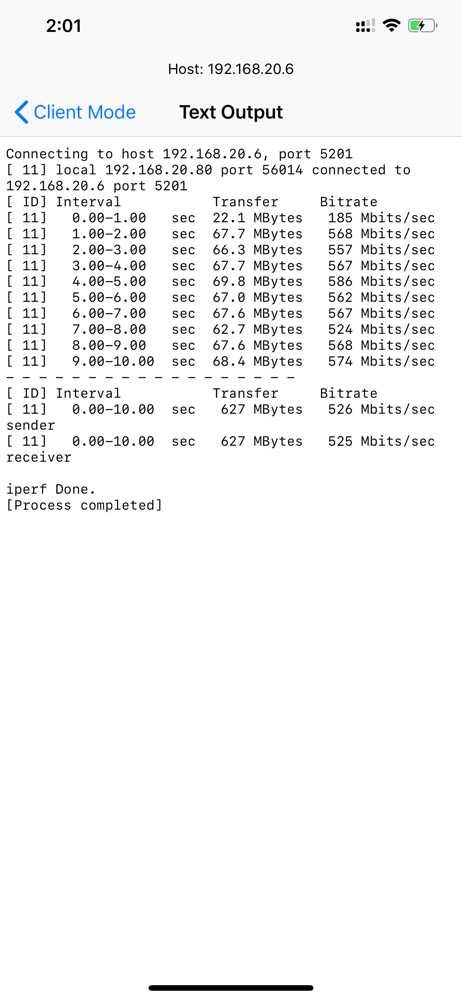
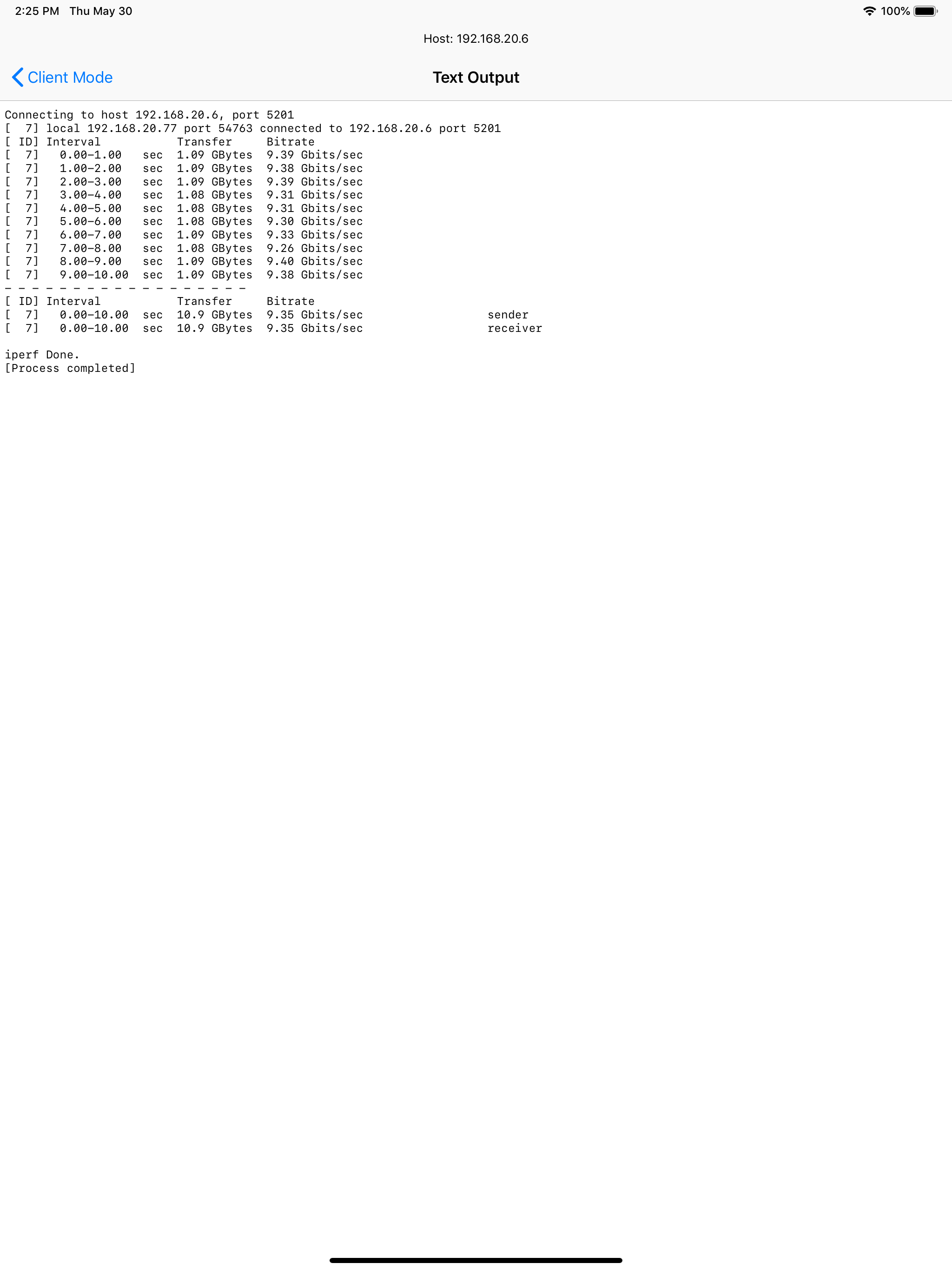
This iperf app stands out as it has a full command line interface so you can get all iperf details. Most other apps I’ve seen only show summary info
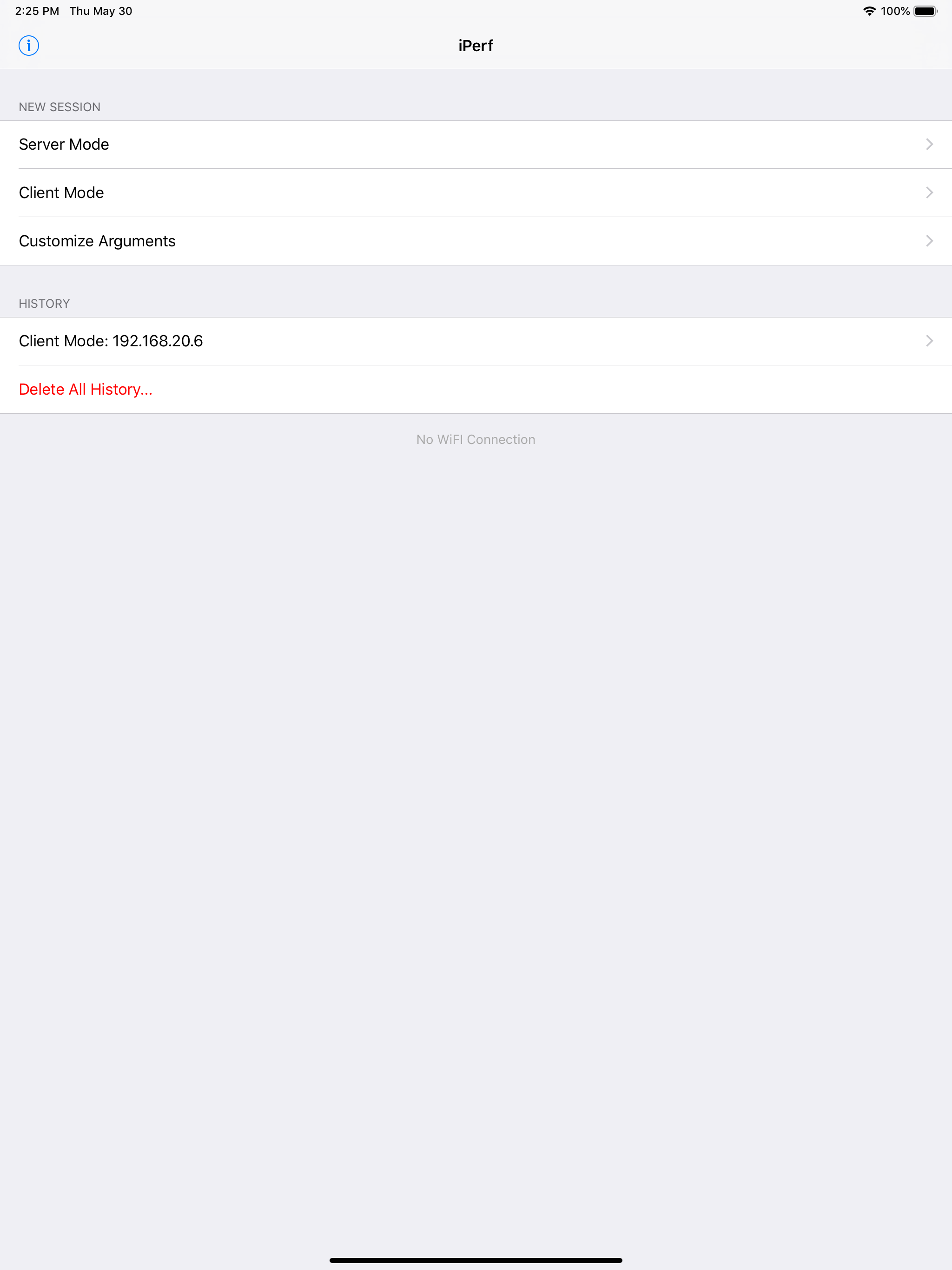
This is superior to other iPerf 3 tools because this gives a granular control of iPerf command arguments I.e. for those who wants to do various/more precise testing. I also like the fact this tool allows iOS device to be server mode. One suggestion/feature request I have is to make a one option/UI change such that for those who likes to do just quick most basic upload or download test with # of parallel streams, have easy user selectable interface. This way the app covers the need of basic user and also advanced users.
But doesn’t give you the server IP address and you have to look it up another app. It is not like asking for service discovery.
This app is an iOS port for iperf3, which is the most commonly used network testing and performance computation tool. Iperf is a tool to measure maxim...