Check the acquisition promise
Read the store headline, screenshots and description. What problem is the app promising to solve?
Study the storefront ↗
Csaba Iranyi · iOS
Explore the ad evidence, study the storefront, and build your next acquisition hypothesis.
01 / Creative research
Read the store headline, screenshots and description. What problem is the app promising to solve?
Study the storefront ↗Explore apps with direct store-link matches. Compare their hooks and formats without assuming the same approach works here.
Browse observed advertisers ↗Store rankings and revenue estimates describe market context. They do not establish ad spend, conversions or ROAS.
Review the market context ↗02 / Storefront & product
Study the product story and store experience behind the acquisition funnel.



03 / Market context
Keep revenue, downloads and store rankings separate from advertising performance.
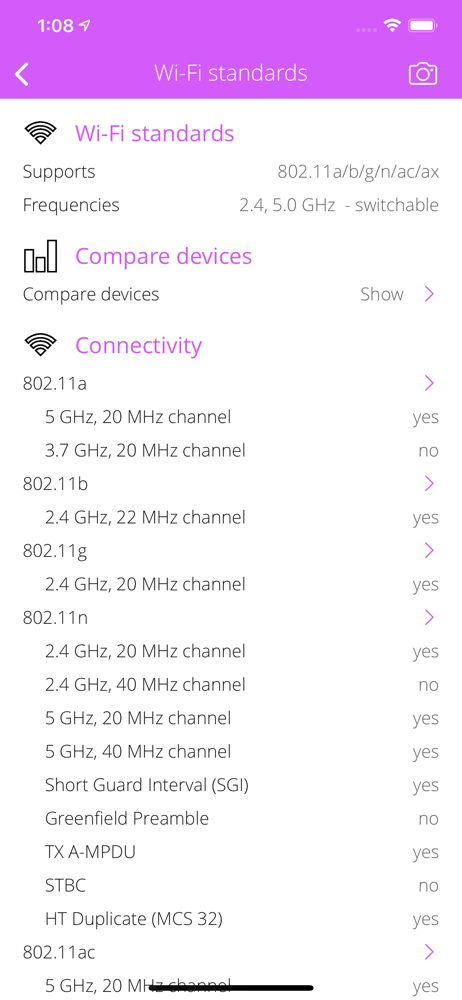
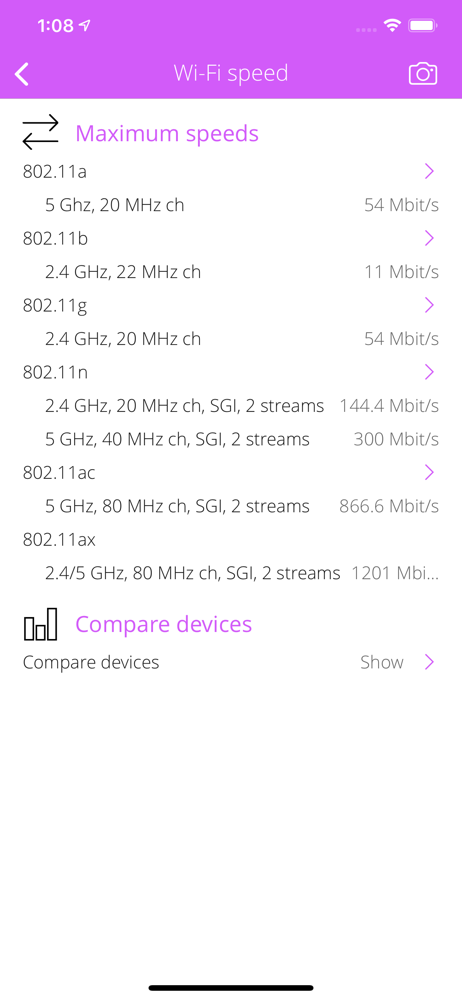
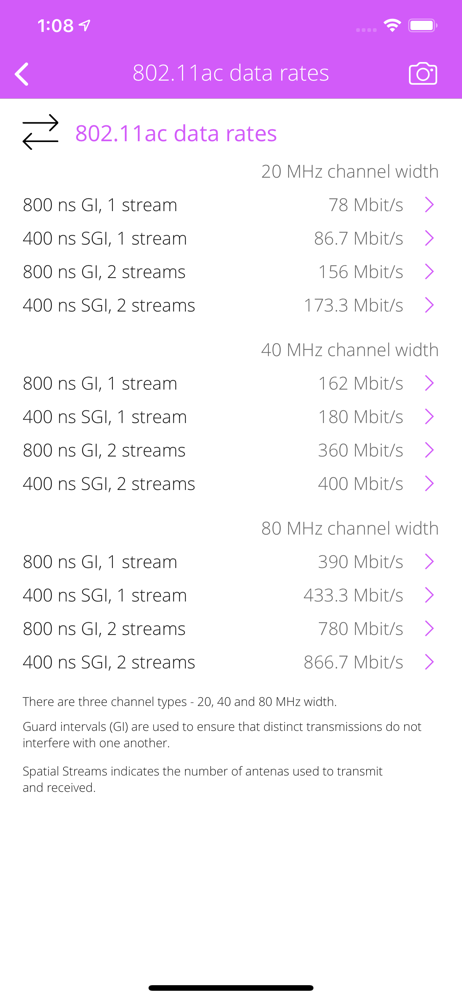
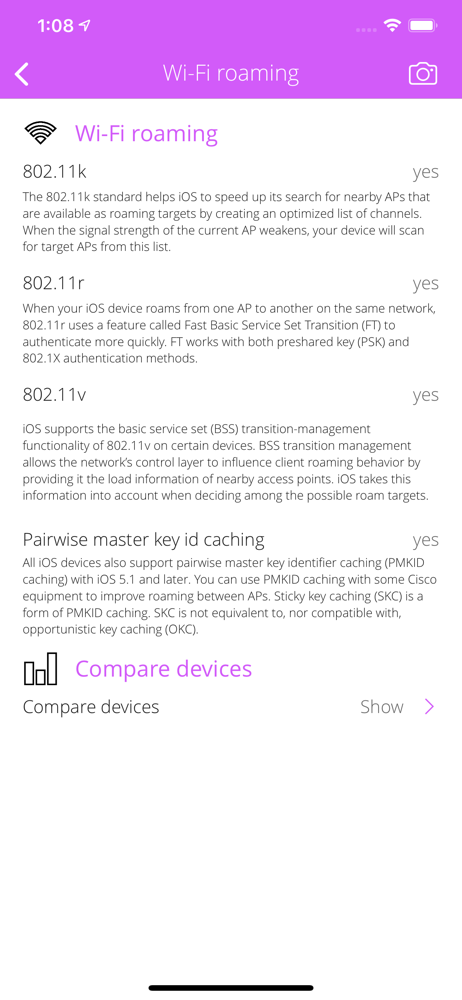
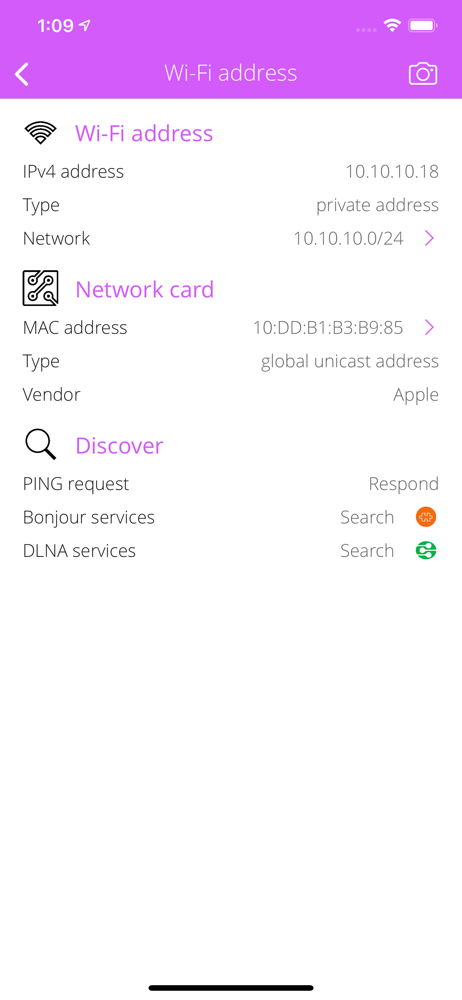
The app appears to be a cheat sheet of info the device manufacture publishes about particular device and device standards. Really needing an app that gives me channels, channel width, and connection speed. This app will tell you channels that can be used but not the channel you are connected to the AP with.
This developer has multiple apps, each providing a small amount of information. This app tells you basically nothing of value and nothing of access points around you. Useless, zero stars.
Due to the lack of reviews and some negative ones, I was very hesitant to purchase this app, but I’m glad I did. This app works great on my 6s and does exactly what it says and what I needed. It doesn’t seem to be updated for newer devices, but for me it’s perfect for now.
Everything you want to know about your WI-FI CONNECTION but were afraid to ask. Wi-Fi Info is a small and useful utility that lets you see detailed in...