Check the acquisition promise
Read the store headline, screenshots and description. What problem is the app promising to solve?
Study the storefront ↗
Clement Marty · iOS
Explore the ad evidence, study the storefront, and build your next acquisition hypothesis.
01 / Creative research
Read the store headline, screenshots and description. What problem is the app promising to solve?
Study the storefront ↗Explore apps with direct store-link matches. Compare their hooks and formats without assuming the same approach works here.
Browse observed advertisers ↗Store rankings and revenue estimates describe market context. They do not establish ad spend, conversions or ROAS.
Review the market context ↗02 / Storefront & product
Study the product story and store experience behind the acquisition funnel.
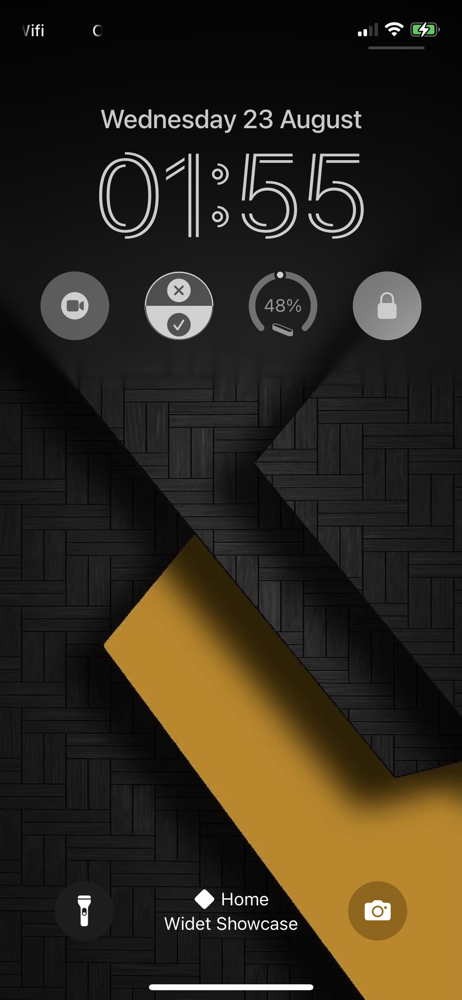

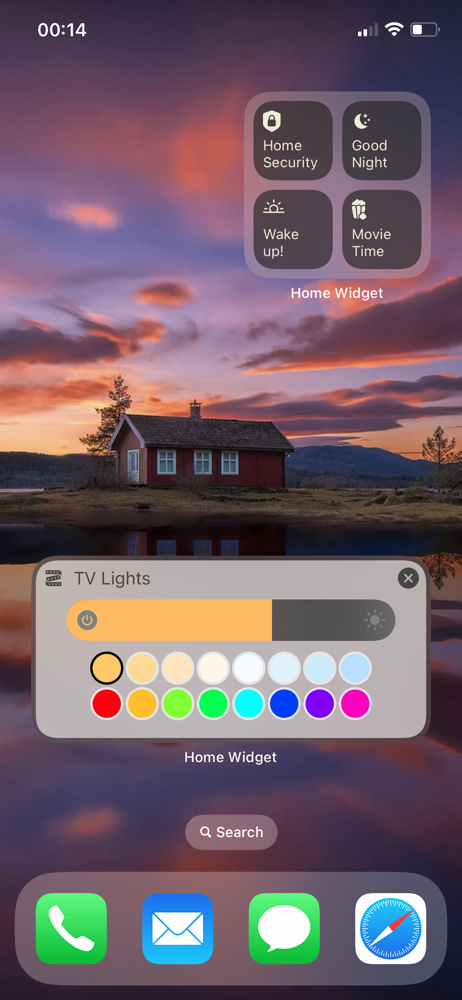


03 / Market context
Keep revenue, downloads and store rankings separate from advertising performance.
I originally was excited about this app after purchasing it, but now it’s a little bit of a letdown because of one frustrating limitation. The device states only update after preset intervals. That is, if you turn on a light using your iphone, your ipad’s widget will not display that device state change instantly. I have my preset refresh interval set to Home Widget’s recommended 30 minutes, but I’m not 100% sure if it even updates that often. Apple’s own home widget does display state changes instantly. Because of this, I’ve really only been using the widget for opening cameras. It does this pretty well. The only problem is that it just opens in the home widget app, so you have no access to recordings. I wonder if an apple shortcut can also do this? The background option is interesting, but cumbersome to use. It is super hacky. A bug I’ve been seeing is the background reverts to a default blue until you interact with the widget.
iPhone 14 Pro Max ** Update after installing iOS 16, the home widget background position setting no longer works. It always shows as the top position even when set to bottom. Really solid app, I use it daily for quick actions. The one thing I wish it supported is fan speed control. Currently it only supports on/off toggle so the fan comes on at 100%. Wish it had functionality similar to a dimmer switch like the Home app which allows you to set the fan at 25%, 50% or 75%.
I’ve only been using the app for a short time, and so I still need to do some exploring. My main reason for getting this app is to gain the ability to control my HomeKit devices without my glasses on (HomeKit app too small for me to see). What I don’t understand is why I cannot put more than one of the same size panels (as widgets) on the same home screen page (despite being able to create multiple panels of the same size in the app). I think something in the help document refers to this, but I don’t understand. I had hoped to use multiple small panels, each assigned a unique color, to be able to recognize individual widgets. I switched strategies, trying to use a larger panel (with multiple actions), however those do not allow for assigning different colors to different actions, nor do I know how to adjust font size. So… it’s a good app, but so far I can’t get it to work for my purpose. Misc: I’d like to see a list of premium features; despite being available in my HomeKit app, this app does not list my TLC TV (Roku) as an available action. Feature wish: custom sounds when actions are performed in the widgets. I’ll keep experimenting.
Welcome to an enhanced home control experience with Home Widget for HomeKit app – the ultimate solution for managing your HomeKit devices effortlessly...
| Name | Price | Type |
|---|---|---|
| Monthly subscription | $0.99 | Monthly |
| Annual subscription | $6.99 | Yearly |
| Lifetime License | $14.99 | One-time |