Check the acquisition promise
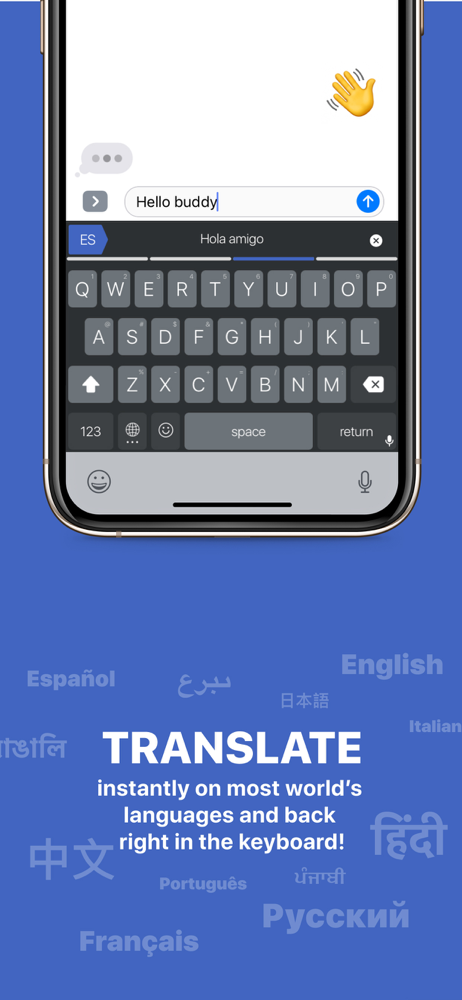
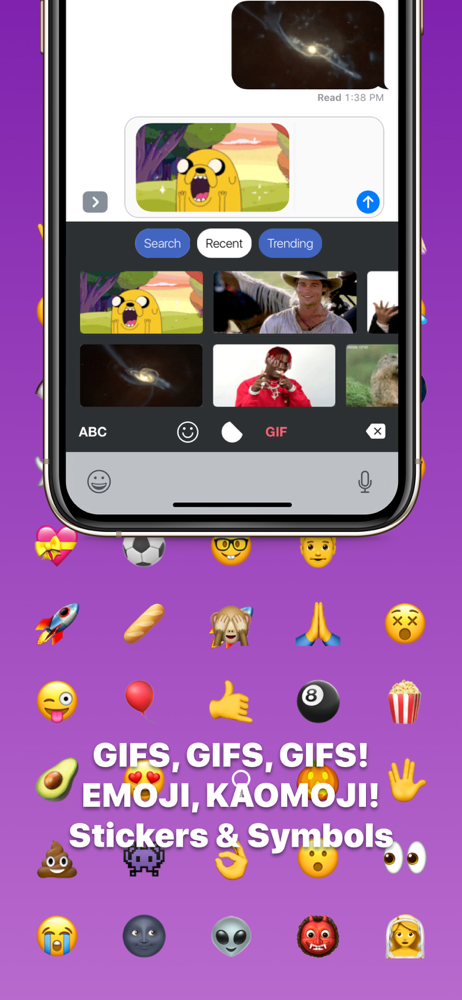
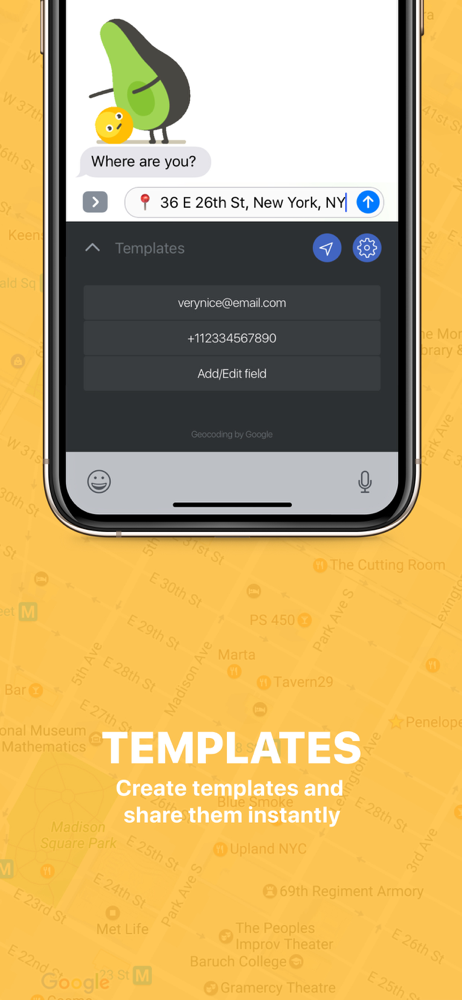
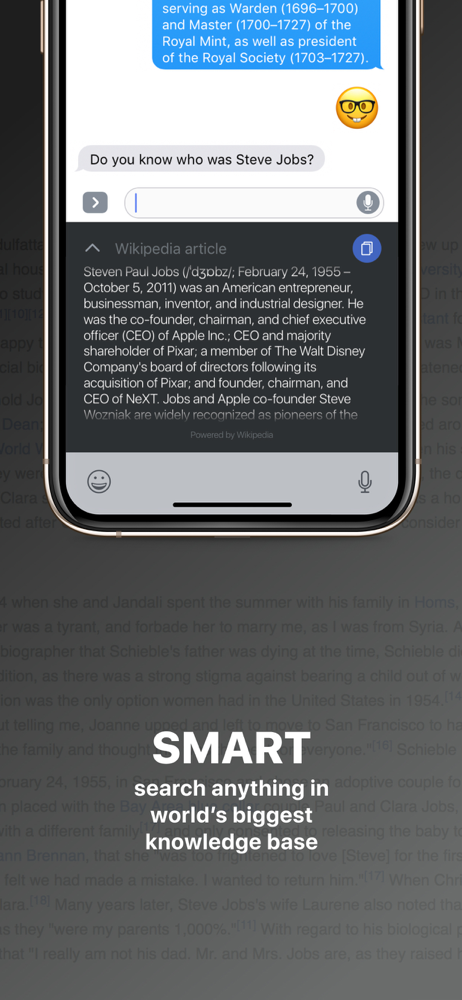
Read the store headline, screenshots and description. What problem is the app promising to solve?
Study the storefront ↗
Ivan Starchenkov · iOS
Explore the ad evidence, study the storefront, and build your next acquisition hypothesis.
01 / Creative research
Read the store headline, screenshots and description. What problem is the app promising to solve?
Study the storefront ↗Explore apps with direct store-link matches. Compare their hooks and formats without assuming the same approach works here.
Browse observed advertisers ↗Store rankings and revenue estimates describe market context. They do not establish ad spend, conversions or ROAS.
Review the market context ↗02 / Storefront & product
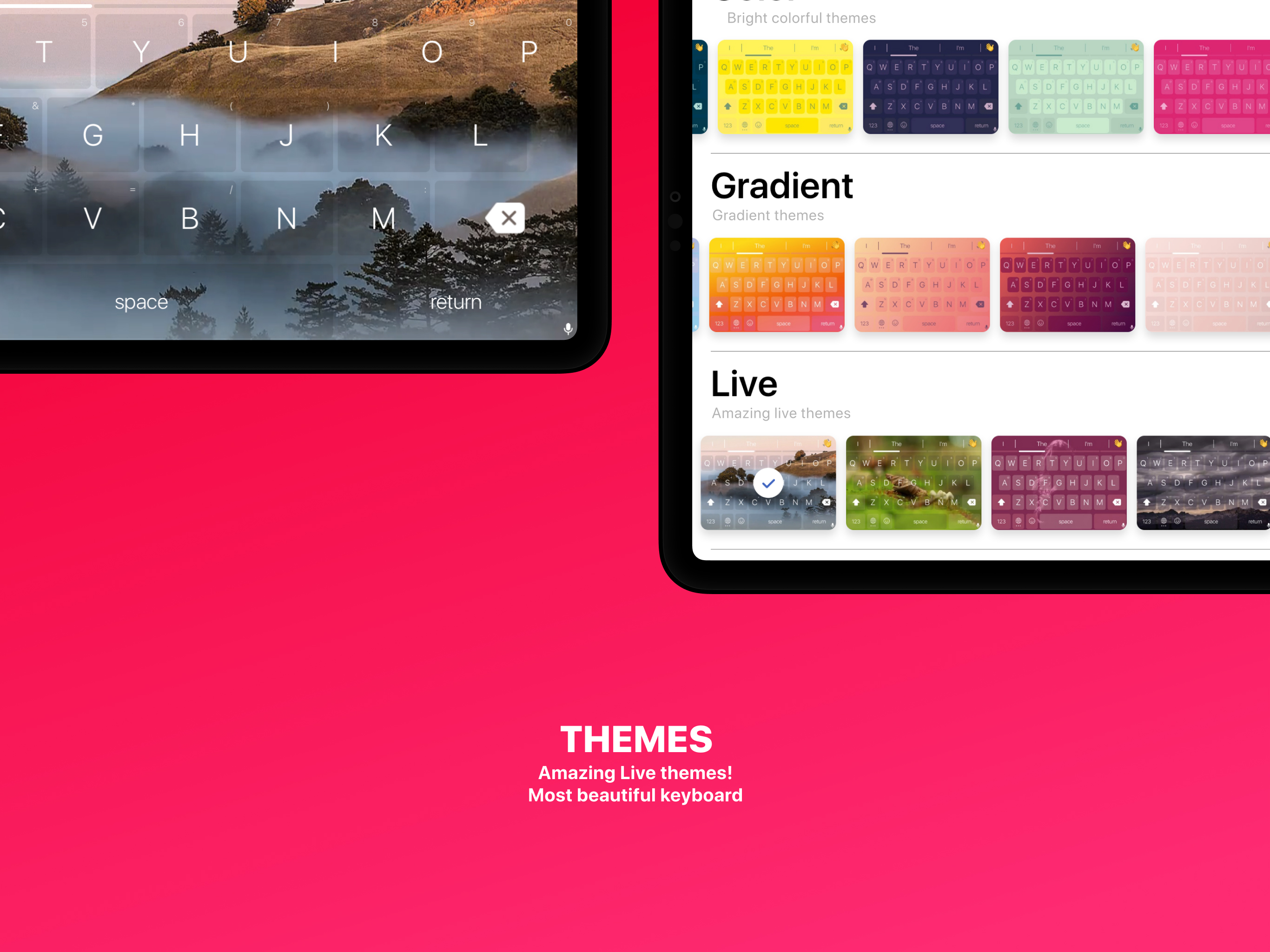
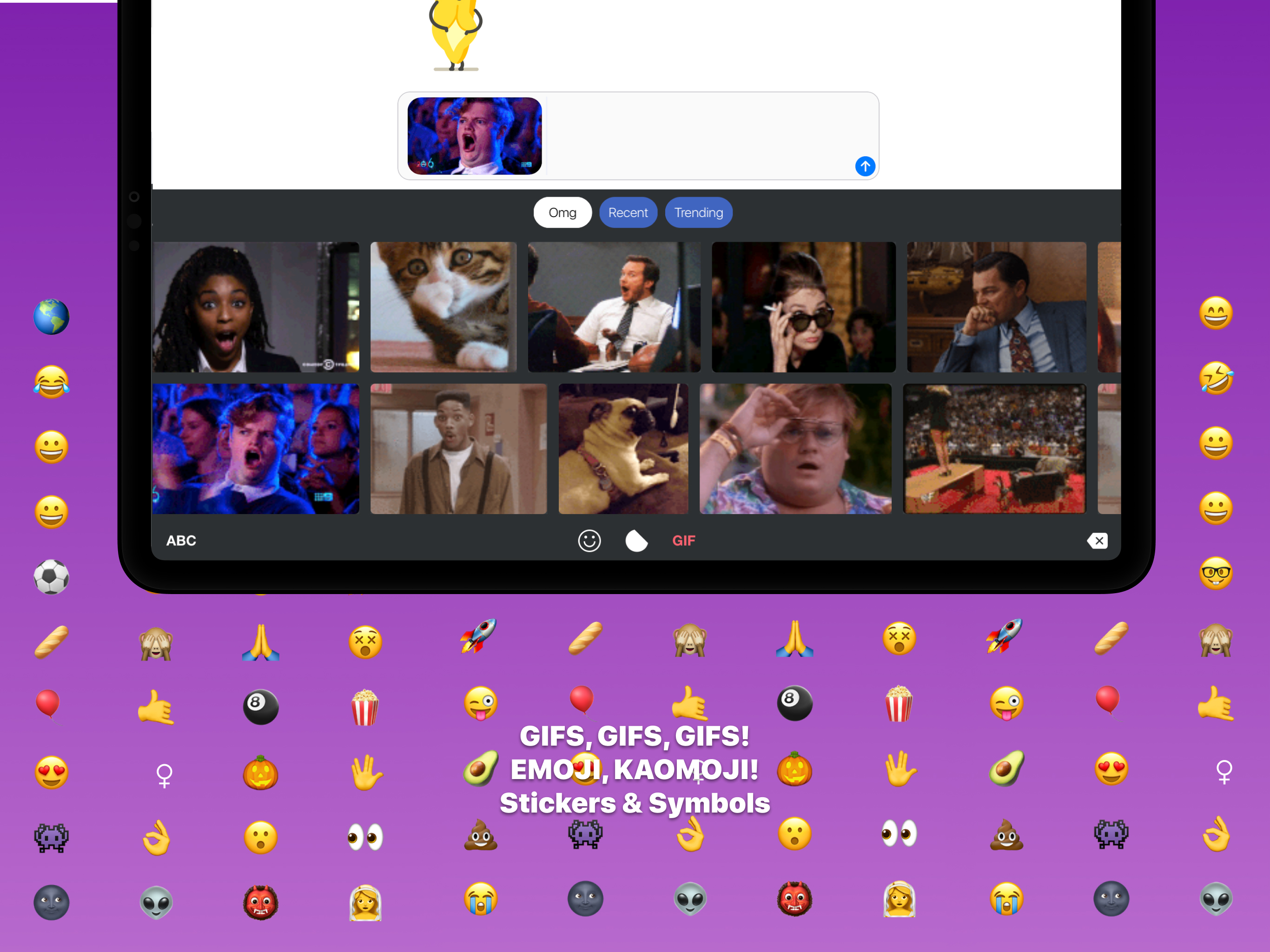
Study the product story and store experience behind the acquisition funnel.


03 / Market context
Keep revenue, downloads and store rankings separate from advertising performance.
This replaces multiple keyboards with an unique set of useful functions. Great concept and execution. It's stable, solid, robust, and maintained. No notable technical issues switching or using this keyboard - it doesn't crash, freeze, go blank/empty, can handle being switched to and from it quickly without glitches. I like sliding between the screens. Dictation! Cursor control is fab - you can use the entire keyboard area. I'm still learning the spacebar punctuation shortcuts (super cool) and other stuff. The long press options on each key are intelligent. Stellar translation execution (I've tried many, I'm an ESL teacher so it's very important when I text with my students). It's simply great to not add keyboards or iMessage apps for lesser used but handy things like translation, stickers, or gif and wiki searches. It's not my "go to" because I use swipe. I HATE 😑 pecking. Copy/paste/undo-redo would be far more useful up top than the predictive text bar. It is useless, unless I'm totally missing something - I only see I, The, and I'm - and when I use it the rest of the sentence goes away. Likely user error so no stars lost. iPhone 8 Plus Kudos 🥂 to the dev! Thanks for a great product.
Easy to use and best of all it's for free. Unless you count themes and other various micro transactions which obviously keep this app afloat. However for the functionality that you can get it's just the default keyboard itself this app is definitely worth trying if you need a translator/keyboard. It'll get the job done And has an intuitive user interface as well. 5 out of 5. Will keep using. 👍
Auto correct, pull up speed, typing speed, and auto correction is a little slow(but maybe I need to slow down anyways and be able to correct myself) and I haven't figured out the emoji predictor(it's really off for me), but everything else is so great, I deleted my emoji and English keyboard for this! Not much to complain about, just minor things.
Keyboard+ is the same as your usual iPhone's keyboard just way better! It will become your essential assistant as it is absolutely amazing for messagi...
| Name | Price | Type |
|---|---|---|
| Foggy hills live theme | $0.99 | One-time |
| Purple space live theme | $0.99 | One-time |
| California girl live theme | $0.99 | One-time |
| Sparkles live theme | $0.99 | One-time |
| Swimmingpool live theme | $0.99 | One-time |
| Lava live theme | $0.99 | One-time |
| Space live theme | $0.99 | One-time |
| Unlimited templates | $1.99 | One-time |
| Unlock theme editor | $2.99 | One-time |
| Annual plan | $9.99 | Yearly |