Check the acquisition promise
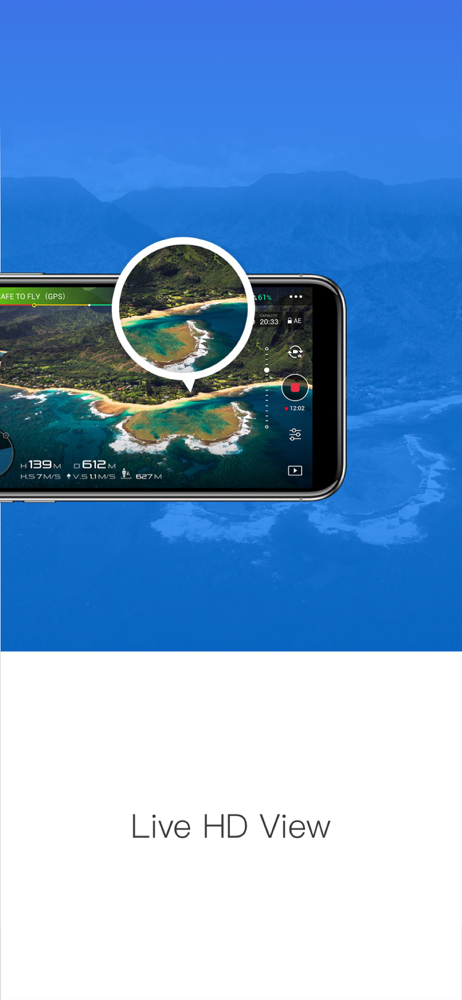
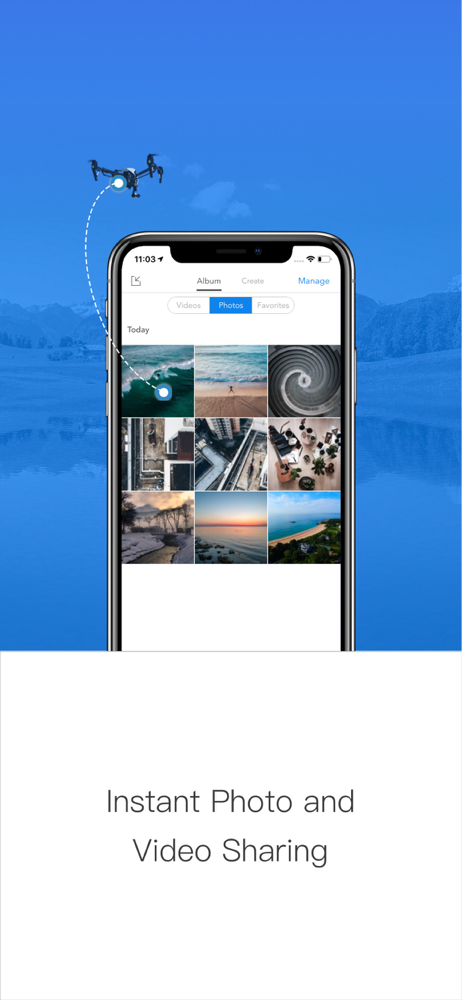
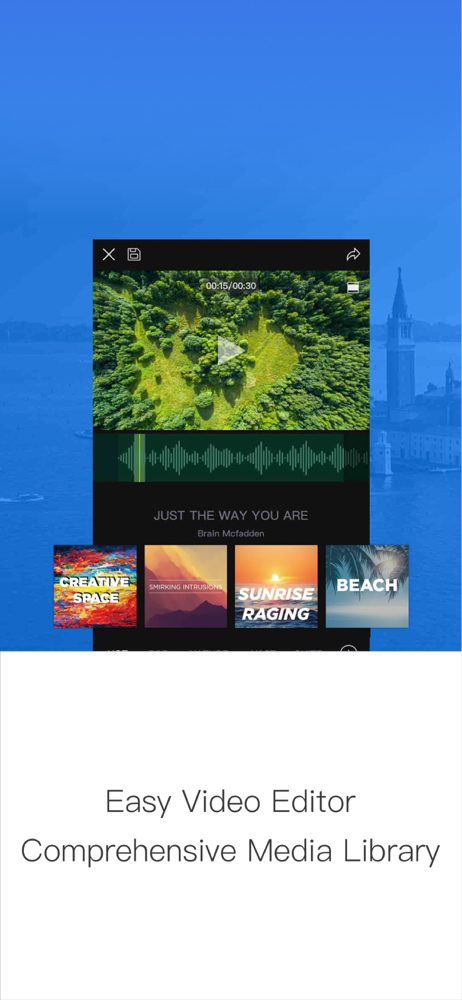
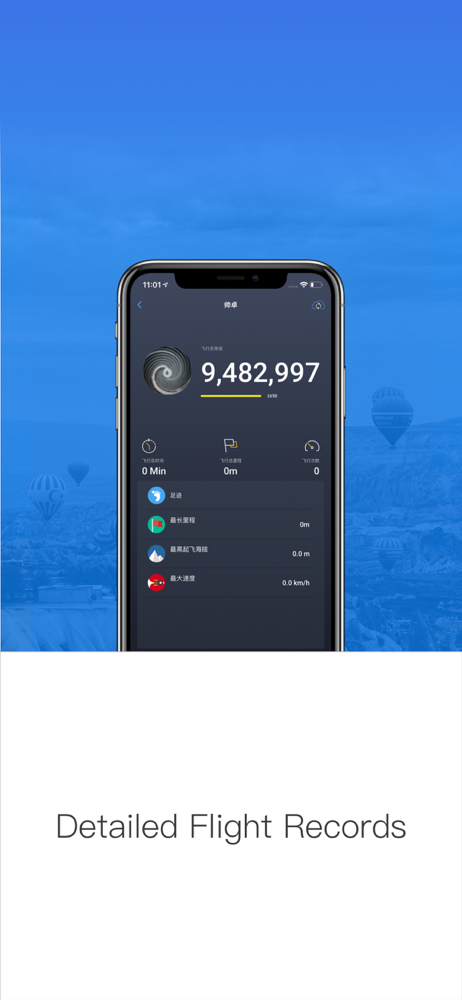
Read the store headline, screenshots and description. What problem is the app promising to solve?
Study the storefront ↗
DJI · iOS
Explore the ad evidence, study the storefront, and build your next acquisition hypothesis.
01 / Creative research
Read the store headline, screenshots and description. What problem is the app promising to solve?
Study the storefront ↗Explore apps with direct store-link matches. Compare their hooks and formats without assuming the same approach works here.
Browse observed advertisers ↗Store rankings and revenue estimates describe market context. They do not establish ad spend, conversions or ROAS.
Review the market context ↗02 / Storefront & product
Study the product story and store experience behind the acquisition funnel.




03 / Market context
Keep revenue, downloads and store rankings separate from advertising performance.
Disclosure: I have not yet contacted support about the most recent complete inability to launch the app; it displays the opening title screen, then crashes silently (I’ve seen others report this behavior). That said, the overall features of the app aren’t bad and the Osmo 2 controls are downright solid, but as many have remarked, how the application handles storage is terrible–I truly wish it would just store data natively on the phone rather than “trapping” it in the app. Worse yet is that you lose the time/date and location metadata when you export to the system storage, which means that you have to diligently export immediately after an event if you want your images and video to be usably searchable and sortable later. After learning this the hard way on a first vacation, with it, I made myself compulsively export all assets before midnight every night after a recent trip to a popular location in Orlando FL so I’d have a hope of retaining some history. Even with that, I can’t search by specific park or location, since the metadata is overwritten with the export location and time, so every asset from a day appears to have been taken late at night at our resort–this is very disappointing to me. I’ll see what support says, but this crashing issue has me livid in that I took several hours of video a few months ago, didn’t export it because we were busy, then recently when I tried to launch the app to export and start doing things with the assets, it crashes. When attempting to de-install/re-install, it emphasizes that application data will be deleted, so I’ve stopped, fearing that over 6GB of family vacation data will be wiped. This underscores the most fundamental flaw with this storage methodology. Hopefully DJI support will have a silver bullet fix for me, otherwise I’m going to be heartbroken and I’ll never trust the app again, which means I’ll lose a lot of great features of my Osmo 2.
The biggest problem with DJI is that their software makes it incredibly difficult to use their products. You have pretty much have bought a fancy brick, unless you sign in, and agree to their terms and update, their software and firmware, pair the devices again, and the calibrate, every time you try to use your device and now oh no! your battery is dying already, never mind the fact that you missed the magical shot you had just gotten an opportunity to take 15 minutes ago when you grabbed your gear! Also of not is the fact that the majority of these tasks require a signal, so if you’ve got a dedicated device as a monitor or camera (like an old iPhone) that doesn’t have cellular connection, or you’re out in the woods, on location, or just somewhere without a WiFi connection capability, you’re equipment is dead weight. I’m not really exaggerating, their software is such a hassle to use that it goes beyond frustrating and hinders your ability to actually use their devices. Whether it be the Osmo series, the drones, the ronins, you end up with the same experience, you’re spending more time trying to set it up every time you want to use it than you will actually using it.
The only problem I have with this app is it lacks in storage management. Instead of videos and pictures being stored in the typical iPhone data point where you would expect to find your pictures and movies, This app stores of them in the app’s folder directory. This creates a few problems. If for example your iPhone only has 64 GB capacity and you record a 4K video which is 40 GB in size, you will not be able to export the entire video. Before you can drag videos from your phone to your PC or MacBook, The content must be exported from the app to the iPhone library. The export process does not simply cut and paste the content but rather copies it. So with the capacity of 64 GB and a video file 40 GB it creates a problem. Contact you recorded is now stuck in the app folder with no avenue for exporting to your computer. I had to download iMazing to circumvent that’s a problem. Additionally, when you delete these large video files space is not freed on your device for whatever reason. I have tried using this app to delete the files and I also tried using third-party programs. Do you only way that I have been able to reclaim storage capacity from this app is to uninstall the program and then reinstall it after the painful process of exploring media. DJI Can fix this if they simply use the iPhone’s default media library, rather than hoarding the media in me app directory. Because of this extreme inconvenience I can only give the app two stars.
Connect your mobile or tablet with your DJI Equipment and start filming! Supported Equipment: - The Inspire, Phantom and Matrice series flying platf...