Check the acquisition promise
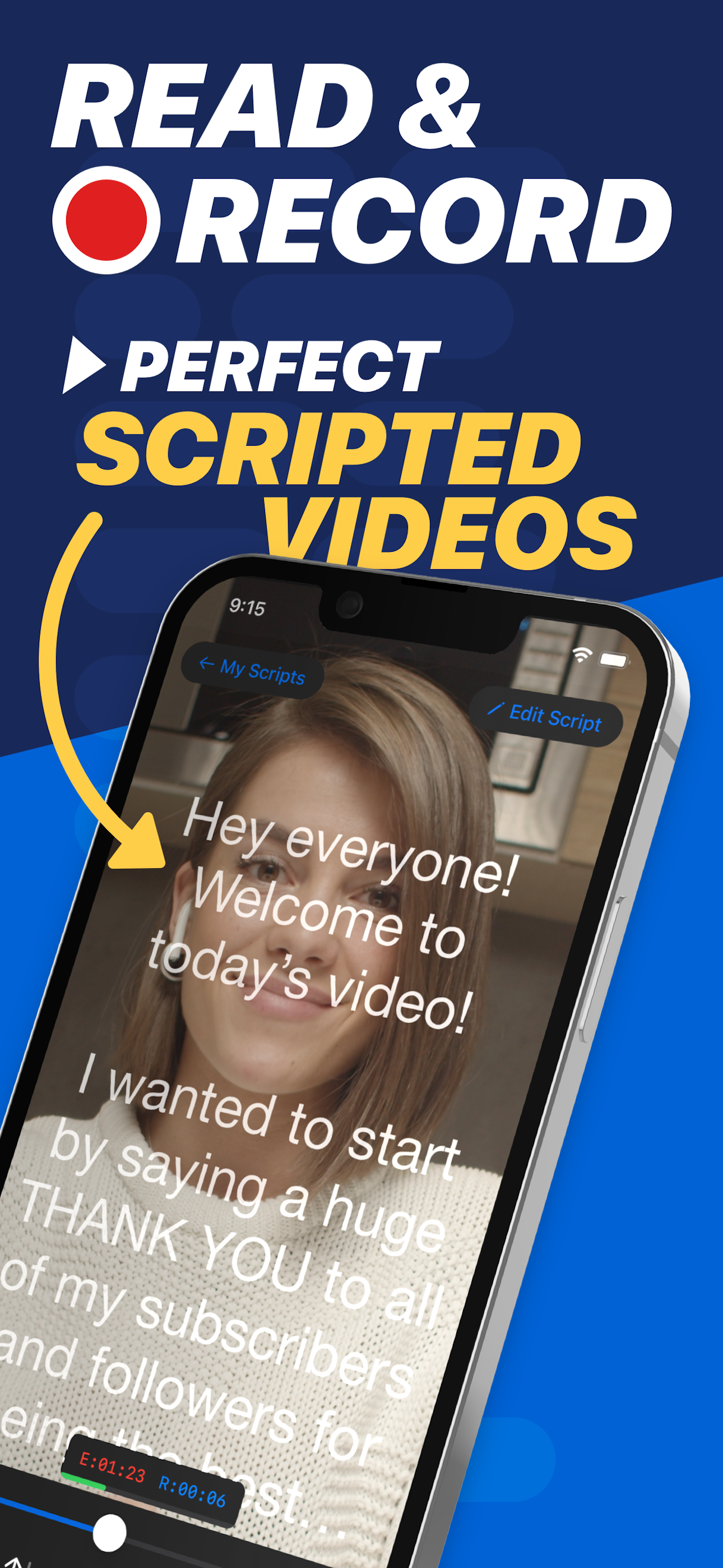
Read the store headline, screenshots and description. What problem is the app promising to solve?
Study the storefront ↗
Teleprompter Apps Ltd · iOS
Explore the ad evidence, study the storefront, and build your next acquisition hypothesis.
01 / Creative research
Read the store headline, screenshots and description. What problem is the app promising to solve?
Study the storefront ↗Explore apps with direct store-link matches. Compare their hooks and formats without assuming the same approach works here.
Browse observed advertisers ↗Store rankings and revenue estimates describe market context. They do not establish ad spend, conversions or ROAS.
Review the market context ↗02 / Storefront & product
Study the product story and store experience behind the acquisition funnel.





03 / Market context
Keep revenue, downloads and store rankings separate from advertising performance.
I’m a real person and these are my honest opinions of the app. Finally, the one app every content creator needs in his or her arsenal to make videos that look and feel professional. The script’s proximity to the front camera on my phone gives the illusion that I’m looking at the viewer; no more “ah…” or “umm…” to delete in post; and a seamless monologue. Of course, you need to practice reading the script a few times before the final attempt to make sure you’re emphasizing the right words and parts. One suggestion for improvement is to allow changes of speed at different points in the script. When speaking naturally, which is what we’re all aiming for, one’s speed does change depending on what we’re trying to convey, sometimes even needing pauses. The other suggestion would be for the creators of this app to make a version for film making buffs who want a lot of control over shutter speed, exposure, white balance etc… Overall, great app. I’m thoroughly enjoying it.
Using “cues” (a feature of the app that allows you to put stopping points in your script), is not implemented well. When moving to the next cue, that cue will stop on the center line, leaving only the top half of your screen for text. (The cue, just the text “>>>,” should really appear at the bottom of the screen, so each “page” of text from your script could occupy the entire screen. The app allows you to edit your script as well. Unfortunately, when editing scripts within the app, the format changes to make the text span the width of the screen. This doesn’t give you a WYSIWYG view of your script, showing you what your edits will look like when you later actually read your script. And sometimes when I go into Edit mode, the app DOES display the text like it will appear when you want to read from it. This behavior is unpredictable on my phone. So if you have a long script you want to put “cues” in, getting that to work is not particularly fun. But if you want to break up your long script into smaller passages and just use scrolling text, that works fine. However, you will have to import each section individually. And there’s no way to import multiple scripts.
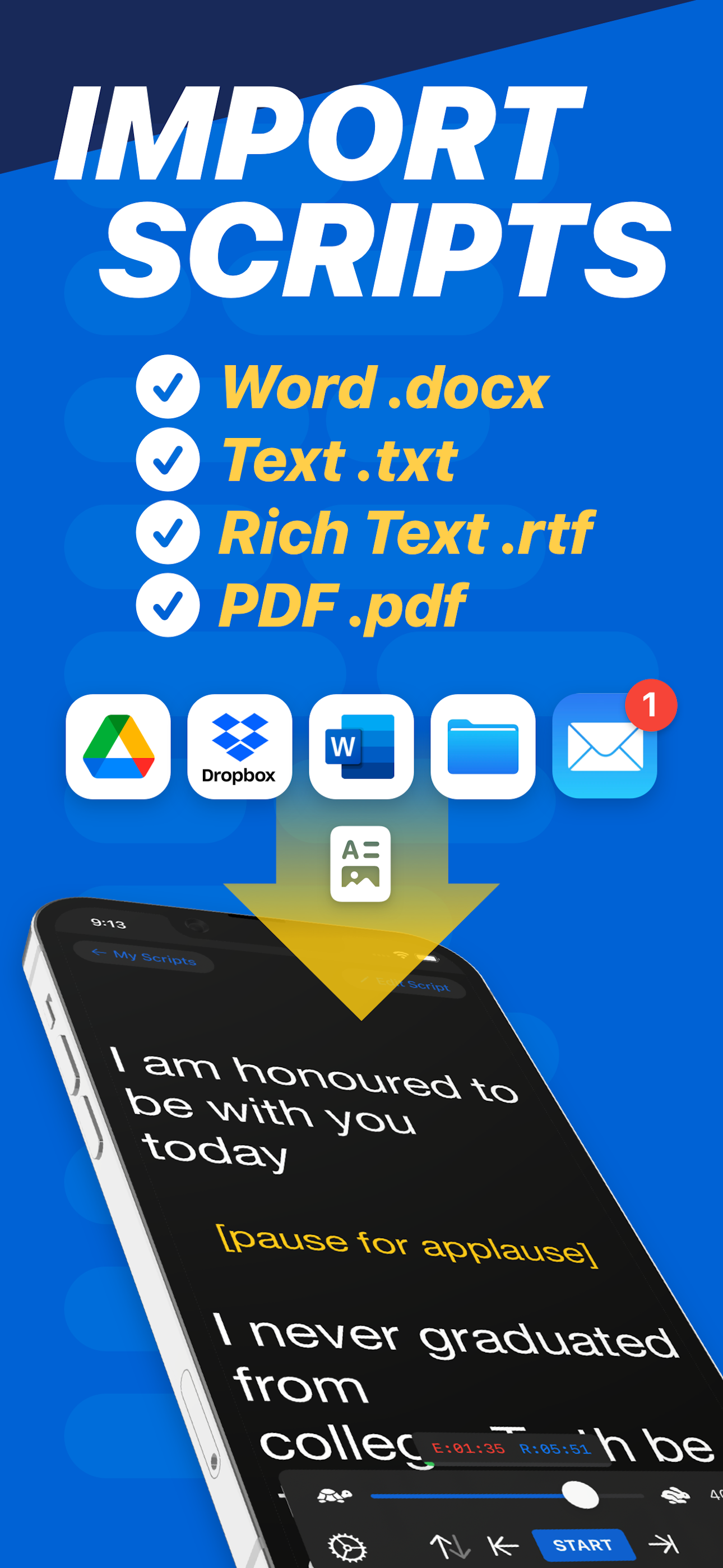
I am working on launching my Patreon for a big project I am working on. So, my friend recommended this App for me to use. I downloaded it on my iPad, iPhone and Watch. It does not seem to work for my personal need on the Watch, since I record using the back facing camera on my phone. So, I used it on my iPad with a downloaded script from Dropbox I made. At first, it did not work to mirror the image on my Apple TV using my iPad, but after very quick and effective troubleshooting with the developer, I did find a good work around. In my case, I am using the free version which may play a part and with that if I copy and paste the words into the demo script, it worked exactly how I expected it to. If you are looking for a good way to read while speaking at your own pace to record videos, this is easy and wonderful to use. Layout is nice and intuitive for those that are not tech wizards looking for a great design. If you have any issues at all, the developer is on it to help fix your problems.
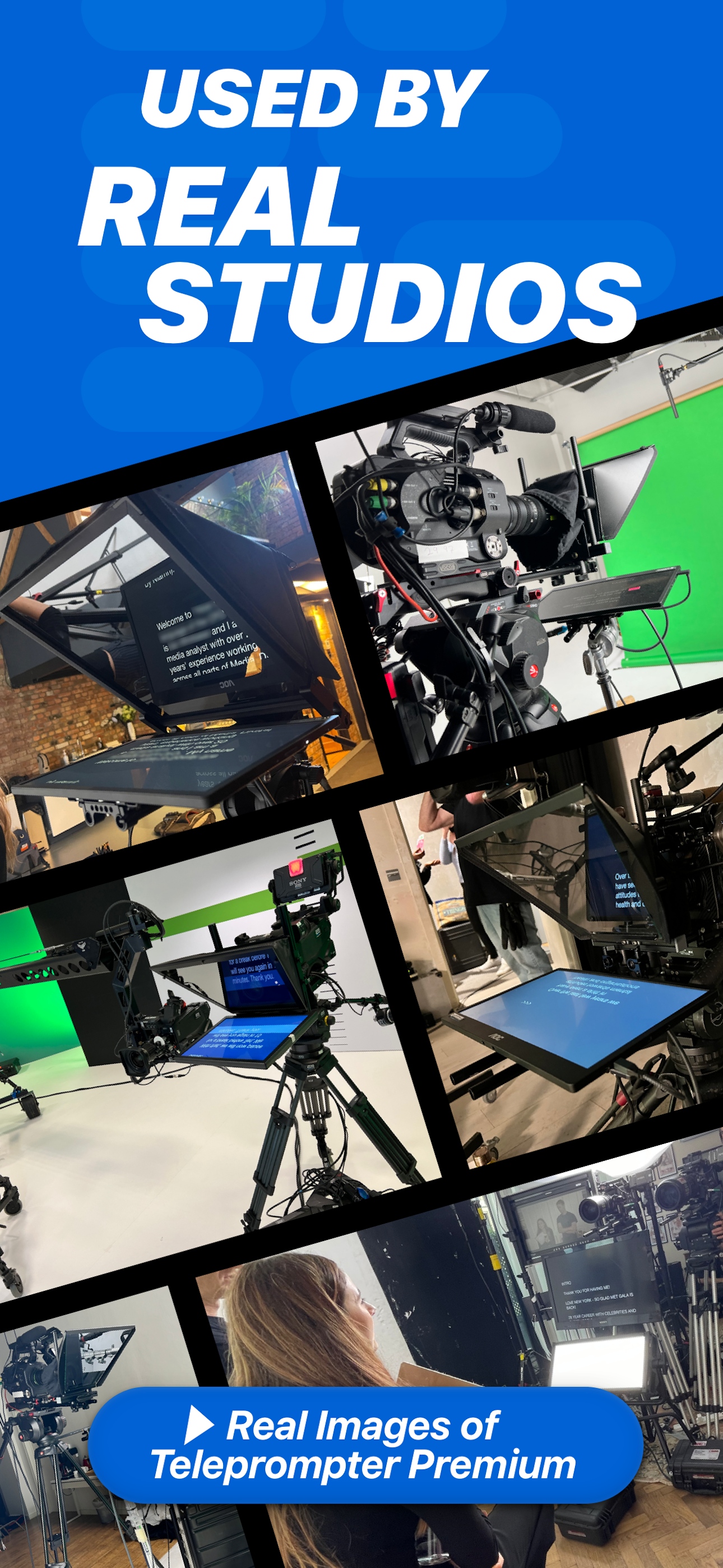
Teleprompter Pro (formerly known as Teleprompter Premium) is industry recommended Teleprompter app. Used by television and movie studios including Net...
| Name | Price | Type |
|---|---|---|
| Teleprompter (Weekly) | $6.99 | Weekly |
| Teleprompter (Weekly) | $6.99 | Weekly |
| Teleprompter (Monthly) | $7.99 | Monthly |
| Teleprompter (Annual) | $59.99 | Yearly |
| Teleprompter | $59.99 | One-time |
| Teleprompter (Annual) | $59.99 | Yearly |
| Teleprompter (Annual) | $59.99 | Yearly |
| Teleprompter | $159.99 | One-time |